

 Released in 2017
- Older history supplies basis at no extra cost
- Trace purchase lots with Plus
- Review up to 30 saved reports per year
Blockpit Overview
Key facts
- Supported countries
- US, tax year 2025
- Paid plans from
- Small; One tax year, permanent access; EUR 49; per tax year; 50 transactions
- Billing & report access
- per tax year; One-time purchase for one calendar year, with permanent access and no renewal. Older transactions supply acquisition costs without buying the earlier year's report. The allowance counts that year's rows, including staking rewards and airdrops, and transfers, manually merged trades, and token migrations count twice. Upgrades cost the difference, and downgrades are unavailable. Euro prices, before checkout adjustments. Plus is a separate subscription.
- Transaction limits
- 50 transactions
- Free plan
- Imports, manual records, portfolio tracking, and individual integration sync. Report results and downloads need a report-year license, and transaction-level tax details need Plus.
- Import methods
- Coinbase sign-in or read-only API key, public wallet addresses such as Solana, and an Excel/CSV template for records that need manual preparation. A full resync restores permanently deleted records and can create duplicates.
- Key integrations
- Filing options
- 2025 Form 8949 and broker reconciliation. Exact filing-software import is unspecified. Each purchased year includes a PDF report and CSV transaction output, repeat downloads within its allowance, and up to 30 saved report versions, and the full return is completed outside Blockpit.
- DeFi support
- Solana support imports Jupiter and Raydium swaps as trades, and liquidity-pool deposits and withdrawals appear as trades into and out of an LP token. Unlabeled events and unrecognized deposit and withdrawal pairs need bulk labels or merges.
- NFT support
- Magic Eden mints, claims, transfers, and trades are supported on Solana. Some incoming or outgoing NFTs arrive without labels and need correction.
- Staking support
- Solana staking needs the staking account's public address as its own integration, and some reward deposits still need the Staking label. Coinbase reward transactions import, while staked ETH is left out of the synced balance.
- Correction tools
- Ledger details, Missing History, bulk labels, transfer merges, Split Transaction for manual merges, missing-value entry, and review statuses. Transaction-level Tax details need Plus.
- Accountant access
- Crypto Tax Agent access lets an authorized advisor manage integrations and transactions and generate reports without password sharing. The advisor's work is billed separately.
- Official website
- blockpit.io
Blockpit Screenshots
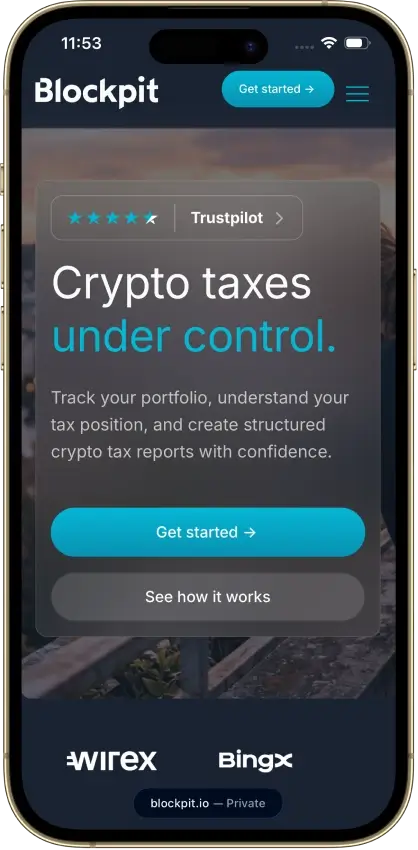
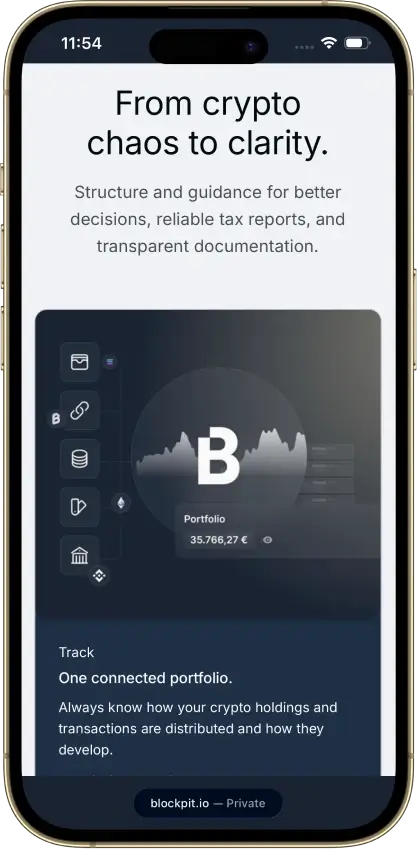
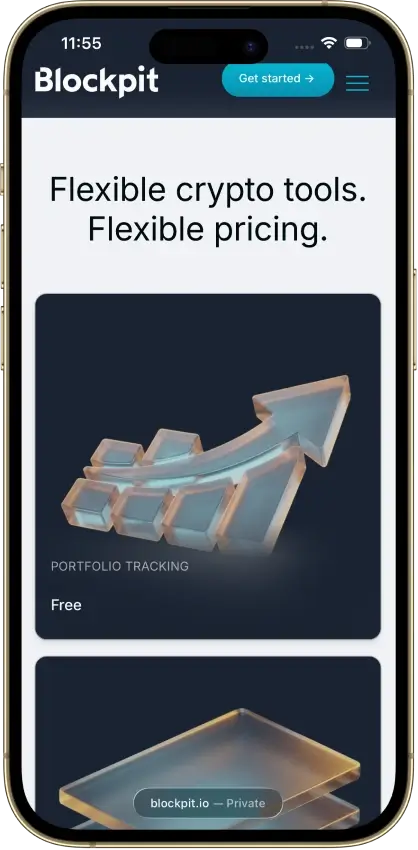
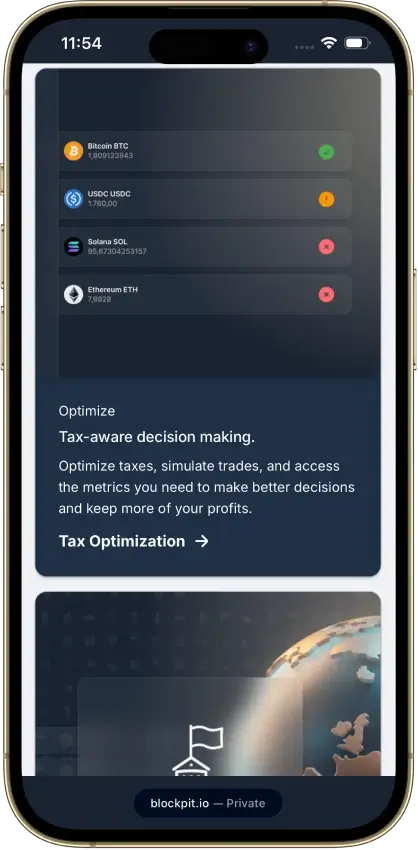
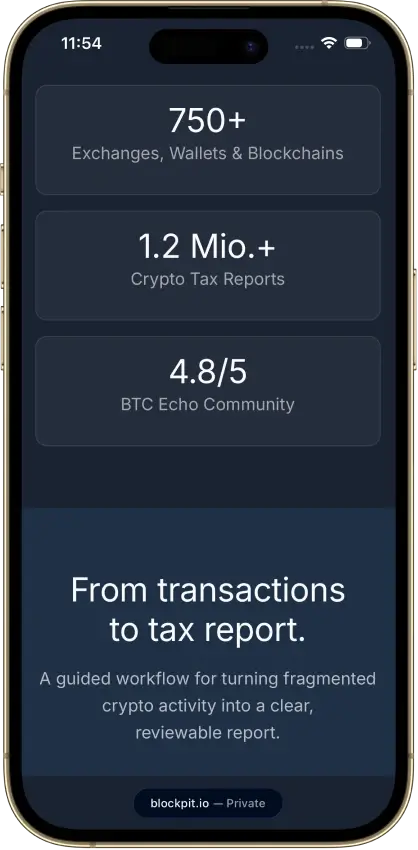
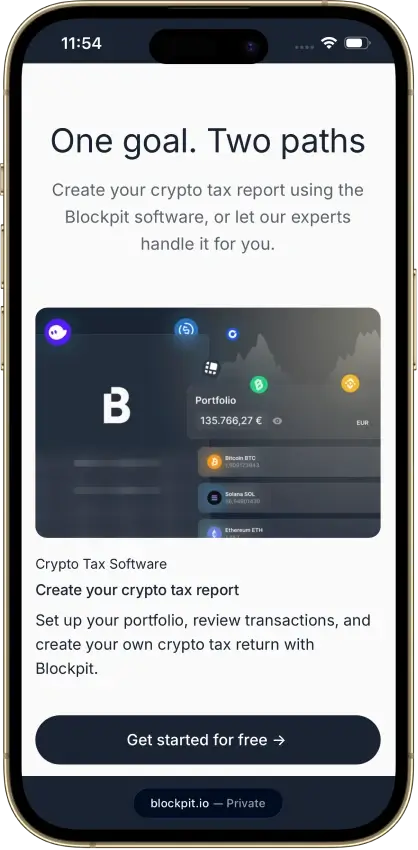
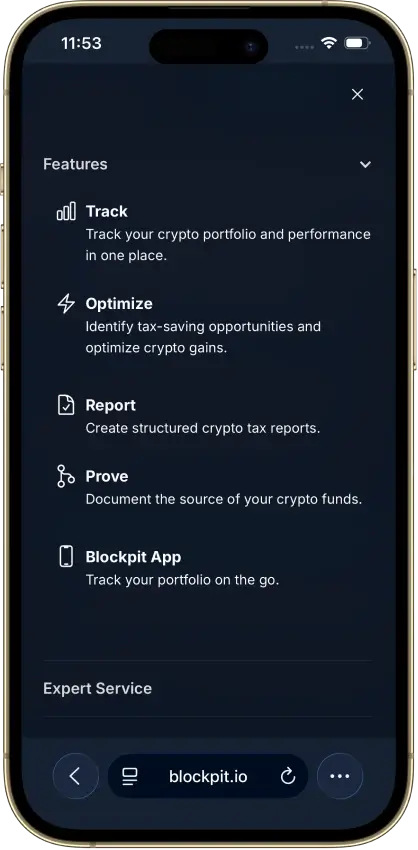
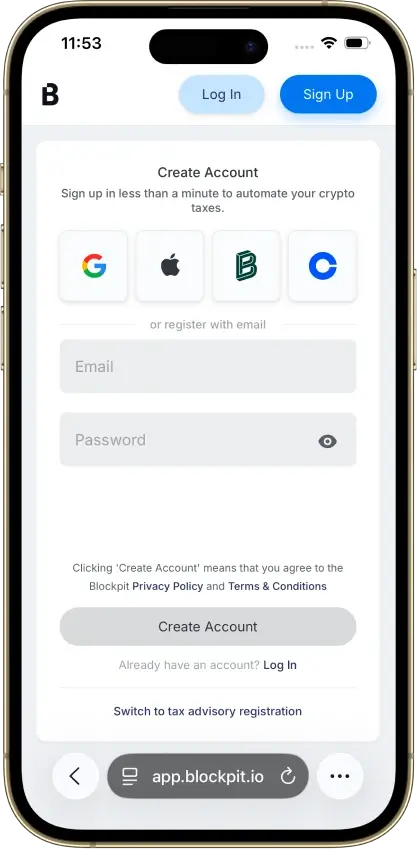
Screenshot 1 of 8
Blockpit Pros and Cons
Pros
- Permanent access to purchased report years
- Bulk labeling and reversible manual merges
- Accountant access without password sharing
Cons
- Tax details require a separate Plus plan
- Expert help only in Germany, Austria, Switzerland
- US filing-software import route unspecified
Pricing and Free Plan
A report-year license covers one calendar year and remains valid without renewal. Older transactions supply acquisition costs for that report without you buying the earlier year’s report. Plus is a separate annual subscription, so neither purchase includes the other.
Blockpit advertises the euro report prices below. Confirm the payment currency and final tax-inclusive total at checkout.
The allowance counts that year’s transaction rows, including staking rewards and airdrops. Transfers count twice. Manually merged trades and token migrations also count twice, while trades imported directly through an application programming interface (API) or a comma-separated values (CSV) file count once. A fee you attach manually adds a row, while an imported fee does not.
If you make frequent transfers, you may need a larger license than your transaction list suggests.
Both examples assume directly imported trades with no fees or transfers, excluding Expert Service fees and checkout taxes.
A report-year license avoids paying for earlier years solely to include their acquisition records in a later calculation. For a backlog of unfiled returns, separate report-year licenses add up. Check that each past year is offered at checkout before planning a backlog around these rates.
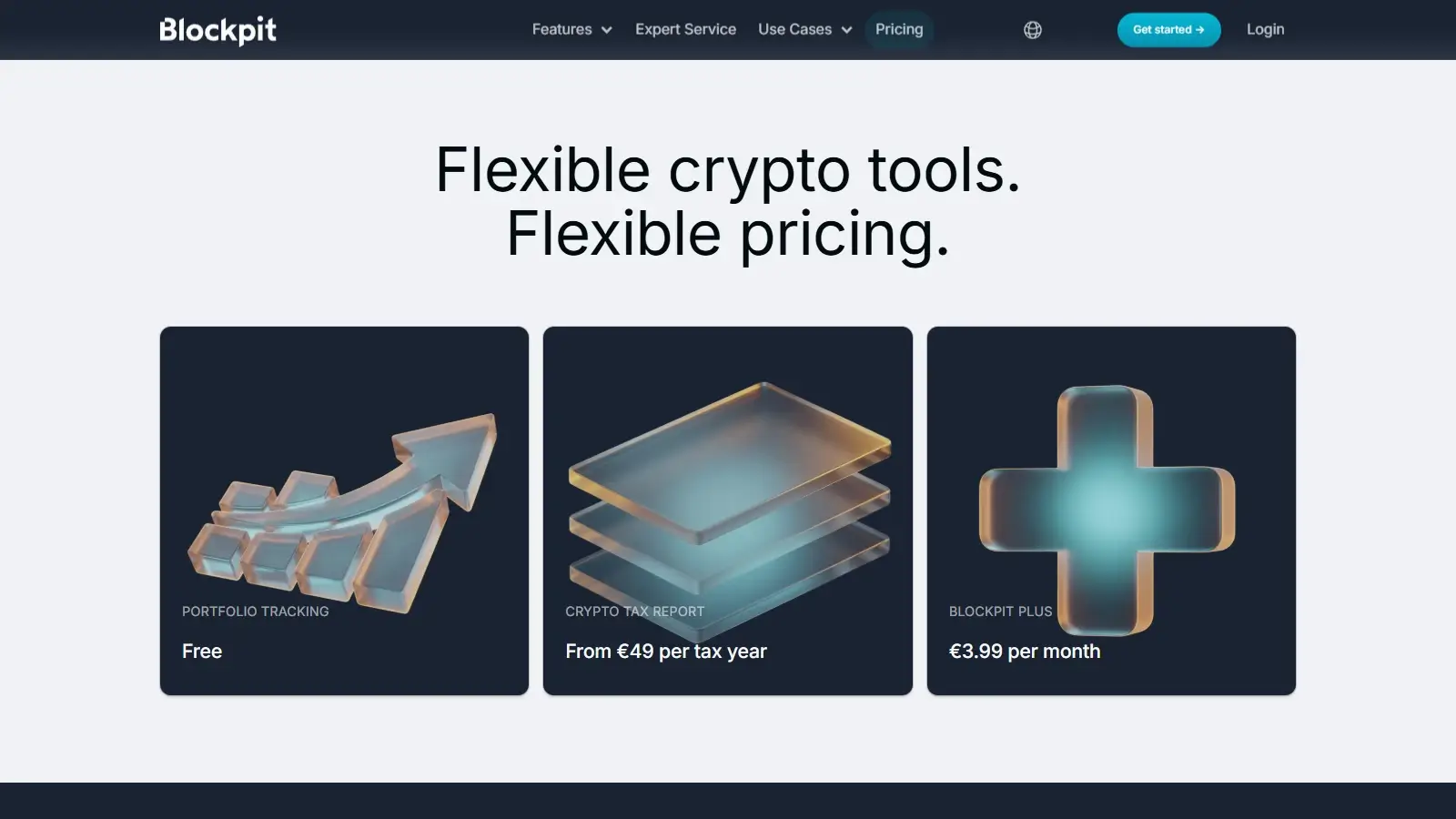
Free access covers imports, portfolio tracking, and manual records, and individual integrations can be refreshed without paying.
Plus adds daily background updates, Sync All, and transaction-level tax details. It costs €47.90 for 365 days and renews automatically. A new account opened in October 2026 started with a 14-day Plus trial. Canceling renewal leaves access active until the prepaid period ends. Blockpit has announced annual prices of €59, $69, or £49 depending on currency from Nov. 1, 2026. The examples above use the €47.90 rate.
Upgrading a report allowance costs the difference, while downgrades are unavailable.
The refund policy considers requests made within 14 days for a significant technical problem that support can’t fix, provided no report has been downloaded. Unsupported integrations, difficult manual imports, and incomplete history do not qualify. Consumer terms also describe a right to cancel within 14 days, as long as the report has not yet been delivered or generated. A report purchase is therefore a poor way to test an uncertain import when you can test the import on the free plan.
Exchanges, Wallets, and Data Imports
In Blockpit, an integration is a data source: an exchange connection, a public wallet address, or a file import. Its Excel or CSV template handles records that need manual preparation. In our template import check, a three-row trade file imported successfully after matching the assets to Ethereum and US dollars. The check did not use a live exchange connection.
A connected source can still omit holdings from its balance. Compare the imported history with the source account before treating a balance discrepancy as a missing transaction.
A full resync revisits the integration’s history from its start date. Records you permanently deleted come back. Manually added records that match an import can become duplicates, as can records whose transaction IDs have changed since import. Spam entries are hidden and remain recoverable.
In August 2026, Blockpit changed how it reads OKX data, so newly imported OKX transactions receive different IDs. Existing records were not rewritten, which means Sync Missing Transactions can add duplicates. The recovery process uses a temporary second integration to compare the new import with the existing history. Keeping an already corrected account clean can take more than pressing sync.
Accuracy and Transaction Cleanup
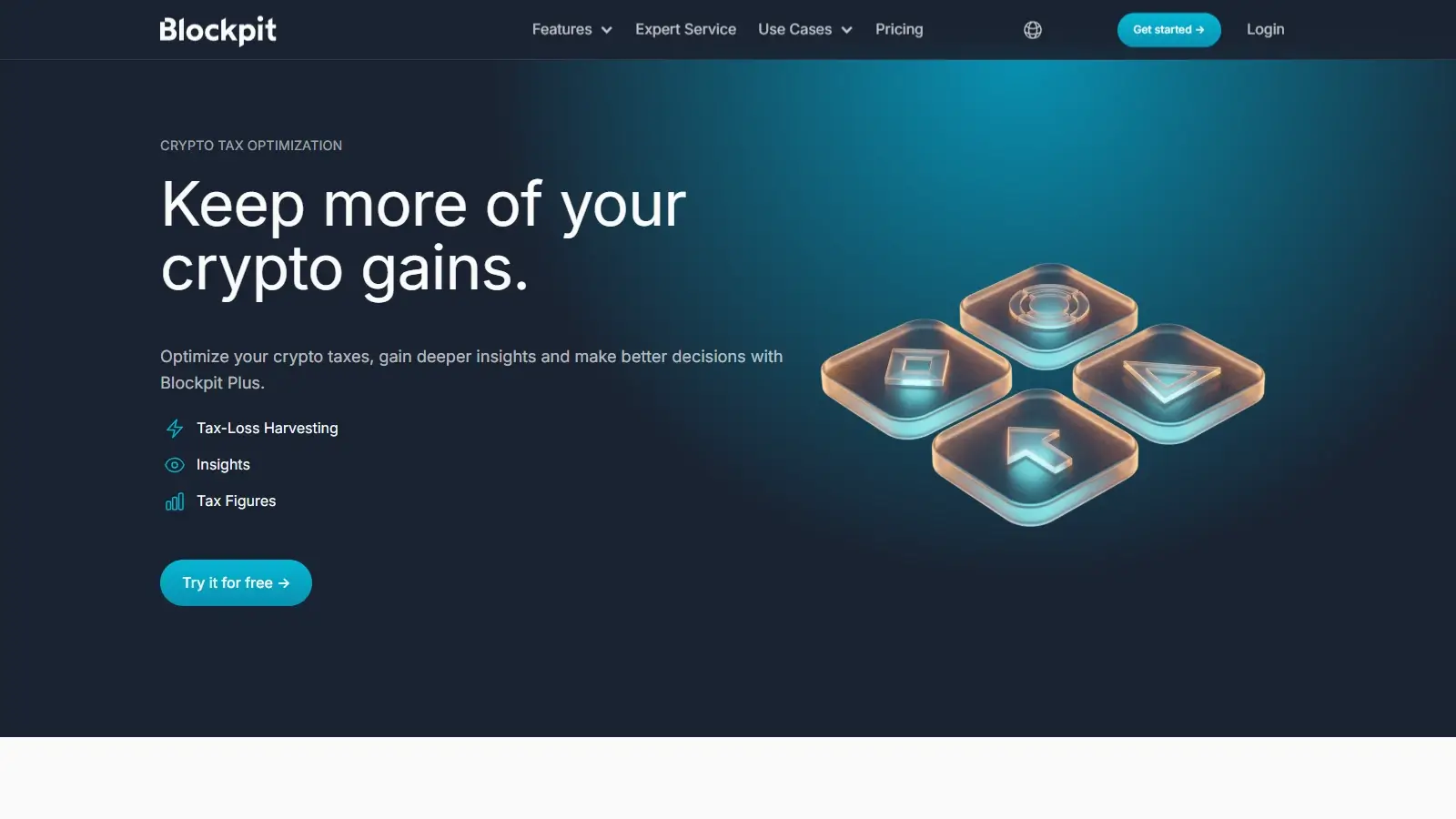
The Ledger view shows how each event changes an asset’s balance within its integration. Plus Tax details let you investigate an unexpected gain at the transaction level instead of working backward from an annual total.
Consider purchases of 2 Ether (ETH) for $2,000 and another 2 ETH for $4,000, followed by a sale of 3 ETH for $9,000 in 2025. First-in, first-out (FIFO) accounting assigns $4,000 of basis to the sale, giving a $5,000 gain and leaving 1 ETH with $2,000 basis. Blockpit matched these figures in a CSV check during a Plus trial, using US dollars, Coordinated Universal Time (UTC) dates, and cost basis tracked separately for each integration. The account used Blockpit’s International country setting, not the US profile.
Missing History identifies the affected integration. Fix the oldest gap first. Restoring one old purchase can clear later shortfalls, while editing each later sale leaves the original gap in place.
These controls suit an investor willing to work through a history in batches. Bulk labels reduce repetitive editing, and splitting a manual merge provides a way back when the pairing was wrong. When a purchase is missing, none of these tools replaces the original exchange or wallet records.
Gains under the Derivative Gain label are left out of Tax details and appear on the Reports page, which needs a license for that year.
DeFi, NFTs, and Staking
Solana support covers decentralized finance (DeFi) activity such as Jupiter and Raydium swaps, non-fungible tokens (NFTs) on Magic Eden, and staking. Some events import unlabeled, so these records may need bulk labels and merges.
Plus includes AI explanations for selected on-chain events on Ethereum, Solana, and other supported integrations. Suggested actions can apply a label or flag spam, while ambiguous events receive only an explanation. Generating an AI explanation replaces the existing transaction note, including a manual one you may want to keep. The feature can help interpret a complicated transaction, but its suggested category still needs to fit the activity and jurisdiction.
Marking an asset as spam excludes its entire history, including future imports and other integrations, from tax calculations and portfolio values. This saves repeat work when scam tokens keep arriving. Misclassifying a legitimate asset also excludes its records, regardless of how small the balance is.
Unmarking the asset restores its associated transactions. The account’s automatic spam-detection setting can be turned off.
Tax Reports and Filing

The US package for tax year 2025 separates the tax report, tax forms, and transaction details. It includes pages for cost-basis adjustments and a broker reconciliation workflow. Prefilled Form 8949 entries cover non-custodial wallets and foreign exchanges. US custodial broker activity is first reconciled against Form 1099-DA, the broker statement that begins with 2025 transactions.
Blockpit’s help documentation leaves the exact Schedule D and income-summary contents unclear, along with the file required by each TurboTax edition. Confirm the export format before buying if you need a direct import into filing software. You complete and submit the full return outside Blockpit’s crypto reporting package.
Report history helps after a correction because it keeps earlier calculations available for comparison. Downloaded copies preserve the figures used for filing. Saved reports are not a backup of your account’s transactions and corrections.
A separate CSV export on the Transactions page follows your active filters. It omits manually excluded transactions. You can upload it again, but transfers export as deposits and withdrawals, so their earlier links are rebuilt by automatic matching rather than restored exactly. Keep the original exchange and wallet files as well.
The Plus trial showed transaction calculations, but report results and downloads required a report-year license. The calculation check therefore covers in-app figures only. It does not verify a downloaded US filing package or its compatibility with filing software.
Security and Privacy
Blockpit states that exchange API keys are read-only, and blockchain integrations use public addresses without wallet private keys. The imported history still reveals your financial activity. Blockpit’s security page describes encrypted API credentials, Austrian hosting, and periodic security tests by an outside firm.
If you want your records used only for your own return, weigh that permission before connecting accounts.
Download your reports and keep your source records before you close the account. Erasure may not be immediate.
Support and Accountant Access
Lia, the in-app AI assistant, is the first point of support, with a person taking over technical problems. Regular support covers login, billing, and import problems. It does not reconstruct a customer’s transaction history, so an unresolved history gap becomes your own cleanup job or one you pay someone to do.
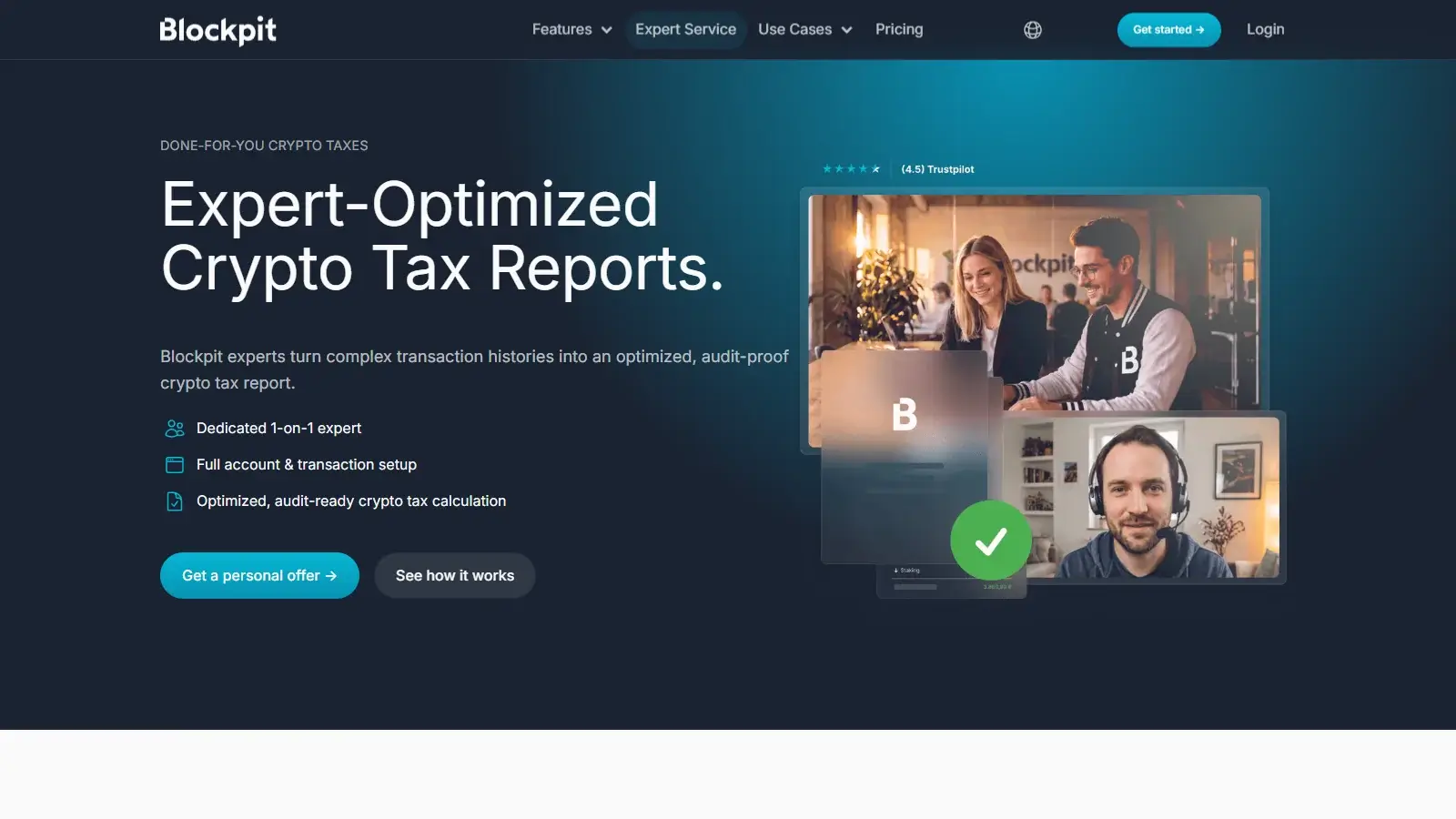
Eligible users can pay Blockpit’s experts to repair the data, but the service is unavailable in the US. It reconstructs transaction data for your tax advisor and does not promise tax advice or submission of a return. Ask for a written estimate before authorizing a reconstruction.
Crypto Tax Agent access avoids password sharing. As the advisor’s existing client, you receive an invitation and authorize it by email or in Shared Access settings. Once connected, the advisor edits the same records you see instead of exchanging files. Before granting access, confirm whether you can restrict permissions and how to revoke them.
Alternatives to Blockpit
-


CoinLedger
You want to inspect proceeds, basis, and gains before buying a report. The free account showed those individual figures during the review. Tax report downloads require payment, and each report year is another purchase.
-

Summ
You have several years to report and want historical reports within one active annual subscription. Summ’s Hobbyist plan costs $99 a year for 1,000 transactions counted across all years, so a three-year backlog of 500 trades a year needs a higher plan. The allowance covers the full imported history, and report access ends when the subscription expires.
Final Verdict
Blockpit suits investors who want to buy a single report year, with older acquisition history supplying cost basis at no extra reporting charge. Bulk labels and reversible manual merges support careful cleanup, Plus shows which purchase lots a sale used, and permanent licenses help with later corrections. The 2025 US package includes Form 8949 and broker reconciliation, but the filing-software import route remains unclear. Paid expert reconstruction is limited to Germany, Austria, and Switzerland. Each unfiled year needs its own license, so compare Summ for a backlog. CoinLedger fits investors who want to inspect gains before paying. Blockpit suits self-directed cleanup and single report years. Budget for Plus if you need lot-level detail.

Best For
Investors buying one report year who want to inspect purchase lots and repair their own history
Avoid If
- US investors who want Blockpit’s paid expert cleanup or a confirmed filing-software import
CryptoSlate may earn a commission when you use partner links, at no extra cost to you. Our reviews, ratings, and editorial decisions remain independent of advertisers. Read How CryptoSlate Makes Money for funding details.