

Australia’s financial year runs from July 1 to June 30, while software can count transactions by calendar year or across the full imported history. A report for that period needs historical Australian dollar (AUD) acquisition values and transaction-level gains behind its summary. Compare the years a payment covers and whether your accountant can work with the underlying data.
Top Crypto Tax Software in Australia
- Paid plans from
- $49/year · 100 transactions
- Free plan
- Import and edit, paid reports
- Report years
- From 2013 while subscribed
- Historical reports in one subscription
- Free bulk edits and saved backups
- Choice of who keeps the working records
- Paid plans from
- $59/year · 100 transactions
- Free plan
- Preview and edit, paid reports
- Report years
- Past years while subscribed
- Separate broker-statement adjustments
- Archive wallets while retaining history
- Editable prices for unsupported assets
- Paid plans from
- $49/tax year, 100 transactions
- Free plan
- 10,000 records, no downloads
- Report years
- One tax year per purchase
- One-time tax-year plans with 10-year validity
- Excel edits for purchased tax years
- Wallet-based 1099-DA statement setup
- Paid plans from
- $49/tax year, 100 transactions
- Free plan
- Import and edit, paid reports
- Report years
- One tax year per purchase
- No recurring report subscription
- Separate accounts for per-wallet tracking
- Compare broker PDFs with imported history
CryptoSlate may earn a commission when you visit partner sites through links on this page, at no extra cost to you. Our rankings and reviews remain editorially independent and based on our published methodology. Read disclosure
Disclaimer: CryptoSlate may receive a commission when you click links on our site and make a purchase or complete an action with a third party. This does not influence our editorial independence, reviews, or ratings, and we always aim to provide accurate, transparent information to our readers.Use your exchange history to narrow the choice before comparing prices. An integration can support ordinary trades while leaving other activity for a separate import or manual entry. If you have transfers, bundle trades, or non-fungible tokens (NFTs), check those exclusions alongside the available Australian reports.
Australian Crypto Tax Software Comparison
| Brand | Paid plans from | Free plan | Report years |
|---|---|---|---|
 Summ Summ | $49/year · 100 transactions | Import and edit, paid reports | From 2013 while subscribed |
 CoinTracker CoinTracker | $59/year · 100 transactions | Preview and edit, paid reports | Past years while subscribed |
 Koinly Koinly | $49/tax year, 100 transactions | 10,000 records, no downloads | One tax year per purchase |
 CoinLedger CoinLedger | $49/tax year, 100 transactions | Import and edit, paid reports | One tax year per purchase |
An Australian report period and a plan’s transaction-counting period can differ. A subscription may price usage by calendar year or count every imported year, even when the report covers July through June. Include the history needed for calculations when estimating your plan, then check which financial-year downloads the payment covers.
Detailed Australian Crypto Tax Software Reviews
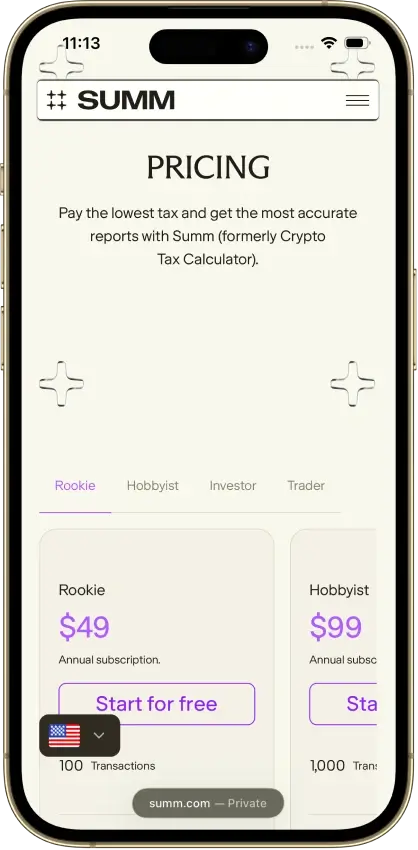
Summ
- Paid plans from
- $49/year · 100 transactions
- Free plan
- Import and edit, paid reports
- Report years
- From 2013 while subscribed
Pros
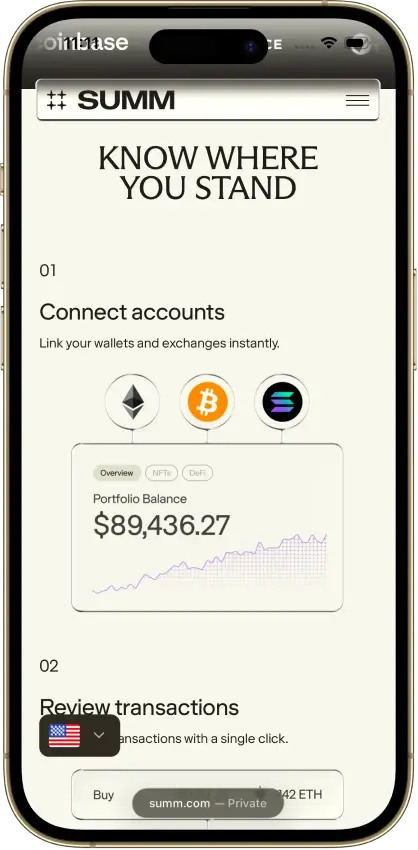
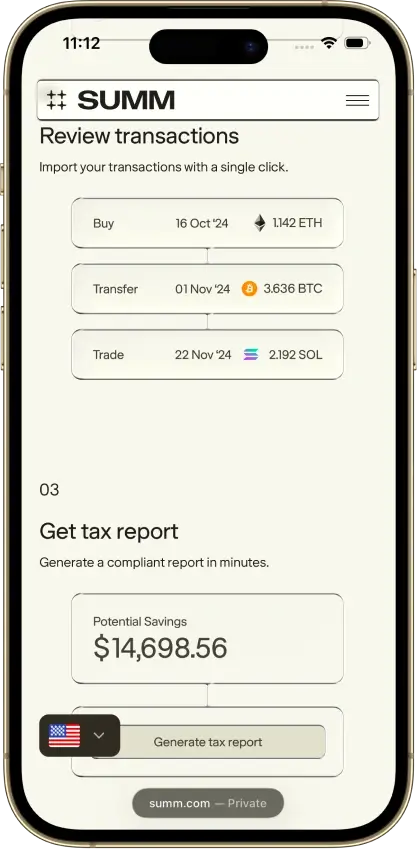
- 1099-DA proceeds comparison portal
- Transaction warnings and manual repairs
- Alternate PDF for TurboTax Online
Cons
- Full history consumes the plan allowance
- Recurring rules require the Trader plan
- Reports unavailable after subscription expiry



CoinTracker
- Paid plans from
- $59/year · 100 transactions
- Free plan
- Preview and edit, paid reports
- Report years
- Past years while subscribed
Pros
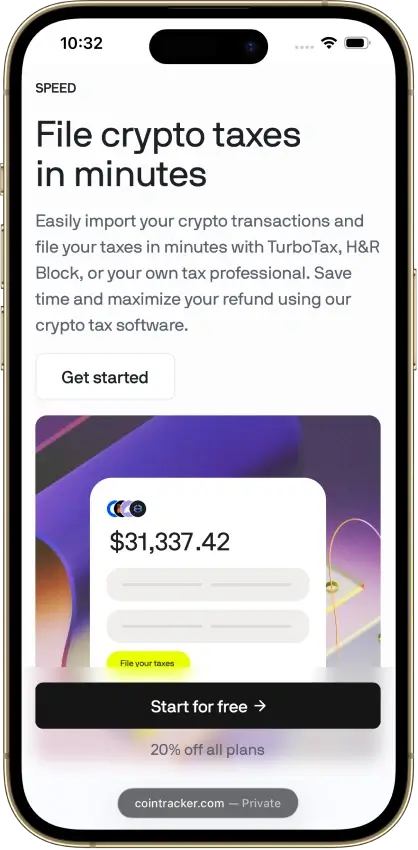
- Historical tax forms included
- Free transaction inspection and edits
- Accountant access on paid plans
Cons
- New tax-year forms can need early renewal
- TurboTax Online income entry is separate
- Detailed tax lots require Prime





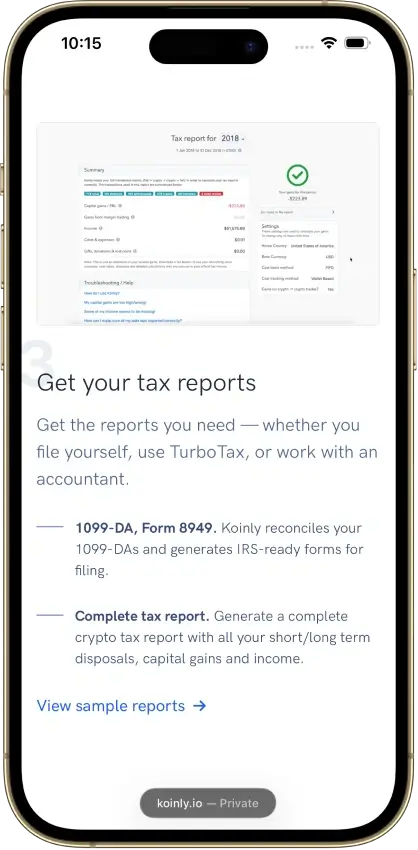
Koinly
- Paid plans from
- $49/tax year, 100 transactions
- Free plan
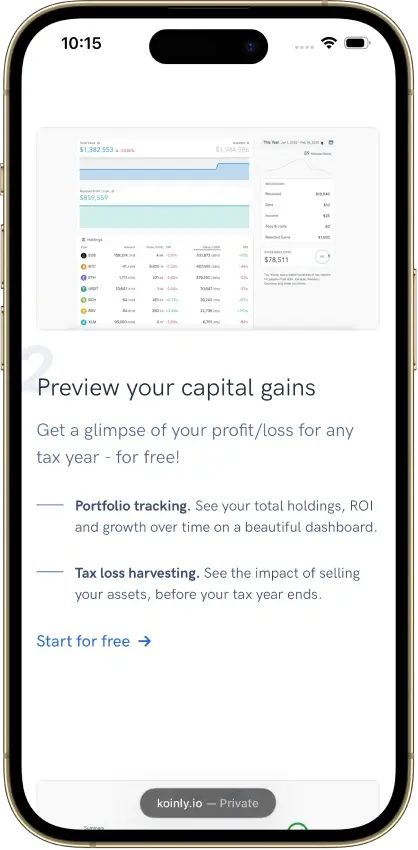
- 10,000 records, no downloads
- Report years
- One tax year per purchase
Pros
- Free missing-history corrections
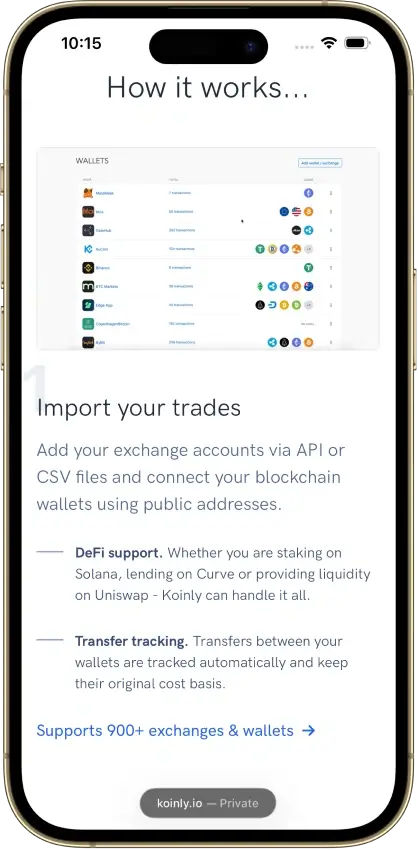
- Identical CSV reimports skip duplicates
- Owned-wallet transfers keep cost basis
Cons
- Affected by 2025 Mixpanel vendor breach
- Conflicting refund promises
- Manual merging for Jupiter Limit Orders V2

CoinLedger
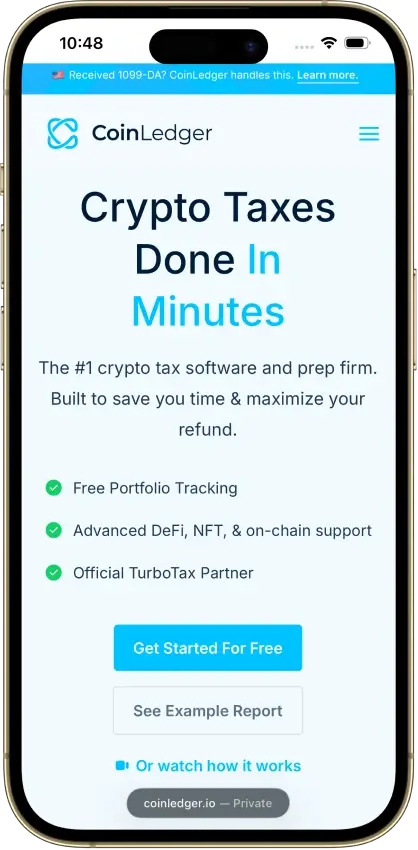
- Paid plans from
- $49/tax year, 100 transactions
- Free plan
- Import and edit, paid reports
- Report years
- One tax year per purchase
Pros
- Free transaction calculation details
- Undo transaction exclusions
- Purchased-year reports can be revised
Cons
- Multi-year reports add separate charges
- Narrow refund eligibility
- Retention of uploaded records is unclear





Before committing to a product, follow a transaction from its original exchange record into the imported history. Compare the timestamp, quantity, fees, and AUD value, then examine how a later transfer or sale appears. This helps reveal missing records and correction work while you still have time to try another import route. Detailed calculation views may require a paid tier.
How We Compare Australian Crypto Tax Software
We include reviewed products that document Australian reporting and import from a local exchange. The comparison considers what an individual investor can prepare, how much historical data the plan allows, and how the work passes to an accountant. We have not tested Australian calculations or paid Australian reports, and US ratings are not displayed here.
| Selection Criterion | What We Check |
|---|---|
| Australian output | A report identifies the relevant financial period and provides figures for an Australian return, with supporting gains and income records. |
| Import coverage | Instructions explain the available application programming interface (API) or file route and any activity that needs separate handling. |
| Correction tools | Users can inspect classifications and records before buying reports, with paid calculation tools identified separately. |
| Purchase scope | Report-year access, transaction allowances, and renewal conditions are clear enough to estimate the required plan. |
| Accountant access | The sharing process explains who sends the invitation, what the recipient can change, and any purchase requirement. |
An individual-investor report may not suit a business, company, trust, or self-managed super fund (SMSF). Those users should confirm the product’s entity support and required output with their tax professional. A software menu can offer several calculation methods, but that does not make every choice appropriate for the assets and circumstances being reported.
Australian Reports and Records to Check
The Australian Taxation Office (ATO) asks for crypto transaction records that include historical values in Australian dollars. Retain original exchange exports alongside the software’s calculations. Where purchases and later disposals span different years, the earlier records help explain the cost assigned to the eventual sale.
| Record or Report | What to Examine |
|---|---|
| Australian tax summary | The date range, capital-gains figures, income sections, and explanation of how to use the output in your return. |
| Detailed gains report | Acquisition costs, disposal proceeds, and transaction-level calculations that let you investigate a total. |
| Discount treatment | Whether the selected output includes an eligible capital gains tax (CGT) discount or presents gains before that adjustment. |
| Losses from earlier years | Whether the software includes them, needs an additional input, or leaves their treatment to you and your accountant. |
| Source files | Purchases, sales, deposits, and withdrawals, including every file required by the import instructions. |
A tax summary and a detailed gains report can display different figures when one applies the eligible CGT discount and the other shows gains before it. Read the explanation for each output before comparing totals or applying another adjustment, so the discount is not applied twice. Prior-year losses also need attention even when the current year’s transactions have imported successfully.
Downloading a provider’s ATO or myTax-format report prepares information for the return. Lodging the return remains a separate step. Choose exports that both you and your accountant can inspect, including the records behind the summary.
Choosing Software for the Financial Year
For 2025–26, the financial year runs from July 1, 2025, to June 30, 2026. Match those dates to the report selector. A single year printed on a software button may describe the start of the period, so check the dates, not just the label.
| Period or Allowance | Buying Decision |
|---|---|
| Financial year being reported | Match the start and end dates to the year you need, including an earlier year if you are catching up. |
| Historical imports | Include acquisitions and transfers needed to explain later disposals, even when they fall outside the report period. |
| Transaction-counting period | Determine whether pricing uses the report year, a calendar year, all imported history, or more than one allowance. |
| Subscription access | Ask which years are available immediately and whether the newest financial year requires another renewal. |
Several financial years under one subscription can suit a backlog, as long as the plan’s transaction allowance covers your full history. A separate purchase for each report year may fit a single outstanding return. Compare the report periods you can download and the cost of regenerating reports after a correction, including any upgrade needed for added transactions.
An AUD report can use imported reference prices expressed in another currency. When preparing a custom file, identify that currency and follow the timestamp instructions. If you leave the currency field blank, the software may assume a different currency from your spreadsheet.
AUD Costs, Free Access, and Accountant Handoff
Free plans can help with imports, transaction corrections, or a tax overview before you pay. Downloading an Australian report commonly requires a paid plan. Find out which calculation details remain visible for free and whether your history exceeds a limit before spending time correcting it.
| Cost or Access Point | What to Check Before Paying |
|---|---|
| Currency and goods and services tax (GST) | The currency actually charged, the payable total, and whether GST is included. A bare dollar sign does not identify an AUD quote. |
| Payment duration | Whether the charge buys one report year or an annual subscription, and what renewal adds. |
| Required features | Whether your tier includes the complex transactions, detailed calculations, and reports you need. |
| Accountant permissions | Who can invite whom, whether sharing requires payment, what can be edited, and how access is removed. |
| Downloadable records | Which summaries and supporting exports you can save before access expires or you change products. |
Before granting editing access, agree with your accountant on who will make corrections and find out how to remove that access later. Save the original imports and the reports used for the return so that later changes can be explained. End sharing once the work is complete if ongoing access is unnecessary.
FAQ
Can I prepare Australian crypto taxes without an API connection?
Yes, file imports are available where the product supports your exchange’s exports or its own custom format. An exchange may separate trading history from deposits and withdrawals, so one file can leave gaps. Use the complete set specified in the import instructions.
Does a portfolio balance show that my tax records are complete?
A balance alone does not show that every acquisition, transfer, and income record is present. Review the transaction history against your original records, including activity types the connection excludes. Missing earlier costs can affect the calculation for a later disposal.
Can I change the calculation method for just one financial year?
Some controls change calculations across every year, while year-specific settings may require a higher tier. Establish the scope of the change and its suitability with your accountant before altering a method used for earlier returns.
Will I need to pay again after correcting an imported transaction?
A purchased report may allow another download after corrections, subject to its transaction allowance. Subscriptions can instead tie report access to an active plan. Ask how added history, a higher transaction count, or an expired subscription affects the correction you need.
Can the software include losses from my previous returns?
Not from exchange imports alone. Some Australian summaries leave out losses carried from earlier returns, while others ask you to enter them separately. Those losses reduce your gains before the CGT discount, so they cannot simply be subtracted from a total that already includes it. Keep your earlier return records available and check how the selected summary handles carried losses before using its net figure.
Can I use the same software for an SMSF and my personal holdings?
Support for individual reports does not automatically extend to a self-managed super fund (SMSF). Confirm the entity-specific reports, account separation, and subscription requirements before importing both sets of records. A tax professional can help determine whether the available output suits the fund’s reporting needs.
