
Crypto Casinos
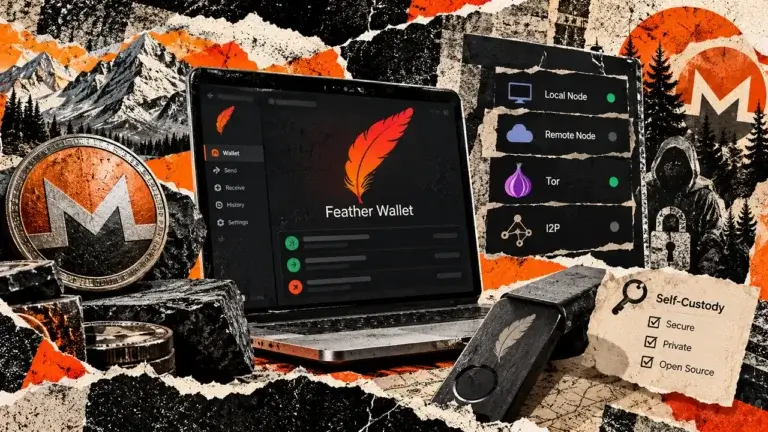
Feather Wallet is a desktop Monero wallet with output controls, configurable node connections and offline signing. Its default Tor mode excludes initial synchronization. View-only wallets need key images to track spent outputs, and users must maintain their own recovery backups.
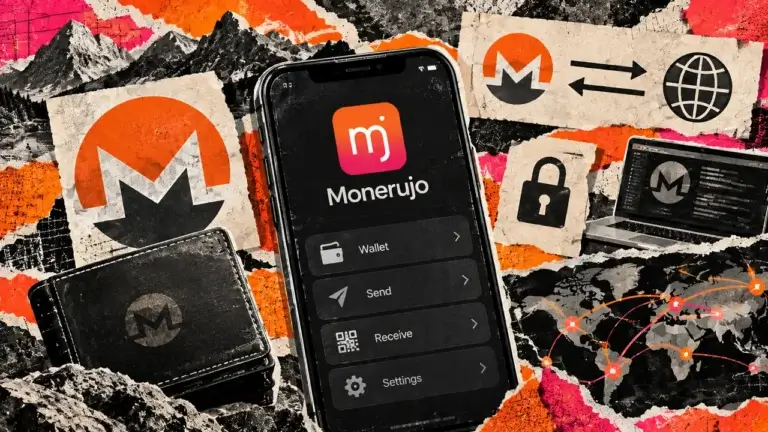
Monerujo is an Android wallet for people who spend Monero and want to choose the node their phone uses. It combines local key storage with tools for repeated payments, separate accounts and hardware signing. The extra controls require preparation: wallet-file backups have their own restore password, optional seed offsets add another secret, and the Sidekick companion remains marked as experimental in its documentation. iPhone users and multichain portfolios need a different app.
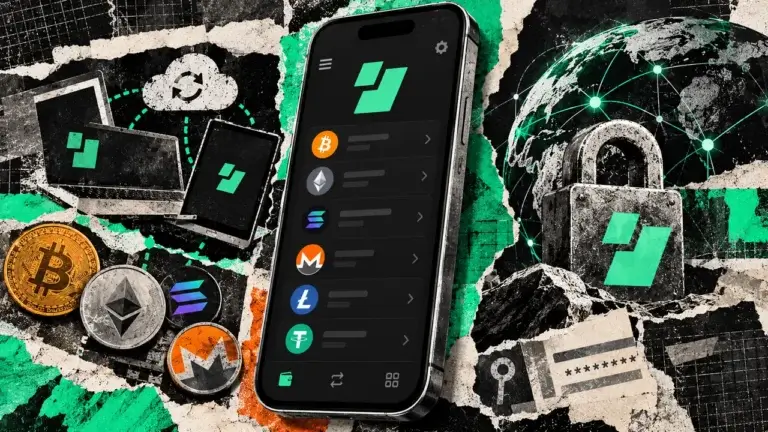
Edge is a self-custody wallet that uses a username and password to restore encrypted account backups. Setup does not require recording a seed phrase, but recovery still depends on saved credentials, device approval and any optional recovery material. The public app and core code have different licenses, and a 2023 logging flaw exposed some private keys.
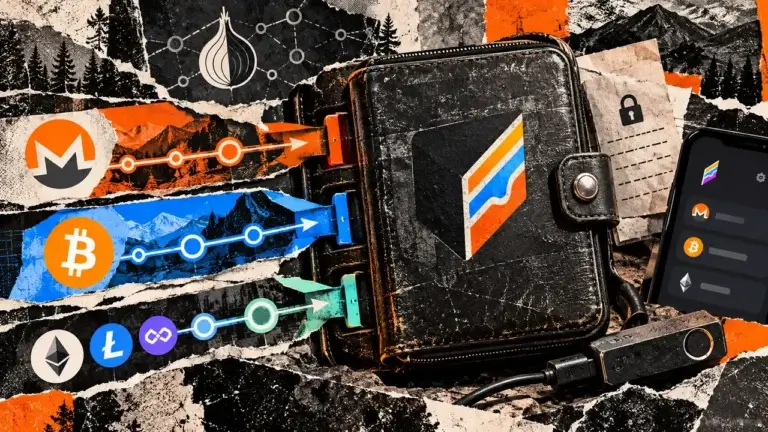
Cake Wallet brings Monero, Bitcoin and other networks into an account-free app with detailed payment and privacy controls. Those controls need attention: a shared seed is optional, Lightning has its own balance, and swapping introduces another provider. Cake suits people who want to use XMR alongside other assets and can manage backups and synchronization. It is a poor fit for someone expecting an account reset, identical features on every platform or guaranteed anonymous transactions.
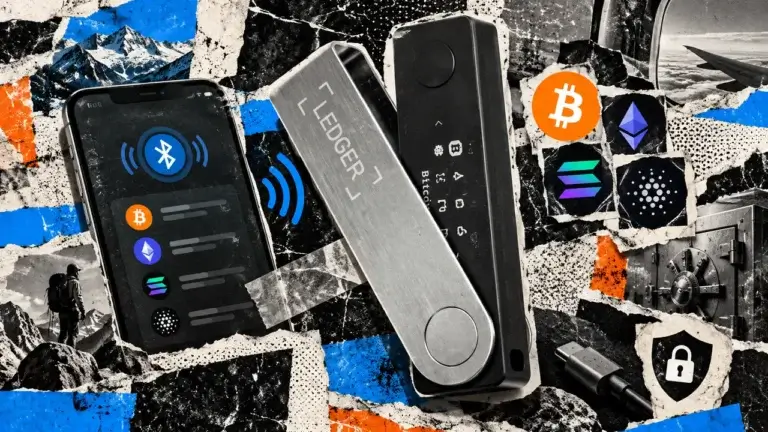
Ledger Nano X adds Bluetooth signing for iPhone and Android to a small, button-operated device. Its rechargeable battery needs upkeep, and older firmware needs a wired update before wireless OS updates work.
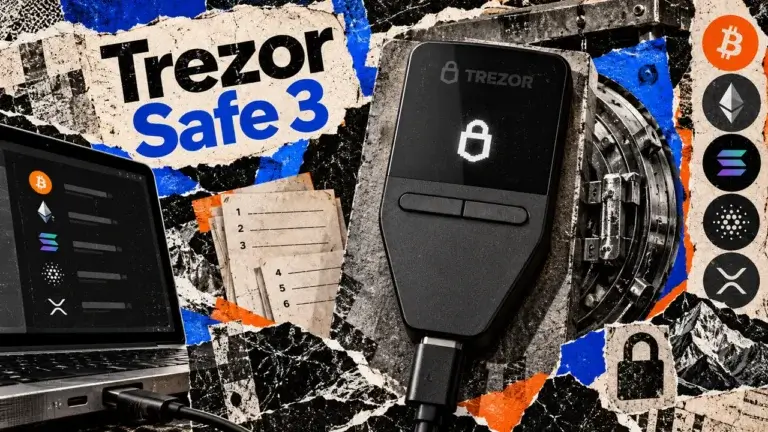
Trezor Safe 3 offers button-operated approval on a small hardware screen. USB signing works with computers and Android, not iPhone, while recovery depends on your saved words or shares.
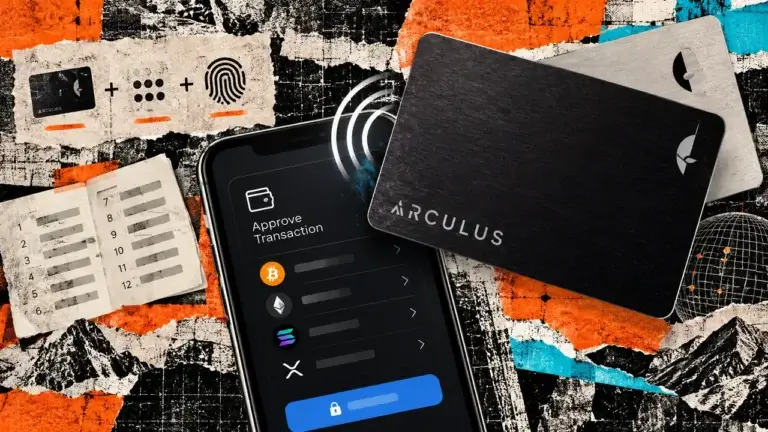
Arculus pairs a battery-free NFC signing card with a phone app. Recovery uses saved words and any passphrase, while transaction checks stay on the phone. Separate wallets each need their own card.
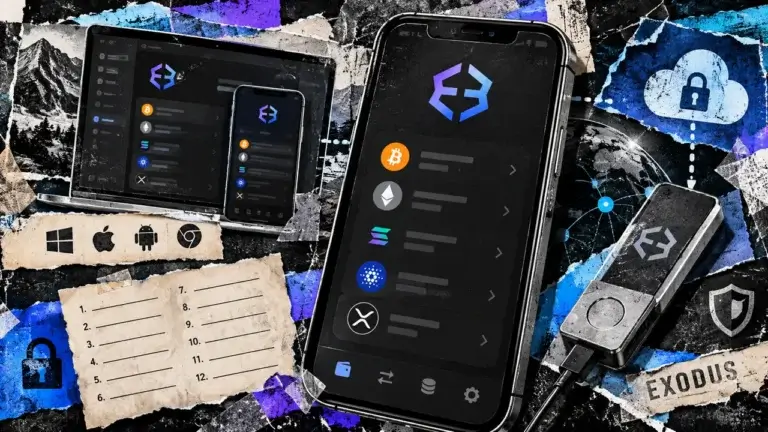
Exodus offers native desktop portfolio management and model-specific Ledger and Trezor connections. Its mobile cloud backup needs a passkey, swap costs vary by quote, and mobile dApp connections have ended.
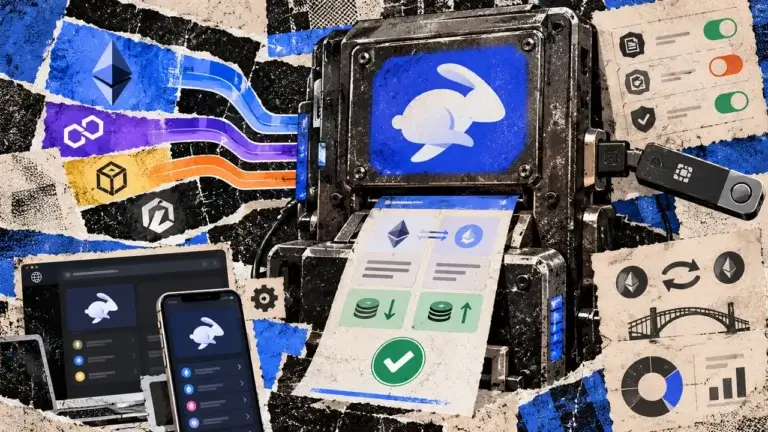
Rabby is an EVM wallet with transaction previews, portfolio tracking and a 0.25% standard swap fee. It supports hardware connections but not native Bitcoin or Solana accounts.
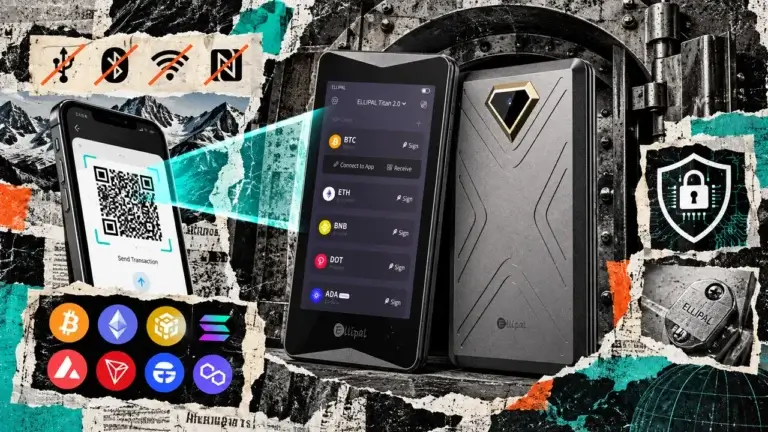
ELLIPAL Titan 2.0 puts a four-inch touchscreen between your phone and a transaction signature. The phone prepares the request, the hardware scans it, and you approve on the separate device before returning the signed data by QR code. That arrangement suits someone who wants to manage several cryptocurrencies from a phone while keeping signing keys on dedicated hardware. You need to manage a recovery phrase, use a separate adapter for firmware updates and inspect what you approve. An air gap cannot make a risky swap contract or an exposed backup harmless. Our ELLIPAL Titan 2.0 review assesses documentation, public security research and reported incidents checked on September 13, 2026. We did not test a physical device, complete a transaction or perform a recovery.
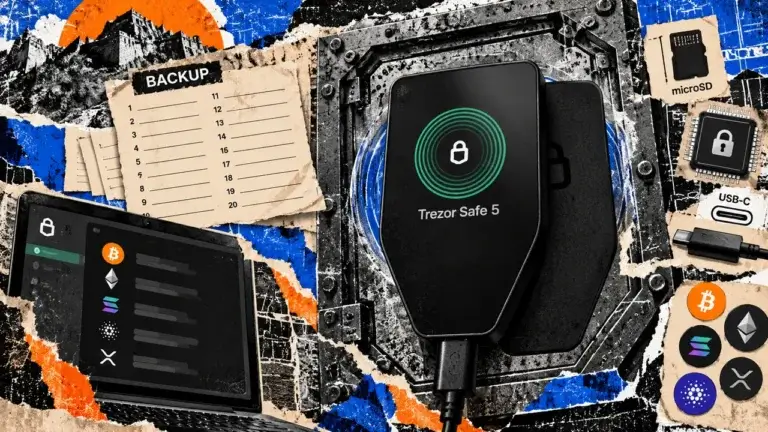
Trezor Safe 5 pairs a color touchscreen with haptic feedback for USB signing on computers and Android. Optional microSD protection adds a separate access secret. It cannot sign through an iPhone.
Legendz brings casino games, live dealer tables and a social sportsbook into one account. The platform uses Gold Coins for entertainment and Sweeps Coins for promotional play, with verification required for prize access.