Choosing the best USDC wallet starts with how you plan to use USDC, which networks you need, and whether you want self-custody or a simpler custodial option. Some users want a USDC wallet app for quick transfers and everyday access, while others need cold storage or stronger support for Ethereum, Polygon, or Stellar. Just as importantly, the right wallet has to match the network you use, because sending USDC on the wrong chain is one of the most common and avoidable mistakes.
Best USDC Wallets at a Glance
If you want the short version, these are the USDC wallets worth looking at first.
Top USDC Wallets

- Custody
- Non-custodialPartially open-source
- Networks
- Platforms
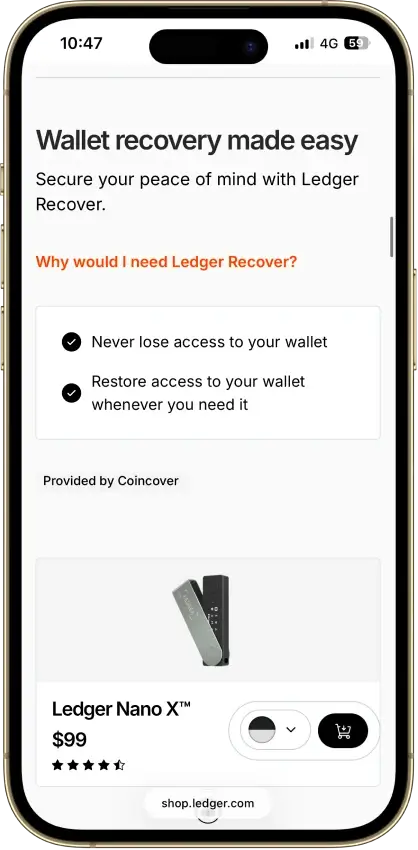
- Lowest price of any Bluetooth hardware wallet
- Wireless firmware updates from a phone
- Made by Ledger, a French company
CryptoSlate may earn a commission when you visit partner sites through links on this page, at no extra cost to you. Our rankings and reviews remain editorially independent and based on our published methodology. Read disclosure
Disclaimer: CryptoSlate may receive a commission when you click links on our site and make a purchase or complete an action with a third party. This does not influence our editorial independence, reviews, or ratings, and we always aim to provide accurate, transparent information to our readers.This table compares wallet type, network support, recovery, and day-to-day usability before the detailed reviews.
Comparison Table
| Name | Custody | Blockchains | Hardward Support | Staking | Fiat On-ramp |
|---|---|---|---|---|---|
 Kraken Wallet Kraken Wallet | Non-custodial | No | Limited | No | |
 Ledger Nano X Ledger Nano X | Non-custodial | No | Limited | No | |
 Coinbase Wallet Coinbase Wallet | Non-custodial | Yes | Limited | Yes | |
 Binance Wallet Binance Wallet | Non-custodial | No | Limited | Yes | |
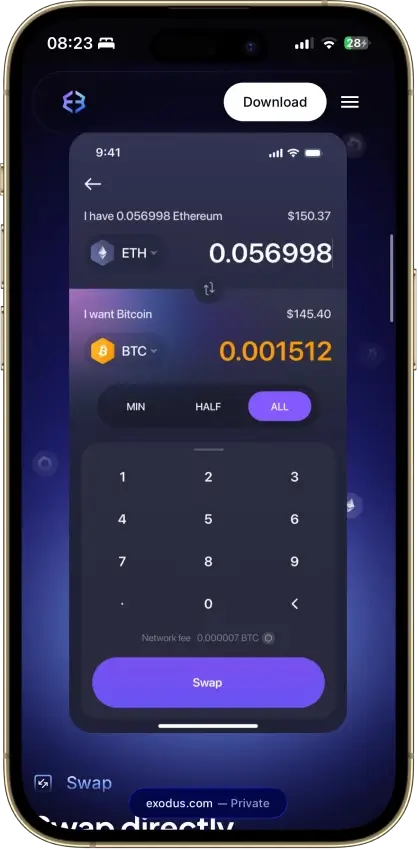
 Exodus Exodus | Non-custodial | Yes | Full | Yes | |
 Trust Wallet Trust Wallet | Non-custodial | Yes | Full | Yes |
USDC Wallets Reviews
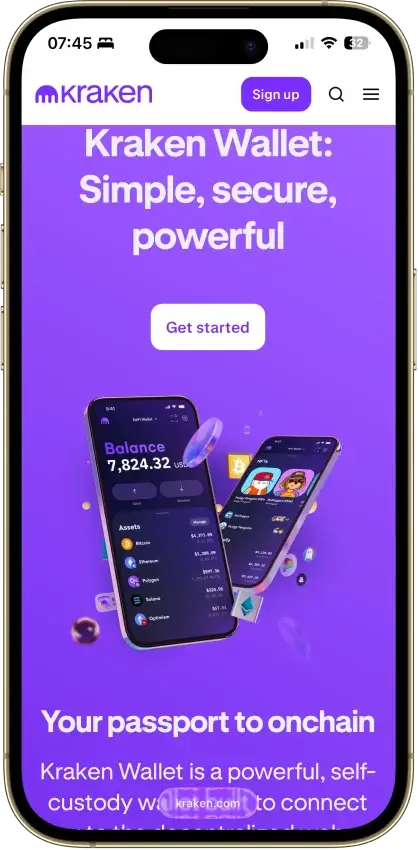
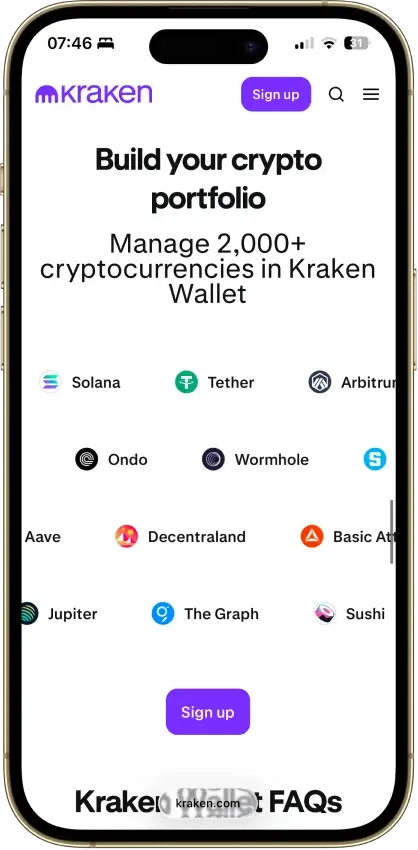
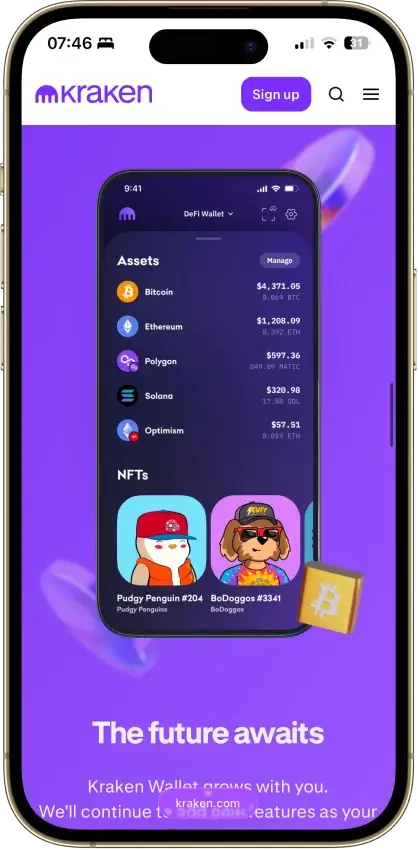
Kraken Wallet
- Custody
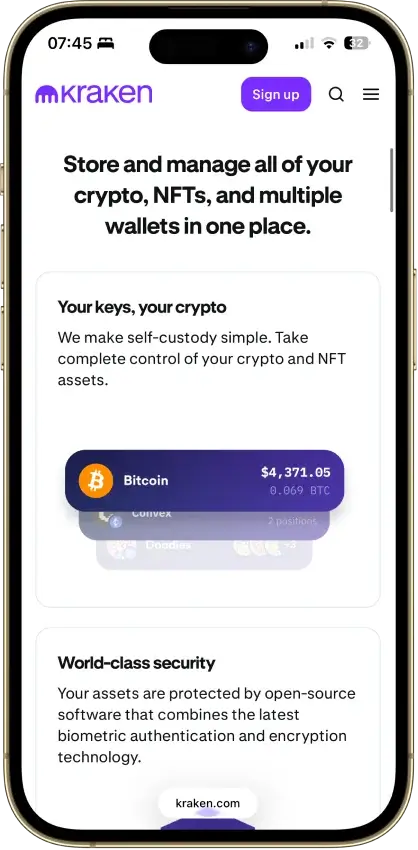
- Non-custodialFully open-source
- Networks
- Platforms
Pros
- Open code with reproducible-build instructions
- Trail of Bits audited its security
- Works without a Kraken exchange account
- Kraken Connect links your exchange account
- US-available with no geo-gate
Cons
- No hardware wallet pairing
- No browser extension or desktop app
- Swap spread is not disclosed
- No in-wallet fiat on-ramp
- No passphrase option
Ledger Nano X
- Custody
- Non-custodialPartially open-source
- Networks
- Platforms
Pros
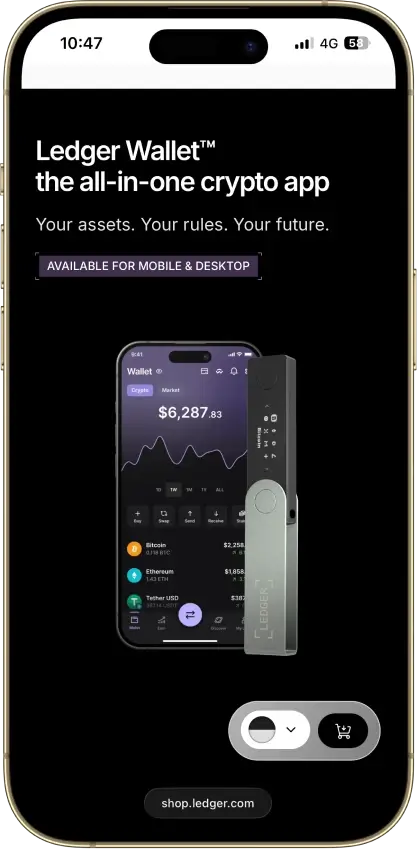
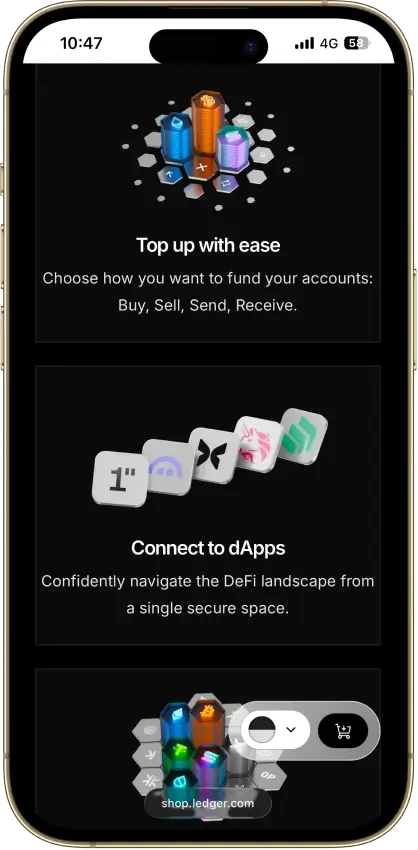
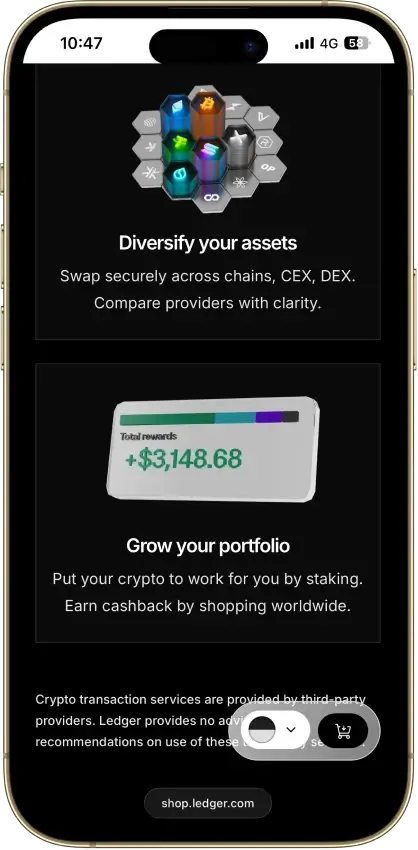
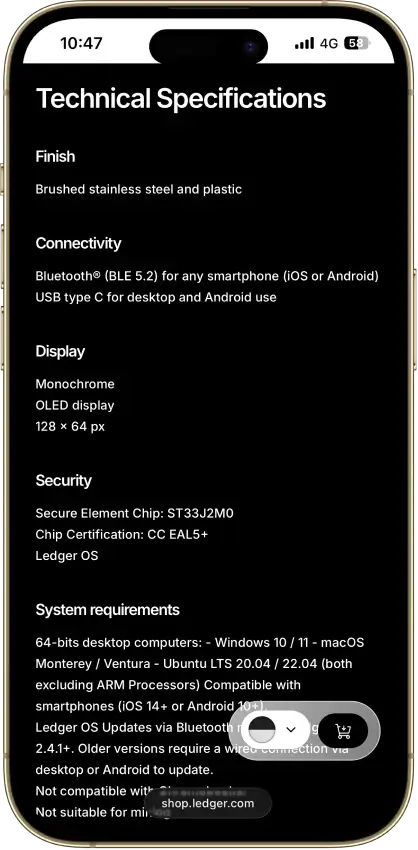
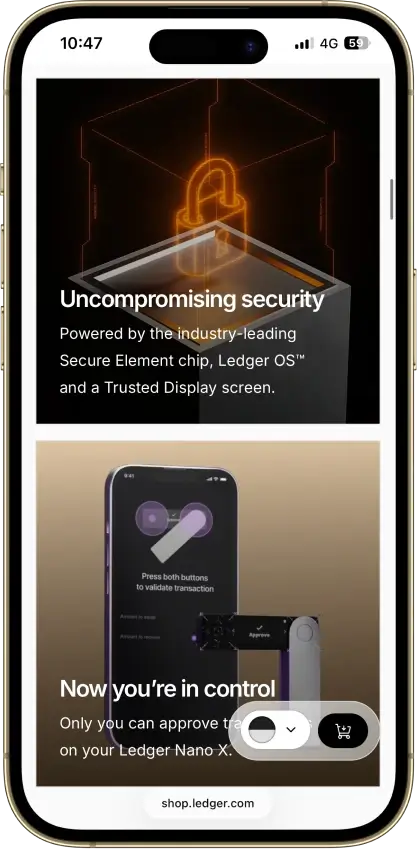
- CC EAL5+ certified Secure Element
- Public companion and device-app code
- Optional passphrase accounts
- Bluetooth for phones, USB-C for desktops
- Encrypted Bluetooth with pairing codes
Cons
- Small display requires scrolling
- Low-level firmware remains closed
- Apps need their own security updates
- 2026 Monero app flaw could expose keys
Coinbase Wallet
- Custody
- Non-custodialPartially open-source
- Networks
- Platforms
Pros
- Ledger approvals through the extension
- Audited, MIT-licensed smart-wallet contracts
- ETH staking below 32 ETH via Kiln
- Gasless swaps on Ethereum and Polygon
- Security Lock on opening and approvals
Cons
- Passkey smart wallets exclude BTC and SOL
- Dropped Dogecoin, Litecoin, XRP and custom chains
- Swap fee of up to 1% per trade
- No Bitcoin swaps in the app
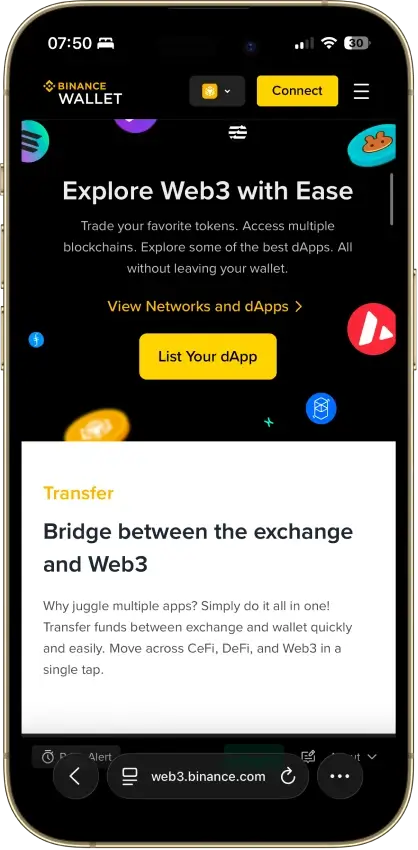
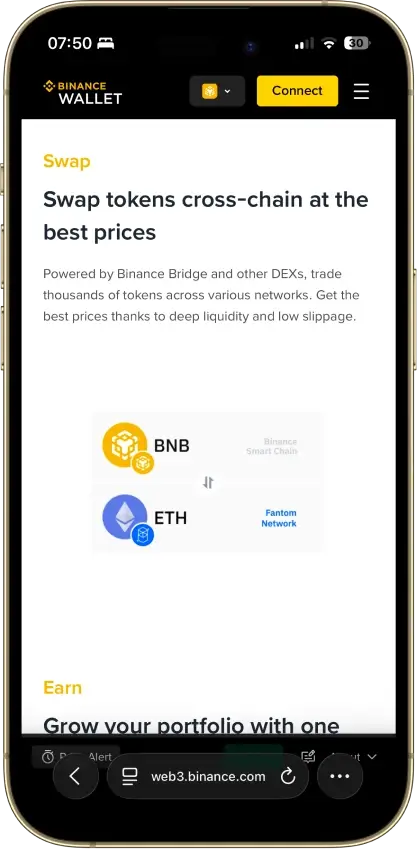
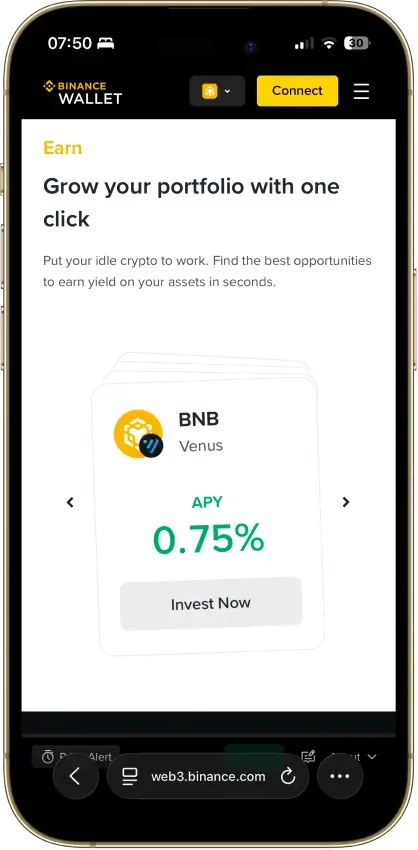
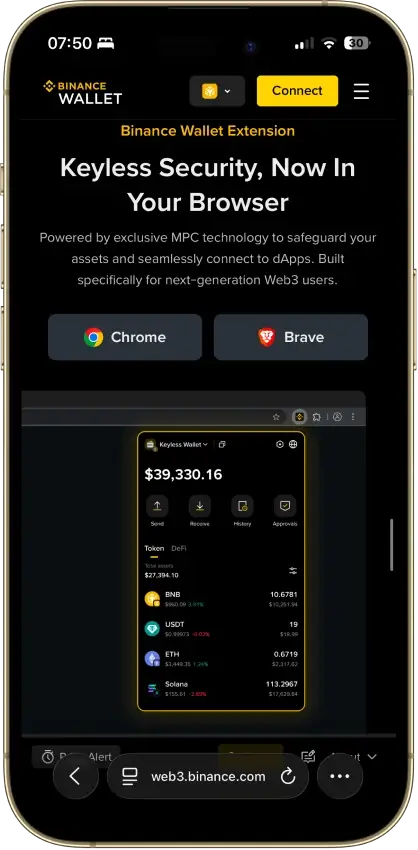
Binance Wallet
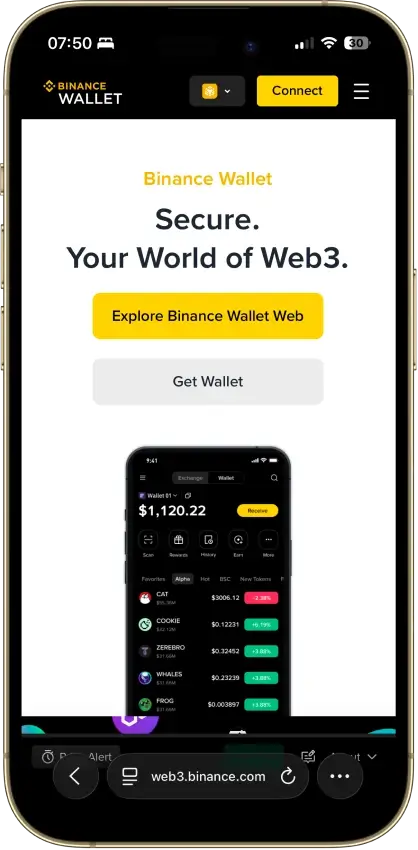
- Custody
- Non-custodialClosed-source
- Networks
- Platforms
Pros
- Existing-wallet imports in the extension
- Bitcoin controls in the mobile wallet
- Independent extension audit anyone can read
- Address-poisoning filters on sends
- Binance deposit-address option in Send
Cons
- Conversion removes keyless recovery
- Audit excludes backend verification
- No hardware wallet support
- Ordinals are treated as plain BTC
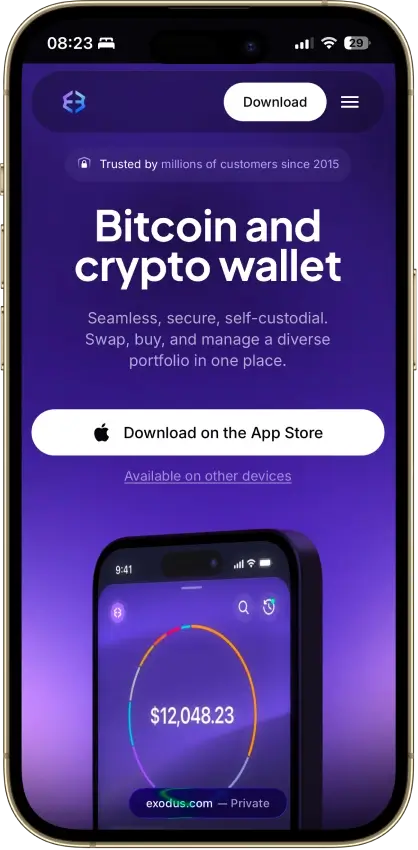
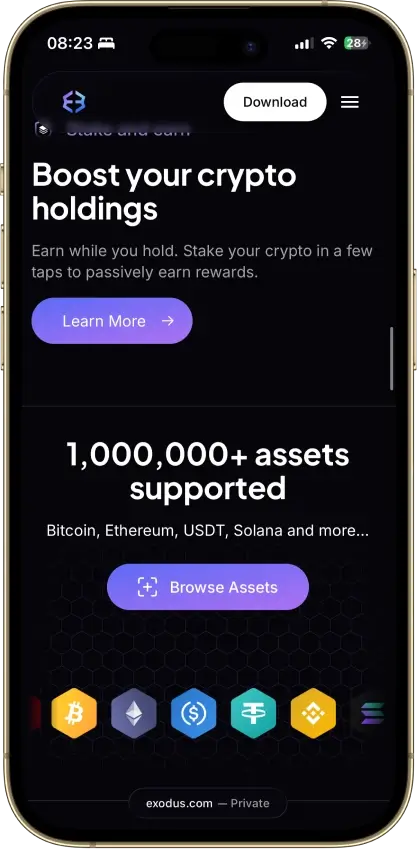
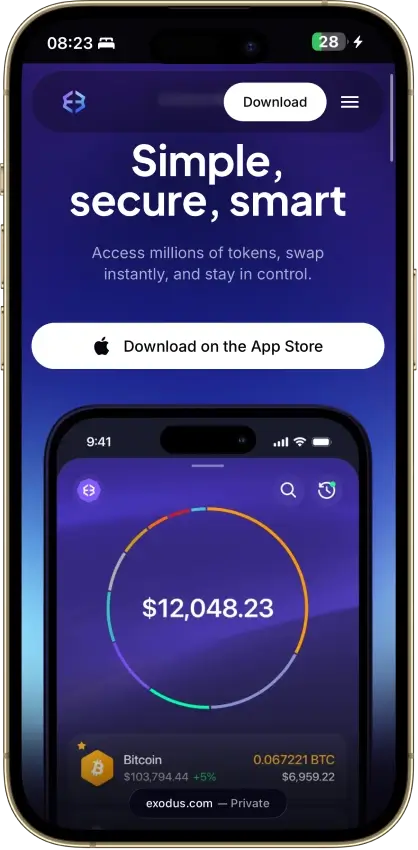
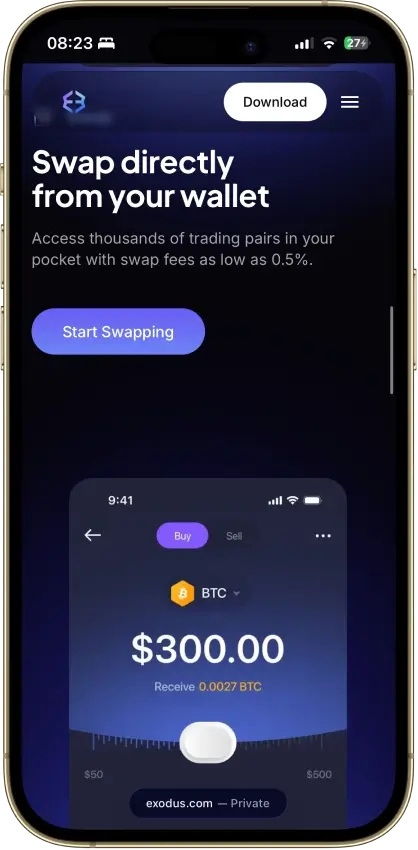
Exodus
- Custody
- Non-custodialPartially open-source
- Networks
- Platforms
Pros
- Desktop app for Windows, macOS and Linux
- Desktop and mobile sync to one wallet
- Custom tokens on supported networks
- Human support alongside the chatbot
- Recovery phrase backup still available
Cons
- Complete wallet is not open source
- WalletConnect removed from the mobile app
- Ledger portfolios work on mobile only
- Swap costs sit inside a quoted spread
- $3.1M OFAC sanctions settlement in 2025
Trust Wallet
- Custody
- Non-custodialPartially open-source
- Networks
- Platforms
Pros
- Transaction previews on supported networks
- Optional encrypted cloud backup
- Ledger signing through the extension
- Staking for ETH, SOL, BNB and TRX
- No email account needed for a classic wallet
Cons
- December 2025 extension hack hit about $8.5M
- Mobile app builds lack public source access
- Dropped several networks in September 2026
- SWIFT covers only a handful of EVM chains
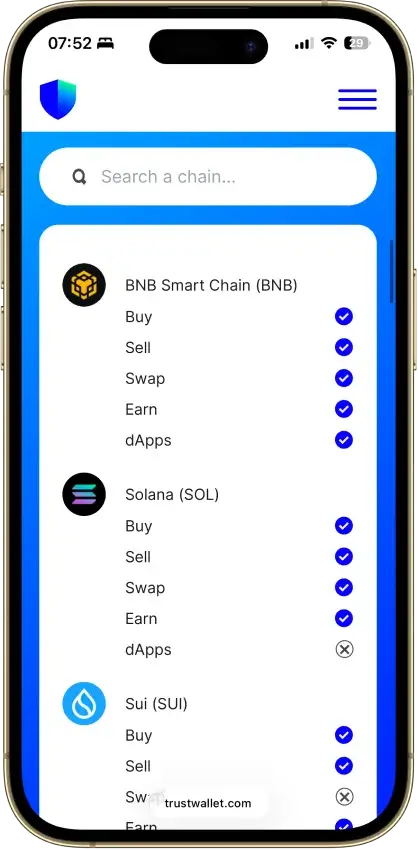
The wallets above cover different needs, but even the top crypto wallets only tell part of the story. To use USDC well, readers also need to understand how wallet types differ, how USDC wallet addresses work across networks, and what to check before sending funds on Ethereum, Polygon, Stellar, or another supported chain. That background makes it easier to choose the right wallet and avoid common transfer mistakes.
How We Rank
- Custody and key security 30% weightWhat we assess
Who can authorize spending, protection of keys and signing, and independent access to every reviewed account type.
What earns 10/10 Users control spending and have complete independent access for every reviewed account type. Signing and authorization are isolated from the connected app, with key and recovery dependencies explained. - Security validation and track record 25% weightWhat we assess
Independent security assessments, their coverage and findings, plus updates and the handling of known incidents.
What earns 10/10 Independent assessments cover the current design and material changes. Material findings are resolved, and sustained maintenance records show no unresolved material incident consequences. - Transaction safety and signing 20% weightWhat we assess
Transaction details, signing warnings, scam checks, permission controls and the handling of unreadable requests.
What earns 10/10 Transfers and supported signing requests show readable details before consent. Risk warnings and integrated permission revocation cover relevant tasks, with unclear requests identified and easy to reject. - Backup and recovery 10% weightWhat we assess
Repeatable backup checks, complete restoration, recovery dependencies, costs and resilience after backup loss.
What earns 10/10 Repeatable checks verify complete backups without resetting the wallet. Recovery survives loss of a backup or dependency, with clear costs and no third party able to spend alone. - Usability, privacy and costs 10% weightWhat we assess
Setup and everyday tasks, accessibility, support guides, data-sharing choices and device, service and transaction costs.
What earns 10/10 Clear workflows, accessible controls and useful support guides make routine tasks straightforward. Nonessential data sharing is optional, and mandatory costs are transparent and reasonable. - Assets, networks and compatibility 5% weightWhat we assess
Asset and network support, devices, companion apps and connections needed for the uses covered in the review.
What earns 10/10 Official compatibility lists and setup guides cover the reviewed assets, networks, devices and connections. Required transfer routes are documented and available, with no known blocker.
We scored wallets on security first, then on network support, recovery, fees, and day-to-day USDC usability. Higher marks went to wallets that make ownership easy to understand, support the USDC networks people actually use, and keep send, receive, swap, and bridge flows easy to follow.
What Is a USDC Wallet
A USDC wallet is a software or hardware tool that lets you hold, send, receive, and sometimes swap USDC. It does not store USDC inside the app in the way a folder stores files. Instead, it manages the keys and permissions that let you access your balance on a blockchain.
A self-custody wallet puts you in control of the keys or recovery setup. A custodial wallet puts that responsibility with a company or service provider. An exchange account can also let you hold USDC, but it is not the same as having your own wallet for on-chain transfers, DeFi use, or choosing exactly which network you want to use.
What Is a USDC Wallet Address
A USDC wallet address is the public receive address you use to accept USDC on a specific blockchain network. The wallet app is the interface you use, the wallet address is the destination you share, and the recovery phrase or backup method is what restores access if you lose your phone, browser profile, or hardware device.
This is where network choice matters. USDC exists on multiple chains, and a wallet can support more than one version of it. In some wallets, Ethereum, Polygon, Base, and other EVM networks may use the same 0x-style address, but the network still has to match on both sides of the transfer. Stellar uses a different address format, which makes it easier to spot, but it still has to be selected correctly before funds are sent.
A mismatched network can cause delays, failed deposits, or a recovery process that depends on the wallet or platform you used. Before sharing an address, check the asset, the network label, and whether the sender is using the same chain.
USDC Wallet Address Examples by Network
These are sample formats only, not live addresses.
- Ethereum or Polygon style address: 0x8ba1f109551bD432803012645Ac136ddd64DBA72
- Stellar style address: GDQP2KPQGKIHYJGXNUIYOMHARUARCA6LK6JUP3D3KTKQW4T4EXAMPLE
Not all USDC wallet addresses look the same. EVM-based networks such as Ethereum and Polygon use a 0x-prefixed hexadecimal format, while Stellar account addresses begin with G. A wallet may support both types, but the receive flow still depends on choosing the right network first.
How to Get a USDC Wallet Address
Getting a USDC wallet address is usually simple once the wallet is set up:
- Open your wallet and unlock it.
- Select USDC from the asset list.
- Choose the network you want to use, such as Ethereum, Polygon, or Stellar.
- Tap Receive.
- Copy the address or scan the QR code.
- Double-check the network label before sharing it.
- Send a small test transaction first if it is your first time using that wallet or network.
If your wallet supports several versions of USDC, do not assume the first address shown is the one you need. Always confirm the network before sending or receiving funds.
How to Create a USDC Wallet
Creating a USDC wallet is straightforward, but setup still matters. You need the right wallet type, a secure recovery method, and the right network selected before you receive funds.
- Choose the wallet that matches how you plan to use USDC. If you want quick mobile access, start with a beginner-friendly app such as Trust Wallet, Coinbase Wallet, or Exodus. If you plan to hold a larger balance for longer, a hardware wallet such as Ledger may make more sense. If you mainly use Stellar USDC, pick a wallet that supports that ecosystem directly.
- Download the wallet from the official source only. Use the official app store listing, browser extension page, or hardware maker’s website. Avoid ads, random download sites, and links shared in social posts or messages, because fake wallet apps are one of the easiest ways to lose funds.
- Create a new wallet or restore an existing one. Most wallets will ask whether you want to make a new wallet or import one you already use. New users should choose the create option. Only use restore if you already have a recovery phrase, backup code, or another supported recovery method from an existing wallet.
- Back up your recovery method properly. If the wallet uses a seed phrase, write it down exactly and store it somewhere private and offline. If it uses MPC or another backup system, complete every recovery step before adding funds. Do not save recovery details in a screenshot, email draft, or chat app.
- Turn on the wallet’s built-in security tools. Set a strong PIN or password, enable biometrics if available, and review any extra protections the wallet offers. These features do not replace your recovery backup, but they do make everyday access safer if your device is lost or compromised.
- Choose the correct USDC network before receiving funds. Once the wallet is set up, open USDC in the asset list and make sure you are looking at the right chain, such as Ethereum, Polygon, or Stellar. Some wallets support several versions of USDC, so the receive screen is only useful if the network matches what the sender will use.
- Test the wallet with a small transfer first. Before moving a larger amount, send a small amount of USDC to confirm the address, network, and wallet flow all work as expected. That extra step can prevent larger mistakes later.
Once that test transfer arrives, your wallet is ready for regular use. From there, the next step is understanding which wallet type suits your habits best and how different USDC networks affect fees, speed, and compatibility.
USDC Wallet Types — Mobile, Browser, Desktop and Cold Storage
USDC can sit in very different wallet setups, and the best one depends on how often you move funds, how much you hold, and whether you need DeFi access or simple storage.
USDC Wallet App
For most beginners, crypto wallet apps are the easiest place to start. It keeps send and receive tools close at hand, makes QR payments simple, and works well for smaller balances you move regularly.
Because a phone wallet stays online, it is better for convenience than deep storage. Many users keep day-to-day funds in a mobile wallet and move larger balances to a hardware device later.
Browser and Desktop USDC Wallets
Browser and desktop wallets make more sense for people who spend time in DeFi, on-chain trading, and multi-step workflows. Larger screens, extension support, and quicker dApp connections make them easier to use on Ethereum, Polygon, Base, Arbitrum, and other EVM chains.
The downside is exposure. These are still hot wallets, so their safety depends heavily on the device, browser, and habits of the person using them.
USDC Cold Wallet
Cold storage is the better match for larger balances and longer holding periods. A hardware wallet keeps signing isolated from an internet-connected phone or laptop, which lowers the risk from phishing, malware, and everyday device compromise.
It is slower, and it costs money upfront. For active users that extra friction can feel unnecessary. For long-term holders, it is usually the point.
Custodial vs. Self-Custody USDC Wallet
Custodial wallets are easier to recover and easier to start with because a company handles the keys, security stack, and much of the account management. That suits users who value simplicity and support.
Self-custody shifts that control to you. It gives you more freedom over storage, network choice, and on-chain use, but it also means backup mistakes and sending errors are your responsibility.
Which USDC Network Should You Use
Ethereum, Polygon, and Stellar all support USDC, but they suit different jobs. Decide first whether you care most about DeFi reach, lower transfer costs, or straightforward payment flows. That narrows the wallet field quickly.
| Network | Best for | Fee profile | Wallet compatibility | Main caution |
|---|---|---|---|---|
| Ethereum (ERC-20) | Deep liquidity, exchange support, and DeFi access | Usually the highest of the main USDC options | Broadest support across mobile, browser, desktop, and hardware wallets | Small transfers can become expensive when network fees rise |
| Polygon PoS | Lower-cost EVM transfers and app use | Usually much lower than Ethereum | Widely supported by EVM wallets and many exchanges | Make sure the platform supports the exact USDC version and route you are using |
| Stellar | Fast, low-cost payments and transfer-focused use | Typically very low | Best with wallets and apps that support Stellar directly | Less useful than EVM chains for users who want broad DeFi access |
| TRON (TRC20) | Mostly legacy search demand and older balances | Historically low | Compatibility varies and should be checked carefully | Circle discontinued support for USDC on TRON, so new users should treat it as a migration issue, not a default choice |
USDC ERC-20 Wallet
Ethereum is still the default choice for many USDC users because it has the deepest liquidity, the widest exchange support, and the broadest compatibility across DeFi apps, wallet extensions, and hardware devices. If you want the safest starting point for on-chain compatibility, Ethereum wallets are still a strong place to start for ERC-20 USDC.
Its weak spot is cost. Ethereum fees can make small transfers hard to justify, especially when you are moving modest balances. Many users keep Ethereum for compatibility and use a cheaper network for routine transfers.
USDC Polygon Wallet
Polygon suits users who want familiar EVM wallet behavior without paying Ethereum-level fees. It works with many of the same wallet styles, keeps the familiar 0x address format, and is a practical option for lower-cost transfers and app activity.
Asset labeling matters here. Polygon has had both bridged and native USDC history, so it is worth checking exactly which version the wallet, exchange, or app supports before you send funds. Cheap transfers are useful, but they do not fix a mismatched network or token route.
Stellar USDC Wallet
Stellar USDC suits people who care about moving money quickly and cheaply more than users who spend most of their time inside Ethereum-based DeFi apps. It is well suited to transfer-focused use, and the network is designed for efficient payments.
It is not the first choice for users who want the broadest range of EVM dApps, swaps, or extension-based workflows. To use Stellar USDC smoothly, pick a wallet that supports Stellar directly and makes the address format and asset handling clear.
USDC TRC20 Wallet — What Users Need to Know
Search demand for USDC TRC20 is still around because USDC on TRON used to be popular for lower-cost transfers. It is no longer the default recommendation for new wallet setup. For most users starting fresh, it makes more sense to choose a network that Circle currently supports more directly.
If you already hold USDC on TRON, think of this as a compatibility or migration issue rather than a best-network pick. Check whether your wallet, exchange, or service still supports deposits, withdrawals, or migration paths before you move funds.
Native vs. Bridged USDC
Native USDC is issued directly by Circle on a supported blockchain. Bridged USDC is a representation of USDC moved from another chain by a bridge. In a wallet, the two can look similar enough to confuse users, but apps, exchanges, and liquidity venues do not always treat them the same way.
Native USDC is usually the cleaner option because it is more often treated as the standard version on that chain. Circle’s cross-chain transfer tooling moves native USDC by burning it on the source chain and minting it on the destination chain, which is simpler than relying on older wrapped or bridged versions. Before you send funds, check whether the asset is native USDC or a bridged form and confirm that the receiving wallet or platform accepts that exact version.
Security and Common Mistakes to Avoid
Most USDC wallet mistakes are not technical. They come from rushing setup, choosing the wrong network, or treating a wallet like a simple app instead of a security product. A quick checklist can prevent most avoidable losses.
- Download only from official sources. Fake wallet apps, cloned extension pages, and sponsored scam links are still one of the easiest ways to lose funds before you even start.
- Store your recovery phrase or backup method properly. Do not leave seed phrases in screenshots, cloud notes, email drafts, or chat apps. If your wallet uses MPC or another recovery system, finish the setup fully before you fund it.
- Match the network before every transfer. USDC on Ethereum, Polygon, Base, or Stellar is not interchangeable at the send screen. Confirm the asset, network, and destination before you tap send.
- Do not confuse USDC with USDT. They are different stablecoins, and sending one where the other is expected can create failed deposits or manual recovery headaches.
- Keep larger balances out of hot wallets when possible. A mobile or browser wallet is fine for active use, but long-term storage is usually better handled with a hardware wallet or another stronger security setup.
- Send a small test transaction first. This matters even more when you are using a new wallet, a new network, or an exchange withdrawal screen for the first time.
- Double-check copied addresses and QR scans. Malware and clipboard hijacking still exist, so it is worth checking the first and last characters before confirming.
- Review fees before approving swaps or bridges. The wallet itself may be free, but network fees, bridge costs, and spread can make a transfer more expensive than expected.
For most users, the safest habit is simple: slow down, verify the network, and test small before moving a larger amount.
Can a USDC Wallet Buy, Swap, Bridge and Spend USDC
Not every USDC wallet is built to do more than hold and send funds. Some wallets are deliberately simple and focus on storage, basic transfers, and recovery. Others add features such as fiat on-ramps, token swaps, cross-chain bridges, dApp connections, and even spending tools tied to cards or payment integrations. Whether those extras are useful depends less on the wallet brand and more on how you plan to use USDC.
For active users, those added tools can save time and reduce friction. A wallet with built-in buy options can make it easier to fund USDC directly, but some users will still prefer crypto exchanges for deeper funding options and more account-based trading tools. Swap tools help users move between tokens without leaving the app. Bridge features can be useful if you move USDC across networks such as Ethereum, Polygon, or Base. dApp access matters more for DeFi users, while spending features are more relevant for people who treat USDC as part of everyday payments rather than just a stored balance or want to compare dedicated crypto cards.
More features do not automatically make a wallet better. Some users are better served by a simpler wallet that does one job well: secure storage and clean send-receive flows. That usually suits beginners, long-term holders, and anyone who would rather avoid extra interfaces, partner fees, or on-chain complexity. The choice comes down to whether you want a general-purpose USDC wallet or a more full-service app built around broader crypto use.
Conclution
The Best USDC Wallet Depends on Your Network and Custody Needs
A beginner mobile user will usually do best with a wallet that is easy to set up, clear about recovery, and simple to use for send and receive flows. An active on-chain or DeFi user will usually care more about EVM support, extension workflows, swaps, and bridge access. A long-term holder will often get more value from a cold wallet setup that prioritizes stronger offline protection over daily convenience.
Start with chain support, then decide how much control you want over custody, and only then compare extras such as built-in swaps, bridge tools, or spending features. In most cases, choosing the right network first leads to a better wallet decision than chasing the longest feature list.