


Toncoin is easier to access than many other crypto networks because it is tightly linked to Telegram. Even so, choosing the right TON wallet still matters.
Some users want the quickest way to send and receive Toncoin inside Telegram. Others want a more secure toncoin wallet app with better backup tools, broader device support, or cold-storage compatibility.
A convenience-first wallet works well for daily transfers, Mini Apps, and mobile access. A more advanced setup is usually better for self-custody, long-term storage, staking, jettons, NFTs, and recovery.
This guide compares the strongest options for different needs, from Telegram-first users to mobile users and long-term holders. It explains how each wallet works and where it fits best.
Top Toncoin Wallets

- Custody
- Non-custodialPartially open-source
- Networks
- Platforms
- Lowest price of any Bluetooth hardware wallet
- Wireless firmware updates from a phone
- Made by Ledger, a French company
- Custody
- Non-custodialClosed-source
- Networks
- Platforms
- Seedless recovery through linked NFC cards
- 25-year limited hardware warranty
- Optional seed phrase on newer cards
CryptoSlate may earn a commission when you visit partner sites through links on this page, at no extra cost to you. Our rankings and reviews remain editorially independent and based on our published methodology. Read disclosure
Disclaimer: CryptoSlate may receive a commission when you click links on our site and make a purchase or complete an action with a third party. This does not influence our editorial independence, reviews, or ratings, and we always aim to provide accurate, transparent information to our readers.These top picks reflect the main ways people use TON today. Tonkeeper is the strongest default choice. TON Wallet in Telegram is the easiest route for Telegram-first users. MyTonWallet and Tonhub fit people who want flexibility or a simpler mobile setup. Ledger is the better match for colder, longer-term storage. The comparison below shows how they differ on custody, platform support, features, and trade-offs. People comparing TON with other top-rated crypto wallets can use the wider hub for a broader view.
Comparison Table
| Name | Custody | Blockchains | Hardward Support | Staking | Fiat On-ramp |
|---|---|---|---|---|---|
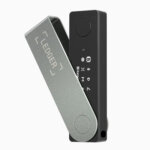 Ledger Nano X Ledger Nano X | Non-custodial | No | Limited | No | |
 OKX Wallet OKX Wallet | Non-custodial | Yes | Limited | Yes | |
 Binance Wallet Binance Wallet | Non-custodial | No | Limited | Yes | |
 Exodus Exodus | Non-custodial | Yes | Full | Yes | |
 Trust Wallet Trust Wallet | Non-custodial | Yes | Full | Yes | |
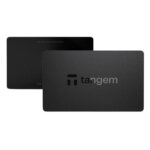 Tangem Tangem | Non-custodial | No | Limited | Yes |
How you use Toncoin should drive the choice. TON Wallet in Telegram is the easiest entry point for Telegram users. Tonkeeper, MyTonWallet, and Tonhub are better fits for people who want a separate self-custody app. Ledger makes more sense when long-term security matters more than speed.
Toncoin Wallets Reviews
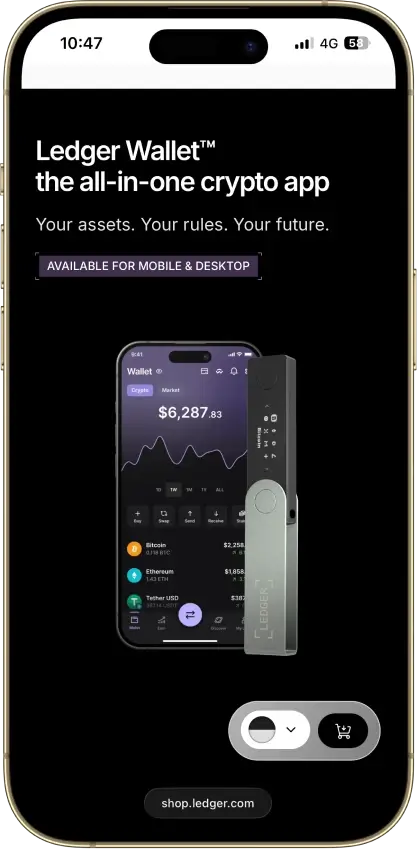
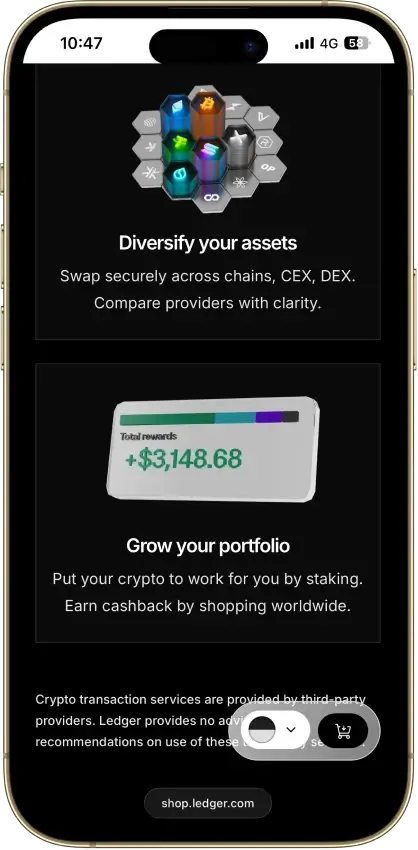
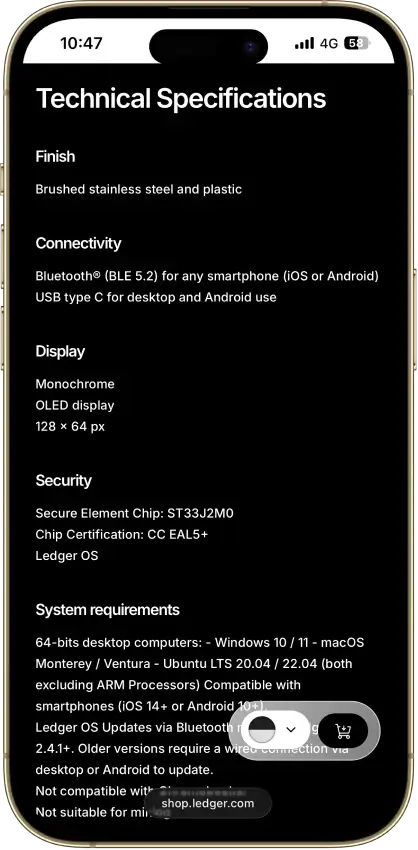
Ledger Nano X
- Custody
- Non-custodialPartially open-source
- Networks
- Platforms
Pros
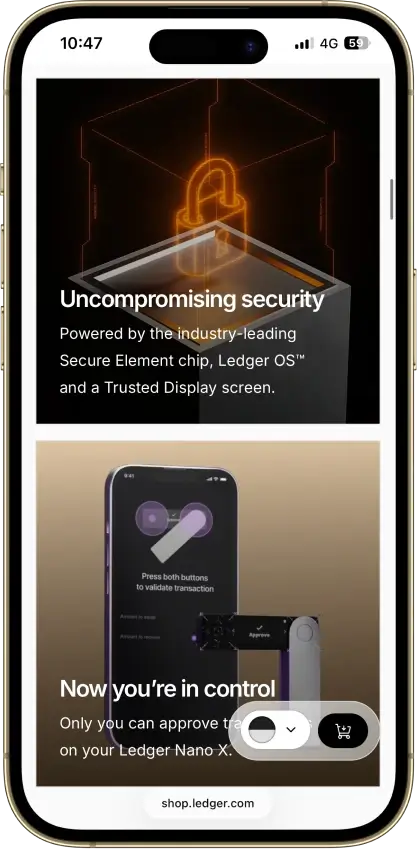
- CC EAL5+ certified Secure Element
- Public companion and device-app code
- Optional passphrase accounts
- Bluetooth for phones, USB-C for desktops
- Encrypted Bluetooth with pairing codes
Cons
- Small display requires scrolling
- Low-level firmware remains closed
- Apps need their own security updates
- 2026 Monero app flaw could expose keys
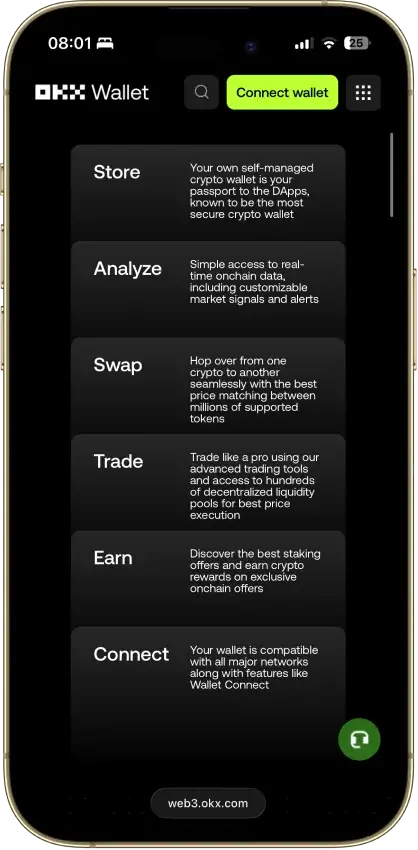
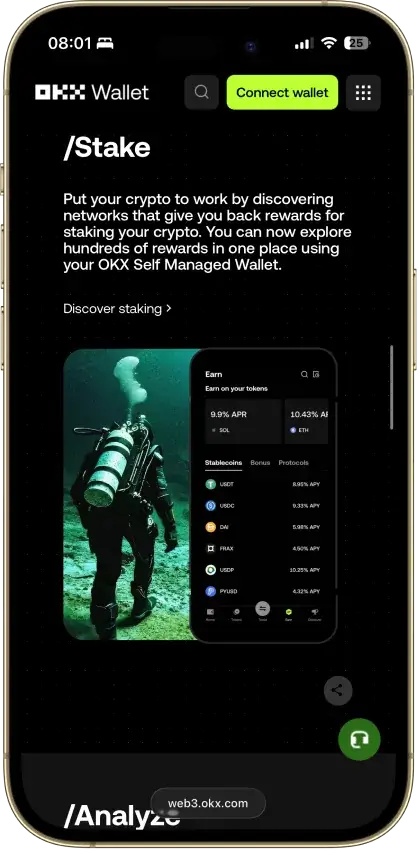
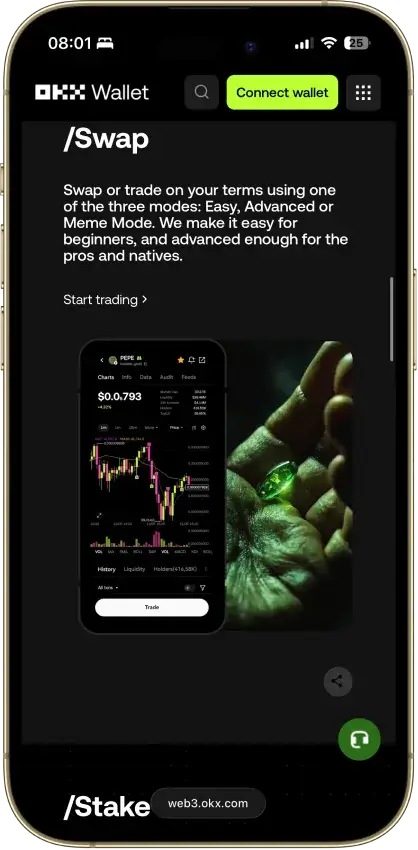
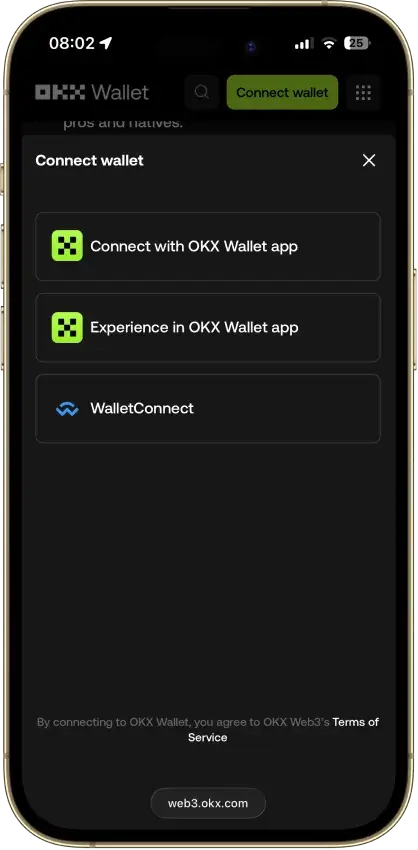
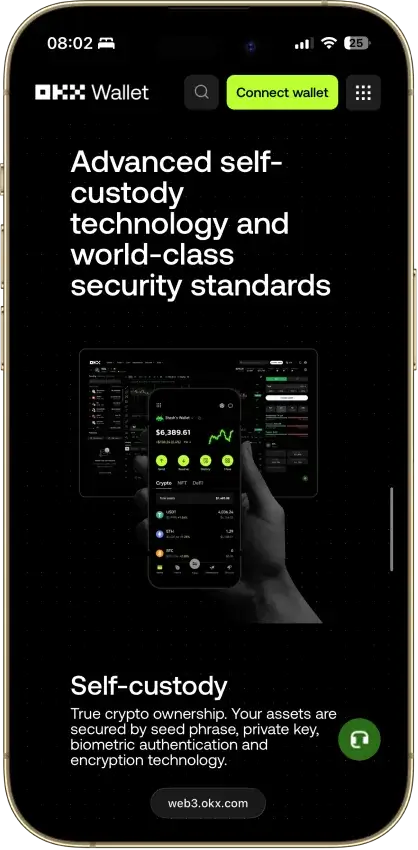
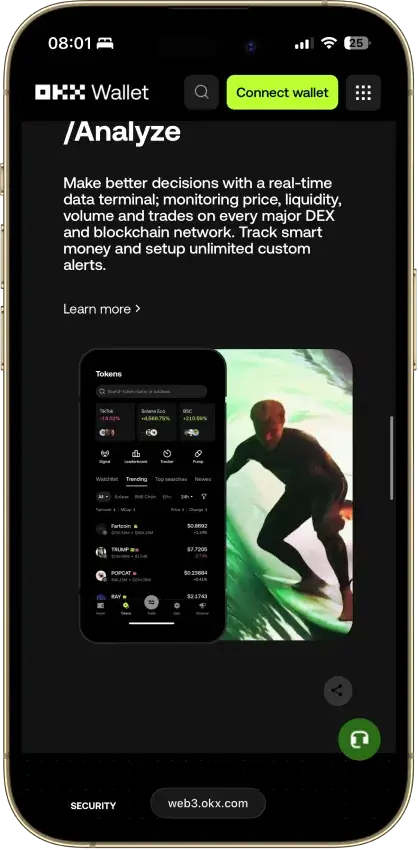
OKX Wallet
- Custody
- Non-custodialPartially open-source
- Networks
- Platforms
Pros
- Pre-approval scam and phishing alerts
- Built-in token-approval revoke tool
- CertiK and SlowMist audits plus bug bounty
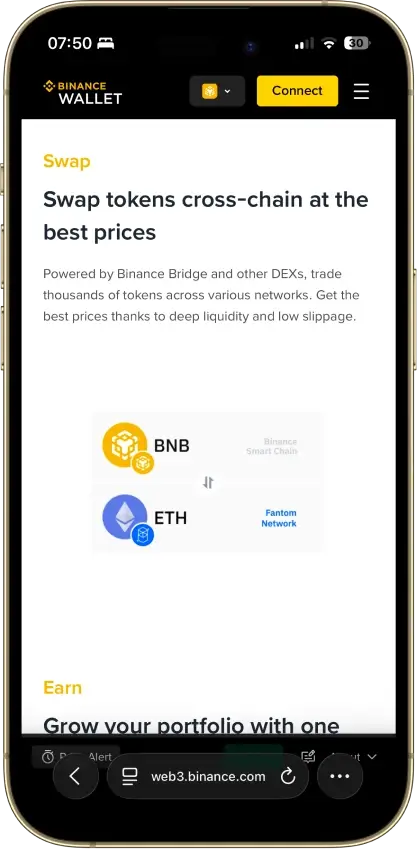
- Cross-chain bridging in one interface
- Earn staking stays non-custodial
Cons
- $505M DOJ guilty plea, consultant to 2027
- Aggregator laundered ~$100M Bybit funds
- Keyless mode hands OKX one key share
- Client code is not fully open source
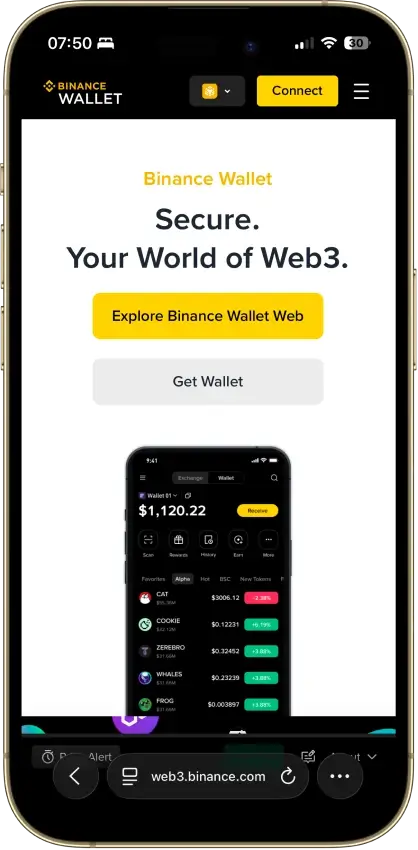
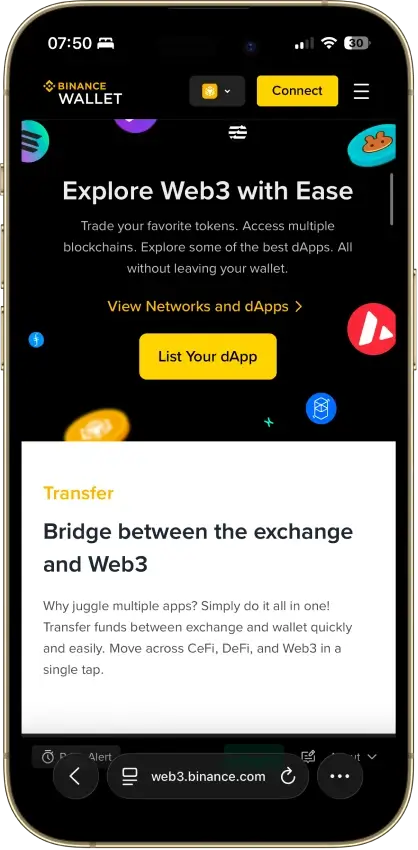
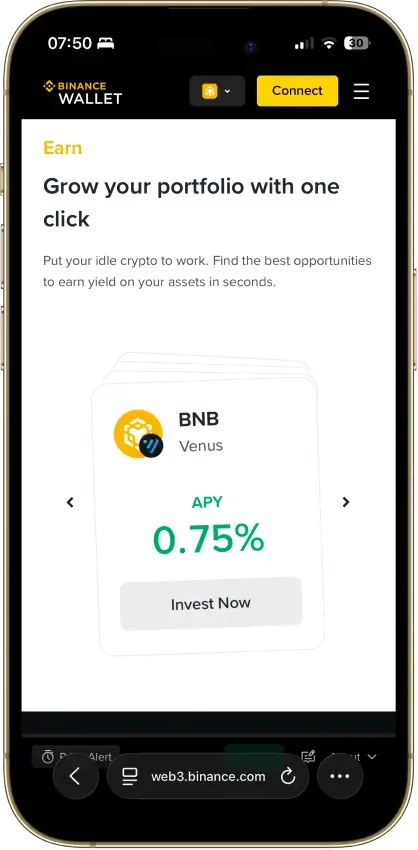
Binance Wallet
- Custody
- Non-custodialClosed-source
- Networks
- Platforms
Pros
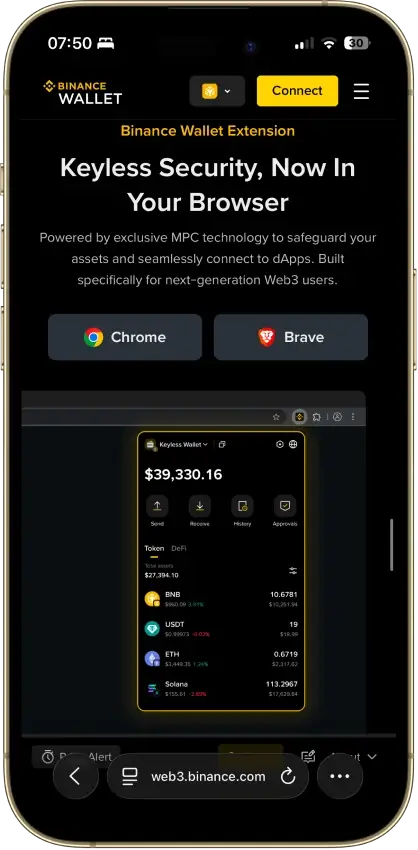
- Existing-wallet imports in the extension
- Bitcoin controls in the mobile wallet
- Independent extension audit anyone can read
- Address-poisoning filters on sends
- Binance deposit-address option in Send
Cons
- Conversion removes keyless recovery
- Audit excludes backend verification
- No hardware wallet support
- Ordinals are treated as plain BTC
Exodus
- Custody
- Non-custodialPartially open-source
- Networks
- Platforms
Pros
- Desktop app for Windows, macOS and Linux
- Desktop and mobile sync to one wallet
- Custom tokens on supported networks
- Human support alongside the chatbot
- Recovery phrase backup still available
Cons
- Complete wallet is not open source
- WalletConnect removed from the mobile app
- Ledger portfolios work on mobile only
- Swap costs sit inside a quoted spread
- $3.1M OFAC sanctions settlement in 2025
Trust Wallet
- Custody
- Non-custodialPartially open-source
- Networks
- Platforms
Pros
- Transaction previews on supported networks
- Optional encrypted cloud backup
- Ledger signing through the extension
- Staking for ETH, SOL, BNB and TRX
- No email account needed for a classic wallet
Cons
- December 2025 extension hack hit about $8.5M
- Mobile app builds lack public source access
- Dropped several networks in September 2026
- SWIFT covers only a handful of EVM chains
Tangem
- Custody
- Non-custodialClosed-source
- Networks
- Platforms
Pros
- Native BTC, ETH, SOL and XRP support
- No battery, the phone powers signing
- App source code is publicly inspectable
- Independent SDK audit with a public summary
- WalletConnect on Solana and listed EVM chains
Cons
- No on-card transaction display
- Card firmware cannot be updated
- Proprietary app licenses limit reuse
- Some Solana NFTs can't be sent from it
Each wallet here solves a different problem. Tonkeeper is the clearest starting point for people who want a standalone TON wallet. TON Wallet in Telegram is the easiest option for people who already live inside Telegram. MyTonWallet adds flexibility and an open-source angle. Tonhub keeps the experience simple on mobile. Ledger is the right fit for holders who prioritize security over convenience.
How We Rank
- Custody and key security 30% weightWhat we assess
Who can authorize spending, protection of keys and signing, and independent access to every reviewed account type.
What earns 10/10 Users control spending and have complete independent access for every reviewed account type. Signing and authorization are isolated from the connected app, with key and recovery dependencies explained. - Security validation and track record 25% weightWhat we assess
Independent security assessments, their coverage and findings, plus updates and the handling of known incidents.
What earns 10/10 Independent assessments cover the current design and material changes. Material findings are resolved, and sustained maintenance records show no unresolved material incident consequences. - Transaction safety and signing 20% weightWhat we assess
Transaction details, signing warnings, scam checks, permission controls and the handling of unreadable requests.
What earns 10/10 Transfers and supported signing requests show readable details before consent. Risk warnings and integrated permission revocation cover relevant tasks, with unclear requests identified and easy to reject. - Backup and recovery 10% weightWhat we assess
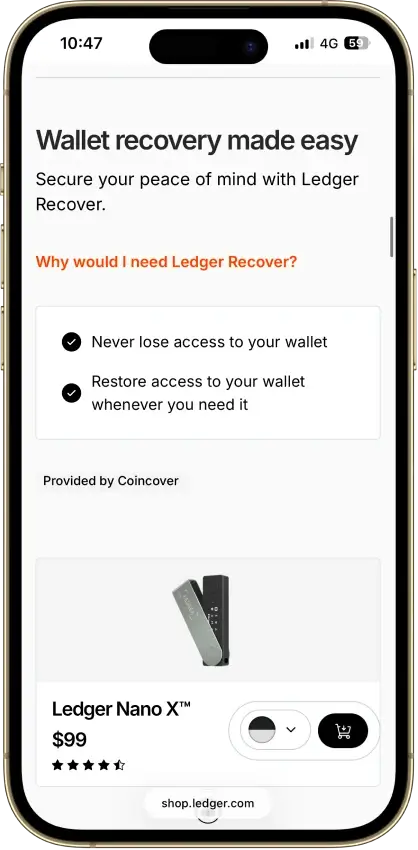
Repeatable backup checks, complete restoration, recovery dependencies, costs and resilience after backup loss.
What earns 10/10 Repeatable checks verify complete backups without resetting the wallet. Recovery survives loss of a backup or dependency, with clear costs and no third party able to spend alone. - Usability, privacy and costs 10% weightWhat we assess
Setup and everyday tasks, accessibility, support guides, data-sharing choices and device, service and transaction costs.
What earns 10/10 Clear workflows, accessible controls and useful support guides make routine tasks straightforward. Nonessential data sharing is optional, and mandatory costs are transparent and reasonable. - Assets, networks and compatibility 5% weightWhat we assess
Asset and network support, devices, companion apps and connections needed for the uses covered in the review.
What earns 10/10 Official compatibility lists and setup guides cover the reviewed assets, networks, devices and connections. Required transfer routes are documented and available, with no known blocker.
CryptoSlate uses the same core framework across its wallet coverage, then adjusts it for how people use TON. Security carries the most weight. We look first at custody clarity, recovery, and transaction safety. We also look at how well a wallet protects users from common mistakes such as phishing, blind approvals, and wrong-network sends.
Each criterion is scored on a simple three-point scale:
- 1.0 if the wallet clearly meets the standard
- 0.5 if support is partial or inconsistent
- 0.0 if support is limited, unclear, or missing
A wallet does not rank well on one feature alone. The strongest options combine clear custody terms, solid recovery design, safe signing flows, and reliable access to the TON ecosystem.
What Is a TON Wallet?
On TON, a wallet can take several forms. It might be a mobile app, browser extension, web wallet, Telegram-integrated wallet, or hardware-compatible interface. Its job is to help you manage the keys needed to send, receive, and control Toncoin and other assets on The Open Network. When you approve a transaction, the wallet signs it with your private key before the transaction is broadcast to the blockchain.
One common misconception is that your coins are stored inside the app itself. They are not. Your TON and jettons live on the blockchain, while the wallet is the tool that lets you view balances, generate an address, and authorize transactions. That is why setup, backup, and recovery matter so much.
For beginners, the key distinction is simple:
- Wallet app: the interface you use to view balances, send and receive TON, connect to TON apps, and manage jettons or NFTs
- Wallet address: the public address you share to receive TON or other supported assets
- TON blockchain: the network that records and confirms the transaction
TON wallets can also be self-custodial wallets or custodial ones. With a self-custody wallet, you control the recovery method and the keys. With a custodial wallet, a platform helps manage access and recovery on your behalf. Self-custody gives you more control, while custodial setups can feel simpler for beginners but add counterparty risk.
TON Wallet in Telegram vs Standalone TON Wallet Apps
Telegram is one of the main reasons TON feels different from many other crypto ecosystems. Users do not always need to start with a separate download. They can access TON directly through TON Wallet in Telegram, which lowers the barrier to entry for people who already use Telegram every day.
Convenience is only part of the decision. Before choosing, compare the Telegram-native route with a standalone app.
Is TON Space the Same as TON Wallet?
TON Wallet is the current name used for the self-custodial experience inside Wallet in Telegram. TON Space is the older name many users still remember from earlier branding and support pages. It is the same product under updated naming. It is a self-custodial wallet built for managing TON-based assets inside Telegram, not a separate exchange balance.
Older support pages and search habits explain why both terms still show up. If you see references to TON Space wallet and TON Wallet Telegram, they are usually pointing to the same Telegram-native self-custody product, not two different wallets.
How TON Wallet Works Inside Telegram
Using TON Wallet in Telegram feels more like opening a built-in tool than installing a separate crypto app. You open it inside Telegram, create or import a wallet, back up your recovery details, and manage TON-based assets without leaving the app.
That design matches the wider TON ecosystem. TON Connect is the standard connection layer for TON apps, and it is also the required protocol for Telegram Mini Apps. As a result, a Telegram-native wallet feels especially smooth for quick transfers and app access.
A standalone toncoin wallet app works differently. You download a dedicated app or extension and manage it outside Telegram. That setup gives you more separation from the messaging platform and often more device or hardware-wallet options.
Who Should Use a Telegram-Native TON Wallet
A Telegram-native wallet makes the most sense for people who already spend a lot of time inside Telegram and want the fastest path into the TON ecosystem. It is a strong fit for casual TON users, people exploring Mini Apps, and anyone who values convenience, mobile-first access, and fewer setup steps. That also makes it a familiar option for people comparing wallets for beginners.
A standalone wallet is usually the better choice for users who want more flexibility outside Telegram, broader cross-device support, or a setup designed around deeper self-custody habits. That includes users who want a dedicated ton wallet app on Android or iPhone, users who prefer browser extensions or web wallets, and long-term holders who may eventually pair their setup with hardware storage.
For new users, the Telegram route is usually the easiest way to start. A standalone wallet becomes more appealing once security preferences, device choice, or long-term storage matter more.
TON Wallet Apps by Platform
Start with the device you plan to use most. Some wallets are built around mobile convenience. Others work better on desktop through browser extensions or web access. Some are designed to live inside Telegram. That simple filter makes the shortlist easier.
Best TON Wallet App for Android and iPhone
On mobile, the strongest options are the wallets that feel reliable, handle transfers cleanly, and make TON apps easy to use. In this category, Tonkeeper, MyTonWallet, and Tonhub stand out.
Tonkeeper is one of the strongest mobile picks because it is built around TON from the ground up and offers a polished everyday experience for sending, receiving, swapping, staking, and managing jettons or NFTs. It makes sense for users who want a native-feeling toncoin wallet app with strong ecosystem coverage.
MyTonWallet is also a strong option on Android and iPhone, especially for users who want a richer feature set and a wallet that also extends well to desktop. It suits people who want one wallet across multiple devices rather than a mobile-only setup.
Tonhub is worth considering if simplicity matters more than feature depth. It is more mobile-first in feel and works well for users who mainly want a straightforward wallet for holding and transferring TON without a heavier interface.
If convenience matters more than installing a separate app, TON Wallet in Telegram is also a practical mobile option. It is better thought of as a Telegram-native wallet than a traditional standalone app. It works best for people who already spend a lot of time inside Telegram and want fast access to TON.
TON Wallet Browser Extensions and Web Wallets
Desktop users often want a different wallet setup. A browser extension or web wallet can make more sense if you connect to TON apps frequently, prefer a larger screen, or want easier access across devices.
MyTonWallet is one of the clearest fits here because it has a strong desktop and extension presence in addition to its mobile apps. That makes it useful for users who want one TON wallet that works well whether they are on a phone, a laptop, or inside a browser session.
Tonkeeper also supports web access and browser-based use, which gives it more flexibility than a mobile-only wallet. For users who want a known TON-native brand but do not want to be tied only to a phone, that matters.
For people who want an online crypto wallet, a browser extension or web wallet is often the most practical fit. It works especially well for users who connect to dApps often, manage multiple wallets, or simply prefer desktop visibility. The trade-off is that browser-based setups still need careful security habits. They are convenient, but they are not the same thing as cold storage.
Telegram-native access sits slightly outside this category. TON Wallet in Telegram can feel desktop-accessible if you use Telegram on desktop, but it is still centered on the Telegram environment rather than acting like a standard standalone browser extension.
TON Wallet Download Options
When people search for TON wallet download, they are often looking for one of four different things.
The first is a standard mobile app download for Android or iPhone. This is the usual route for users who want a dedicated ton wallet app with a familiar install flow through the App Store or Google Play.
The second is a browser extension install. This suits desktop-first users who want fast wallet access in a browser and easier connections to TON apps and services.
The third is a web wallet. This can be useful when you want access from a desktop browser without installing a full mobile app, although users should always make sure they are on the official site before entering any recovery details.
The fourth is access through Telegram itself. In that case, you are not really downloading a separate toncoin wallet app at all. You are opening TON Wallet in Telegram through the Wallet interface and managing TON inside the messaging platform.
Whichever route you choose, the practical rule is the same: only download a TON wallet from official app stores, official wallet websites, or the verified Telegram wallet flow. That matters even more for Android users searching for direct APK files or for anyone looking for a quick TON wallet download from a search result.
TON Wallet Address, Explorer and Transfers
Once you start using a wallet, it helps to understand how addresses, explorers, and transfers work together. The app gives you the interface, but the actual movement of funds and asset records sits on-chain. Knowing how to copy your address, check activity on an explorer, and avoid common transfer mistakes makes day-to-day use much easier.
What Is a TON Wallet Address?
A TON wallet address is the public address linked to your wallet on The Open Network. It is the address you share when you want to receive Toncoin, jettons, or other supported TON-based assets. In most wallet apps, you can copy it directly from the main receive screen or scan and share it as a QR code.
For everyday users, the key point is simple: your wallet address is public, but your recovery phrase and private keys are not. You can safely share the address to receive funds, but you should never share your backup phrase or any security credentials that control the wallet.
TON also uses different address representations, including raw and user-friendly formats. Most users will only deal with the user-friendly version shown inside wallet apps because it is designed to reduce mistakes and make copying easier. Even so, you should still verify the address carefully before sending funds, especially when copying it between apps, using Telegram, or pasting it from a browser.
How to Check a TON Wallet on an Explorer
A TON explorer lets you verify what is happening on-chain without relying only on what the wallet app displays. If you paste a wallet address into one, you can usually view the current balance, recent transactions, jettons, NFTs, and other contract-related activity tied to that address.
This is useful for a few common reasons. First, it lets you confirm whether an incoming or outgoing transfer was actually recorded on-chain. Second, it helps you inspect transaction history if something looks delayed or unclear in the wallet app. Third, it gives you a clearer picture of what assets are tied to a wallet, including supported jettons and NFTs.
In practical terms, a TON explorer is best used as a verification tool. If a transfer seems stuck, missing, or unfamiliar, checking the wallet address on an explorer can help you see whether the transaction was broadcast, whether it succeeded, and which assets are currently visible on-chain.
How to Send and Receive Toncoin Safely
Sending and receiving TON is straightforward, but small mistakes can still be costly. The safest habit is to verify the wallet address before every transfer, even if it comes from a trusted chat, copied note, or saved contact. If you are sending to a new address for the first time, a small test transaction is usually worth doing before sending the full amount.
It also helps to confirm exactly what you are sending. Toncoin, jettons, and NFTs are different asset types, so users should make sure the wallet or service on the receiving side supports the asset they are trying to transfer. This matters even more when moving funds between exchanges, wallets, and Telegram-based services.
For receiving funds, copy the address from the wallet’s receive function rather than typing it manually. For sending funds, check the address, amount, and destination one more time before approval. If anything looks unusual, pause and verify it through the wallet app or a TON wallet explorer first. A few extra seconds of checking can prevent the most common transfer errors.
TON Wallet vs Exchange Account
Holding Toncoin in your own wallet is different from holding it on an exchange. The main difference is control. With a self-custody wallet, you control the recovery method and the keys that authorize transactions. With an exchange account, the platform controls the custody layer and gives you access through its own login, security, and withdrawal system.
That makes exchange accounts more convenient for some users, especially if the main goal is buying, selling, or actively trading TON. You can move quickly between Toncoin and other assets, and you do not need to manage a seed phrase on day one. The trade-off is that you are relying on the exchange to protect access, process withdrawals, and stay operational.
A self-custody TON wallet gives you more control. It usually makes more sense if you want to hold TON for longer, use TON apps, connect through TON Connect, manage jettons or NFTs, or reduce reliance on a third party. The trade-off is responsibility. If you lose recovery access or approve the wrong transaction, an exchange support team cannot simply reverse it.
Many users do not treat this as an either-or choice. They keep some TON on an exchange for trading, fast swaps, or funding, then move longer-term holdings into a dedicated wallet. Others keep a smaller spending balance in a mobile wallet and store the rest in a more secure self-custody or hardware-based setup.
Use an exchange when trading speed matters. Use a wallet when ownership, app access, and long-term control matter more. Many active TON users will end up using both.
How to Set Up a TON Wallet Safely
Setting up a wallet does not take long, but the first few steps matter more than most beginners expect. A clean setup reduces the risk of backup mistakes, phishing, and sending funds to the wrong place.
- Choose the right wallet for your use caseStart by deciding how you plan to use Toncoin. A Telegram-native wallet works well for quick access and Mini Apps, while a standalone toncoin wallet app may be better for stronger self-custody, broader device support, or long-term use.
- Create a new wallet or import an existing oneFollow the wallet’s setup flow carefully. If you already have a TON wallet, use the official import option and make sure you are restoring it only inside the correct wallet app or verified interface.
- Back up your recovery phrase securelyWrite the recovery phrase down and store it somewhere private and offline. Do not leave it in screenshots, chat drafts, cloud notes, or anywhere easy to expose. For a self-custody TON wallet, this backup is what protects access if your device is lost or replaced.
- Enable passcode, biometrics, or extra security toolsOnce the wallet is active, turn on the security features available on your device and inside the wallet. A screen lock, app passcode, and biometrics add an extra barrier if someone gets access to your phone or computer.
- Fund the wallet with a small test transfer firstBefore moving a larger amount of Toncoin, send a small test transaction to confirm that the wallet address is correct and the transfer arrives as expected. This is one of the easiest ways to avoid preventable setup mistakes.
- Connect only to trusted TON apps or servicesIf you use TON Connect or Telegram Mini Apps, connect the wallet only to services you recognize and trust. Read approval prompts carefully before signing anything, especially if a dApp asks for permissions you did not expect.
- Verify activity with a TON explorer if neededAfter setup, you can paste your wallet address into a TON explorer to confirm balances and transaction history. This is useful if a transfer looks delayed, a wallet screen seems unclear, or you simply want to verify that everything is working as expected.
A safe setup is less about doing something complex and more about getting the basics right. Choosing the right wallet, protecting the recovery phrase, and testing the first transfer carefully will do more for long-term safety than rushing into the TON ecosystem too quickly.
Security, Backup, Cold Storage and TON Storage
For any self-custody wallet, security matters more than almost any other feature because the wallet controls access to your funds. A polished interface helps, but weak backup habits can undo that quickly. It is useful to separate four related ideas: hot wallets, cold wallets, recovery tools, and TON ecosystem features that sound similar to wallets but are not wallets at all.
Hot Wallets vs Cold Wallets for Toncoin
A hot wallet is a wallet that stays connected to the internet through a phone, browser, desktop app, or Telegram. This is the most common setup for everyday TON use because it makes sending, receiving, swapping, staking, and connecting to TON apps much easier. Wallets such as Tonkeeper, MyTonWallet, Tonhub, and TON Wallet in Telegram all fit into the hot-wallet category for normal users.
A cold wallet keeps the signing environment offline or on dedicated hardware built to reduce exposure. For Toncoin holders, that usually means using a cold hardware wallet setup or pairing TON access with a device designed for stronger key isolation. Cold storage is slower and less convenient, but it makes more sense for larger balances or long-term holdings that do not need constant app access.
In simple terms, a hot toncoin wallet is better for day-to-day activity, while cold storage is better for long-term protection. Some people use both by keeping a smaller spending balance in a mobile wallet and a larger balance in a more secure offline-oriented setup.
Seed Phrase, Passcode, Biometrics, and Recovery
The seed phrase is still the most important recovery layer in many self-custody wallets. If you lose your device, the recovery phrase is what lets you restore access in another compatible wallet. That also means anyone else who gets the phrase can control the wallet, so it should be stored privately and offline rather than in screenshots, chat messages, or cloud notes.
A passcode or device lock adds another layer of everyday protection. It helps if someone gets physical access to your phone or computer, but it is not a replacement for proper recovery backup. Biometrics can add convenience and another barrier against casual access, though they are still part of device-level security rather than a substitute for wallet recovery.
Recovery setup matters as much as daily convenience. A wallet that feels fast and simple is only useful if you can still restore it after a lost phone, broken device, or reinstall. When comparing any TON wallet app, look not only at ease of use but also at how clearly it handles backup, recovery, and security warnings.
Is There a TON Mining Wallet?
Not in the way many beginners assume. TON uses a proof-of-stake model, so users do not need a special TON mining wallet to receive block rewards the way they might imagine from older proof-of-work networks. For most users, a regular wallet is enough for holding, sending, receiving, and using Toncoin across the ecosystem.
The term usually comes from search behavior rather than from an actual wallet category. People searching for a ton mining wallet are often really looking for a standard TON wallet that can hold Toncoin securely or possibly support staking-related activity. In practice, the better question is whether the wallet supports the features you need, not whether it is branded for mining.
What Is TON Storage?
TON Storage is not a wallet. It is a separate TON ecosystem service for decentralized file storage and file sharing. In simple terms, it is designed for storing and distributing data through the TON network, while a TON wallet is designed to manage keys, balances, addresses, and transaction approvals.
The confusion usually happens because both terms sit under the TON umbrella and both involve digital assets or access in some form. The easier way to think about it is this: a wallet helps you control Toncoin and other TON-based assets, while TON Storage is part of the network’s broader infrastructure for handling files and data.
People choosing a toncoin wallet app do not need to compare TON Storage directly with a wallet or install it instead of one. It is simply a separate TON concept worth knowing so the names do not get mixed up.
Recent TON Wallet Updates That Matter
A few recent changes matter when comparing TON wallets today. First, official Wallet in Telegram materials now use TON Wallet as the main product name, while many older help pages and search queries still refer to TON Space. That is mostly a naming update rather than a sign that users need to choose between two separate Telegram wallets.
Second, TON’s official documentation continues to position TON Connect as the standard wallet connection layer and the mandatory protocol for Telegram Mini Apps. That matters because wallet quality on TON is not just about storage. It is also about how smoothly the wallet works across apps, Telegram-native experiences, and transaction approvals.
Third, official Wallet in Telegram support materials now state that TON Wallet is available to users in the U.S. That is a notable change for people who may have seen older limitations or outdated coverage. The same materials also highlight newer features such as swaps, buy and sell flows through third-party partners, Telegram Stars fee support, and recovery options tied to email in some cases.
The category is moving quickly inside the Telegram ecosystem. Naming, regional availability, and in-wallet features can shift faster here than they do in older wallet categories. For ongoing coverage, follow the latest TON news.
Conclution
The Best TON Wallet Depends on How You Use Telegram
Tonkeeper is the safest default if you want a standalone app built around TON. TON Wallet in Telegram is the better pick when speed and Telegram access matter most.
MyTonWallet makes more sense for users who want a broader cross-device setup. Tonhub suits people who want a simpler mobile wallet. Ledger is the better call once security matters more than convenience.
Pick based on how you actually plan to use TON. Go with Telegram-first access when speed matters most. Choose a standalone wallet when control matters more. Move larger holdings toward colder storage.
