An anonymous crypto wallet can help reduce how much personal information gets tied to your activity, but most wallets are better described as pseudonymous than fully anonymous. The best options are self-custody wallets that keep you in control and make it easy to separate storage from day‑to‑day activity. That separation does more for crypto wallet privacy than any “anonymous” label.
Most self-custody wallets are free to download — the real costs are network fees and optional third-party provider fees (like swaps or buying crypto inside the app). That’s why the phrase “free anonymous bitcoin wallet” usually just means a wallet you can create without paying for an account — privacy still depends on how you fund and use it. For most people, a privacy wallet means self-custody plus fewer identity links, not a guarantee of anonymous transactions.
Blockchain activity is often public, and identity checks can still appear when you buy crypto, cash out, or use third-party payment providers. This guide focuses on privacy-first wallets that give more control, fewer identity touchpoints, and better habits for protecting financial privacy.
What Makes a Wallet “Anonymous” in Practice?
An “anonymous crypto wallet” is usually a wallet that minimizes identity links at setup and helps keep activity separated. Before choosing one, check for:
- Self-custody by default: you control the recovery phrase (not an exchange account).
- No wallet-level KYC to create a wallet: identity checks should be tied to optional buy/sell providers, not the wallet itself.
- Easy wallet and address separation: multiple wallets/accounts and straightforward “new address” workflows.
- Hardware signing support (optional): useful for higher balances, even though it doesn’t hide transactions.
- Clear signing and approval prompts: preview what you’re signing and limit approvals where possible.
- Transparency about privacy limits: clear notes about what data the wallet or its providers may collect.
If you plan to buy crypto or cash out inside the wallet, assume verification can still apply depending on the provider and your location.
For anyone who cares about crypto wallet privacy and wants more control over how much personal information gets tied to their activity, these are the five strongest picks from CryptoSlate’s current wallet coverage.
Top Anonymous Crypto Wallets
- Custody
- Non-custodialPartially open-source
- Networks
- Platforms
- Snaps add third-party wallet capabilities
- Social login that still signs on your device
- Transaction Shield cover on marked transactions
- Custody
- Non-custodialPartially open-source
- Networks
- Platforms
- Separate Cash account for Solana payments
- Pay Solana network fees in the token you send
- PSOL keeps staked SOL tradable in DeFi
- Custody
- Non-custodialPartially open-source
- Networks
- Platforms
- SWIFT offers passkey-based wallet recovery
- Second only to OKX for network coverage
- Premium loyalty tiers reward wallet activity
- Custody
- Non-custodialFully open-source
- Networks
- Platforms
- Built by the team behind Kraken exchange
- Native Dogecoin support, not wrapped
- Token risk scoring and spam-NFT filter
CryptoSlate may earn a commission when you visit partner sites through links on this page, at no extra cost to you. Our rankings and reviews remain editorially independent and based on our published methodology. Read disclosure
Disclaimer: CryptoSlate may receive a commission when you click links on our site and make a purchase or complete an action with a third party. This does not influence our editorial independence, reviews, or ratings, and we always aim to provide accurate, transparent information to our readers.Taken together, these choices show that the best anonymous crypto wallets are usually the ones that keep custody in the user’s hands and limit identity checks to optional third-party services rather than the wallet itself. Trust Wallet stands out for flexibility across many chains, MetaMask remains a strong option for Ethereum and EVM users, and Phantom plus Solflare give Solana users two credible privacy-first paths. Kraken Wallet rounds out the list as a simpler mobile-focused alternative. If you’re comparing the best anonymous bitcoin wallets, treat this shortlist as a wallet-level starting point — then focus on funding sources and address hygiene.
Comparison Table
| Name | Custody | Blockchains | Hardward Support | Staking | Fiat On-ramp |
|---|---|---|---|---|---|
 MetaMask MetaMask | Non-custodial | Yes | Full | — | |
 Phantom Phantom | Non-custodial | Yes | Limited | — | |
 Trust Wallet Trust Wallet | Non-custodial | Yes | Full | — | |
 Blockstream Jade Plus Blockstream Jade Plus | Non-custodial | No | None | — | |
 Kraken Wallet Kraken Wallet | Non-custodial | No | Limited | — | |
 Cake Wallet Cake Wallet | Non-custodial | Yes | None | — | |
 Solflare Solflare | Non-custodial | Yes | Full | — | |
 Stack Wallet Stack Wallet | Non-custodial | No | None | — | |
 Monerujo Wallet Monerujo Wallet | Non-custodial | — | Yes | None | — |
 Monero GUI Wallet Monero GUI Wallet | Non-custodial | — | Yes | None | — |
This table compares native chain support, hardware signing, and the main places verification can still show up (usually buy/sell, on-ramp, or card features). Next, the detailed reviews cover each wallet’s strengths, privacy trade-offs, and the habits that keep activity better separated.
If you want a fast decision: Trust Wallet is the broad multi-chain pick, MetaMask is the clearest fit for Ethereum and EVM dApps, Phantom is the strongest Solana-first option in this shortlist, Kraken Wallet is a good mobile self-custody layer for Kraken users, and Solflare is best if you live mostly on Solana and want built-in staking.
Anonymous Crypto Wallets Reviews
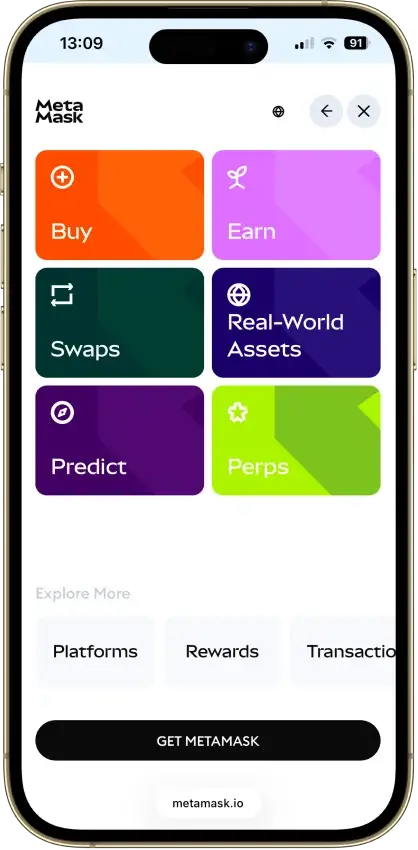
MetaMask
- Custody
- Non-custodialPartially open-source
- Networks
- Platforms
Pros
- Default-on transaction security alerts
- Mobile connections to compatible hardware
- ETH pooled staking without a product minimum
- Custom EVM networks alongside native Bitcoin
- Publicly accessible extension source code
Cons
- Swaps carry a 0.875% service fee
- Linked Ledger accounts are EVM-only
- Social login can't be changed or unlinked
- Passkeys unlock but can't restore the wallet
Phantom
- Custody
- Non-custodialPartially open-source
- Networks
- Platforms
Pros
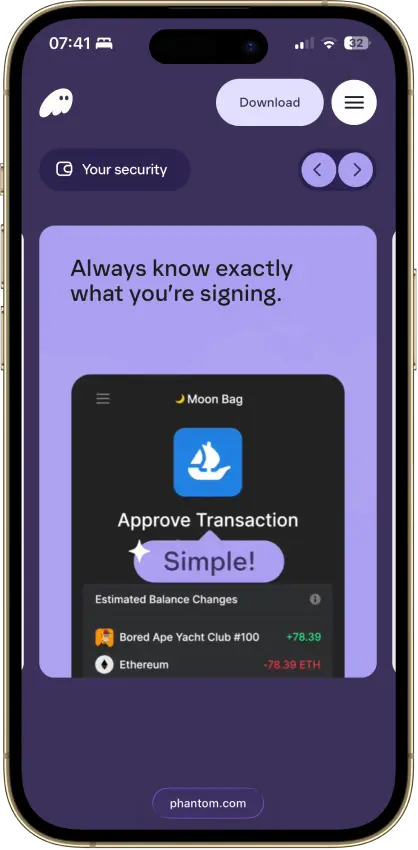
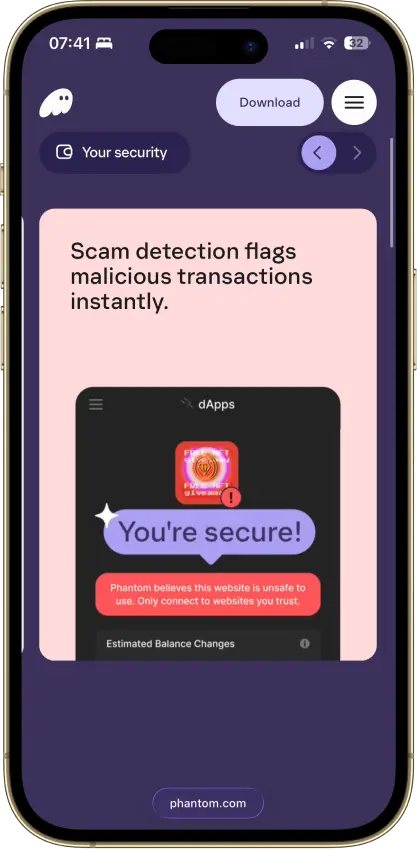
- Transaction previews and scam warnings
- Ledger Bluetooth support on mobile
- Bitcoin Native SegWit and Taproot support
- Third-party audit reports open to read
- Google or Apple login with a portable backup
Cons
- Core app is proprietary
- Dropped Sui and Monad support in 2026
- New native stakes need the extension
- Google and Apple wallets sign on a remote server
- No native Arbitrum, Optimism, BSC, or Avalanche
Trust Wallet
- Custody
- Non-custodialPartially open-source
- Networks
- Platforms
Pros
- Transaction previews on supported networks
- Optional encrypted cloud backup
- Ledger signing through the extension
- Staking for ETH, SOL, BNB and TRX
- No email account needed for a classic wallet
Cons
- December 2025 extension hack hit about $8.5M
- Mobile app builds lack public source access
- Dropped several networks in September 2026
- SWIFT covers only a handful of EVM chains
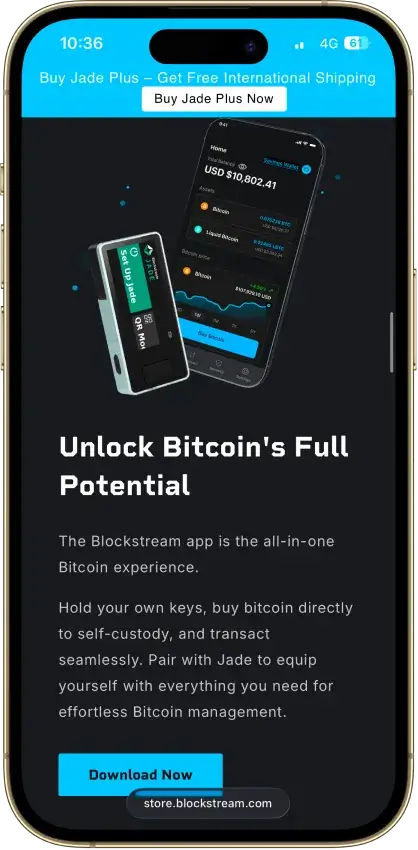
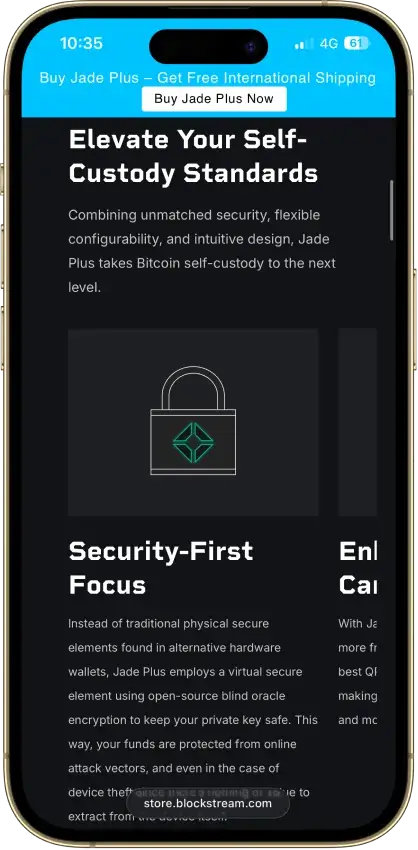
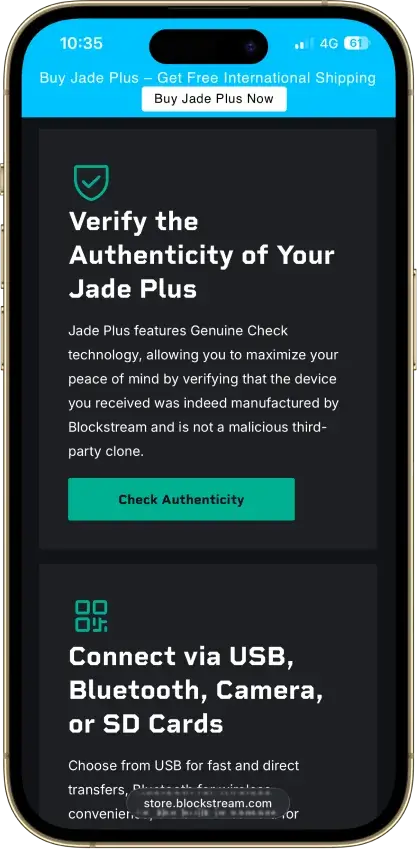
Blockstream Jade Plus
- Custody
- Non-custodialFully open-source
- Networks
- Platforms
Pros
- Bitcoin signing by camera, cable or Bluetooth
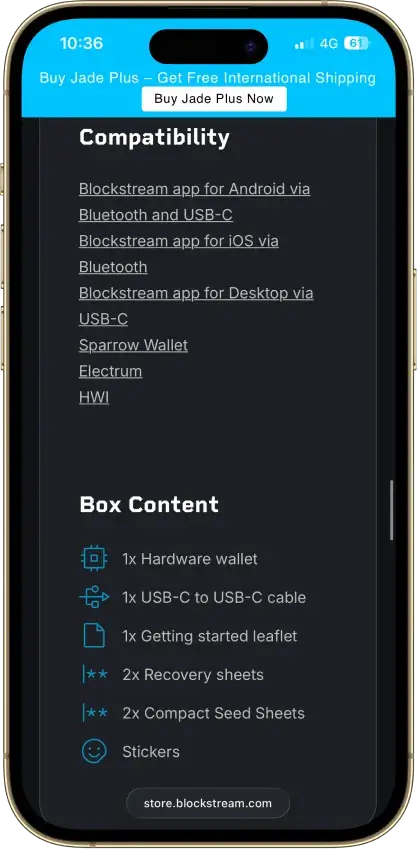
- Works with Sparrow, Electrum and Nunchuk
- Optional BIP39 passphrase wallets
- Board-design files open to anyone
- Firmware updates from removable storage
Cons
- Normal PIN access depends on an online oracle
- QR transaction signing excludes Liquid
- App Lightning balance uses an app-held key
- Liquid peg-outs limited after a September incident
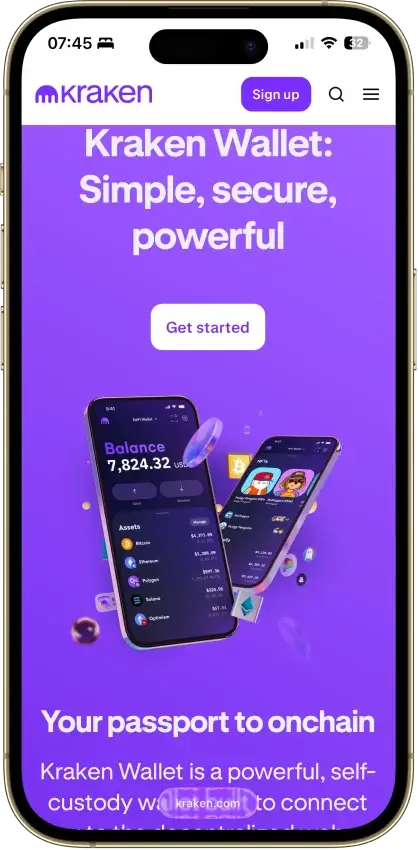
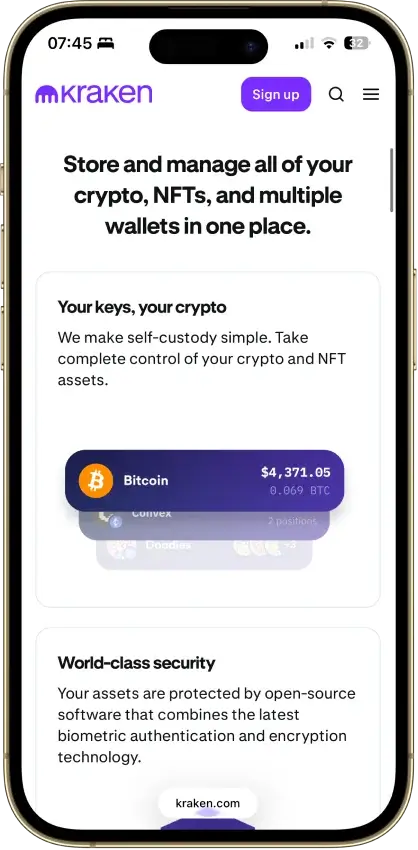
Kraken Wallet
- Custody
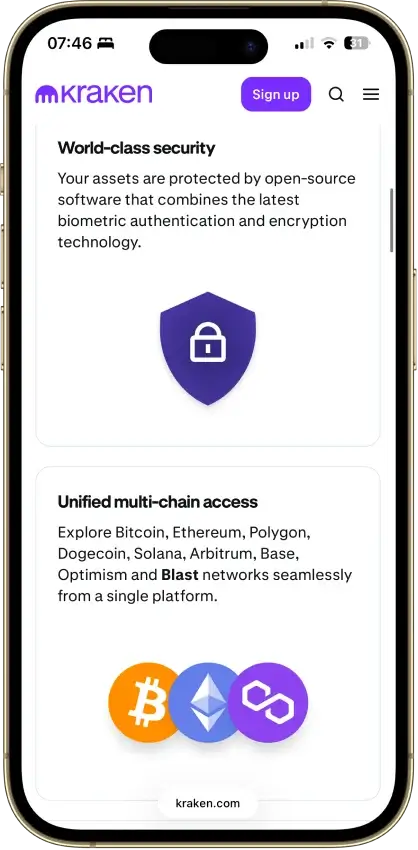
- Non-custodialFully open-source
- Networks
- Platforms
Pros
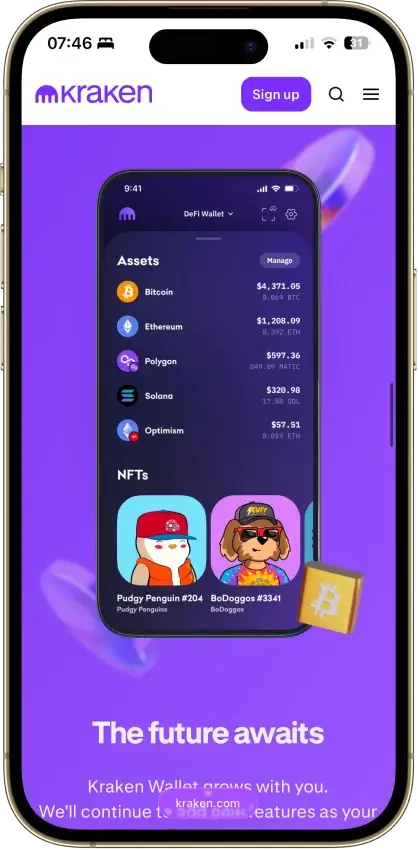
- Open code with reproducible-build instructions
- Trail of Bits audited its security
- Works without a Kraken exchange account
- Kraken Connect links your exchange account
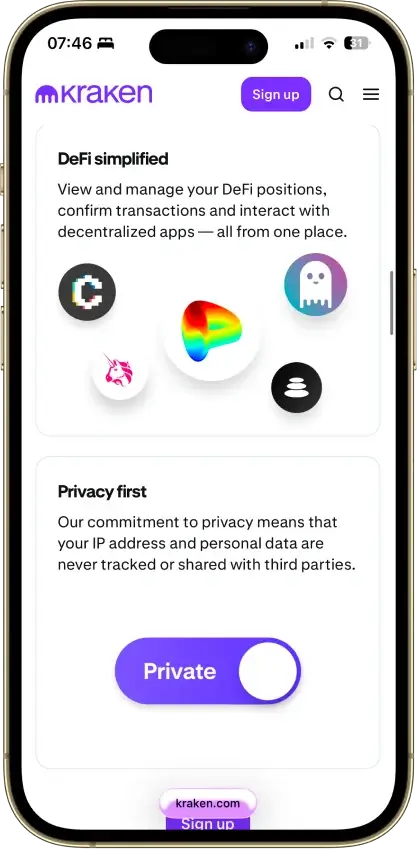
- US-available with no geo-gate
Cons
- No hardware wallet pairing
- No browser extension or desktop app
- Swap spread is not disclosed
- No in-wallet fiat on-ramp
- One phrase at a time, no passphrase option
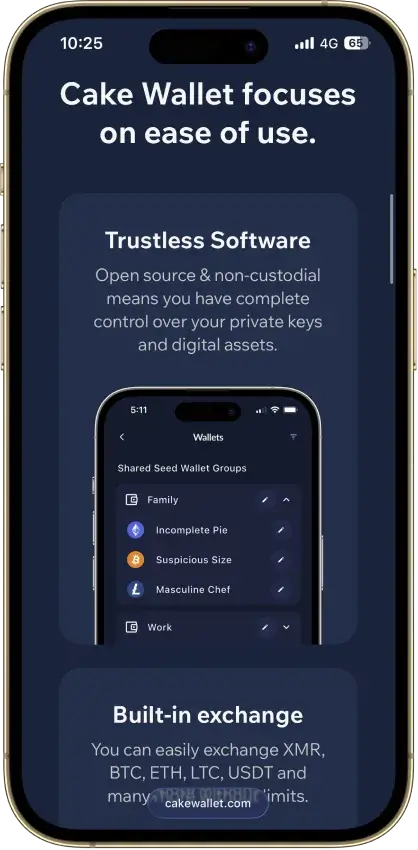
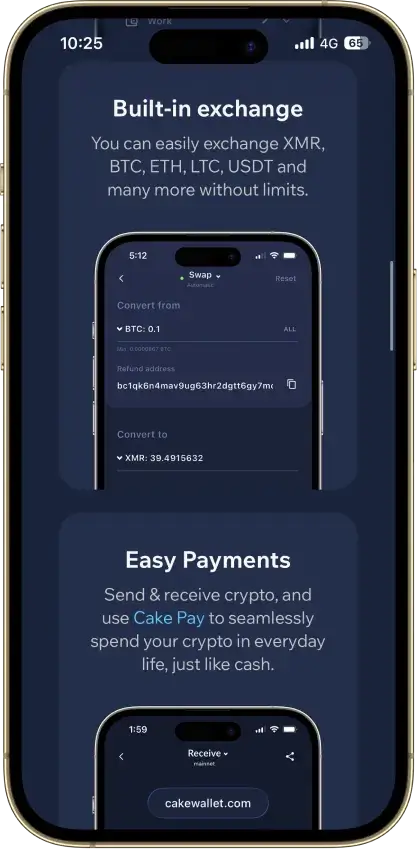
Cake Wallet
- Custody
- Non-custodialFully open-source
- Networks
- Platforms
Pros
- Monero accounts and subaddresses
- Encrypted whole-app backup export
- Multiple swap providers to compare
- Publicly documented security fixes
- Custom nodes and restore-height control
Cons
- Windows builds are currently paused
- Past BTC seed flaw needs manual migration
- Tor routing is still labeled experimental
- Lightning sits in a separate Spark balance
- Ethereum NFTs display but can't be sent
Solflare
- Custody
- Non-custodialPartially open-source
- Networks
- Platforms
Pros
- Validator choice for native SOL staking
- Ledger and Keystone signing supported
- Jupiter swaps inside the wallet
- Transaction checks and biometric app lock
- NFT display in the wallet
Cons
- Shield has no independent signing screen
- Keystone extension connection is watch-only
- Shield's phrase is shown once at setup
- Instant Unstake costs 0.5% to 3%
Stack Wallet
- Custody
- Non-custodialFully open-source
- Networks
- Platforms
Pros
- Fully open source, entire codebase public
- Apps for mobile and desktop alike
- Coin control on Bitcoin and privacy coins
- Point it at your own node per coin
- Its own F-Droid repo for Android
Cons
- No dApp browser or WalletConnect
- No hardware-wallet pairing
- App-level backup restores into Stack only
- No formal third-party security audit
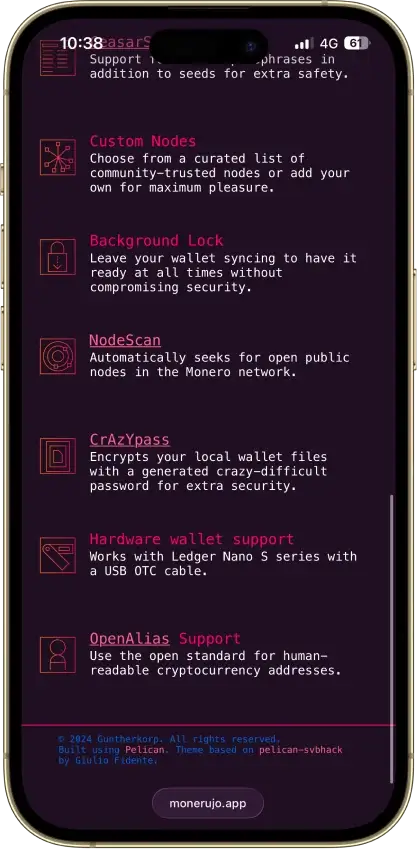
Monerujo Wallet
- Custody
- Non-custodialFully open-source
- Platforms
Pros
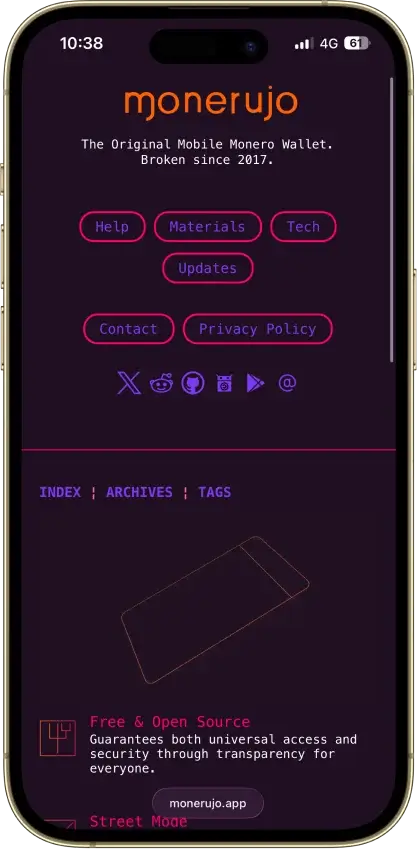
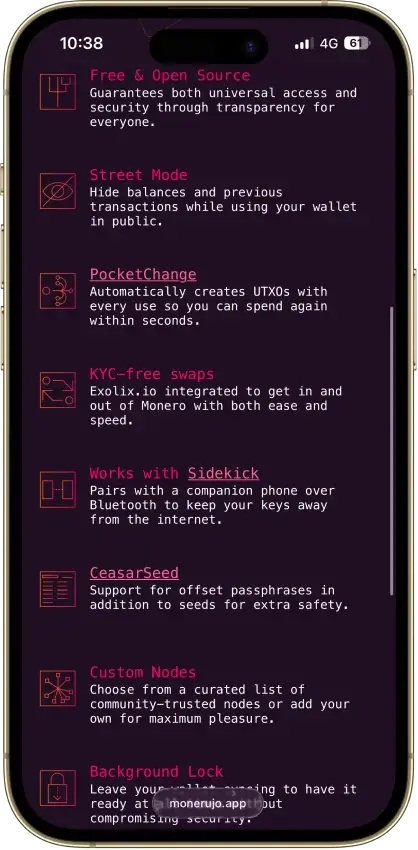
- Public application code under Apache 2.0
- Own F-Droid repository and APK downloads
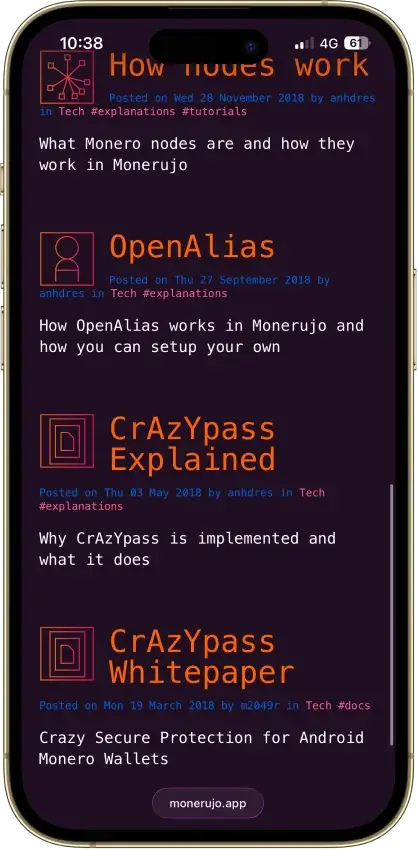
- Choose the node your wallet connects to
- Nano S-series Ledger signing over USB
- Multiple wallets, accounts and subaddresses
Cons
- File recovery has a separate password
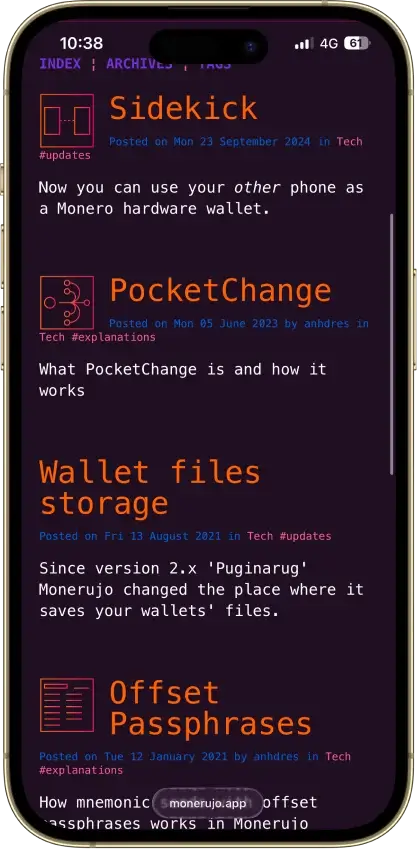
- Sidekick still carries an alpha warning
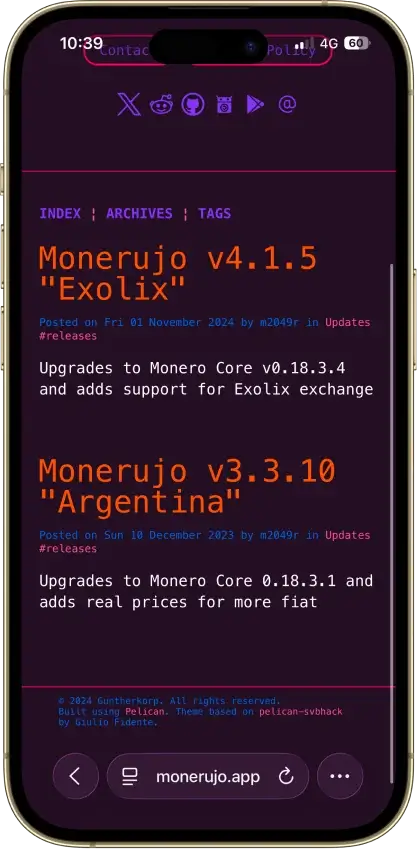
- Last release was v4.1.7 in June 2025
Monero GUI Wallet
- Custody
- Non-custodialFully open-source
- Platforms
Pros
- Fully open source under BSD-3
- Simple mode gets you sending in minutes
- Tor and I2P transport built in
- Can run its own full Monero node
- Ledger and Trezor signing supported
Cons
- Monero only, no other coins
- Desktop only, no official mobile app
- Remote nodes can leak metadata
- 25-word seed differs from BIP-39
- Full node sync is a long first download
How We Rank
- Custody & portability 10% weight
Control of funds, exportability, and wallet portability.
- Key security model clarity 10% weight
How clearly keys and signing responsibilities are explained.
- Independent security validation 10% weight
Audits, bug bounties, and credible third-party security review.
- Recovery quality 10% weight
Backup, recovery, and loss-prevention options for normal users.
- Scam & drainer resistance 10% weight
Protections against phishing, drainers, malicious dApps, and scams.
- Incident history & response maturity 10% weight
Past incidents, disclosure quality, and response maturity.
- dApp connectivity coverage 10% weight
WalletConnect, browser, mobile, chain, and dApp compatibility.
- Signing UX quality 10% weight
How clearly users can understand, review, and approve signatures.
- Smart-wallet UX / account abstraction readiness 10% weight
Smart-account features, passkeys, batching, and gas abstraction.
- Fiat rails & bank-wallet functionality 10% weight
Fiat on/off ramps, cards, bank links, and payment functionality.
These wallets were not ranked on marketing language or on the idea that any product can make a public blockchain truly anonymous by itself. The shortlist focuses on each privacy-focused crypto wallet that gives the strongest foundation for privacy-first self-custody: control of keys, a setup flow that typically does not require wallet-level KYC, and practical ways to separate activity across wallets and addresses.
The biggest factor is how cleanly a wallet separates self-custody from services that often trigger verification, such as fiat on-ramps, cash-out tools, or card-linked features. In practice, “anonymous” here refers to lower identity exposure and stronger user control, not invisibility on-chain.
The phrase “best anonymous crypto wallets with no kyc” usually means “no wallet-level KYC at setup,” not a promise of anonymous transactions. Buying crypto, cashing out, or using third-party providers can still trigger verification depending on the service and location.
Are Crypto Wallets Anonymous?
Usually no — most crypto wallets are pseudonymous rather than anonymous. Searches for “crypto wallet anonymous” usually mean “no wallet-level KYC at setup.” You’ll also see the same intent phrased as “crypto anonymous wallet,” but it doesn’t mean transactions are hidden.
In practice, crypto wallet privacy comes down to three layers:
- Wallet setup: Many self-custody wallets let you create a wallet without full KYC, but identity links can still appear through exchange-linked features, third-party buy/sell providers, or account-based services.
- On-chain visibility: On most chains, a privacy wallet address is still a public address. Anyone can view transactions tied to it, and address reuse or predictable transfers make it easier to link activity.
- Off-chain links: The fastest way to lose anonymity is through off-chain data — KYC exchanges, card purchases, cash-out providers, and accounts you log into while using the wallet.
The takeaway is simple: self-custody reduces how much a platform knows about you, but better privacy comes from separation (different wallets for different purposes), careful funding sources, and cautious signing.
Are Bitcoin Wallets Anonymous?
Not in the way most people mean it. Bitcoin wallets can often be created without KYC, which is why many users ask, are Bitcoin wallets anonymous. But Bitcoin runs on a public blockchain, so wallet addresses, transfers, balances, and transaction history can often be traced or linked over time. That means bitcoin wallet privacy depends less on the wallet name alone and more on how you fund it, how you use it, and whether activity gets connected back to your identity.
An anonymous BTC wallet usually means self-custody plus stronger address hygiene, not hidden transactions. People also use the phrase “bitcoin anonymous wallet” for the same idea, but the same limitations apply.
Be cautious with any “anonymous bitcoin wallet online” or web wallet. Browser-based wallets can increase phishing and account-takeover risk, and some services use the term “anonymous” as marketing even when they collect metadata or route funds through providers that require verification.
A privacy bitcoin wallet (often grouped under the term “bitcoin privacy wallets”) can improve privacy by giving self-custody, fresh addresses, and more control over how funds move, but it does not make Bitcoin private by default. Privacy drops fast if you withdraw from a KYC exchange, reuse the same receive address, or connect the same wallet across multiple services.
For a quick way to evaluate any wallet using the same privacy baseline as this guide, use the checklist near the top. Next, the table below shows how wallet privacy expectations change across Bitcoin, Ethereum, Solana, and privacy-coin wallets.
Wallet Privacy by Chain and Use Case
“Anonymous” means different things depending on the chain and the type of activity. On Bitcoin, Ethereum, and Solana, the biggest privacy gains usually come from self-custody, clean separation between wallets, and avoiding identity-linked services unless you actually need them. The table below summarizes what people typically mean by “anonymous” for each chain, which wallets on this page fit best, and what the main privacy limit looks like in practice.
| Chain / use case | What “anonymous” usually means | Best fits from this page | Main privacy limit | Best habit to keep privacy stronger |
|---|---|---|---|---|
| Bitcoin | Wallet-level setup without KYC + better address hygiene | Trust Wallet, MetaMask, or Kraken Wallet (Bitcoin-supported, not Bitcoin-privacy specialized) | Bitcoin is public by default; KYC funding and address reuse create easy links | Use fresh addresses and keep a separate wallet for any exchange/cash-out activity |
| Ethereum / EVM | Wallet creation without KYC + separation between dApps and storage | MetaMask | Public on-chain activity + approvals/signatures can leak patterns | Use a dedicated “dApp wallet” and keep storage in a separate wallet |
| Solana | Self-custody + clean separation between storage and app usage | Phantom, Solflare | Public on-chain activity; identity checks can still appear via on-ramps | Keep a storage wallet separate from the wallet you connect to apps |
| Privacy coins / Monero | A wallet built specifically for privacy-native chains | Not covered yet on CryptoSlate’s current shortlist | Needs a dedicated Monero-focused wallet review before making a firm recommendation | Treat this as a separate category and don’t assume multi-chain wallets cover it |
The pattern is consistent across chains: a privacy-focused setup is less about finding a magical “most anonymous crypto wallet” and more about reducing linkability. If you keep long-term storage separate, avoid reusing addresses, and limit the number of services your main wallet touches, you can materially improve crypto wallet privacy — even though transactions on most chains remain public by default.
Best Privacy Setup by User Type
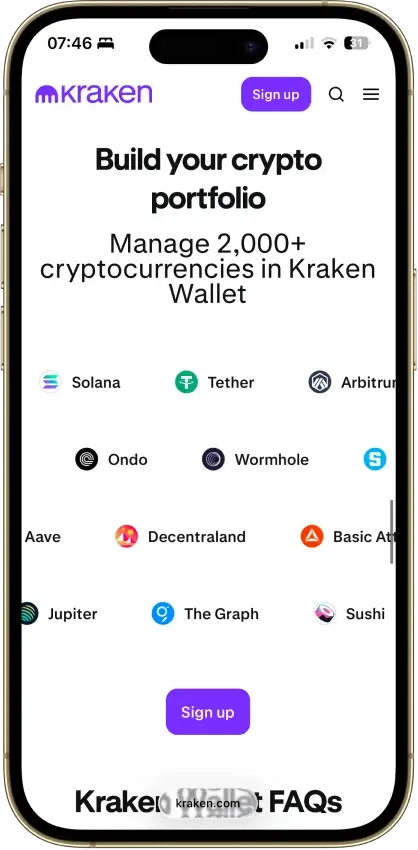
If you mostly hold for the long term, use a storage wallet that stays separate from daily app connections. Trust Wallet supports up to 15 wallets in the same app, Solflare can be created with a recovery phrase or Ledger, and Kraken Wallet lets you create as many wallets as you want under one Secret Recovery Phrase.
If you use dApps often, keep one wallet for approvals and another for storage. Every Phantom wallet starts with one account but you can create more, while MetaMask supports both the standard phrase-based setup and a Google/Apple login path. If privacy is the priority, the phrase-based route keeps recovery separate from a Google or Apple account.
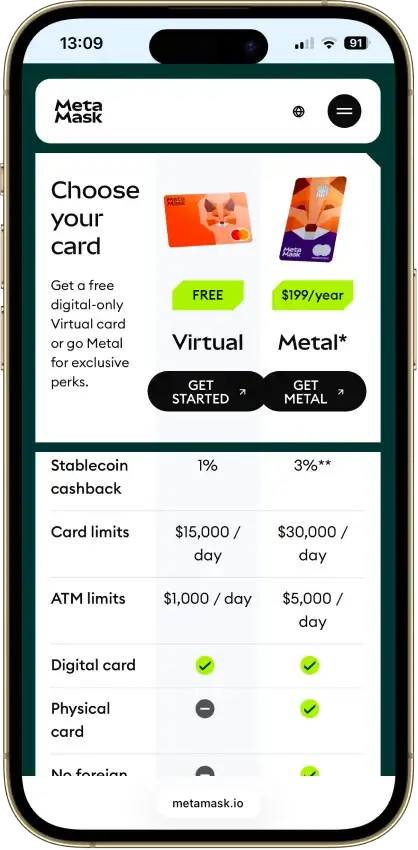
If you plan to buy, cash out, or spend through card features, assume KYC can return immediately. MetaMask Card setup requires email/password, phone confirmation, and KYC. Phantom Cash requires KYC for bank transfers, direct deposit, and the Phantom Cash debit card. Solflare Card application also requires KYC.
How To Set Up an Anonymous Bitcoin Wallet
Setting up an anonymous Bitcoin wallet is really about reducing unnecessary identity links, not making Bitcoin invisible. The goal is to start with self-custody, keep wallet setup separate from identity-heavy services where possible, and avoid habits that make activity easier to trace over time.
- Choose a non-custodial wallet. Start with a wallet that gives you control of your own keys rather than one that holds funds on your behalf.
- Create a new wallet from scratch. Use a fresh wallet instead of reusing an old one that may already be linked to exchange withdrawals or public addresses.
- Write down your seed phrase offline. Store your recovery phrase on paper or another offline medium, and do not save it in screenshots, cloud notes, or email drafts.
- Generate a fresh receive address. Use a new address when receiving Bitcoin instead of reusing the same one repeatedly.
- Fund the wallet in a privacy-aware way. Think carefully about where the Bitcoin comes from. Buying, withdrawing, or cashing out through a KYC exchange, bank card services, or other identity-verified providers can reduce privacy even if the wallet did not require KYC.
- Test with a small amount first. Confirm you can receive and control funds before moving a larger balance.
- Avoid linking activity publicly. Do not post your wallet address online or use the same wallet everywhere if privacy is a priority.
If privacy is the goal, separate wallets by role. A simple setup is one wallet for long-term storage, one for day-to-day spending, and one for dApp activity. If you ever cash out through a KYC exchange or provider, keep that activity in its own wallet so you don’t link your storage wallet to identity-heavy services.
Anonymous Hardware Wallet Setups
A hardware wallet is not a magic “anonymous hardware wallet,” but it is one of the best upgrades for key security. It helps keep private keys isolated from an internet-connected device, which reduces the risk of malware, clipboard hijacks, and many common wallet drains. What it does not do is hide on-chain activity. If coins are funded from identity-linked sources or the same addresses are reused everywhere, a hardware wallet will not fix that.
For privacy-minded users, hardware is most useful when it is paired with better separation and cleaner workflows: using a dedicated wallet for long-term storage, keeping a separate hot wallet for everyday dApp activity, and avoiding mixing wallets that touch KYC services with wallets meant for private self-custody.
| Setup | Key security | Privacy impact | Best for |
|---|---|---|---|
| Hot wallet only (mobile/extension) | Moderate | Depends heavily on habits | Daily use, small balances, frequent dApp connections |
| Hardware wallet + hot wallet (separate roles) | High | Stronger separation reduces linkage risk | Long-term storage plus safer signing for larger balances |
| Hardware wallet only (minimal app connections) | Highest | Best chance of keeping activity clean | Cold storage, minimal transactions, maximum attack-surface reduction |
If you’re searching for the best anonymous wallet for crypto, think of hardware as a security baseline, not a privacy promise. The privacy lift comes from how you use it: keep addresses fresh when possible, separate “KYC-touched” funds from long-term holdings, and do not connect the same wallet to every site or app.
Embedded Wallet SDK Privacy Trade-Offs
Embedded wallets (wallets created inside an app using an SDK) are optimized for convenience: email sign-in, passkeys, or social login, and quick recovery if a device is lost. That convenience often comes with trade-offs for privacy. The app can become a strong identity link, and analytics, device identifiers, and account recovery flows can create a clearer trail than a standalone self-custody wallet.
This does not make embedded wallets “bad,” but it does make them a weaker fit for people specifically searching for an anonymous crypto wallet. If privacy is the priority, a standalone self-custody wallet with clean separation is usually the better starting point, especially for long-term storage.
Common Mistakes That Ruin Wallet Privacy
- Reusing the same address or the same wallet across everything.
- Funding from a KYC exchange and assuming the wallet becomes anonymous afterward.
- Linking the wallet to public identities (social profiles, public donation addresses, doxxed ENS names).
- Mixing long-term storage with high-risk dApp activity in one wallet.
- Clicking approvals blindly or signing messages without understanding what is being granted.
- Leaving unlimited token approvals active after you’re done with a dApp (review and revoke old approvals).
- Keeping seed phrases in cloud notes, screenshots, or email drafts.
What About Privacy-native Wallets such as Cake Wallet?
Cake Wallet deserves a separate mention for Bitcoin owners who care more about privacy-native workflows than broad multi-chain coverage. Cake describes itself as open-source and non-custodial. It automatically generates new Bitcoin addresses after use for better privacy, and its Monero docs say it auto-generates new subaddresses by default. That makes it a better fit for a privacy-native wallet subsection than for the same multi-chain bucket as Trust Wallet, MetaMask, or Phantom.
Crypto Wallets Aren't Anonymous, but They Offer High Degree of Privacy
If you want a simple starting point, pick one wallet from the top list and set up separate wallets for storage and daily use. For broad multi-chain coverage, Trust Wallet is the most flexible option in this shortlist; for Ethereum and EVM dApps, MetaMask is the clearest fit; and for Solana, Phantom or Solflare are the most direct choices. Revisit the comparison table when deciding which wallet should touch exchanges or cash-out providers.
This page focuses on privacy-first self-custody, not on promising “true anonymity.” Laws and verification rules vary by country and provider, and privacy outcomes depend heavily on how funds are acquired, how wallets are used, and whether addresses and activity are kept separated.