


 Released in 2020
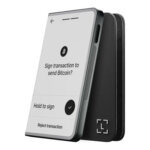
- Shield signing inside the Solflare mobile app
- Validator selection for native SOL staking
- Selected Solana DeFi positions in portfolio
Solflare Overview
- Crypto Wallet Name
- Solflare
- Release Date
- 2020
- Wallet Type
- Multi-platform wallet
- Custodial Status
- Non-custodial
- Built-in Swaps
- Yes
- Open-source
- Partially open-source
- Fiat On-ramp
- Yes
Additional details
- Supported Blockchains
- Solana
- Token Standards
- SPL
- Platforms
- Web app, iOS, Android, Browser extension
- Hardware Wallet Support
- Yes
- Staking Support
- Full
- Supported Hardware Wallets
- Keystone, Ledger
- Hardware Connection Methods
- NFC, QR (air-gapped), USB, Bluetooth
Solflare Screenshots
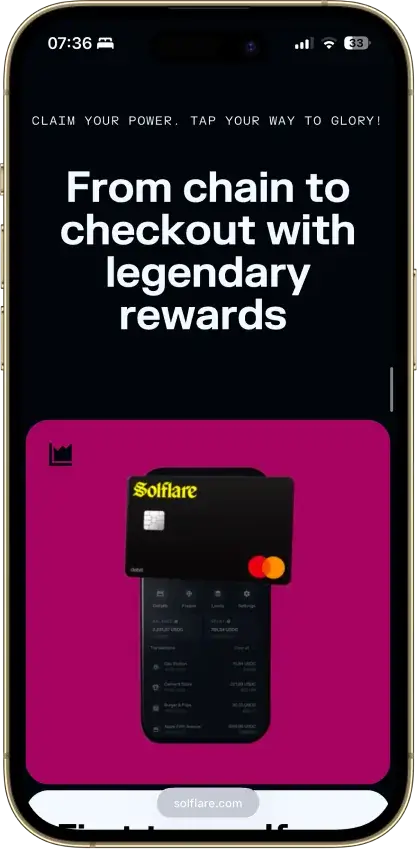
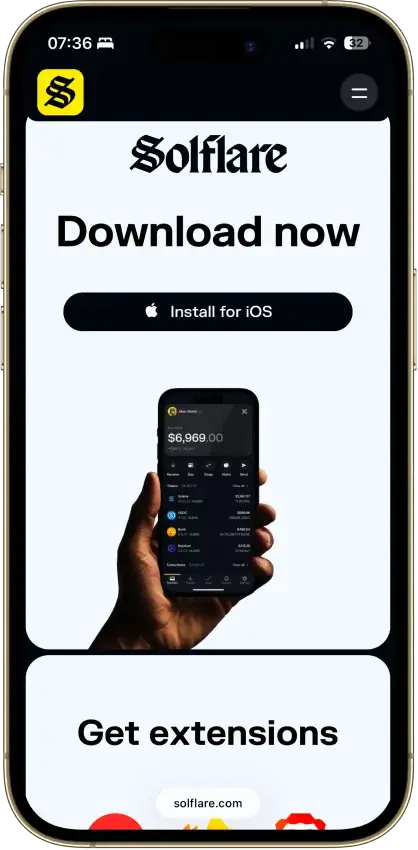
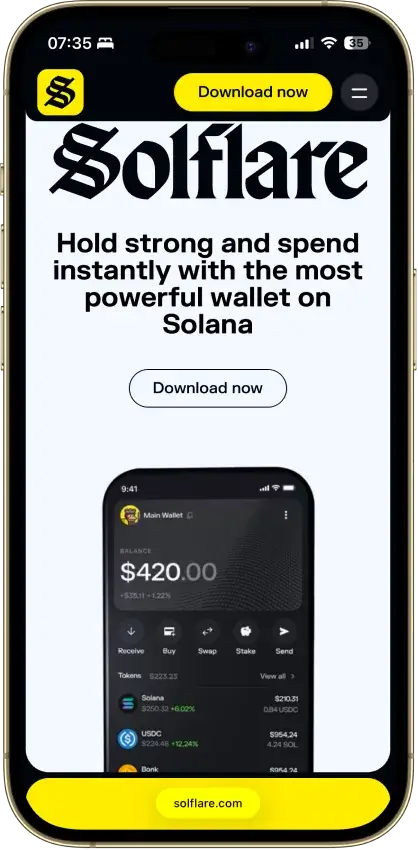
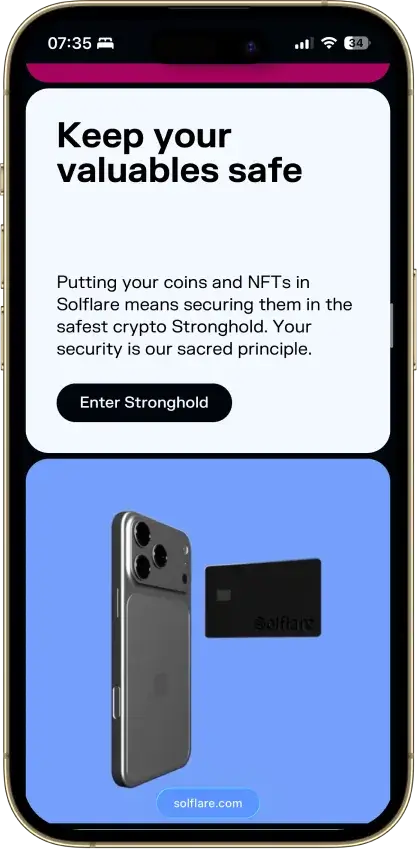
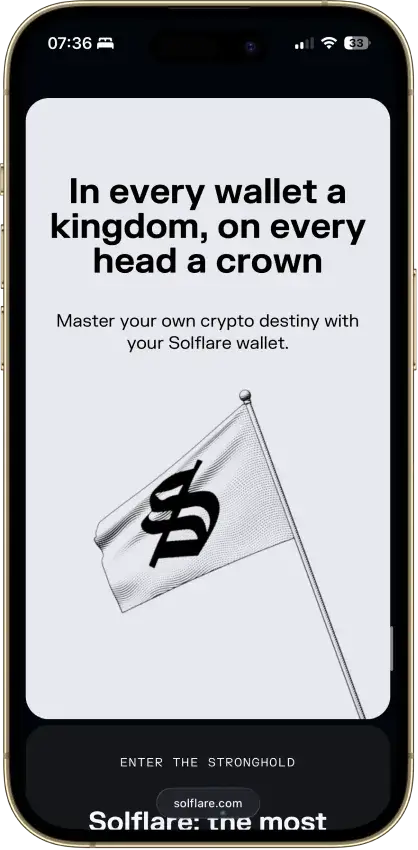
Screenshot 1 of 8
Solflare Pros and Cons
Pros
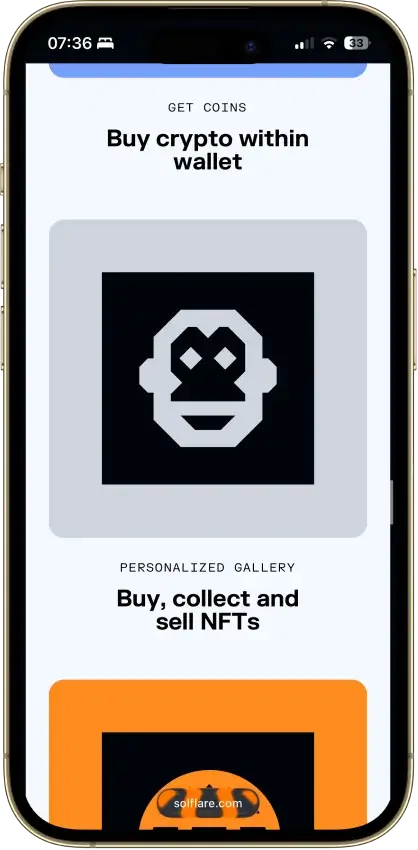
- Jupiter swaps inside the wallet
- Free download without a hardware purchase
- NFT display in the wallet
- Mobile dApp browser
- Transaction checks and biometric app lock
Cons
- No native Bitcoin or Ethereum accounts
- Shield has no independent signing screen
- Keystone extension connection is watch-only
- Instant unstaking adds a liquidity-based fee
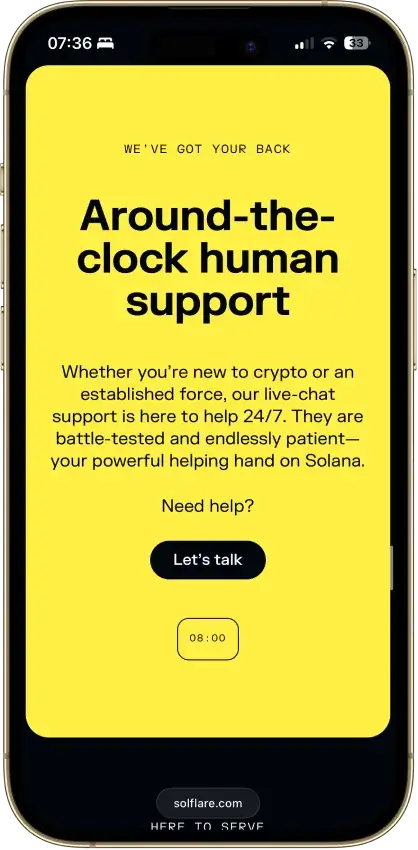
- Support cannot recover missing private keys
Who It's For
Solflare fits someone already using Solana who wants to choose validators, inspect DeFi positions, and separate everyday activity from hardware-held funds. Check the exact device and connection you plan to use before buying a signer.
For:
- SOL holders who want native validator delegation.
- Mobile users considering Shield as a separate signer.
- Ledger owners managing Solana accounts.
- Users willing to keep their own recovery backup.
Not for:
- People seeking one wallet for native BTC, ETH, and SOL.
- Anyone expecting customer support to reset lost keys.
- Shield buyers who require an on-device transaction display.
What Solflare Is and Who Makes It
Solrise Finance Ltd provides Solflare's non-custodial wallet software. Software accounts keep keys locally, while connected hardware accounts use a separate signing device.
Solflare's site lists a British Virgin Islands address. Solrise is the wallet's data controller. Its Croatian affiliate Blockadopt d.o.o. operates the webshop, handles webshop data, and is the EU privacy representative.
Solflare Key Facts
Security and Custody
Solflare advertises transaction simulation and phishing warnings before approval, alongside biometric app locks. For software accounts, signing takes place on the phone or computer. The warnings help inform the user's approval decision. Connecting Shield, Ledger, or a supported Keystone device changes where signing happens, as explained below.
The 2022 Slope Incident
The Solana Foundation's incident update attributed the August 2022 wallet drain to exposure associated with Slope. It reported 9,231 wallets and approximately $4.1 million affected. It said losses seen in other wallet apps, including Solflare, may have resulted from reuse of phrases generated or stored in Slope.
SlowMist's later investigation found sensitive key data on Slope's server, but could not conclusively explain every affected wallet's loss. Neither account identifies a Solflare implementation flaw as the cause. A compromised phrase remains exposed when reused in a different wallet app.
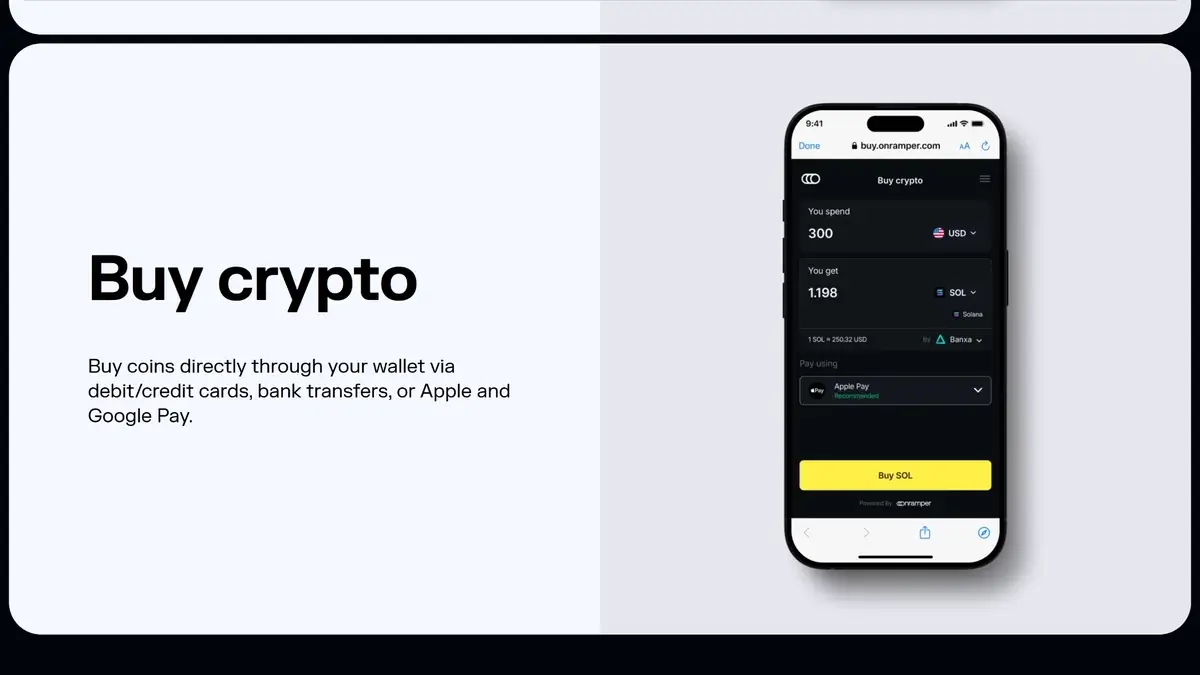
Shield: Hardware Signing Without a Screen
Shield is a battery-free NFC card used with the Solflare mobile app. Solflare advertises an EAL6+ secure chip inside the card. That specification concerns the chip, while the phone supplies the transaction display. With no screen on the card, users review transaction details on the handset.
Creating a new Shield wallet generates a 12-word phrase in the secure element and displays it once during setup. That first display is the opportunity to save a separate recovery backup. Later viewing and export are unavailable.
The written phrase needs secure storage of its own. Anyone who obtains it can bypass the protection of keeping the signing key on the card.
Ledger and Keystone Connections
Solflare's Ledger web-wallet connection uses USB and the Ledger Solana app. For mobile, Solflare documents Nano X support on iOS and Android. Compatibility depends on that model-and-platform combination.
Keystone Essential and Pro connect through a QR-based web-wallet flow, using Multi-Coin firmware M-6.0 or newer and Solflare Web App version 1.29 or newer. The browser extension is watch-only in this setup. Solflare's connection guide covers these specific devices and versions.
Public Code and Audit Scope
Solflare publishes its SDK, token utilities, blocklist, and Snap code on GitHub. These are public components. Their availability alone does not show that the complete current mobile and browser apps can be rebuilt from public source.
The August 2023 Consensys Diligence audit reviewed specific MetaMask Snap repositories at listed commits. It explicitly excluded the wallets interfacing with those Snaps.
Supported Chains and Assets
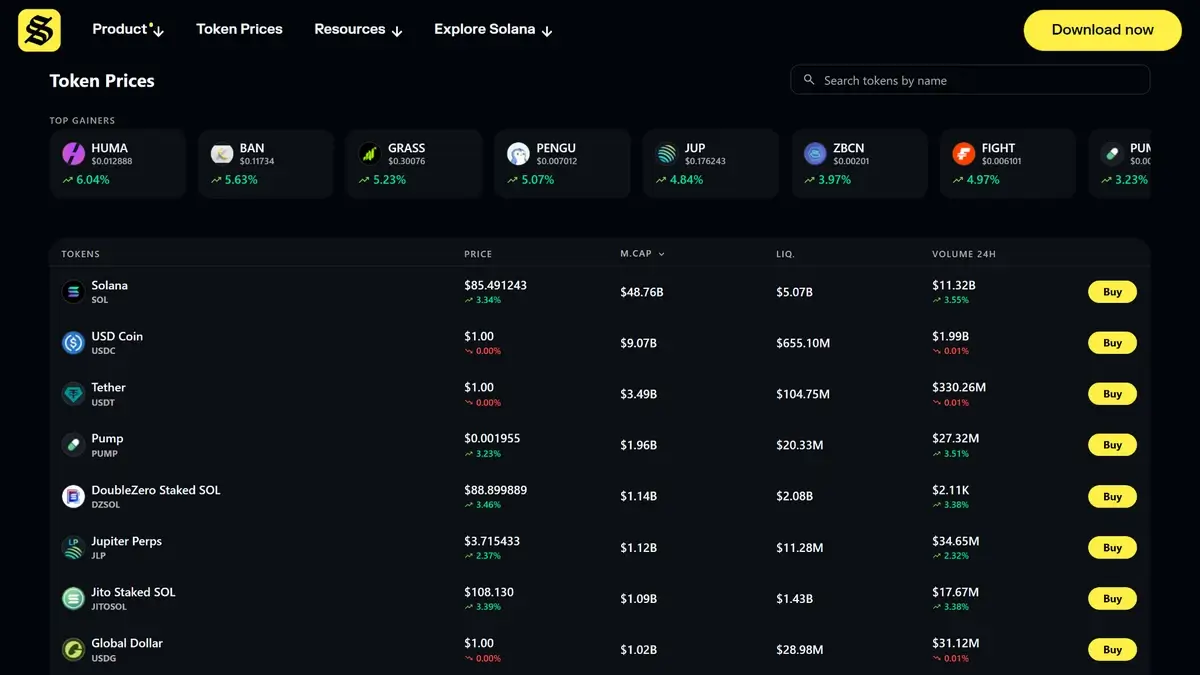
Solflare's native wallet supports SOL and SPL tokens, with Solana NFT display. Native Bitcoin and Ethereum accounts fall outside its scope. Solflare sunset its Solana MetaMask Snap on May 11, 2026 and directs former Snap users to its native app or extension for continued Solana access.
The extension and mobile in-app browser connect users to Solana applications. The portfolio view displays selected DeFi positions, including lending and liquidity pools. A position missing from that view may still be visible through its protocol's own interface.
Usability and Recovery
On desktop, Solflare's setup guide offers web and browser-extension routes. The mobile apps cover iOS and Android. Start with the download links on Solflare's own site to avoid lookalike listings.
For a software wallet, recovery depends on the phrase or the relevant private key. An accessible installation can still provide a backup export. A private key restores its individual account, whereas the recovery phrase can cover multiple derived accounts. Keeping that backup is the owner's responsibility because Solflare support cannot recover missing keys.
Shield's phrase is available only during initial setup. Its backup therefore belongs in the setup process itself, before the card is used to hold funds.
Solflare's privacy policy covers IP and device information alongside usage analytics and support communications. Some connected services also require identity verification, adding personal information to the data involved in using them.
Features
Native Staking and Two Ways to Exit
Solflare supports choosing a validator for native SOL delegation. New stakes require at least 1 SOL. Opening the stake account also holds approximately 0.002 SOL, returned when you withdraw and close it. Compare the validator's commission when choosing where to delegate, since it reduces the rewards you receive. Yield estimates vary over time.
Standard unstaking takes around one to three days, followed by a withdrawal action. Instant Unstake offers a faster exit at a stated fee of 0.5%–3%, depending on liquidity. The quote lets you weigh the cost against waiting.
Instant Unstake exits a native stake account for a fee. Liquid-staking tokens are a different form of exposure, and Solflare's DeFi portfolio can display tokens issued by third-party protocols.
Swaps and Fiat Purchases
Solflare integrates Jupiter swaps with a default slippage tolerance of 0.5%. Slippage is the permitted gap between the quoted and executed price, not a wallet fee. The actual route determines the amount received and the transaction or service charges shown in the quote.
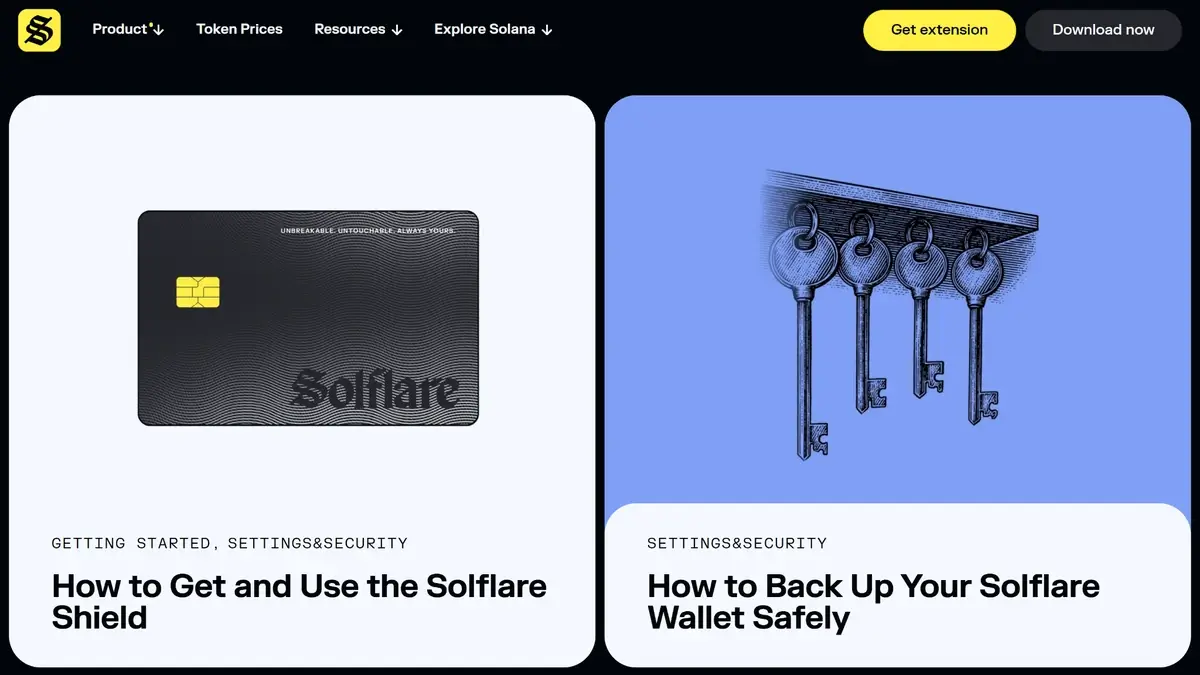
The Buy feature uses third-party providers through Onramper, with provider-specific quotes and identity requirements. Delayed purchases go to the relevant payment provider for support. Solflare's Onramper help page also points users to MoonPay as an alternative buying route.
Card Spending and Perpetual Futures
Solflare Card is a payment product, separate from the Shield signing device. Its Card FAQ describes spending USDC from a delegated wallet after approval and identity checks.
Solflare's July 28, 2026 Card service notice announced a pause affecting both card formats after issuer Kulipa could no longer support the program. The company expected a replacement program in August 2026, requiring new cards, while ordinary wallet use, staking, and swaps remained unaffected. As of September 8, 2026, the Card marketing page still advertises immediate signup and spending. That conflicts with the operational notice without confirming a completed issuer transition. Check the current program in the app before relying on card payments.
The Card's public FX figures also differ. Its FX help article lists a 1% non-USD fee, while the usage guide separates a Solflare charge from an additional FX component. A replacement program could have different terms, so the available card's own fee schedule is the relevant price check.
The Perps feature connects to Phoenix on Solana and excludes the US, UK, and sanctioned jurisdictions. Positions are derivatives, not native holdings of the referenced assets. Taker fees are quoted at up to 0.085% on each opening and each closing of an isolated market order, plus funding payments. Committed USDC moves into the protocol account, where losses can consume the collateral backing a position.
Cost
The software is free to download, with the official Android listing offering installation without an app purchase. Shield is an optional separate purchase. On-chain transactions and connected services carry their own costs.
For Shield, the vendor's product page displayed the following USD prices on September 8, 2026:
Solflare's older Shield announcement lists a $59 Unique promotion and a $79 standard price. The product page above advertises Unique at $79. The selected variant's final checkout total is the amount to confirm before ordering.
For ongoing use, budget separately for network transactions, swap-route costs, fiat-provider charges, and validator commission. Standard unstaking avoids the optional instant-exit surcharge. Perps has additional charges, while Card costs depend on the available program and its terms.
Comparison With Other Wallets
-


Phantom
Phantom combines multichain transfers, swaps and SOL staking. Local phrase accounts sign on your device, new Google/Apple accounts use remote signing, and compatible Ledger accounts sign on hardware.
-

Trust Wallet
Trust Wallet combines multichain accounts with optional cloud backup and a separate SWIFT passkey wallet. Check account-specific recovery, swap costs and access after its announced September network changes.
-
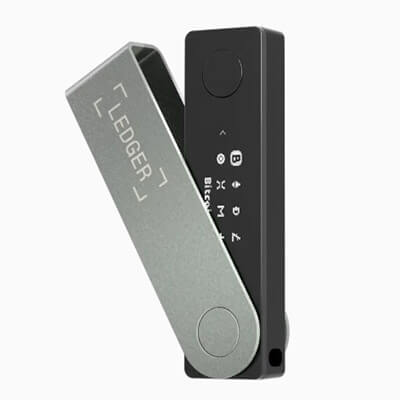
Ledger Nano X
Ledger Nano X adds Bluetooth signing for iPhone and Android to a small, button-operated device. Its rechargeable battery needs upkeep, and older firmware needs a wired update before wireless OS updates work.
Solflare's Solana focus sets its scope within the CryptoSlate wallet lineup. The main reason to consider a multichain alternative is holding assets outside Solana.
Phantom's multichain wallet combines Solana with other native networks, a broader remit than Solflare's native wallet. Its supported-chain list needs checking against the assets you hold.
Trust Wallet's multichain app also supports Ethereum alongside Solana, making it an alternative for assets on both networks. The Ledger Nano X hardware wallet supplies hardware signing and can connect to Solflare for Solana accounts.
Final Verdict
Solflare puts validator delegation, Jupiter swaps, NFT display, and optional hardware signing in one Solana wallet. It fits users who want those tasks together and can maintain their own recovery backup. Shield adds a separate signer for mobile use, while leaving transaction review on the phone. The initial recovery phrase still needs secure storage away from the card.
Disclaimer: CryptoSlate may receive a commission when you click links on our site and make a purchase or complete an action with a third party. This does not influence our editorial independence, reviews, or ratings, and we always aim to provide accurate, transparent information to our readers.