The best Cardano wallet depends on what you want to do with your ADA. Some users want a simple Cardano wallet app for mobile access and staking, while others want a hardware wallet for stronger long-term protection. Using the wallet selection already featured on CryptoSlate, the shortlist below focuses on the strongest ADA-friendly options for self-custody, staking, portability, and overall ease of use.
This page helps you narrow the shortlist based on how you plan to use ADA. If you want faster access, easier staking, and better mobile flexibility, the hot wallets in this list are usually the better choice. If you care more about long-term protection and plan to hold a larger ADA balance, the hardware wallets below are the stronger fit.
Top Cardano Wallets

- Custody
- Non-custodialPartially open-source
- Networks
- Platforms
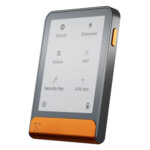
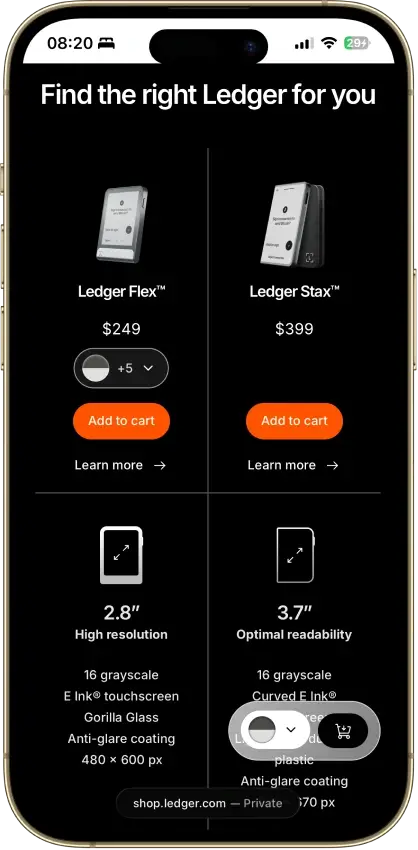
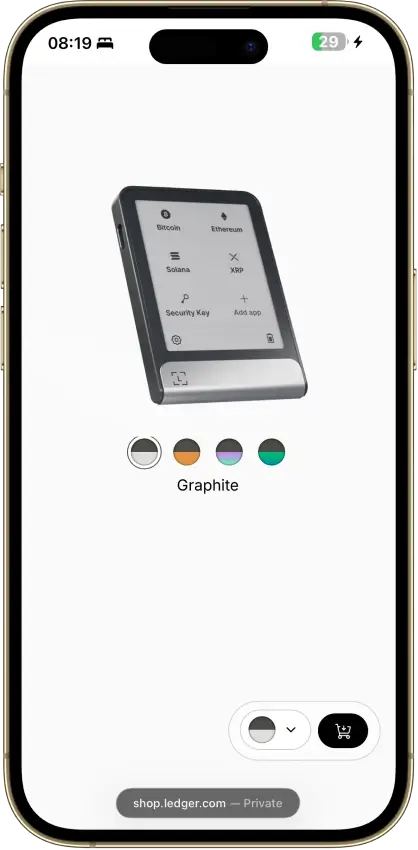
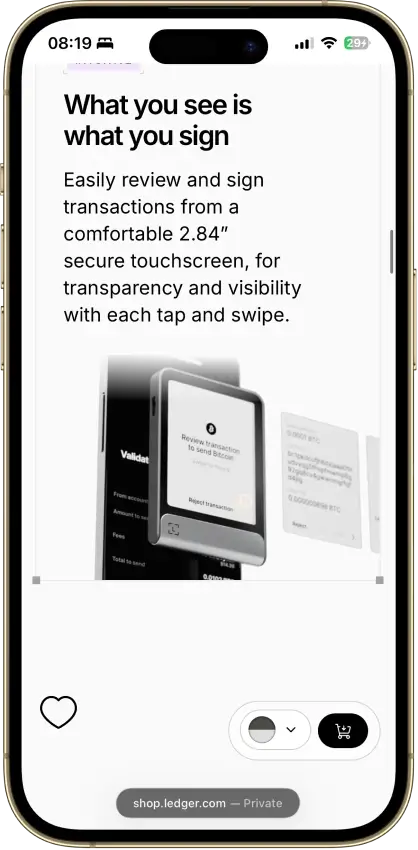
- 2.8-inch E Ink touchscreen for approvals
- Recovery Key card stores an encrypted backup
- Built by French device maker Ledger
- Custody
- Non-custodialPartially open-source
- Networks
- Platforms
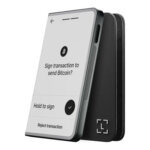
- Curved 3.7-inch E Ink touchscreen
- Qi charging alongside USB-C
- Magnet Shell included in the box
- Custody
- Non-custodialPartially open-source
- Networks
- Platforms
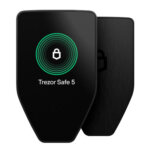
- Touchscreen Trezor for $120 less than Safe 7
- MicroSD card as a second unlock factor
- Recovery words entered on the touchscreen
- Custody
- Non-custodialPartially open-source
- Networks
- Platforms
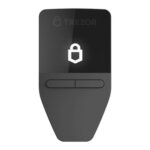
- Tied for the cheapest hardware wallet we review
- Bitcoin-only firmware option
- FIDO2 authentication for compatible services
- Custody
- Non-custodialPartially open-source
- Networks
- Platforms
- Room for up to 100 apps on the device
- Recovery Check app tests your backup
- From Ledger, a wallet maker based in France
- Custody
- Non-custodialPartially open-source
- Networks
- Platforms
- Lowest price of any Bluetooth hardware wallet
- Wireless firmware updates from a phone
- Made by Ledger, a French company
CryptoSlate may earn a commission when you visit partner sites through links on this page, at no extra cost to you. Our rankings and reviews remain editorially independent and based on our published methodology. Read disclosure
Disclaimer: CryptoSlate may receive a commission when you click links on our site and make a purchase or complete an action with a third party. This does not influence our editorial independence, reviews, or ratings, and we always aim to provide accurate, transparent information to our readers.This shortlist includes both hot wallets and hardware wallets because ADA holders do not all need the same setup. Trust Wallet and Exodus are better choices if you want faster setup, easier everyday access, and a simpler ADA wallet app experience. Ledger and Trezor devices are stronger picks for long-term storage and larger balances.
The comparison table below is the quickest way to narrow the shortlist. It shows how each wallet handles platform coverage, ADA staking, and its main use case. That makes it easier to scan the differences before moving into the more detailed review section.
Comparison Table
| Name | Custody | Blockchains | Hardward Support | Staking | Fiat On-ramp |
|---|---|---|---|---|---|
 Ledger Flex Ledger Flex | Non-custodial | No | Limited | Yes | |
 Ledger Stax Ledger Stax | Non-custodial | No | Limited | Yes | |
 Trezor Safe 5 Trezor Safe 5 | Non-custodial | No | Limited | Yes | |
 Trezor Safe 3 Trezor Safe 3 | Non-custodial | No | Limited | Yes | |
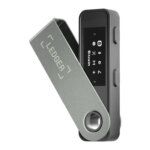 Ledger Nano S Plus Ledger Nano S Plus | Non-custodial | No | Limited | Yes | |
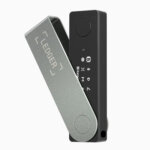 Ledger Nano X Ledger Nano X | Non-custodial | No | Limited | No | |
 Exodus Exodus | Non-custodial | Yes | Full | Yes | |
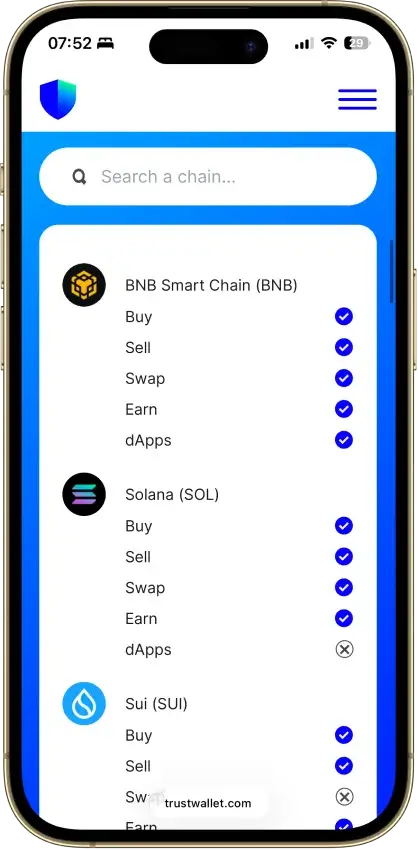
 Trust Wallet Trust Wallet | Non-custodial | Yes | Full | Yes |
If you want more context on how these shortlisted wallets handle ADA storage, staking, mobile use, and cold-storage security, the next section will break down the strengths and trade-offs of each pick in more detail.
Cardano Wallets Reviews
Ledger Flex
- Custody
- Non-custodialPartially open-source
- Networks
- Platforms
Pros
- Secure Element certified to CC EAL6+
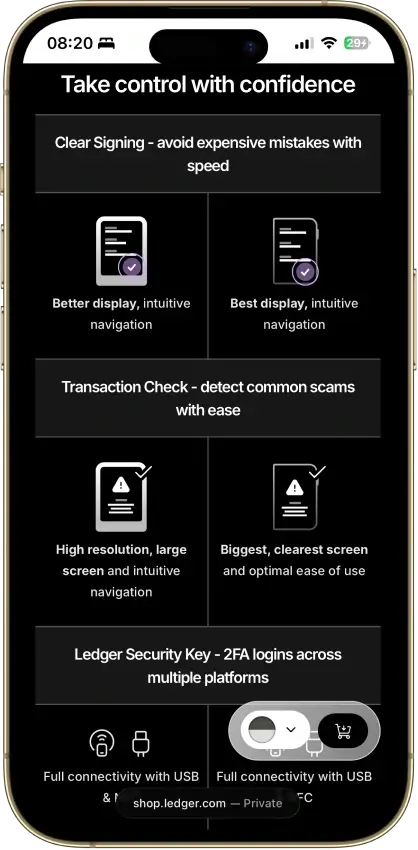
- Clear Signing on supported apps
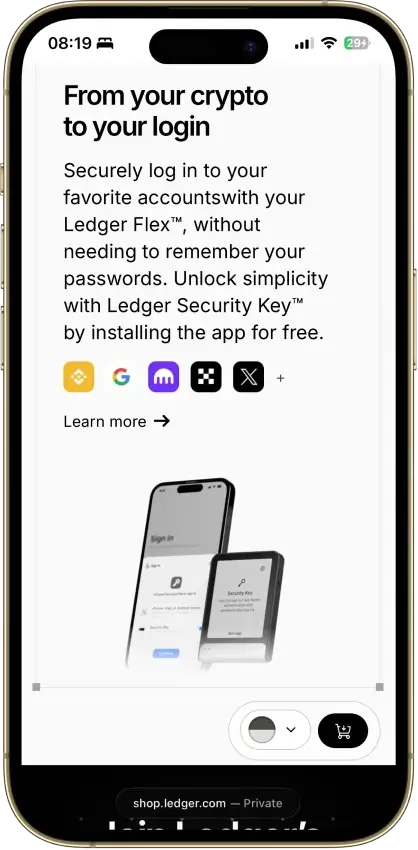
- Doubles as a security key for logins
- Transaction Check shows a risk verdict on screen
- 500+ coins supported in Ledger Wallet
Cons
- Low-level firmware is partly closed source
- Recovery Key card skips any passphrase
- Some swap routes hold funds with a provider
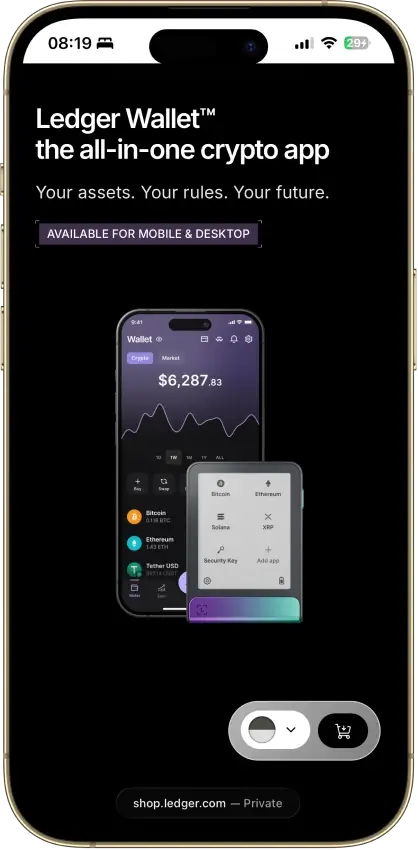
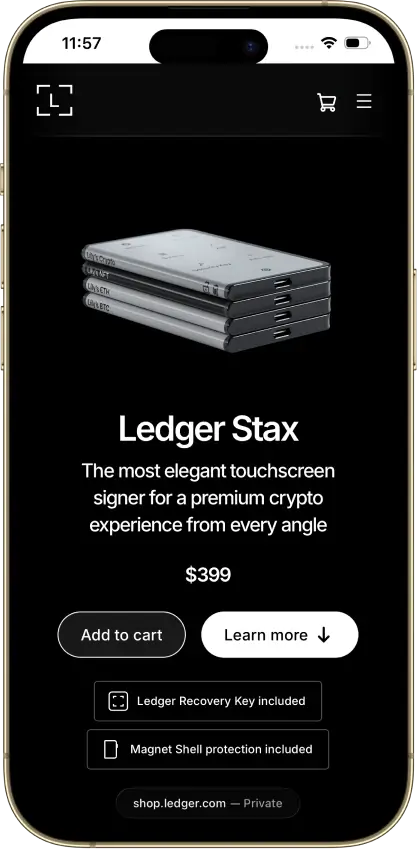
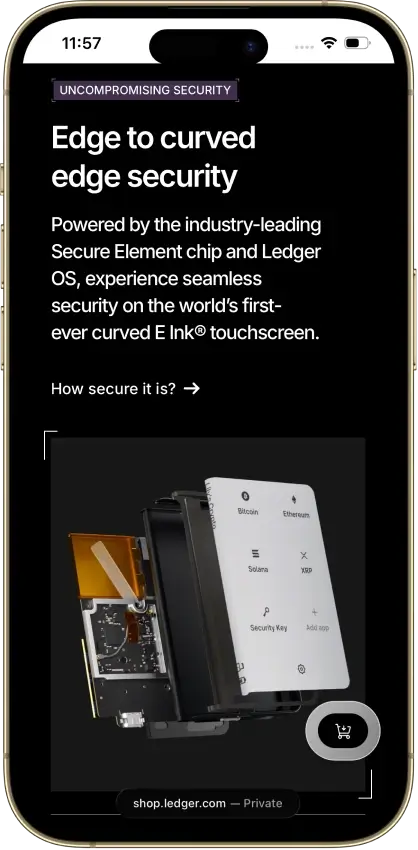
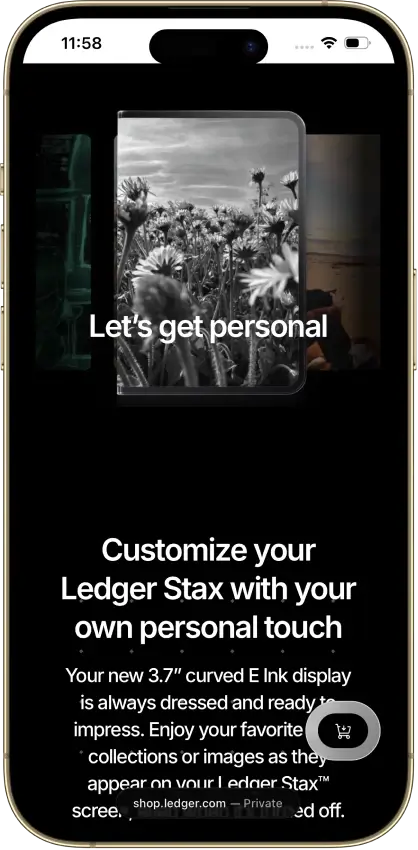
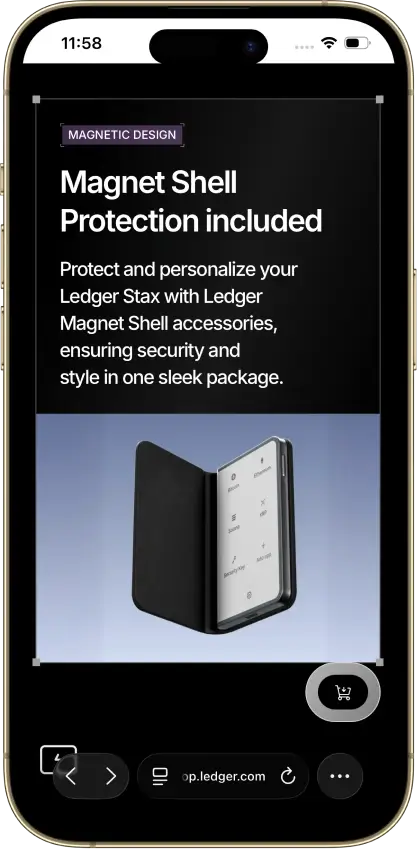
Ledger Stax
- Custody
- Non-custodialPartially open-source
- Networks
- Platforms
Pros
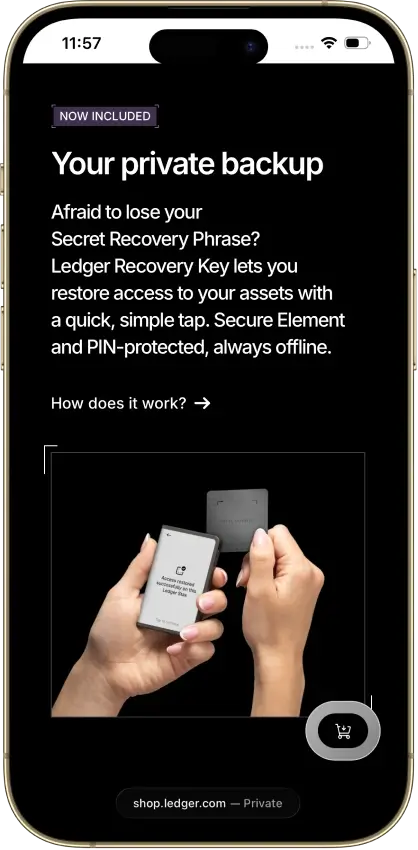
- PIN-protected offline backup card included
- EAL6+ certified Secure Element chip
- Bluetooth 5.2 for iPhone and Android
- Separate passphrase accounts supported
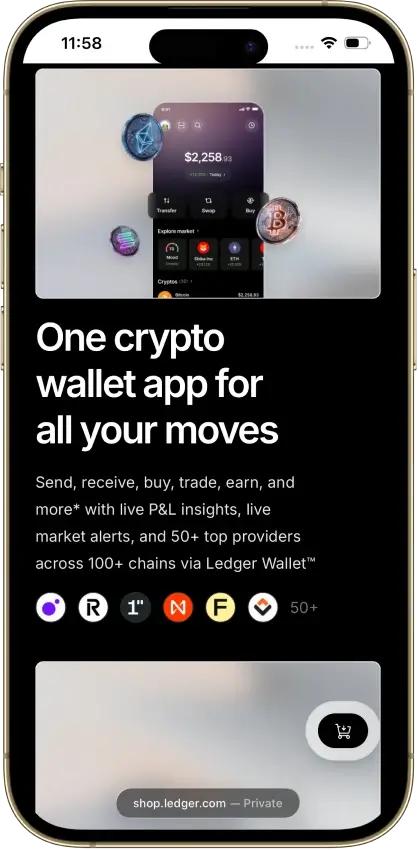
- Mobile and desktop companion apps
Cons
- Low-level firmware remains partly closed
- Coin-app updates need separate attention
- Recovery Key excludes extra passphrases
- Buyer data exposed in 2020 and again in 2026
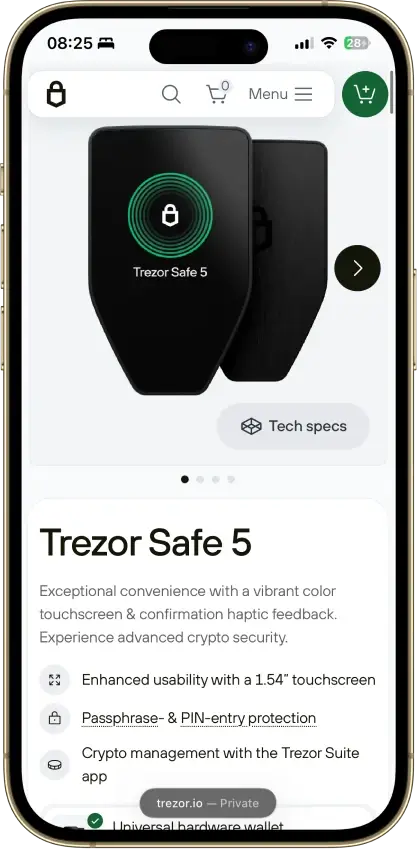
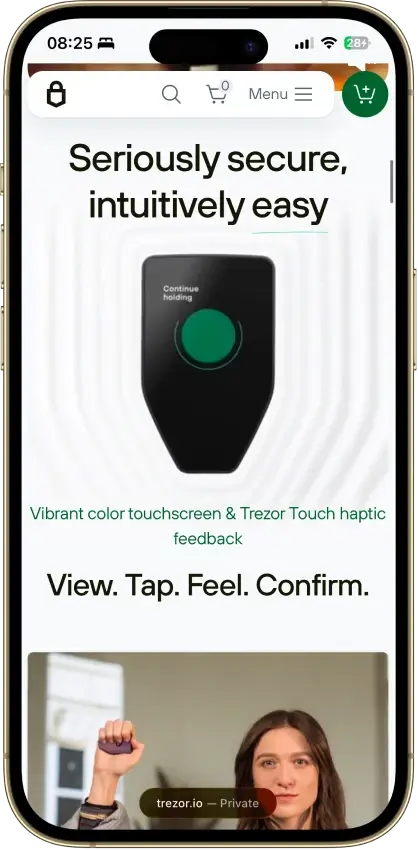
Trezor Safe 5
- Custody
- Non-custodialPartially open-source
- Networks
- Platforms
Pros
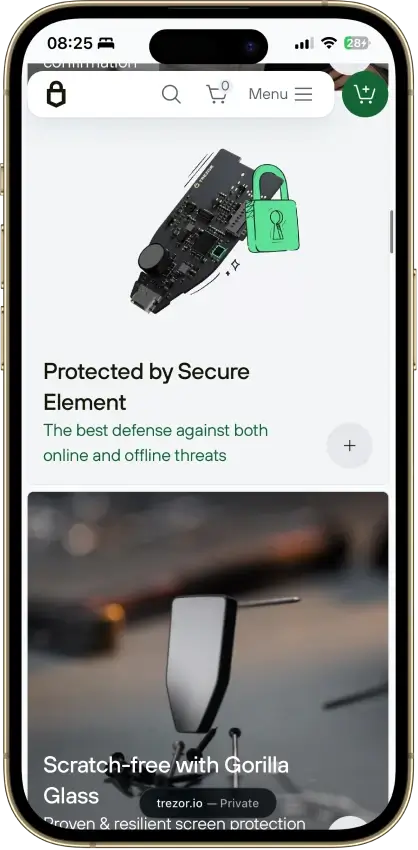
- Gorilla Glass 3 over the touchscreen
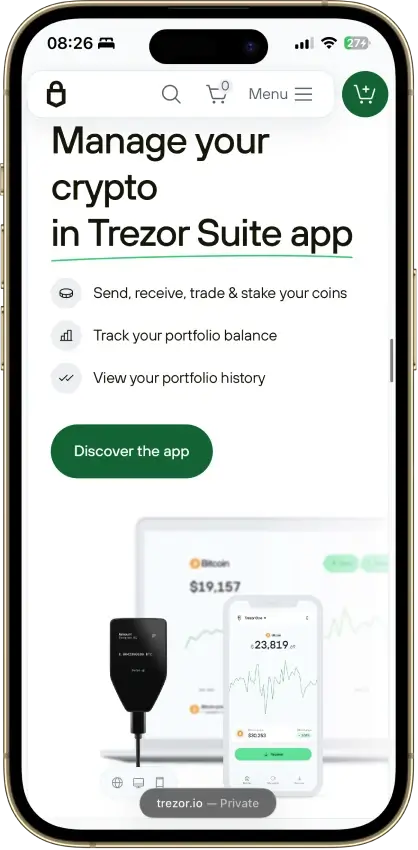
- Native Suite accounts for BTC, SOL and XRP
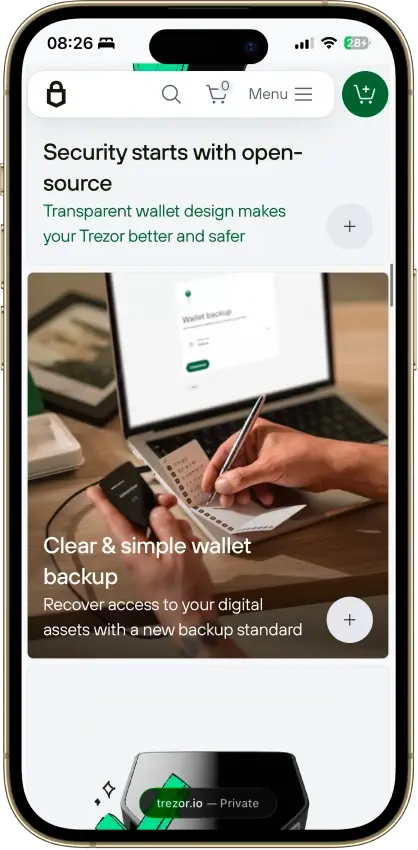
- Threshold-based SLIP39 backups
- Public core firmware and build instructions
- STM32U5 chip, not hit by the 2025 Safe 3 attack
Cons
- Cannot sign through an iPhone
- MicroSD setup uses a command-line tool
- Provider contracts add staking risk
- Suite has a restricted source license
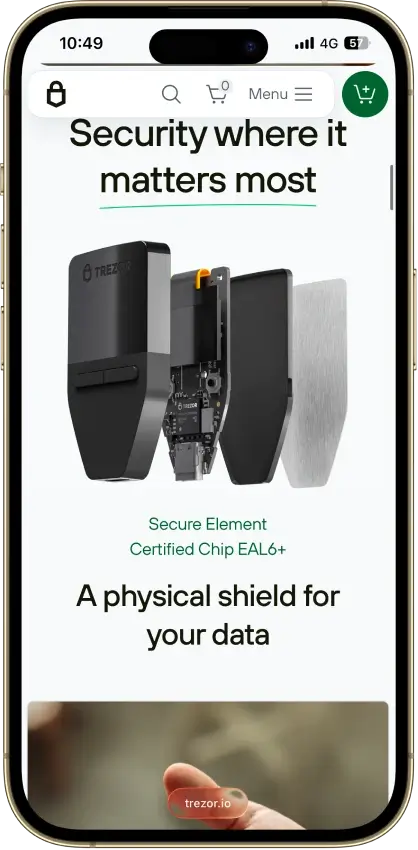
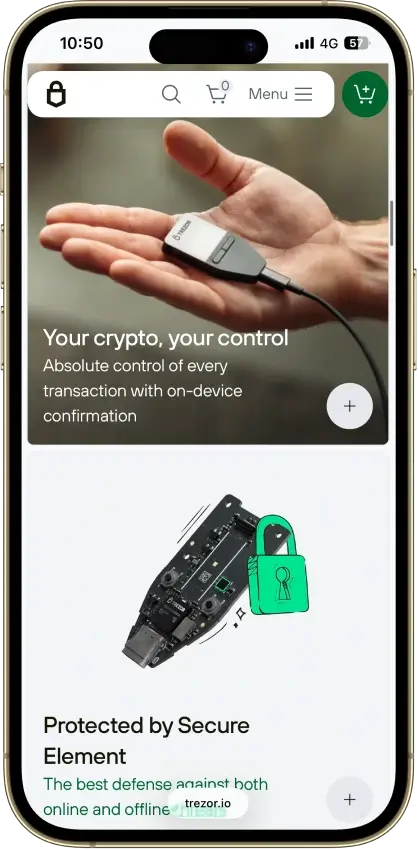
Trezor Safe 3
- Custody
- Non-custodialPartially open-source
- Networks
- Platforms
Pros
- USB power needs no battery maintenance
- Secure element guards the PIN
- Recovery words entered on the device
- SLIP39 supports distributed backup shares
- Core firmware can be inspected and rebuilt
Cons
- Cannot sign with an iPhone
- Small screen and repeated button navigation
- 2025 research bypassed its authenticity checks
- Secure element software is closed-source
- Shipping-data exposure raises phishing risk
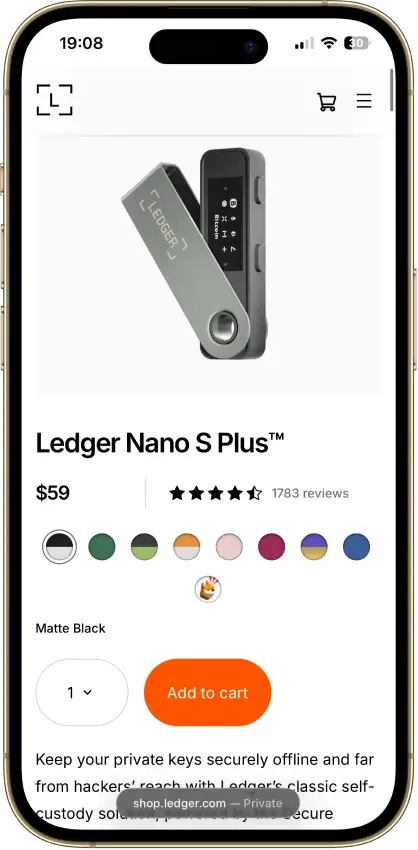
Ledger Nano S Plus
- Custody
- Non-custodialPartially open-source
- Networks
- Platforms
Pros
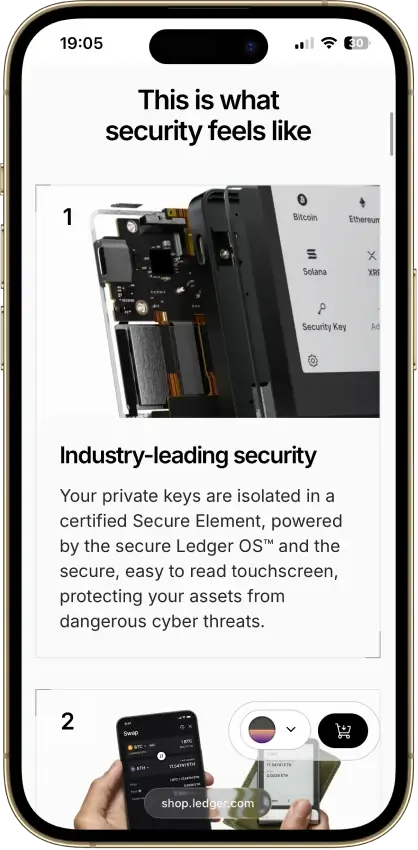
- CC EAL6+ certified Secure Element
- Battery-free operation
- Public companion and app code
- Bitcoin, Ethereum, Solana and XRP built in
- Ledger's $59 entry price
Cons
- No iPhone signing support
- Small screen and button navigation
- Closed low-level device firmware
- Blockchain apps need separate updates
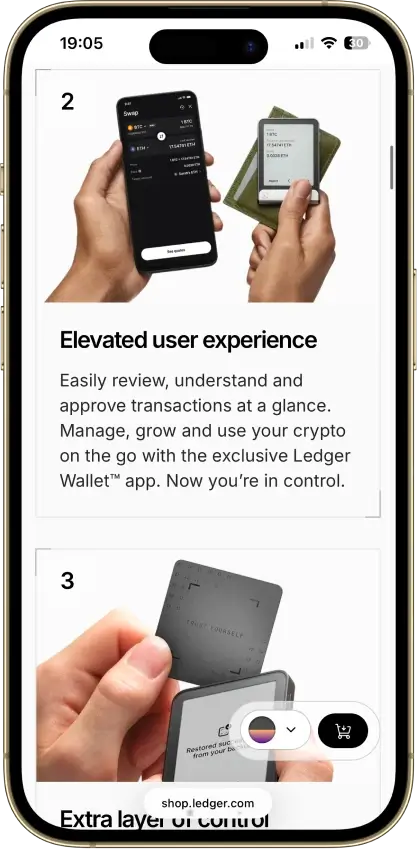
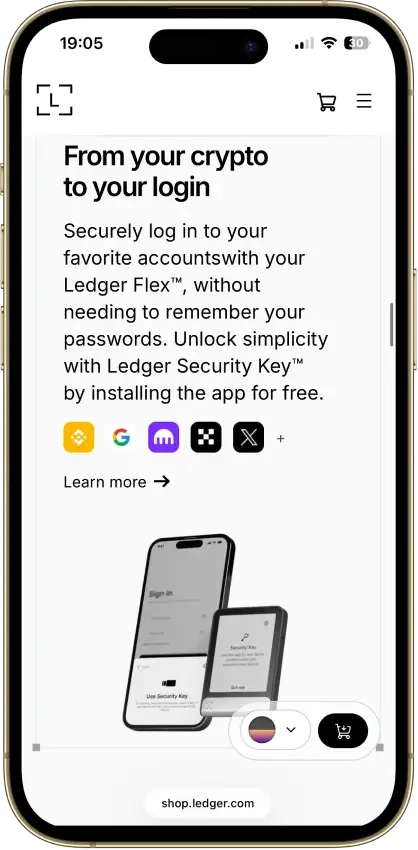
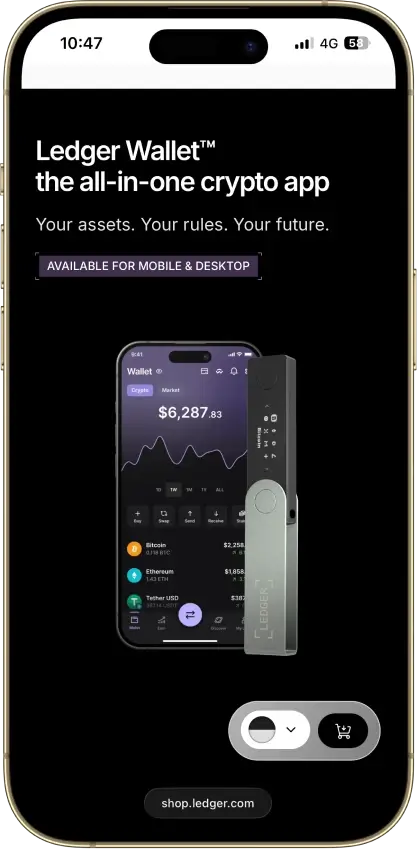
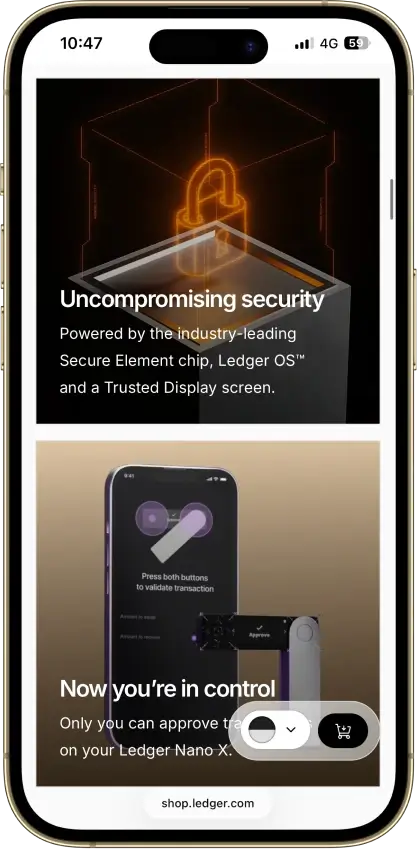
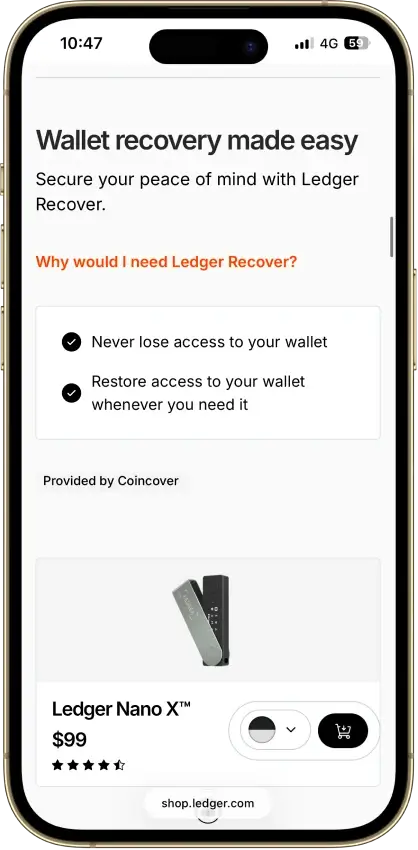
Ledger Nano X
- Custody
- Non-custodialPartially open-source
- Networks
- Platforms
Pros
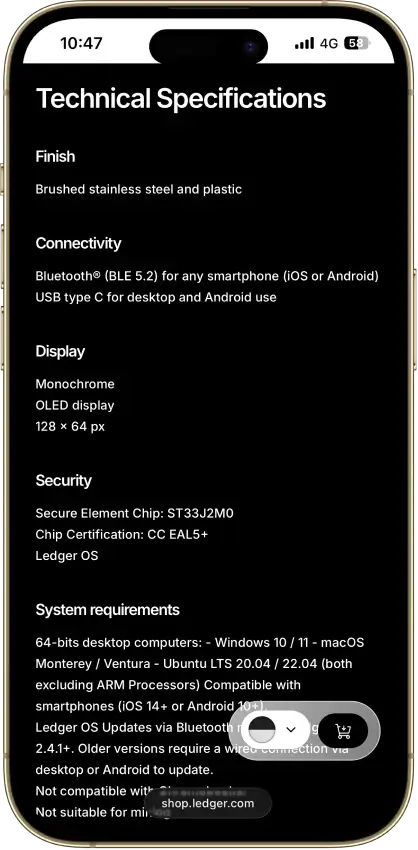
- CC EAL5+ certified Secure Element
- Public companion and device-app code
- Optional passphrase accounts
- Bluetooth for phones, USB-C for desktops
- Encrypted Bluetooth with pairing codes
Cons
- Small display requires scrolling
- Low-level firmware remains closed
- Apps need their own security updates
- 2026 Monero app flaw could expose keys
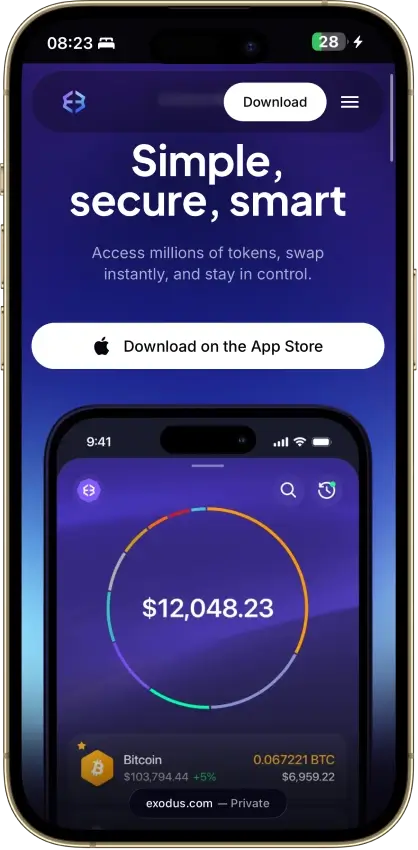
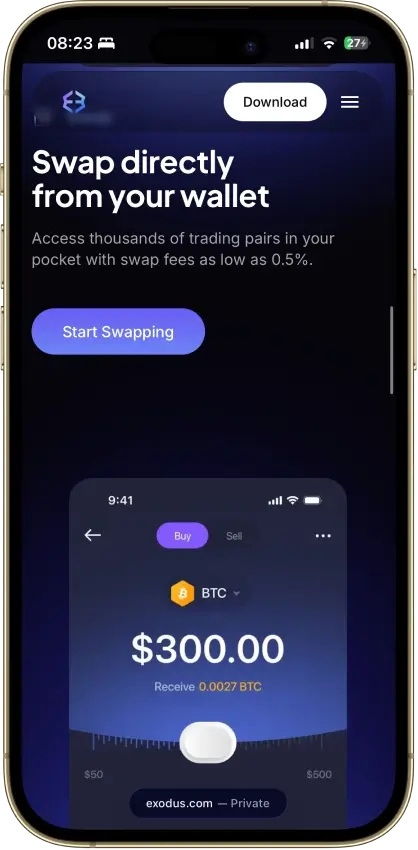
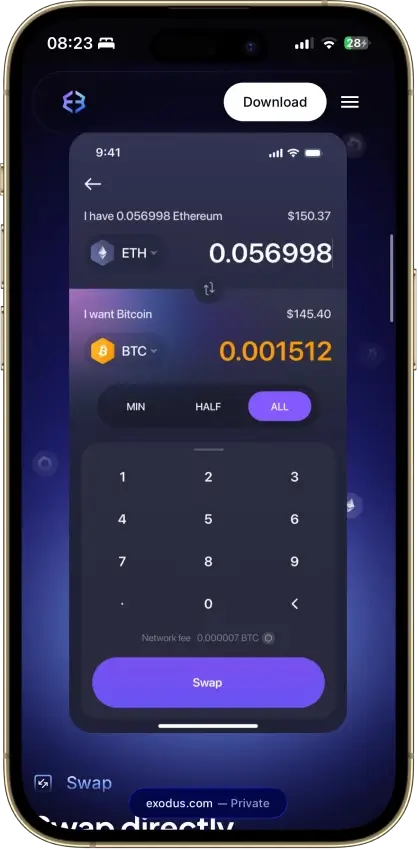
Exodus
- Custody
- Non-custodialPartially open-source
- Networks
- Platforms
Pros
- Desktop app for Windows, macOS and Linux
- Desktop and mobile sync to one wallet
- Custom tokens on supported networks
- Human support alongside the chatbot
- Recovery phrase backup still available
Cons
- Complete wallet is not open source
- WalletConnect removed from the mobile app
- Ledger portfolios work on mobile only
- Swap costs sit inside a quoted spread
- $3.1M OFAC sanctions settlement in 2025
Trust Wallet
- Custody
- Non-custodialPartially open-source
- Networks
- Platforms
Pros
- Transaction previews on supported networks
- Optional encrypted cloud backup
- Ledger signing through the extension
- Staking for ETH, SOL, BNB and TRX
- No email account needed for a classic wallet
Cons
- December 2025 extension hack hit about $8.5M
- Mobile app builds lack public source access
- Dropped several networks in September 2026
- SWIFT covers only a handful of EVM chains
This shortlist covers the main ways people hold and use ADA today. Trust Wallet and Exodus are the more practical options if you want a simple Cardano wallet app with faster access. Ledger and Trezor devices are better suited to long-term storage, stronger key protection, and larger balances.
How We Rank
- Custody and key security 30% weightWhat we assess
Who can authorize spending, protection of keys and signing, and independent access to every reviewed account type.
What earns 10/10 Users control spending and have complete independent access for every reviewed account type. Signing and authorization are isolated from the connected app, with key and recovery dependencies explained. - Security validation and track record 25% weightWhat we assess
Independent security assessments, their coverage and findings, plus updates and the handling of known incidents.
What earns 10/10 Independent assessments cover the current design and material changes. Material findings are resolved, and sustained maintenance records show no unresolved material incident consequences. - Transaction safety and signing 20% weightWhat we assess
Transaction details, signing warnings, scam checks, permission controls and the handling of unreadable requests.
What earns 10/10 Transfers and supported signing requests show readable details before consent. Risk warnings and integrated permission revocation cover relevant tasks, with unclear requests identified and easy to reject. - Backup and recovery 10% weightWhat we assess
Repeatable backup checks, complete restoration, recovery dependencies, costs and resilience after backup loss.
What earns 10/10 Repeatable checks verify complete backups without resetting the wallet. Recovery survives loss of a backup or dependency, with clear costs and no third party able to spend alone. - Usability, privacy and costs 10% weightWhat we assess
Setup and everyday tasks, accessibility, support guides, data-sharing choices and device, service and transaction costs.
What earns 10/10 Clear workflows, accessible controls and useful support guides make routine tasks straightforward. Nonessential data sharing is optional, and mandatory costs are transparent and reasonable. - Assets, networks and compatibility 5% weightWhat we assess
Asset and network support, devices, companion apps and connections needed for the uses covered in the review.
What earns 10/10 Official compatibility lists and setup guides cover the reviewed assets, networks, devices and connections. Required transfer routes are documented and available, with no known blocker.
Before ranking these wallets, we first confirmed that every option in this list supports Cardano. We then applied the same rating criteria CryptoSlate uses across the main crypto-wallets hub. That keeps this page consistent with the rest of our wallet coverage instead of using a separate ADA-only scoring model.
This keeps the scoring consistent with the rest of CryptoSlate’s wallet coverage while making sure the shortlist itself stays relevant to Cardano holders.
How to Choose the Best Cardano Wallet
The right choice depends on whether you care most about convenience, staking access, mobile use, or stronger long-term protection. A crypto wallet that works well for a beginner may not be the best fit for someone securing a larger ADA portfolio.
If you want faster access, easier setup, and a simpler Cardano wallet app experience, a hot wallet is usually the better choice. Trust Wallet and Exodus fit that role well because they are quicker to install and easier to use on a phone or laptop. If your priority is stronger protection for a larger balance, a hardware wallet is the safer route. Ledger Nano X, Ledger Flex, Trezor Safe 5, Ledger Nano S Plus, and Trezor Safe 3 all fit that role, but signing transactions takes longer.
Device preference matters too. Mobile-first users will usually get more value from Trust Wallet or Exodus. Desktop-leaning users and long-term holders may prefer a hardware wallet with a more deliberate signing flow. The same trade-off applies to staking. Hot wallets tend to make ADA staking feel more immediate and convenient. Hardware wallets are the better fit when cold-storage security matters more than speed.
It also helps to decide whether ADA is your main asset or just one part of a wider crypto portfolio. If you want one wallet for multiple coins, the multi-asset options on this list are often the more practical choice. If you want a wallet that feels more tailored to the broader Cardano ecosystem, you may eventually prefer a more Cardano-native setup. If your main goal is protecting ADA for the long term, a hardware wallet is usually the better fit.
For most users, the best fit is fairly simple. Beginners should start with Trust Wallet or Exodus, active users will usually prefer a flexible hot wallet with easy staking and mobile access, and long-term holders are better served by Ledger or Trezor hardware wallets.
Cardano Staking Wallets
Staking is one of the main reasons people look for a Cardano wallet instead of leaving ADA on an exchange. A good ADA wallet should make it reasonably easy to stake, track rewards, and keep control of your assets while you do it.
| Wallet | Staking fit | Best for | Main trade-off |
|---|---|---|---|
| Trust Wallet | Easier software staking option | Users who want a simple ADA wallet app with faster mobile access | Less device-level protection than hardware wallets |
| Exodus | Easier software staking option | Beginners who want a cleaner desktop-and-mobile experience | Less Cardano-specific than a Cardano-native wallet |
| Ledger Nano X | Hardware-backed staking option | Users who want stronger cold storage with better mobile flexibility | Slower staking flow than a hot wallet |
| Ledger Flex | Hardware-backed staking option | Users who want premium hardware security and a larger screen | Higher price |
| Ledger Nano S Plus | Hardware-backed staking option | Users who want lower-cost Ledger protection for ADA | Less convenient mobile use |
| Trezor Safe 5 | Hardware-backed staking option | Users who want a touchscreen Trezor for long-term ADA storage | Less convenient than a hot wallet for frequent staking actions |
| Trezor Safe 3 | Hardware-backed staking option | Budget-conscious users who still want hardware-backed ADA storage | Simpler device experience |
For most users, the choice comes down to convenience versus protection. Trust Wallet and Exodus are the easier picks if you want faster access and a simpler staking flow. Ledger and Trezor devices are better suited to staking a larger ADA balance when stronger long-term security is the priority.
Hot Wallet vs. Hardware Wallet for ADA
If you plan to use ADA regularly, a hot crypto wallet is usually the easier option. It is faster to set up, easier to access from a phone or laptop, and better suited to users who want to send, receive, or stake ADA without extra device steps. That is why Trust Wallet and Exodus are the easier choices for smaller balances, frequent use, and users who value convenience.
A hardware crypto wallet is the better fit when security matters more than speed. Ledger Nano X, Ledger Flex, Ledger Nano S Plus, Trezor Safe 5, and Trezor Safe 3 keep your private keys offline. That makes them a stronger choice for larger ADA balances and long-term storage. The trade-off is that every transaction takes more time because you need to approve actions on the physical device.
| Wallet | Type | Best for | Main advantage | Main trade-off |
|---|---|---|---|---|
| Trust Wallet | Hot wallet | Smaller ADA balances, regular access, easier mobile use, faster staking | Quicker setup and easier day-to-day use | More exposure on an internet-connected device |
| Exodus | Hot wallet | Beginners who want desktop and mobile access in one place | Cleaner interface across devices | Less Cardano-specific than a Cardano-native wallet |
| Ledger Nano X | Hardware wallet | Mobile-friendly long-term ADA storage | Offline key protection with better phone usability than many hardware wallets | Smaller screen than premium models |
| Ledger Flex | Hardware wallet | Users who sign often and want a larger screen | Easier transaction review than a two-button device | Higher price |
| Ledger Nano S Plus | Hardware wallet | Lower-cost long-term ADA storage | Strong cold-storage security at a lower price | No Bluetooth and less convenient mobile use |
| Trezor Safe 5 | Hardware wallet | Touchscreen self-custody for long-term ADA holders | Clearer on-device approval than basic models | Limited iPhone functionality |
| Trezor Safe 3 | Hardware wallet | Budget-conscious long-term ADA storage | Strong core cold-storage protection without premium pricing | Smaller screen and simpler device experience |
For many users, a hot wallet is enough if they are holding a modest amount of ADA and want easier access. Hardware storage makes more sense when the balance is larger, the holding period is longer, or security is clearly the top priority.
How to Download a Cardano Wallet Safely
Start by choosing the wallet type that matches the way you plan to use ADA. If you want faster access, easier staking, and simpler mobile use, a hot wallet like Trust Wallet or Exodus is usually the better choice. If you are protecting a larger balance or planning to hold for the long term, a hardware wallet like Ledger or Trezor is the safer option.
A safer setup flow looks like this:
- Choose whether you want a hot wallet or a hardware wallet before you download anything.
- Use only the wallet’s official website or the official App Store or Google Play listing.
- Create a new wallet rather than importing one unless you are restoring an existing recovery phrase.
- Write down your recovery phrase offline and store it somewhere private and secure.
- Send a small ADA test transaction first to confirm that the wallet address and setup are working properly.
- Move the rest of your ADA only after the test transaction arrives as expected.
The biggest mistake to avoid is downloading a fake wallet app or clicking a phishing link that imitates the real brand. If the source looks unusual, the URL looks off, or the app listing feels incomplete, stop and verify it before you install anything.
Cardano Wallet Safety and Recovery
Keeping ADA safe usually comes down to a few simple habits. The wallet itself matters, but the way you store your recovery phrase, verify downloads, and move funds matters just as much. Most avoidable problems happen when users rush setup, trust the wrong link, or skip basic checks.
Start with your recovery phrase. Write it down offline and keep it somewhere private and secure. Do not save it in email drafts, cloud notes, screenshots, or chat apps. If you ever restore your wallet on a new phone or computer, enter the phrase only into the wallet’s official setup flow, never into a website, message, or support form.
It also helps to follow a few practical rules every time you use a Cardano wallet:
- Store your seed phrase offline and keep backup copies away from everyday devices.
- Download wallet apps only from the official site or official app store listing.
- Double-check URLs and app names to avoid phishing pages and fake wallet apps.
- Keep your phone or computer updated and protected with a strong passcode or password.
- Send a small ADA test transaction before moving a larger balance.
- Use a hardware wallet for larger long-term holdings when security matters more than convenience.
If you are restoring your wallet on a new device, move slowly and verify everything before sending more ADA. Check that the wallet restores correctly, confirm the receiving address, and make a small test transfer first if needed. The goal is to build a setup you can follow consistently without cutting corners.