

A UK tax year covers Apr. 6 to Apr. 5, but a report for one year can depend on records outside it. Acquisitions from earlier years can set the costs of this year’s disposals, and a fungible-token disposal near Apr. 5 can be matched against acquisitions of the same token in the following 30 days. Software bought for a single report year still needs that history, and some providers count it against the transaction allowance.
Top Crypto Tax Software in the UK
- Paid plans from
- $49/year · 100 transactions
- Free plan
- Import and edit, paid reports
- Report years
- From 2013 while subscribed
- Historical reports in one subscription
- Free bulk edits and saved backups
- Choice of who keeps the working records
- Paid plans from
- $49/tax year, 100 transactions
- Free plan
- 10,000 records, no downloads
- Report years
- One tax year per purchase
- One-time tax-year plans with 10-year validity
- Excel edits for purchased tax years
- Wallet-based 1099-DA statement setup
- Paid plans from
- $49/tax year, 100 transactions
- Free plan
- Import and edit, paid reports
- Report years
- One tax year per purchase
- No recurring report subscription
- Separate accounts for per-wallet tracking
- Compare broker PDFs with imported history
- Paid plans from
- $49/year · 200 total records
- Free plan
- 7-day trial; free terms differ
- Report years
- All years during paid access
- All tax years in one paid plan
- Bulk corrections and transaction filters
- Transaction backups on paid plans
- Paid plans from
- €49/tax year, 50 transactions
- Free plan
- Import and edit, paid reports
- Report years
- One tax year per purchase
- Older history supplies basis at no extra cost
- Trace purchase lots with Plus
- Review up to 30 saved reports per year
CryptoSlate may earn a commission when you visit partner sites through links on this page, at no extra cost to you. Our rankings and reviews remain editorially independent and based on our published methodology. Read disclosure
Disclaimer: CryptoSlate may receive a commission when you click links on our site and make a purchase or complete an action with a third party. This does not influence our editorial independence, reviews, or ratings, and we always aim to provide accurate, transparent information to our readers.Some products charge separately for the report and for the detailed calculations behind it.
UK Crypto Tax Software Comparison
| Brand | Paid plans from | Free plan | Report years |
|---|---|---|---|
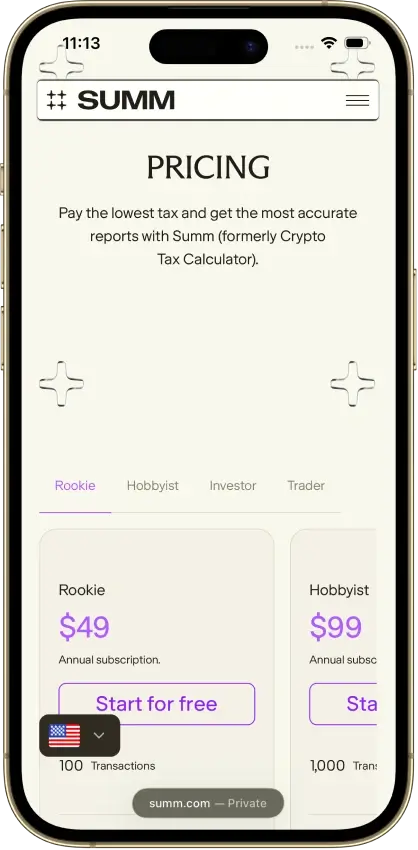
 Summ Summ | $49/year · 100 transactions | Import and edit, paid reports | From 2013 while subscribed |
 Koinly Koinly | $49/tax year, 100 transactions | 10,000 records, no downloads | One tax year per purchase |
 CoinLedger CoinLedger | $49/tax year, 100 transactions | Import and edit, paid reports | One tax year per purchase |
 CoinTracking CoinTracking | $49/year · 200 total records | 7-day trial; free terms differ | All years during paid access |
 Blockpit Blockpit | €49/tax year, 50 transactions | Import and edit, paid reports | One tax year per purchase |
Establish whether you can inspect acquisition costs and proceeds, correct the underlying records, and download the required year’s reports under the same purchase. If an accountant will help, include their access requirements when comparing the total cost.
Detailed UK Crypto Tax Software Reviews
Summ
- Paid plans from
- $49/year · 100 transactions
- Free plan
- Import and edit, paid reports
- Report years
- From 2013 while subscribed
Pros
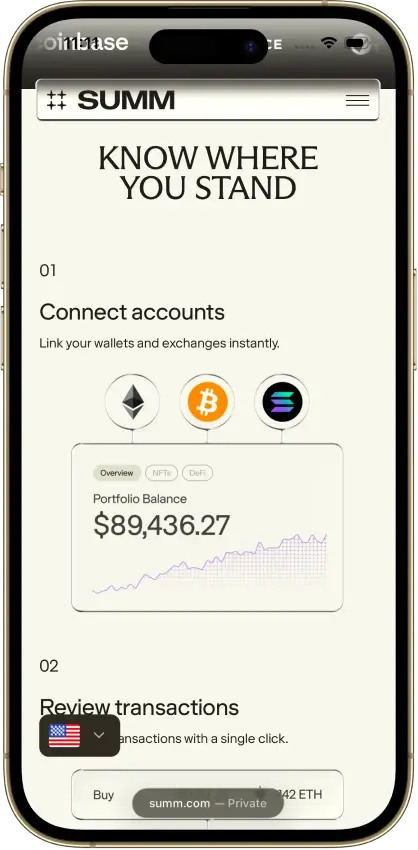
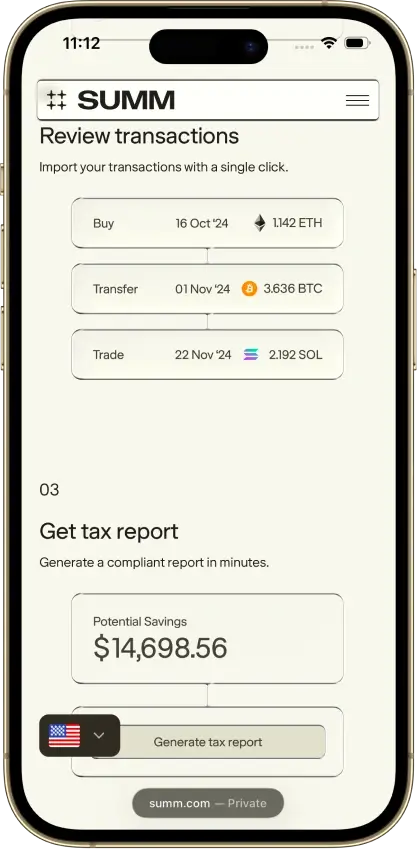
- 1099-DA proceeds comparison portal
- Transaction warnings and manual repairs
- Alternate PDF for TurboTax Online
Cons
- Full history consumes the plan allowance
- Recurring rules require the Trader plan
- Reports unavailable after subscription expiry



Koinly
- Paid plans from
- $49/tax year, 100 transactions
- Free plan
- 10,000 records, no downloads
- Report years
- One tax year per purchase
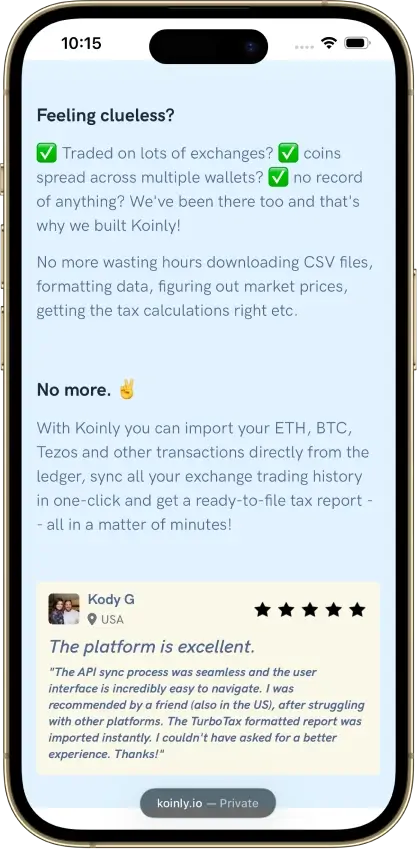
Pros
- Free missing-history corrections
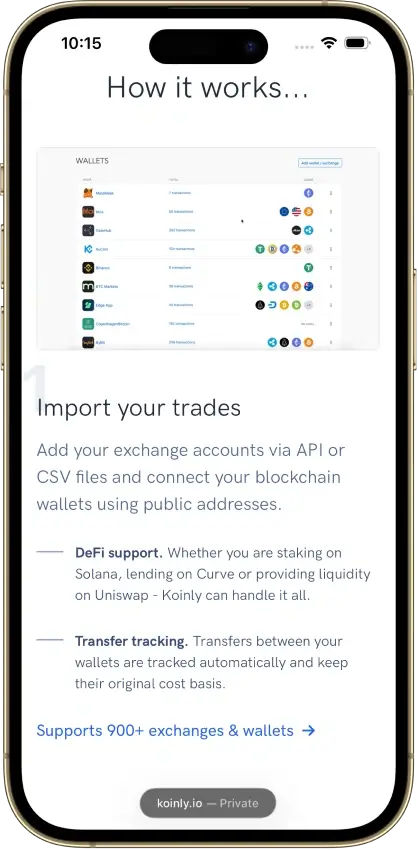
- Identical CSV reimports skip duplicates
- Owned-wallet transfers keep cost basis
Cons
- Affected by 2025 Mixpanel vendor breach
- Conflicting refund promises
- Manual merging for Jupiter Limit Orders V2
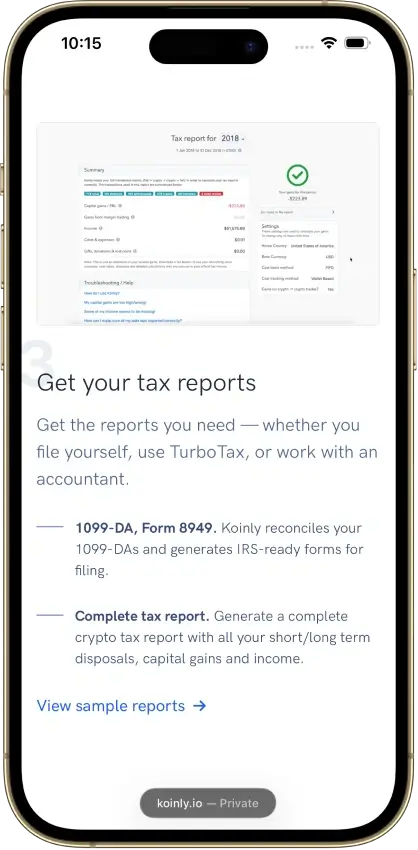
CoinLedger
- Paid plans from
- $49/tax year, 100 transactions
- Free plan
- Import and edit, paid reports
- Report years
- One tax year per purchase
Pros
- Free transaction calculation details
- Undo transaction exclusions
- Purchased-year reports can be revised
Cons
- Multi-year reports add separate charges
- Narrow refund eligibility
- Retention of uploaded records is unclear

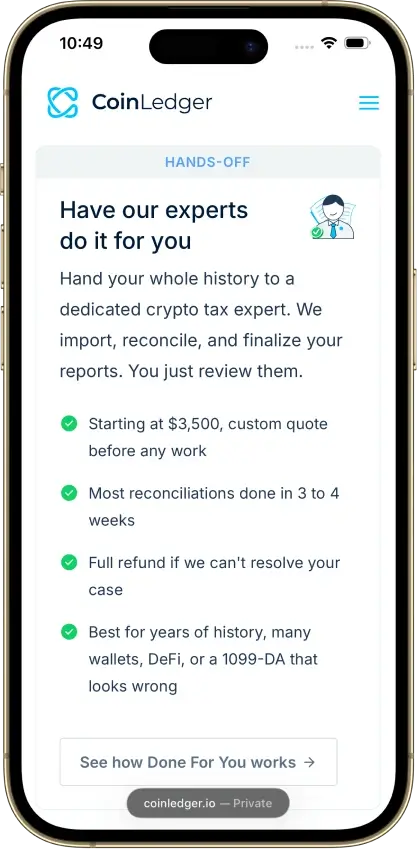

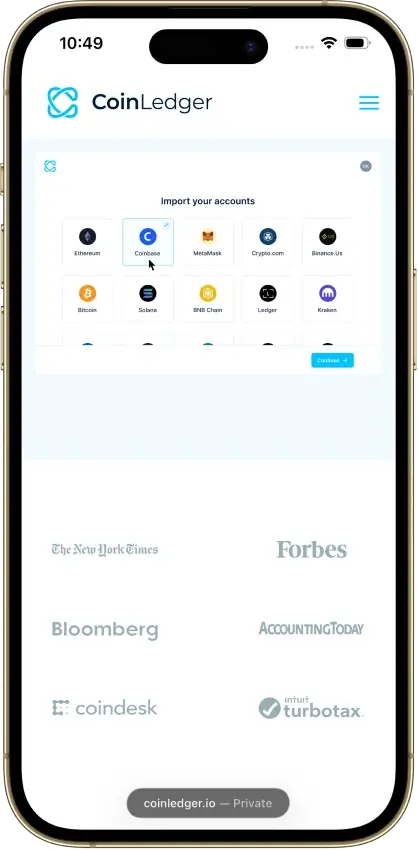

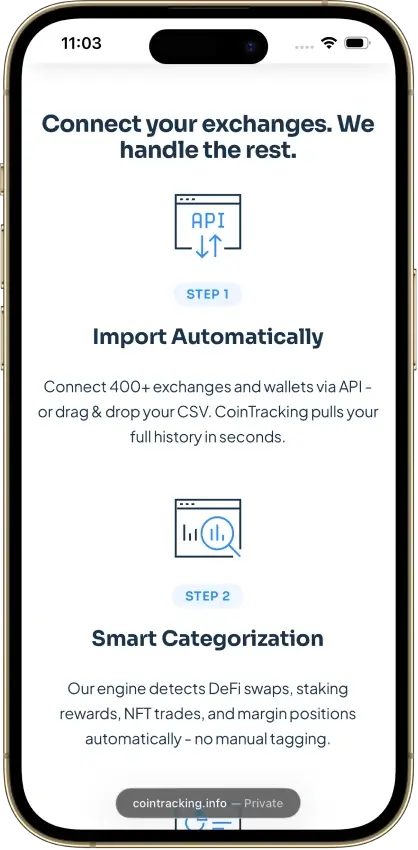
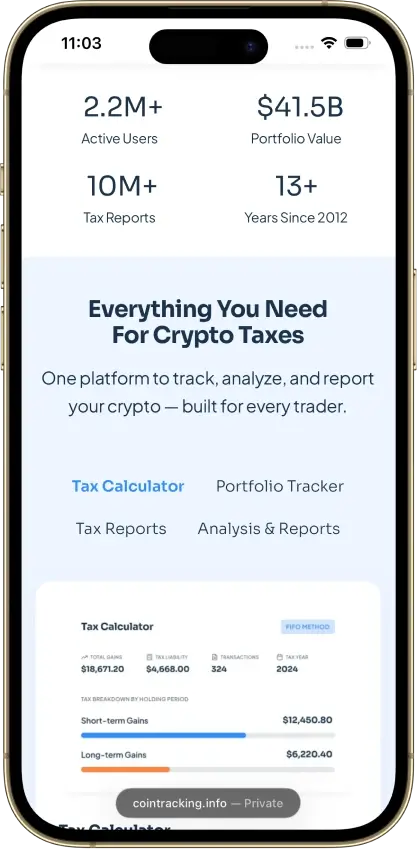
CoinTracking
- Paid plans from
- $49/year · 200 total records
- Free plan
- 7-day trial; free terms differ
- Report years
- All years during paid access
Pros
- Recalculate past years during paid access
- Disposal-level exports for accountant review
- Validation and missing-transfer reports
Cons
- Older records consume the plan allowance
- Starter excludes automatic syncing
- Canceled-plan storage can cost extra



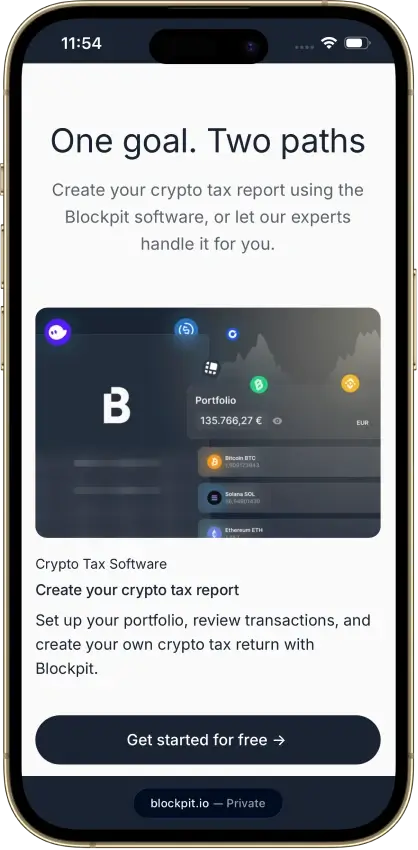
Blockpit
- Paid plans from
- €49/tax year, 50 transactions
- Free plan
- Import and edit, paid reports
- Report years
- One tax year per purchase
Pros
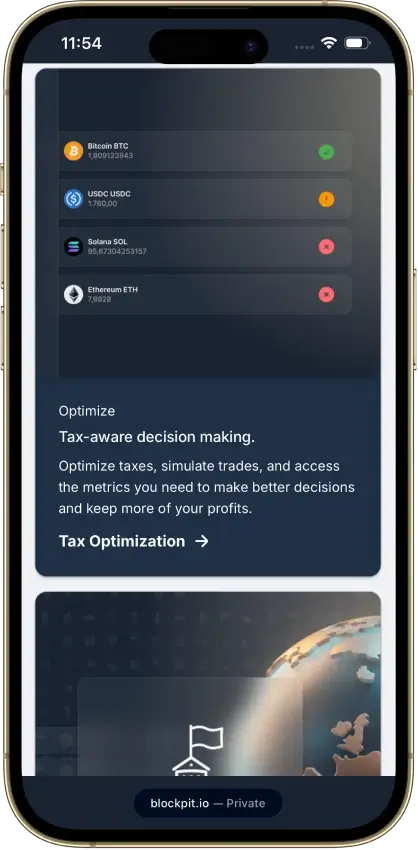
- Permanent access to purchased report years
- Bulk labeling and reversible manual merges
- Accountant access without password sharing
Cons
- Tax details require a separate Plus plan
- Expert help only in Germany, Austria, Switzerland
- US filing-software import route unspecified



Before paying, inspect how the software presents an acquisition and a later disposal from your own history. Check the imported dates, quantities, and sterling values against your original records. Then check whether the export includes enough information for you or your accountant to investigate a discrepancy.
How We Compare UK Crypto Tax Software
This comparison covers selected products from our review library, using provider documentation and public samples. We select products for their UK calculation settings and report outputs, then compare the cost of accessing the required years and supporting records.
We order products by the task each suits. Those tasks include checking gains before purchase, preparing several years, and sharing work with an accountant. We have not tested UK calculations or paid UK reports, and this page shows no scores because our ratings measure the US reporting workflow.
-
UK calculations
How country settings activate the applicable matching rules and how asset types are distinguished.
-
Local outputs
Which gains summaries, income reports, and supporting transaction records are available for your year.
-
Historical coverage
Whether the import allowance accommodates earlier acquisitions alongside the year being reported.
-
Review access
Which records and calculations you can inspect or correct before and after paying.
-
Accountant access
Whether collaboration means shared working data, downloaded files, or an additional account arrangement.
For fungible tokens subject to HM Revenue & Customs (HMRC) pooling rules, matching considers same-day transactions first, then acquisitions of the same token in the following 30 days, then the pooled holding. Each token type has its own pool. Non-fungible tokens (NFTs) are separately identifiable and fall outside those pooling and matching rules. Check that your software distinguishes these asset types.
UK Reports and Records to Check
HMRC’s recordkeeping guidance calls for transaction-date values in pounds sterling, alongside dates, token quantities, and acquisition or disposal details. When converting non-sterling transactions, use an appropriate rate and keep details of a consistent valuation methodology. Historical GBP values need to remain traceable through any manual corrections.
-
Gains summary
The UK report period, sterling totals, and supporting disposal calculations.
-
Income report
The underlying receipts, transaction dates, and GBP values supporting the summary.
-
Transaction history
Asset types, quantities, and original acquisition and disposal records across relevant accounts.
-
Valuation records
The rate and methodology used for historical sterling amounts, including corrected entries.
-
Downloadable working records
The available detail and file formats your accountant needs to reconcile the summaries.
Retain original exchange downloads as well as the software’s exports. Exchanges can close or limit the history they make available. When changing software, compare the imported acquisition records with those downloads before relying on the new calculations. A present-day portfolio valuation cannot supply the missing historical prices.
Check the year printed on any sample report. Self Assessment returns have included a cryptoasset section from 2024/25, so an older sample needs checking against the output for your required year. A crypto report supplies calculations for return preparation. Submitting the Self Assessment return remains a separate step for you or your accountant.
Choosing Software for Your UK Tax Year
The most recent completed UK tax year is 2025/26, covering Apr. 6, 2025, to Apr. 5, 2026. Confirm both dates in the report settings. The year in which you pay for software may differ from the tax year its report covers, particularly when preparing previous returns.
| Year or History Check | Purchasing Implication |
|---|---|
| Report period | Confirm that the export covers the UK tax year you need. |
| Earlier acquisitions | Allow enough imported history to establish costs for later disposals. |
| Acquisitions after a disposal | Include records needed for applicable 30-day matching. |
| Several report years | Compare separate annual report purchases with access under an active subscription. |
| Later corrections | Check whether you can regenerate the purchased report and whether added transactions change the required tier. |
For a fungible-token disposal within the last 30 days of the tax year, the following 30 days can extend into the next tax year. This means subsequent acquisition records may be needed to apply the matching rule even when the disposal report ends on Apr. 5. Keep the report period separate from the range of records imported for its calculations.
Import your history back to the oldest acquisition before settling on a transaction tier. Where the allowance counts all imported years, removing earlier acquisitions to reduce the count can leave the software without the costs it needs. For a large history, also confirm capacity under the UK calculation method and the availability of the specific correction tools you need.
Costs, Free Access, and Accountant Handoff
Use free access to inspect whatever transaction records and previews the plan includes, and confirm whether importing remains available after a trial ends. For beginners, the first check is whether an imported transaction can be traced to the original record and corrected when necessary.
| Cost or Permission | What to Confirm Before Paying |
|---|---|
| Charged currency and value-added tax (VAT) | The payment currency, applicable VAT, and final total for the selected report or subscription. |
| Subscription duration | The renewal terms and which report years remain accessible while the subscription is active. |
| Transaction allowance | Whether the limit counts the selected year, all imported history, or both. |
| Accountant permissions | Who sends the invitation, what the accountant can edit, and how access can be revoked. |
| Exports and collaboration | Which downloads are included, whether an invitation requires purchase, and who pays for shared access. |
Several providers list plan prices in USD or EUR, so a GBP figure you calculate yourself is only an estimate, even when your reports use GBP.
Shared access can let an accountant change transactions and tax settings, so review those permissions before you send or accept an invitation. Agree who will make corrections and retain the completed exports. If you prefer to send files, establish which reports the accountant needs and download those without sharing your login credentials.
FAQ
What is the best crypto tax software in the UK for beginners?
Choose software whose UK settings, transaction records, and report-year access you can understand before paying. Start by inspecting an acquisition and disposal from your history. Check how to correct a missing record and whether detailed calculations require a paid feature alongside the report.
Can I use UK crypto tax software for free?
Free access may include imports, transaction review, or a gains preview. Check its duration and transaction allowance. Report downloads and detailed calculation views can require payment, and continued importing may depend on the plan after a trial ends.
Does a crypto tax report file my Self Assessment return?
Generating or downloading a report is a preparation step. You or your accountant still submit the Self Assessment return to HMRC. Agree in advance which of you will submit it and which UK summaries and supporting records the accountant needs.
Do I need transactions from before the tax year?
Yes, where earlier acquisitions contribute to costs used in that year’s calculations. The 30-day matching rule for fungible tokens can also require acquisitions of the same token made after a disposal, including across the year boundary. Import that history even when you are purchasing just one year’s report.
Does UK share pooling apply to NFTs?
No. Separately identifiable NFTs fall outside the pooling and matching rules for fungible tokens. When your history includes both types, retain each NFT’s individual acquisition records.
Can I share my records with an accountant?
Yes, through shared access, an exported file, or both, depending on the software. Shared access may allow edits to transactions and settings, while an export gives the accountant a separate file. Agree on the required reports and review the invitation process, purchase requirements, permissions, and way to remove access before sharing.
