

Tax software for non-fungible tokens (NFTs) should connect each token with its acquisition cost, payments, and later sales. Bundled purchases can distribute a single payment across several items, while an escrow listing can move an NFT before a sale takes place. Choose NFT tax software with identity fields and correction tools that match those records.
Top NFT Tax Software
- Paid plans from
- $49/year · 100 transactions
- Free plan
- Import and edit, paid reports
- Report years
- From 2013 while subscribed
- Historical reports in one subscription
- Free bulk edits and saved backups
- Choice of who keeps the working records
- Paid plans from
- $49/tax year, 100 transactions
- Free plan
- 10,000 records, no downloads
- Report years
- One tax year per purchase
- One-time tax-year plans with 10-year validity
- Excel edits for purchased tax years
- Wallet-based 1099-DA statement setup
- Paid plans from
- $49/tax year, 100 transactions
- Free plan
- Import and edit, paid reports
- Report years
- One tax year per purchase
- No recurring report subscription
- Separate accounts for per-wallet tracking
- Compare broker PDFs with imported history
- Paid plans from
- $49/year · 200 total records
- Free plan
- 7-day trial; free terms differ
- Report years
- All years during paid access
- All tax years in one paid plan
- Bulk corrections and transaction filters
- Transaction backups on paid plans
- Paid plans from
- €49/tax year, 50 transactions
- Free plan
- Import and edit, paid reports
- Report years
- One tax year per purchase
- Older history supplies basis at no extra cost
- Trace purchase lots with Plus
- Review up to 30 saved reports per year
CryptoSlate may earn a commission when you visit partner sites through links on this page, at no extra cost to you. Our rankings and reviews remain editorially independent and based on our published methodology. Read disclosure
Disclaimer: CryptoSlate may receive a commission when you click links on our site and make a purchase or complete an action with a third party. This does not influence our editorial independence, reviews, or ratings, and we always aim to provide accurate, transparent information to our readers.List the networks, marketplaces, and NFT types in your wallets, including any compressed NFTs and batch transfers. Compare them with the supported token standards, contracts, and activities for each integration.
NFT Tax Software Comparison
| Brand | Paid plans from | Free plan | Report years |
|---|---|---|---|
 Summ Summ | $49/year · 100 transactions | Import and edit, paid reports | From 2013 while subscribed |
 Koinly Koinly | $49/tax year, 100 transactions | 10,000 records, no downloads | One tax year per purchase |
 CoinLedger CoinLedger | $49/tax year, 100 transactions | Import and edit, paid reports | One tax year per purchase |
 CoinTracking CoinTracking | $49/year · 200 total records | 7-day trial; free terms differ | All years during paid access |
 Blockpit Blockpit | €49/tax year, 50 transactions | Import and edit, paid reports | One tax year per purchase |
Compare the correction route alongside import coverage. Adding a missing NFT may require a structured comma-separated values (CSV) file or a custom asset with a contract address and token ID. A transaction editor that accepts ordinary crypto entries may lack the fields needed to reconstruct an individual NFT.
Detailed NFT Tax Software Reviews
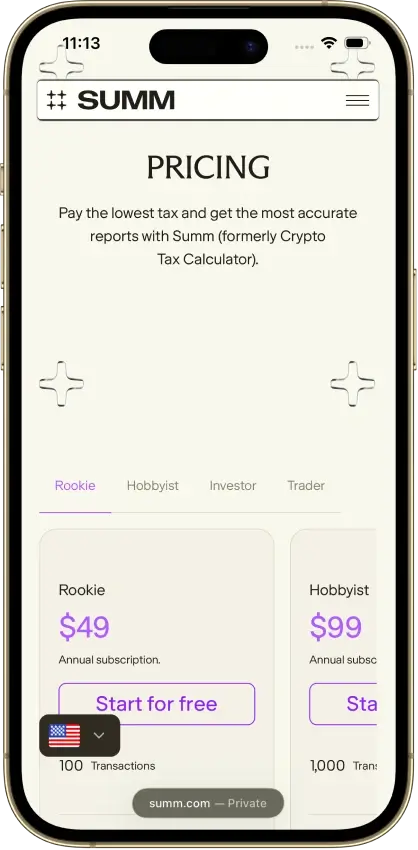
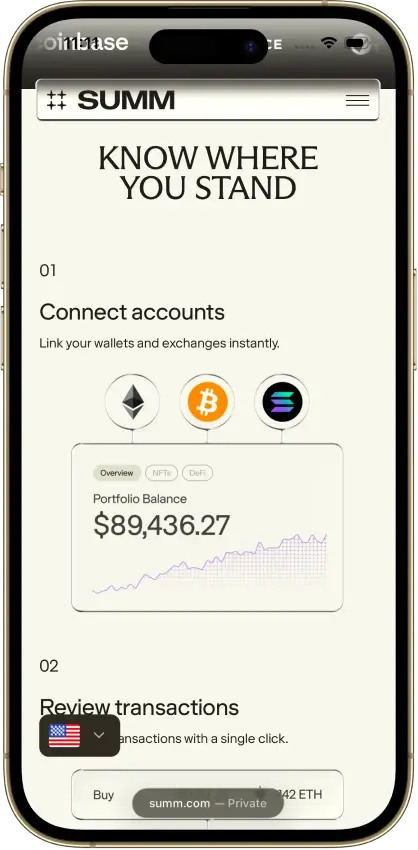
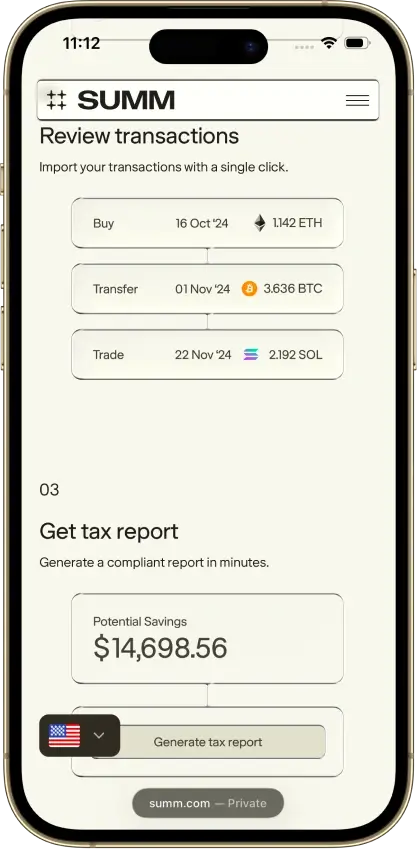
Summ
- Paid plans from
- $49/year · 100 transactions
- Free plan
- Import and edit, paid reports
- Report years
- From 2013 while subscribed
Pros
- 1099-DA proceeds comparison portal
- Transaction warnings and manual repairs
- Alternate PDF for TurboTax Online
Cons
- Full history consumes the plan allowance
- Recurring rules require the Trader plan
- Reports unavailable after subscription expiry
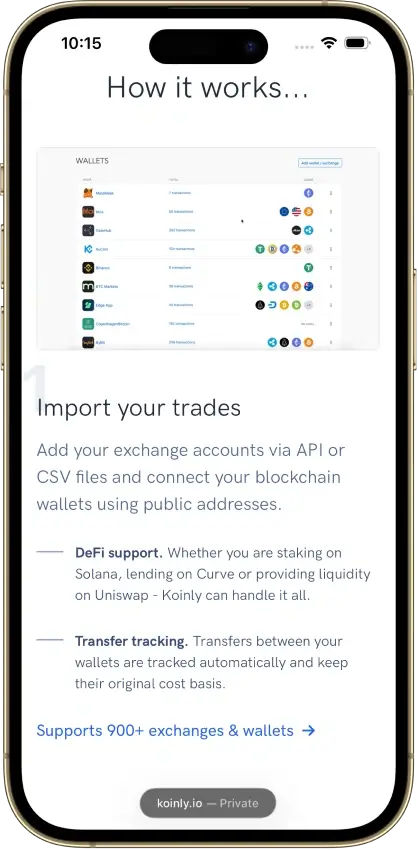
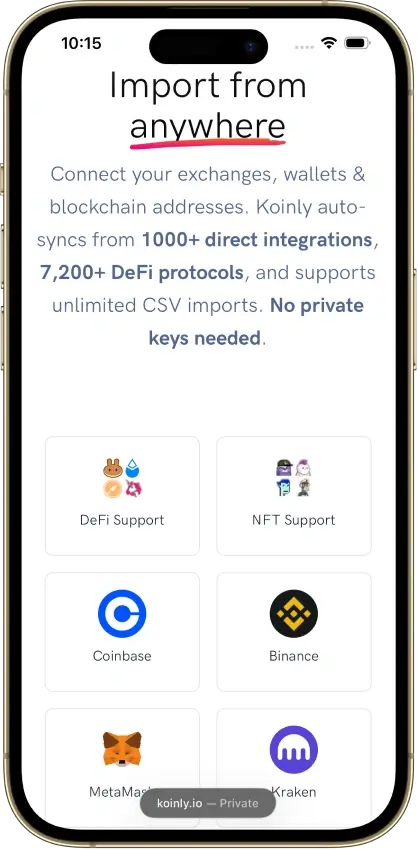
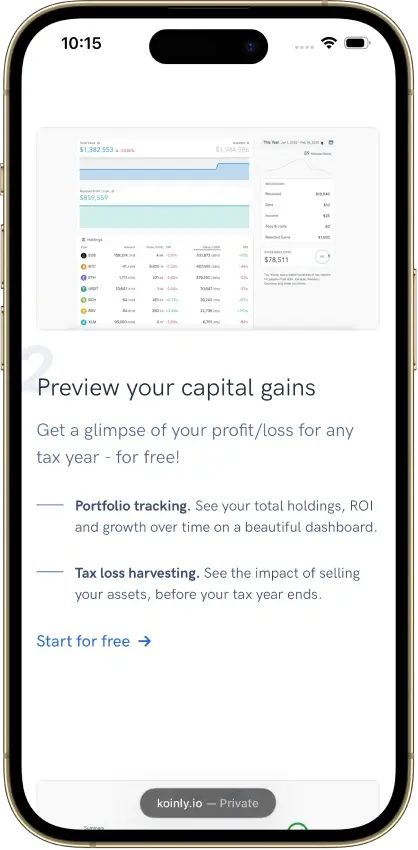
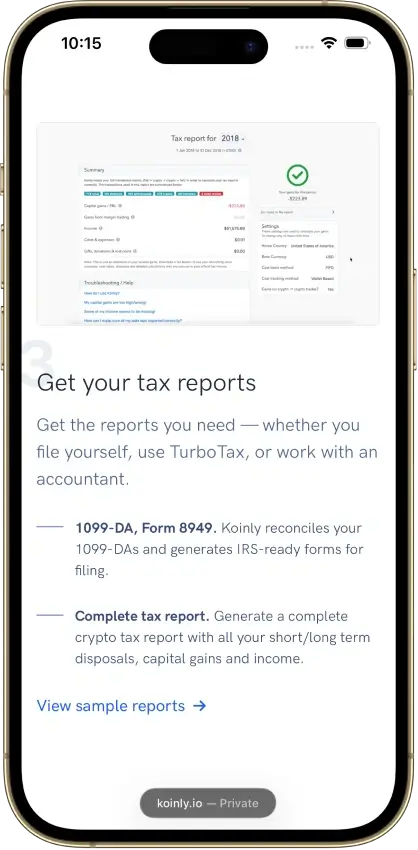
Koinly
- Paid plans from
- $49/tax year, 100 transactions
- Free plan
- 10,000 records, no downloads
- Report years
- One tax year per purchase
Pros
- Free missing-history corrections
- Identical CSV reimports skip duplicates
- Owned-wallet transfers keep cost basis
Cons
- Affected by 2025 Mixpanel vendor breach
- Conflicting refund promises
- Manual merging for Jupiter Limit Orders V2
CoinLedger
- Paid plans from
- $49/tax year, 100 transactions
- Free plan
- Import and edit, paid reports
- Report years
- One tax year per purchase
Pros
- Free transaction calculation details
- Undo transaction exclusions
- Purchased-year reports can be revised
Cons
- Multi-year reports add separate charges
- Narrow refund eligibility
- Retention of uploaded records is unclear

CoinTracking
- Paid plans from
- $49/year · 200 total records
- Free plan
- 7-day trial; free terms differ
- Report years
- All years during paid access
Pros
- Recalculate past years during paid access
- Disposal-level exports for accountant review
- Validation and missing-transfer reports
Cons
- Older records consume the plan allowance
- Starter excludes automatic syncing
- Canceled-plan storage can cost extra


Blockpit
- Paid plans from
- €49/tax year, 50 transactions
- Free plan
- Import and edit, paid reports
- Report years
- One tax year per purchase
Pros
- Permanent access to purchased report years
- Bulk labeling and reversible manual merges
- Accountant access without password sharing
Cons
- Tax details require a separate Plus plan
- Expert help only in Germany, Austria, Switzerland
- US filing-software import route unspecified
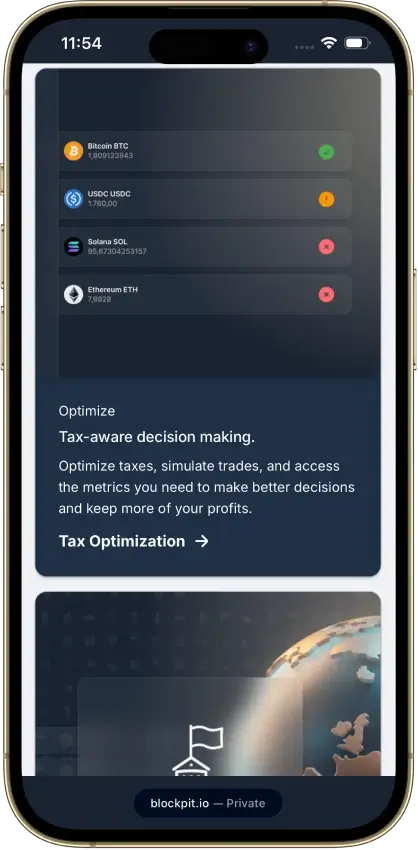
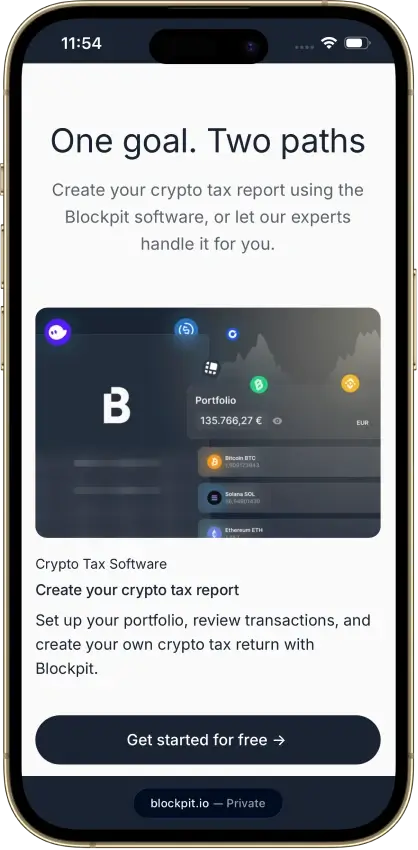
Trace a completed purchase and sale through the available transaction views. Match the NFT’s identity to its acquisition payment, then follow any wallet transfer or marketplace custody period through to the sale receipt. Inspect the fee entries and historical values along that path. This check helps reveal a missing acquisition or unmatched payment before you rely on the totals.
How We Compare NFT Tax Software
We compare the NFT activities each product supports, the identity details it retains, and the work required to repair incomplete records. The selection covers different needs, including bundled purchases, creator royalties, and acquisition history. When an imported NFT has no recognized price, or an escrow sale arrives as separate entries, the correction options decide whether you can repair the record inside the product.
| Comparison Point | What We Look For |
|---|---|
| Token identity | Chain, contract, and token ID, with a way to distinguish individual items in one collection. |
| Activity coverage | Specific support for mints, purchases, sales, and transfers, including relevant token standards and marketplace versions. |
| Allocation and valuation | Access to individual acquisition values when a bundle or missing price needs correction. |
| Repair controls | Ways to restore missing assets, link related records, and review acquisition dates, costs, and fees. |
| Report access | The plan needed for historical calculations, detailed transaction views, and the required country report. |
Categories such as Mint or Royalty describe how the software processes a record. They do not determine that record’s tax treatment.
The displayed Editorial ratings cover each whole product for US crypto reporting in tax year 2025, assessed on Oct. 9, 2026. They are not NFT-specific accuracy scores. The list is ordered by the NFT task each product suits, from bundled purchases and creator royalties through unrecognized assets and compressed NFTs to acquisition-date review. It is not a ranking by rating. A confidence note beside a rating means a key fact behind that score is still unclear.
NFT Records to Check
Keep each NFT’s original acquisition date, payment, and token identity with its history through wallet transfers and any later sale. These details connect the sale to the purchase, even when the events fall in different tax years.
| Record | Details to Check |
|---|---|
| Individual NFT | Match the chain, contract, and token ID to the on-chain record. Check quantities for tokens held in multiple units. |
| Mint | Compare the received item with the mint payment and charged gas. Review any unclassified entries. |
| Purchase | Match the payment currency, amount, and time to the NFT received, including card-payment records where applicable. |
| Bundled purchase | Confirm every item arrived and inspect the share of the total payment assigned to each NFT. |
| Wallet transfer | Connect the sending and receiving records for the same item and retain its earlier acquisition history. |
| Escrow listing | Follow the item into custody, then connect either the sale payment or the return of the unsold NFT. |
| Sale | Reconcile the item sent, payment received, and separate charges against the transaction record. |
An automatic bundle allocation can split the purchase value equally. Where the purchase records support different item values, check whether you can edit each allocation. Retain the supporting record and reconcile the allocations to the original total. Changing one item without reviewing the others can leave the bundle inconsistent.
Review spam controls before applying them to an entire asset. They can affect earlier transactions and future imports as well as the item currently visible. Check the restoration process and preserve legitimate purchases or sales. A low displayed value is no reason to delete that history.
Gas, Royalties, and Missing Valuations
An NFT transaction may have a purchase or sale payment, a marketplace charge, and gas paid in another token. Keep enough detail to reconcile those amounts. Check the software’s fee-entry rules before adding a manual fee, particularly when the imported amount already accounts for that charge.
| Entry or Warning | Practical Review |
|---|---|
| Gas | Record the quantity, currency, and associated transaction. Check whether it appears within the trade or as a separate fee entry. |
| Marketplace charges | Reconcile the full sale amount, charges withheld, and payment received before editing the transaction. |
| Creator royalty receipt | Identify the payment arriving in the creator’s wallet and retain its amount, currency, time, and sale reference where available. |
| Royalty paid from a sale | Record the amount withheld separately from any royalty the same person receives as a creator. Check how it connects to sale proceeds. |
| Missing historical value | Review the actual payment and transaction time. If a value must be entered manually, retain the source used for it. |
A royalty category can help organize creator receipts, but confirm the software recognized each creator payment before relying on the category. A creator who also trades NFTs can have incoming royalties and charges withheld from sales in the same wallet. Inspect the direction and purpose of each entry before applying a category across multiple transactions.
On a marketplace, a collection’s floor price is the lowest current listing in that collection. A software gallery may show its own collection floor estimate, sometimes calculated from collection trades. Neither establishes the value of a particular item or your historical purchase cost. Use the amount paid or received at the time of the transaction when reconciling a purchase or sale.
Missing values need attention even when the report displays a total. Depending on the software, an unresolved price can exclude a transaction from calculations or trigger a default value. Restore the payment or acquisition record first, then review any remaining valuation warning. Clearing a warning by entering an arbitrary amount leaves the underlying gap unresolved.
Choosing a Plan for NFT Activity
Estimate the transaction allowance you need from the full history you must import. An NFT held across several years may require older acquisition records alongside the current sale. Plans differ in whether they count one reporting year or the full imported history, and fee or ignored entries can have separate billing rules.
| Plan Detail | Check Before Paying |
|---|---|
| Transaction allowance | Which years count, which record types are billable, and what happens when you exceed the limit. |
| Import access | Whether wallet syncing continues after a trial and whether automatic imports require a higher tier. |
| Correction access | Available identity, value, and fee edits, plus any limits on bulk changes. |
| Calculation visibility | Whether you can inspect acquisition cost and sale calculations before purchasing a report. |
| Report access | The country format, covered years, and subscription or renewal required to view and download it. |
Use available free imports and transaction views to inspect a mint, a sale, and any bundle or escrow activity you have. Review the report format before buying. An NFT inventory export lists holdings and acquisition details, while tax-report access has its own format and purchase conditions.
FAQ
What if my NFT marketplace is not supported?
A manual or CSV route may let you add the NFT using its chain, contract, and token ID. Confirm that you can also enter the payment currency, amount, and date, then link the acquisition and sale. An ordinary crypto-only transaction form may not retain those NFT fields.
How does NFT tax software record gas fees?
Software can associate gas with a trade or record it separately. Check the fee currency, amount, and matching transaction, then follow the product’s input rules to avoid duplicate entries. The way a fee appears in software does not establish its deductibility.
Can NFT tax software track creator royalties?
Royalty categories can organize secondary-sale receipts. Review whether the creator’s incoming payment was recognized and valued, especially when it arrives separately. Keep it distinct from royalties or marketplace fees deducted when you sell an NFT.
Can I prepare NFT tax records for free?
Free access can include imports, transaction review, and ordinary corrections, subject to limits. Detailed calculations, ongoing syncing, or full reports may require payment. Confirm the access needed to repair your records as well as the price of the report.
How should I check NFT transfers and escrow listings?
Match the item leaving a wallet with its destination and earlier acquisition record. For an escrow listing, find out whether the item later sold or returned unsold. Link the corresponding payment or return using the software’s supported correction process, preserving associated fees.
Can an NFT tax calculator fill in missing valuations?
A calculator may derive a purchase value from the payment cryptocurrency when that record is available. Missing payment or price data can still require a manual correction. To fill the gap for an individual NFT, start from your own record of the amount paid or received.
