Free crypto tax software can help you organize transactions and inspect gains before buying a report. Free access varies by task. A service may show sale figures but charge for the comma-separated values (CSV) file containing them. Compare continuing access, corrections, and downloads before committing your transaction history to a service.
Top Free Crypto Tax Software
- Paid plans from
- $49/year · 100 transactions
- Free plan
- Import and edit, paid reports
- Report years
- From 2013 while subscribed
- Historical reports in one subscription
- Free bulk edits and saved backups
- Choice of who keeps the working records
- Paid plans from
- $59/year · 100 transactions
- Free plan
- Preview and edit, paid reports
- Report years
- Past years while subscribed
- Separate broker-statement adjustments
- Archive wallets while retaining history
- Editable prices for unsupported assets
- Paid plans from
- $49/tax year, 100 transactions
- Free plan
- 10,000 records, no downloads
- Report years
- One tax year per purchase
- One-time tax-year plans with 10-year validity
- Excel edits for purchased tax years
- Wallet-based 1099-DA statement setup
- Paid plans from
- $49/tax year, 100 transactions
- Free plan
- Import and edit, paid reports
- Report years
- One tax year per purchase
- No recurring report subscription
- Separate accounts for per-wallet tracking
- Compare broker PDFs with imported history
CryptoSlate may earn a commission when you visit partner sites through links on this page, at no extra cost to you. Our rankings and reviews remain editorially independent and based on our published methodology. Read disclosure
Disclaimer: CryptoSlate may receive a commission when you click links on our site and make a purchase or complete an action with a third party. This does not influence our editorial independence, reviews, or ratings, and we always aim to provide accurate, transparent information to our readers.Open a completed sale and check whether you can see its acquisition cost, proceeds, fees, and gain. Those separate figures help explain an unexpected result that a portfolio total alone cannot resolve.
Free Crypto Tax Software Comparison
| Brand | Paid plans from | Free plan | Report years |
|---|---|---|---|
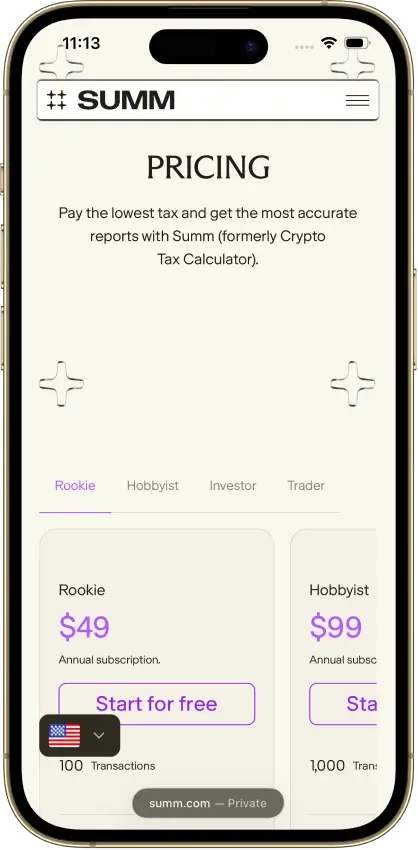
 Summ | $49/year · 100 transactions | Import and edit, paid reports | From 2013 while subscribed |
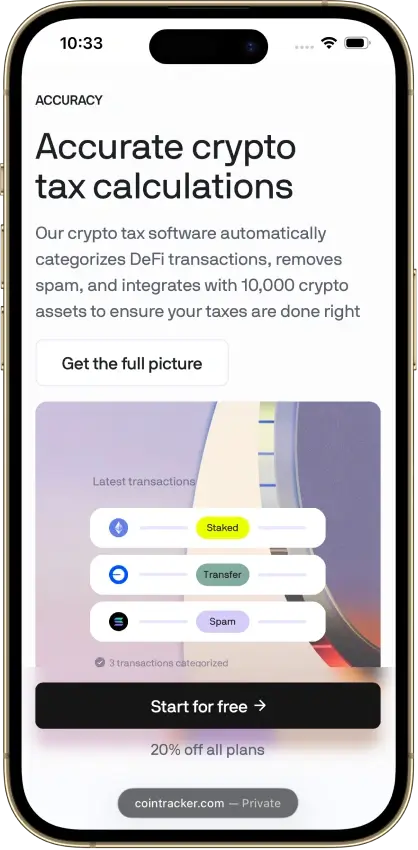
 CoinTracker | $59/year · 100 transactions | Preview and edit, paid reports | Past years while subscribed |
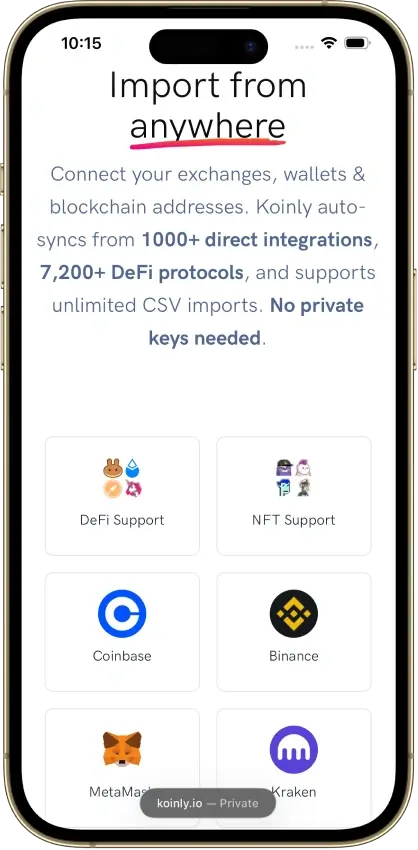
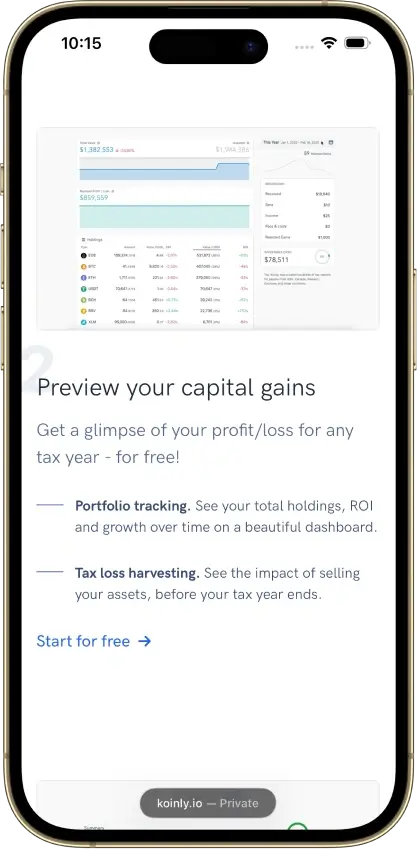
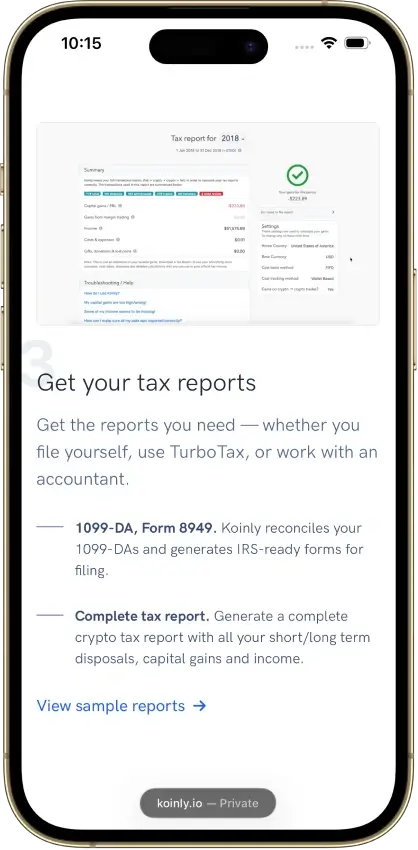
 Koinly | $49/tax year, 100 transactions | 10,000 records, no downloads | One tax year per purchase |
 CoinLedger | $49/tax year, 100 transactions | Import and edit, paid reports | One tax year per purchase |
An import limit may apply across the entire account or separately to each wallet. The same limit covers more history when it applies per wallet, but only if your records are spread across several wallets.
Detailed Free Crypto Tax Software Reviews
Summ
- Paid plans from
- $49/year · 100 transactions
- Free plan
- Import and edit, paid reports
- Report years
- From 2013 while subscribed
Pros
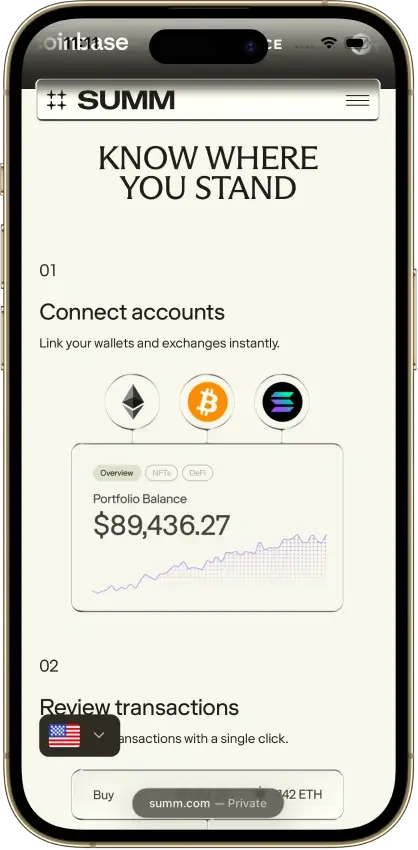
- 1099-DA proceeds comparison portal
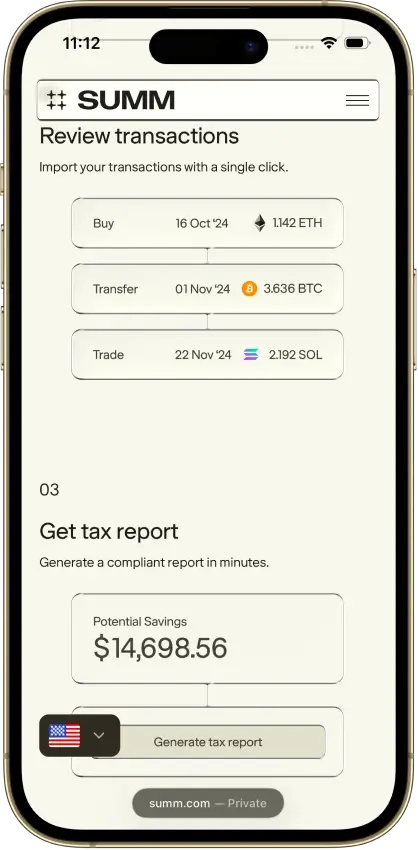
- Transaction warnings and manual repairs
- Alternate PDF for TurboTax Online
Cons
- Full history consumes the plan allowance
- Recurring rules require the Trader plan
- Reports unavailable after subscription expiry



CoinTracker
- Paid plans from
- $59/year · 100 transactions
- Free plan
- Preview and edit, paid reports
- Report years
- Past years while subscribed
Pros
- Historical tax forms included
- Free transaction inspection and edits
- Accountant access on paid plans
Cons
- New tax-year forms can need early renewal
- TurboTax Online income entry is separate
- Detailed tax lots require Prime




Koinly
- Paid plans from
- $49/tax year, 100 transactions
- Free plan
- 10,000 records, no downloads
- Report years
- One tax year per purchase
Pros
- Free missing-history corrections
- Identical CSV reimports skip duplicates
- Owned-wallet transfers keep cost basis
Cons
- Affected by 2025 Mixpanel vendor breach
- Conflicting refund promises
- Manual merging for Jupiter Limit Orders V2
CoinLedger
- Paid plans from
- $49/tax year, 100 transactions
- Free plan
- Import and edit, paid reports
- Report years
- One tax year per purchase
Pros
- Free transaction calculation details
- Undo transaction exclusions
- Purchased-year reports can be revised
Cons
- Multi-year reports add separate charges
- Narrow refund eligibility
- Retention of uploaded records is unclear



An in-app backup can preserve edits without giving you a file to take elsewhere. A raw transaction CSV may omit gains and losses, which a tax-report CSV includes.
How We Choose Free Crypto Tax Software
We prioritize continuing access to record-keeping tools, including calculation inspection and missing-history repairs. We order the list by the free task each service handles best, from inspecting individual sales to previewing a gain summary. The order is not a ranking of how much each service offers free. A service with a short analysis trial can still help you assess the interface, but its trial features disappear when the trial ends.
-
Continuing access
Importing or editing that remains available after any introductory trial.
-
Calculation visibility
Separate transaction figures that help explain a gain, with locked details identified.
-
Corrections
A way to restore missing records, change an incorrect entry, and inspect the result.
-
Usable files and reports
Clear separation between raw history, calculation reports, and obscured samples.
-
Stated limits
The relevant account, wallet, time period, and country restrictions.
The displayed Editorial ratings assess the whole product for US tax year 2025. They are not separate free-plan scores. We include products for what their free tier lets you do, so a higher overall rating does not necessarily mean more access without paying.
Other Free Accounts and Trials
A free tracking plan may still lock calculation details, or reveal them only during a trial. Trial expiry can also stop new imports while leaving an existing portfolio viewable.
Older help articles and current pricing can disagree about free reports. Check current download eligibility for your transaction count, country, and tax year instead of relying on an older small-account offer. Where the offer is inconsistent, confirm the download terms inside your account before planning around it.
What You Can Do Without Paying
Free access can include adding missing purchases and correcting transaction entries. A dedicated review screen or recurring automation may still require a subscription, while ordinary edits may remain available on the transaction page.
| Free Task | What to Check in the Account |
|---|---|
| Import records | Your exchange, wallet, or file format is supported, and your history fits the allowance. |
| Inspect a sale | Acquisition cost, also called cost basis, and the other figures you need are visible. |
| Repair missing history | You can add the missing acquisition and see how the affected sale changes. |
| Correct an entry | The edit saves, and the transaction list reflects the intended change. |
| Preserve work | Any backup or export includes the records you need, and you know what it leaves out. |
If an older purchase that supplies the acquisition cost for a sale is missing, restoring it can change the displayed gain even if the sale itself was imported correctly.
Review a few imported transactions against the original records, including fees and entries you changed manually. A row appearing in the list does not, by itself, show that its figures were read correctly.
Free Tax Reports, Previews, and Transaction Limits
An on-screen gain, a partially hidden sample, and a downloadable account report provide different information. When a service offers a free crypto tax report, check whether the download contains your figures in the format you need.
| Output or Allowance | What It Means for Free Access |
|---|---|
| Gain preview | Figures appear in the app. Detailed breakdowns or downloads may remain paid. |
| Raw transaction CSV | A copy of transaction history. It may exclude calculated gains and losses. |
| Sample report | An example or obscured preview. Check whether it contains your usable account figures. |
| Tax-report download | Access that can depend on payment, country, and report year. |
| Transaction allowance | A limit on an activity such as imports or report rows. Those activities can have different counts. |
Keep the import allowance and the eventual paid-report allowance separate when estimating costs. Some limits count cumulative history, while others refer to a report year or an individual wallet. Having relatively few recent sales does not tell you how a provider will count the older records already in your account.
A form available for one country may not have an equivalent elsewhere. Verify the country, tax year, and exact file you need even when a free preview displays the expected total.
How to Check a Free Account
Use a small set of your own real transactions before importing a large history. A purchase followed by a sale lets you inspect the available fields, and adding back a purchase the import missed shows how the affected gain changes. After importing the full history into the same account, check for duplicate copies of the sample records or any purchase you added manually. Remove only confirmed duplicates before using the calculations.
-
Confirm the settings
Select the intended country, currency, and tax year, then inspect the calculation settings.
-
Inspect a simple sale
Compare the displayed acquisition cost, proceeds, and fee treatment with your sample records.
-
Make a correction
Restore a missing purchase or fix an entry, then inspect the affected transaction again.
-
Try the intended download
Open the exact raw-history or tax-report export you expect to use.
-
Check continuing access
Read the trial expiry and paid-feature terms, including what remains available afterward.
Keep your original import files before changing records. An in-app snapshot can leave things out, and a downloadable report may not restore your edits. You may need the originals to redo extensive corrections.
When to Upgrade to a Paid Plan
Downloading a tax report commonly requires an upgrade. Detailed purchase-lot analysis, recurring correction rules, and raw exports can also require a paid tier. Compare free and paid crypto tax software by the specific feature you still need after preparing your records.
| You Need To… | Check Before Upgrading |
|---|---|
| Download a tax report | The plan includes your required country, year, and output format. |
| Inspect acquisition lots | The chosen tier reveals the purchases used to calculate each sale or other disposal. |
| Automate repeated corrections | The plan includes recurring rules, not only one-off bulk edits. |
| Export transaction history | The exact CSV is included, with the fields you need. |
| Continue after a trial | The paid plan restores the importing or analysis feature you intend to use. |
Compare the purchased access period with the report years included. A subscription and a selected-year report license can cover different needs. Exceeding the transaction allowance or paying a separate analysis charge can raise the total above the advertised entry price.
FAQ
Is there free crypto tax software?
Yes. Free accounts can let you import records, edit entries, and preview calculations, with different limits. Choose according to the task you need to complete. Tax-report downloads commonly require payment even when preparation and individual transaction checks remain free.
Can I get a free crypto tax report?
Usually not as a complete downloadable report. Check the exact download and its current eligibility terms. A raw-history CSV can exclude gains and losses, and an obscured sample is not a completed account report. Older offers for small accounts may no longer apply.
How many transactions can I import for free?
It varies by service. Some advertise unlimited free importing, some limit it across all wallets or per wallet, and some allow free imports only during a trial. Compare those import limits independently of any transaction allowance shown beside a paid tax-report plan.
Is a free trial the same as a free plan?
No. A trial can temporarily provide calculation details or new imports. After it expires, you may retain only basic tracking or access to existing records. Confirm the continuing features before relying on the account for an entire tax season.
Can I fix missing cost basis without paying?
Some free accounts let you restore the missing acquisition or edit a transaction and inspect the resulting calculation. Other services hide basis or gain fields. Check that both the correction and the figures needed to assess it are accessible.
Do I need to pay before importing my history?
Free importing is available, subject to provider limits and trial terms. Check support for your records with a small sample first. Then confirm the full-history allowance and any eventual report charge before committing time to a larger import and cleanup. After the full import, check for duplicate copies of the sample or manually added records and remove only confirmed duplicates.