

Crypto tax software for decentralized finance (DeFi) needs to connect the assets entering a contract with the tokens, positions, and rewards coming back. A liquidity deposit can involve several records, while a bridge can leave related entries on different chains. The right product depends on which activities the software recognizes, how you can correct those records, and what the plan includes.
Top Crypto Tax Software for DeFi
- Paid plans from
- $49/year · 100 transactions
- Free plan
- Import and edit, paid reports
- Report years
- From 2013 while subscribed
- Historical reports in one subscription
- Free bulk edits and saved backups
- Choice of who keeps the working records
- Paid plans from
- $59/year · 100 transactions
- Free plan
- Preview and edit, paid reports
- Report years
- Past years while subscribed
- Separate broker-statement adjustments
- Archive wallets while retaining history
- Editable prices for unsupported assets
- Paid plans from
- $49/tax year, 100 transactions
- Free plan
- 10,000 records, no downloads
- Report years
- One tax year per purchase
- One-time tax-year plans with 10-year validity
- Excel edits for purchased tax years
- Wallet-based 1099-DA statement setup
- Paid plans from
- $49/tax year, 100 transactions
- Free plan
- Import and edit, paid reports
- Report years
- One tax year per purchase
- No recurring report subscription
- Separate accounts for per-wallet tracking
- Compare broker PDFs with imported history
CryptoSlate may earn a commission when you visit partner sites through links on this page, at no extra cost to you. Our rankings and reviews remain editorially independent and based on our published methodology. Read disclosure
Disclaimer: CryptoSlate may receive a commission when you click links on our site and make a purchase or complete an action with a third party. This does not influence our editorial independence, reviews, or ratings, and we always aim to provide accurate, transparent information to our readers.Check the exact protocol version and activity against the software’s integration guide before importing. A product that handles ordinary swaps may still need manual work for limit orders, lending positions, or liquidity withdrawals. List the contracts you used alongside the wallets and chains involved, including any vault addresses the import instructions require.
DeFi Tax Software Comparison
| Brand | Paid plans from | Free plan | Report years |
|---|---|---|---|
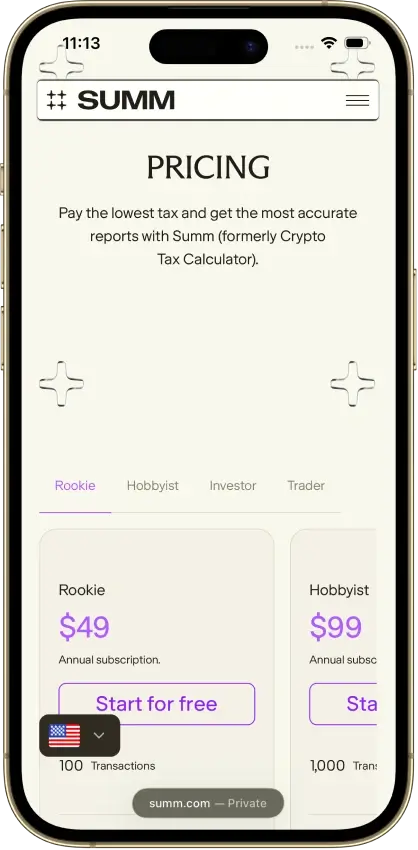
 Summ Summ | $49/year · 100 transactions | Import and edit, paid reports | From 2013 while subscribed |
 CoinTracker CoinTracker | $59/year · 100 transactions | Preview and edit, paid reports | Past years while subscribed |
 Koinly Koinly | $49/tax year, 100 transactions | 10,000 records, no downloads | One tax year per purchase |
 CoinLedger CoinLedger | $49/tax year, 100 transactions | Import and edit, paid reports | One tax year per purchase |
Transaction categorization and displays of open DeFi positions can require different plans. A portfolio display shows the open holding. Transaction history supplies the individual records used for calculations. Compare the tier needed for your reports with the tier needed for position tracking, especially if you only want to prepare a tax return.
Detailed DeFi Tax Software Reviews
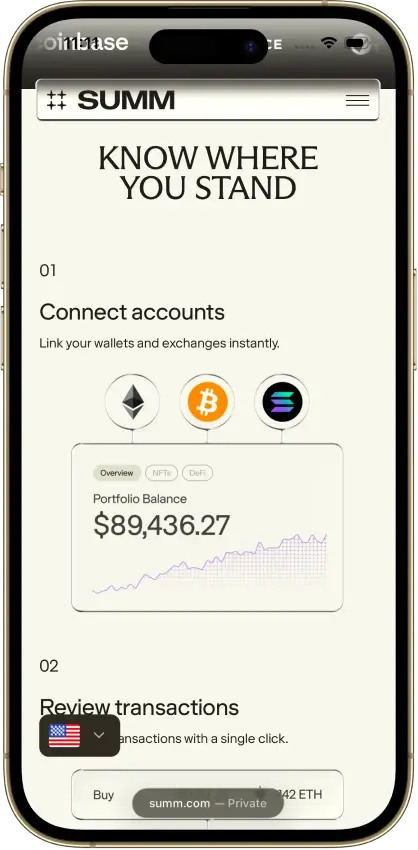
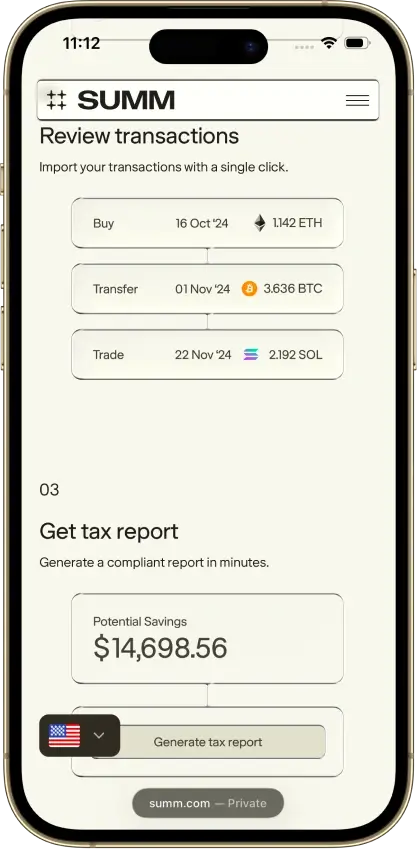
Summ
- Paid plans from
- $49/year · 100 transactions
- Free plan
- Import and edit, paid reports
- Report years
- From 2013 while subscribed
Pros
- 1099-DA proceeds comparison portal
- Transaction warnings and manual repairs
- Alternate PDF for TurboTax Online
Cons
- Full history consumes the plan allowance
- Recurring rules require the Trader plan
- Reports unavailable after subscription expiry


CoinTracker
- Paid plans from
- $59/year · 100 transactions
- Free plan
- Preview and edit, paid reports
- Report years
- Past years while subscribed
Pros
- Historical tax forms included
- Free transaction inspection and edits
- Accountant access on paid plans
Cons
- New tax-year forms can need early renewal
- TurboTax Online income entry is separate
- Detailed tax lots require Prime



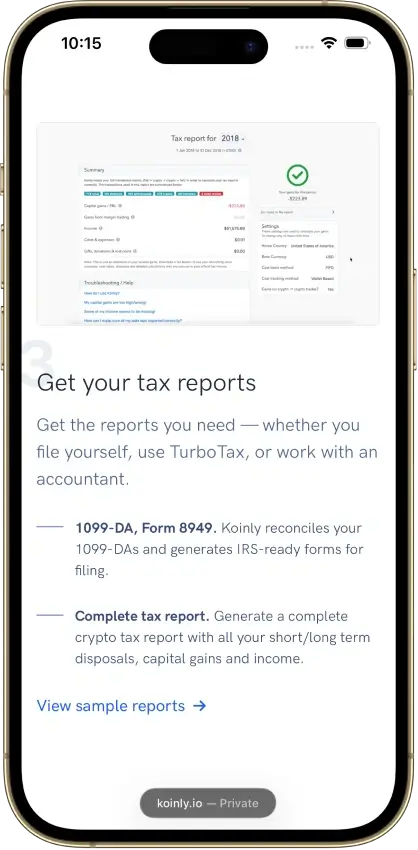
Koinly
- Paid plans from
- $49/tax year, 100 transactions
- Free plan
- 10,000 records, no downloads
- Report years
- One tax year per purchase
Pros
- Free missing-history corrections
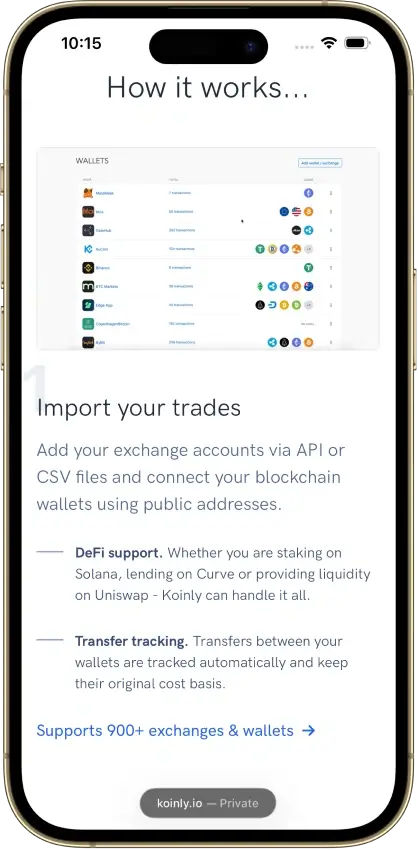
- Identical CSV reimports skip duplicates
- Owned-wallet transfers keep cost basis
Cons
- Affected by 2025 Mixpanel vendor breach
- Conflicting refund promises
- Manual merging for Jupiter Limit Orders V2
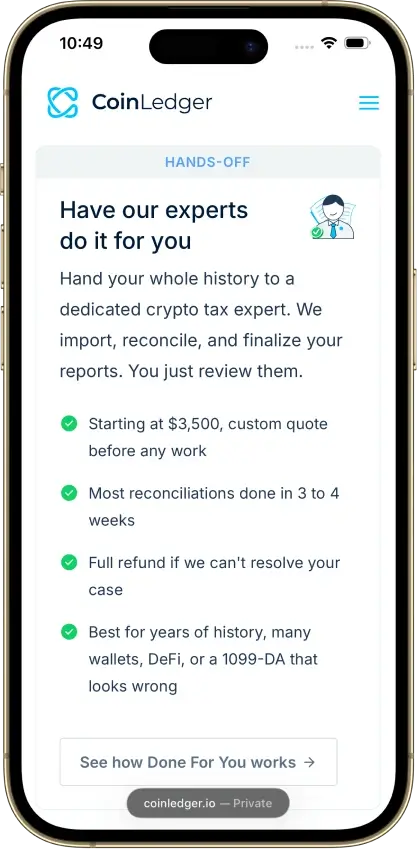
CoinLedger
- Paid plans from
- $49/tax year, 100 transactions
- Free plan
- Import and edit, paid reports
- Report years
- One tax year per purchase
Pros
- Free transaction calculation details
- Undo transaction exclusions
- Purchased-year reports can be revised
Cons
- Multi-year reports add separate charges
- Narrow refund eligibility
- Retention of uploaded records is unclear



Use a completed position to assess the amount of correction work involved. Trace the original deposit and its receipt tokens, which represent the deposited assets. Then follow rewards and withdrawals through the position’s closure, including any partial exit.
Keep the relevant transaction hashes so you can check an unexpected amount against the original activity. A wallet balance alone cannot show whether those events have been grouped correctly.
How We Compare DeFi Tax Software
DeFi tax software must preserve enough detail to explain a calculation and let you fix the records feeding it. We compare specific activity coverage, correction controls, plan restrictions, and report access. A supported chain is a starting point for checking the contracts used on it.
-
Protocol and version
A listed protocol may cover some versions or activities, leaving others to manual entry.
-
Related transaction records
Deposits, receipt tokens, withdrawals, and rewards need to remain distinguishable when grouped or classified.
-
Correction controls
Correction tools let you inspect warnings, change a classification, repair values, or undo an incorrect pairing.
-
Calculation visibility
Cost basis, the acquisition cost used in gain calculations, needs enough history behind it to be checked.
-
Paid features
Importing, detailed calculations, recurring rules, position displays, and downloadable reports may require separate plans.
The Editorial ratings assess each whole product for US tax year 2025, with no separate DeFi score. The top-list order reflects DeFi workflow fit and the correction work each product requires, so a lower-rated product can appear first. Classification settings help organize calculations, but they do not decide the tax treatment of an activity in your jurisdiction.
DeFi Activities and Records to Check
Start with the full history of the assets involved. A token acquired in an earlier year may later fund a liquidity position or move through several chains. Importing only the final wallet can leave the software without its acquisition history.
| Activity | Records to Inspect |
|---|---|
| Swaps | Sent and received assets, token identities, quantities, timestamps, and gas charges. |
| Bridges | The departure and arrival on both chains, the received asset’s identity, and the pairing between those entries. |
| Liquidity positions | Underlying assets, receipt tokens or position non-fungible tokens (NFTs), any software-created liquidity units, partial withdrawals, and separate rewards. |
| Lending | Loan principal, collateral movements, interest, repayments, and liquidations as distinct events. |
| Staking and farming | Deposited assets, receipt tokens, reward dates and values, and returned principal. |
| Failed transactions | The block explorer’s status, any actual asset movement, and fees charged despite the failure. |
Track receipt tokens when you add or remove liquidity. Some software represents a position with synthetic liquidity units, which are bookkeeping records of your pool share. If you transfer the position NFT, you may need to add transfer entries for those units. Token symbols alone cannot distinguish positions that contain several assets or use separate NFTs to represent ownership.
For lending, distinguish the borrowed amount from rewards and interest. A repayment may involve separate principal and interest records, while a liquidation can require a manual trade entry. Automatic compounding can also change a position without creating the wallet transfer you would expect from a separately paid reward.
Fixing Missing or Misclassified DeFi Transactions
Resolve missing imports before adjusting values or categories. Compare the software’s records with the transaction hash, connected wallets, and contract history. Filling in a price cannot repair a missing receipt token or an incorrectly paired bridge.
-
Bridge paired with the wrong arrival
Inspect both chains and timestamps, separate the incorrect match, and pair the corresponding records. Repeated equal amounts need particular care.
-
Liquidity deposit shown as unrelated movements
Check the underlying and receipt-token entries, then use the supported liquidity classification or grouping process.
-
Missing token price
Find a price you can document for that asset and time, retain its source, and inspect the resulting calculation.
-
Loan or collateral classified incorrectly
Separate principal, collateral, interest, and any liquidation before applying the appropriate categories.
-
Uncategorized contract event
Identify what occurred and complete the classification. Some systems leave unclassified events outside calculations.
-
Failed event with a fee
Confirm that the asset movement failed and check whether the fee remains in the imported record.
After a correction, inspect the affected gain, remaining holdings, and any later disposal that uses those holdings. Do not change quantities or dates just to make a warning disappear. Keep a copy of any manual adjustments before you resync the wallet, then check the corrected records again before exporting.
Bulk changes deserve an extra check when similar-looking events have different purposes. A rule suitable for recurring rewards may be wrong for returned principal. Review a sample of the affected entries before applying the same classification across the history.
Plan Limits and Report Access
Count the imported history using the provider’s billing rules before choosing a tier. A plan may count transactions across all years, use the selected tax year’s activity, or exclude certain entries from its billable total. A history with frequent rewards can therefore fit different tiers across providers.
| Plan Detail | What to Confirm Before Paying |
|---|---|
| Transaction allowance | Whether the limit counts cumulative history, one tax year, or a defined subset of transactions. |
| Smart-contract features | Whether the entry tier includes DeFi (smart-contract) transactions in its reports, or only a higher plan does. |
| Correction tools | Which edits are available, and whether recurring categorization rules require an upgrade. |
| Position tracking | Whether displaying open lending, staking, and liquidity positions costs extra. |
| Report access | Which tax year the purchase covers, which files it includes, and whether downloads require an active subscription. |
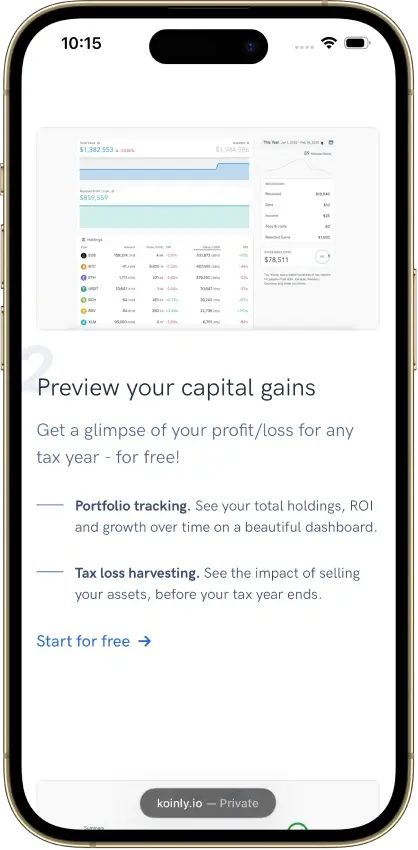
Use free import tools to see which transactions the software recognizes and what it warns about before you buy. Check the report list separately for the gain, income, and transaction detail you need. A calculation preview can help you assess the records, but downloadable tax forms and detailed supporting reports may require payment.
FAQ
Can DeFi tax software classify every transaction automatically?
Automation depends on the chain, protocol version, and activity. Ordinary swaps can be recognized, while a liquidation can need a manual trade entry and automatic compounding can change a position without a matching wallet transfer. Check unclassified events and each position from deposit to withdrawal or closure.
What should I check for Solana DeFi activity?
Check coverage for the applications and position types you used, then read their import instructions. Some order workflows require vault addresses and manual merging. Liquidity positions can also need corrections when ownership moves between wallets, even when ordinary swaps import successfully.
How should I review bridge transactions?
Import the histories on both chains and compare the departure with its arrival. Check the received token, timing, amounts, and acquisition history. Repeated transfers of the same amount can lead to an incorrect automatic match, so inspect each suggested pair before accepting it.
Can software track liquidity pool deposits and withdrawals?
Supported integrations can group liquidity activity and track receipt tokens or software-created liquidity units. Coverage varies by protocol and version. Check partial withdrawals, separately earned rewards, and transferred positions, since these can require more work than an initial deposit.
Can I correct a DeFi transaction manually?
Many tools offer classification, grouping, valuation, or manual-entry controls, although editable fields vary. Keep the original transaction references and review the calculation after making a change. If you import the same history again, check that your correction remains as intended.
Do I need a paid plan for DeFi tax reports?
Free importing and review can help you assess coverage, but tax reports commonly require a paid plan. Confirm the transaction allowance, report year, and subscription conditions. Position displays and recurring correction rules may have separate tier requirements from the reports themselves.
