

 Released in 2017
- Purchased years stay open for revisions
- Older history does not raise this year’s tier
- Excel workbook for accountant review
ZenLedger Overview
Key facts
- Supported countries
- US, tax year 2025
- Paid plans from
- Silver; One tax year; USD 49; per tax year; Up to 100 transactions
- Billing & report access
- per tax year; Purchase for each tax year, renewing automatically near calendar year-end at the latest purchased tier. The allowance counts the purchased calendar year's transactions, including transfers between owned accounts, while older history does not raise the tier. Purchased years stay available for revisions after cancellation, and an upgrade credits that year's earlier payment. A 10% multi-year discount is advertised. Includes detailed reports, DeFi and staking features, and NFT support.
- Transaction limits
- Up to 100 transactions
- Free plan
- Imports, transaction organization, and manual corrections, with proceeds previews but locked basis and gains. Tax reports require a paid plan.
- Import methods
- Coinbase authorized account connection, read-only exchange API connections such as Binance US, public wallet addresses by blockchain (Bitcoin may need an extended public key), exchange files, ZenLedger's custom CSV with USD values and UTC timestamps, and manual entry
- Key integrations
- Filing options
- Form 8949 and Schedule D, with income and other forms set up in the Tax Center, plus a Grand Unified Accounting Excel workbook that reruns after corrections. The TurboTax download holds a gain/loss PDF for TurboTax Online and a TXF file for Desktop. Filing runs through the separate april service or professional preparation, both at extra cost.
- DeFi support
- DeFi features start on Silver, and swaps and incoming rewards count toward the yearly transaction limit. Uniswap V1 and V2 on Ethereum import through the public wallet address.
- NFT support
- NFT support starts on Silver. Custom CSV types separate minting from trading and fees, and a missing or wrong acquisition value can be edited by hand from the original acquisition record.
- Staking support
- Staking features start on Silver, and incoming rewards count toward the yearly transaction limit. Cosmos ATOM staking imports from a stake.tax export, with generic labels changed by hand to reward, lockup, or return categories.
- Correction tools
- Resolution Center flags for missing sources, outgoing transfers, and insufficient balances, plus transfer pairing, a Missing Price filter, duplicate removal, bulk Ignore, and lock dates against resync overwrites. Edits are free, while calculated basis and gain need a paid plan.
- Accountant access
- A free Tax Pro account for an invited accountant, with access to trading history and tax reports but no trading permission or access to the underlying crypto accounts. Professional fees are separate.
- Official website
- zenledger.io
ZenLedger Screenshots
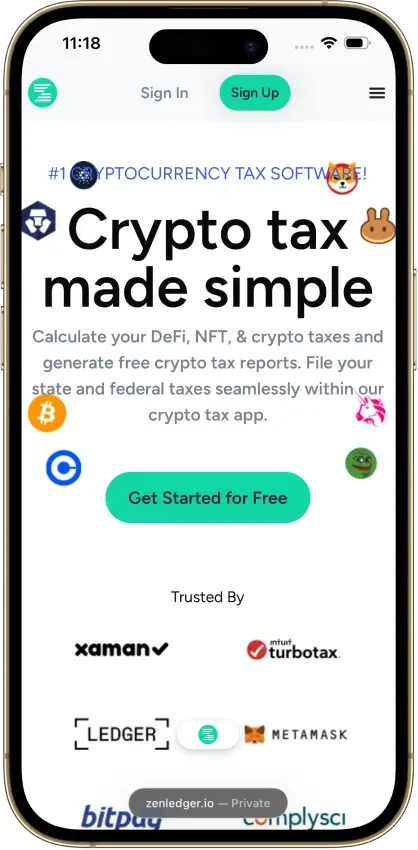
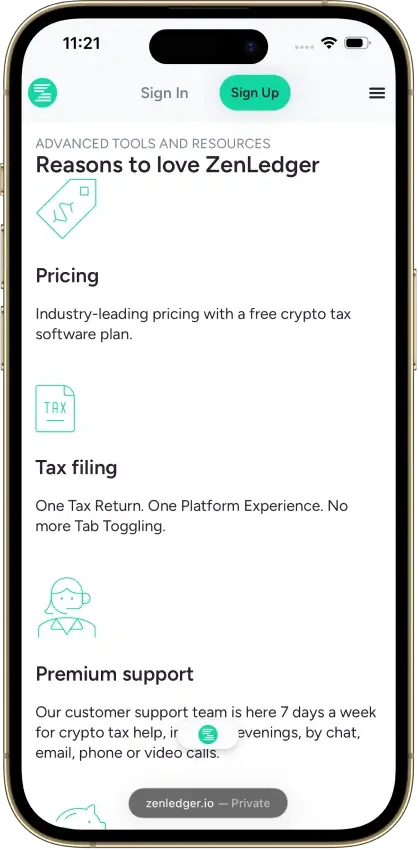
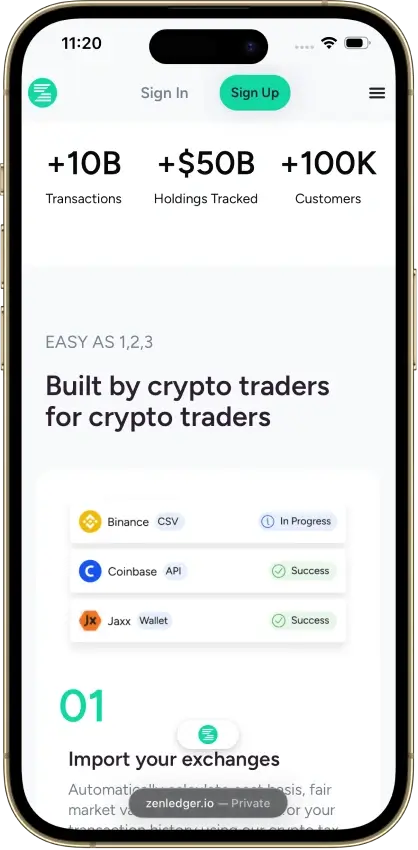
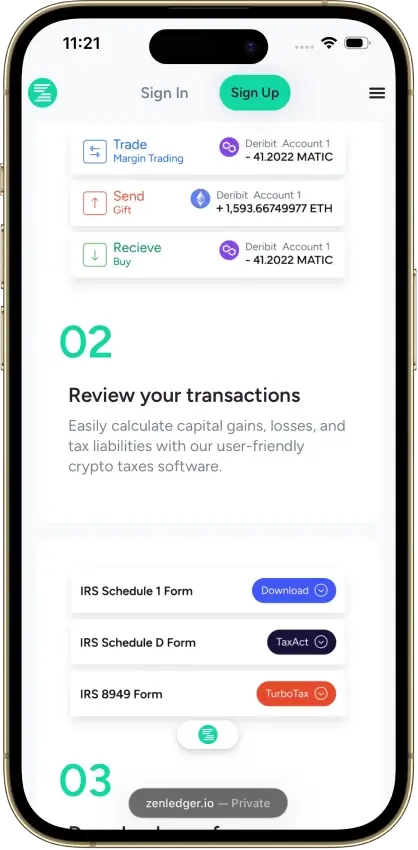
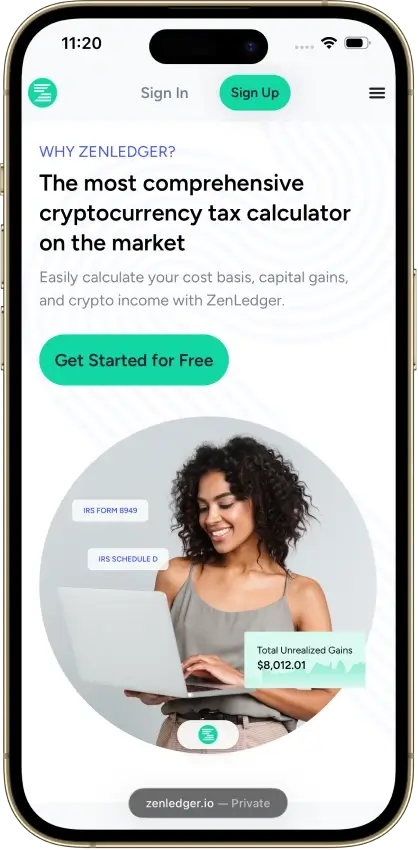

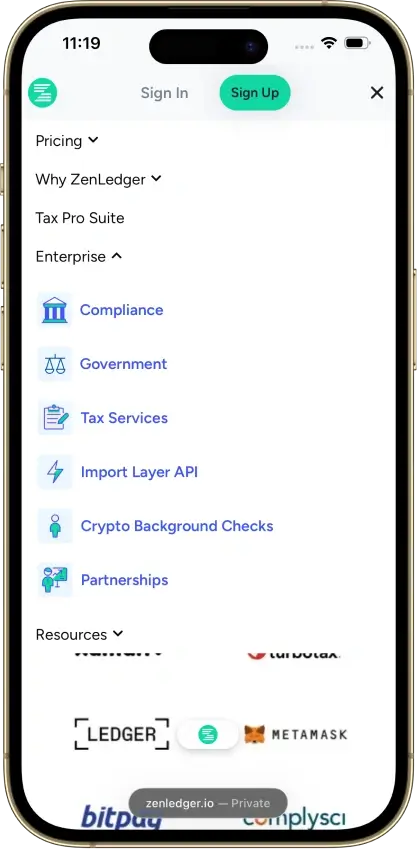
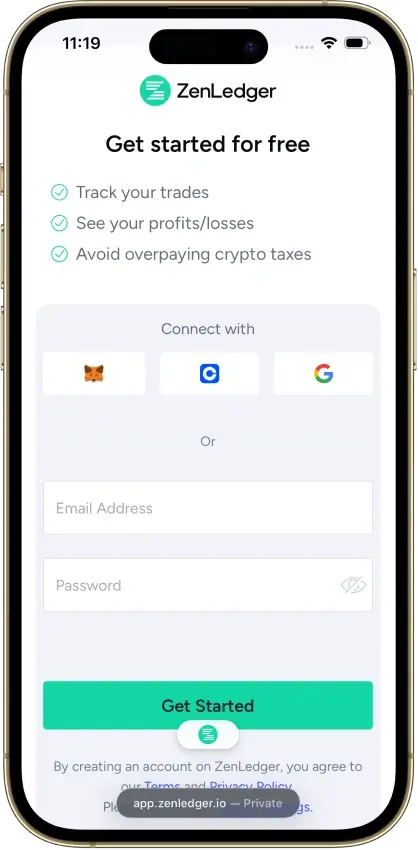
Screenshot 1 of 8
ZenLedger Pros and Cons
Pros
- Upgrades credit the year’s earlier payment
- Coinbase migration preserves legacy history
- Free Tax Pro account for your accountant
Cons
- Basis and gains locked on the free account
- Separate purchase for each report year
- Cosmos staking rewards need manual labels
Pricing and Free Plan
ZenLedger charges for each tax year. Purchases, sales, trades, other incoming and outgoing activity, and transfers between your own accounts enter the billable count. Older acquisitions still supply cost-basis history, but the transactions within the year being purchased determine that year’s tier. Someone who stopped trading heavily can therefore pay less for a later, quieter year without deleting the older records.
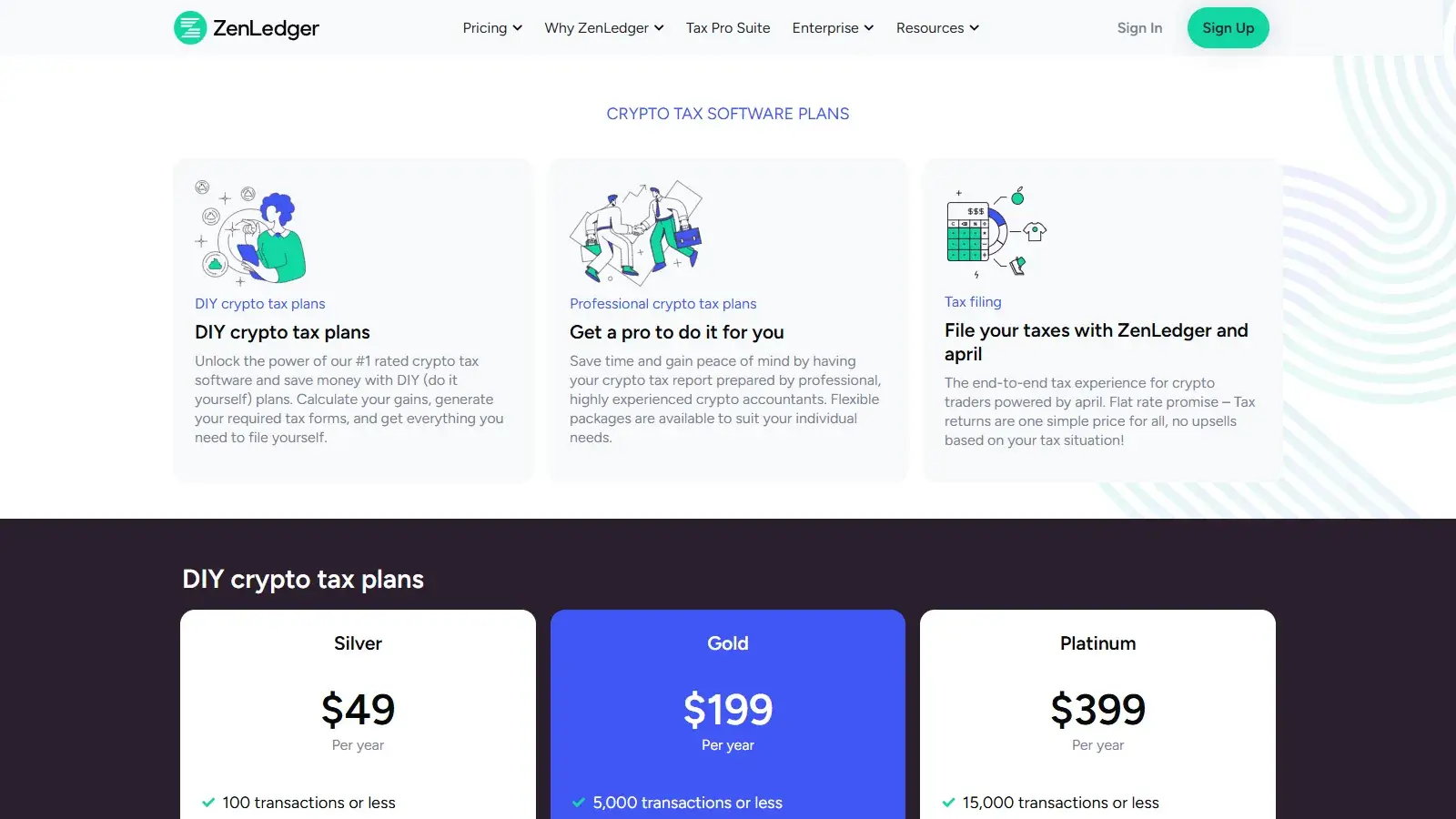
The table shows list prices in US dollars, before the multi-year discount. Gold costs about four times Silver’s price for 50 times the allowance, so going just over 100 transactions in a year means paying the full jump to $199. A tier upgrade credits the payment already made for that year. Moving from Silver to Gold costs another $150, so adding more of that year’s transactions does not require paying for both tiers in full.
Purchased years remain available for edits and recalculation after cancellation, so you can revisit an old return after restoring a missing acquisition or correcting a transfer. Several years still require separate purchases, but returning to an already purchased year does not depend on an active subscription.
ZenLedger’s renewal guide, which displays Aug. 20, 2026, says ZenLedger charges near calendar year-end for the next tax year, using the latest purchased tier and sending an email seven days beforehand. It gives no fixed charge date, so check Billing for your account’s renewal details. If your trading has slowed, confirm the renewal tier with support before that charge. Cancel Subscription in Billing stops future automatic charges while retaining purchased years.
The detailed refund policy provides 14 days, with possible refusal or a partial refund after tax forms or comma-separated values (CSV) files have been downloaded. So you can pay, inspect basis and gain, and decide within that window before downloading any forms or CSV files. At the time of this review, the pricing menu advertises a one-year refund policy, conflicting with the detailed 14-day policy. Confirm the applicable window with support before purchase.
Exchanges, Wallets, and Data Imports
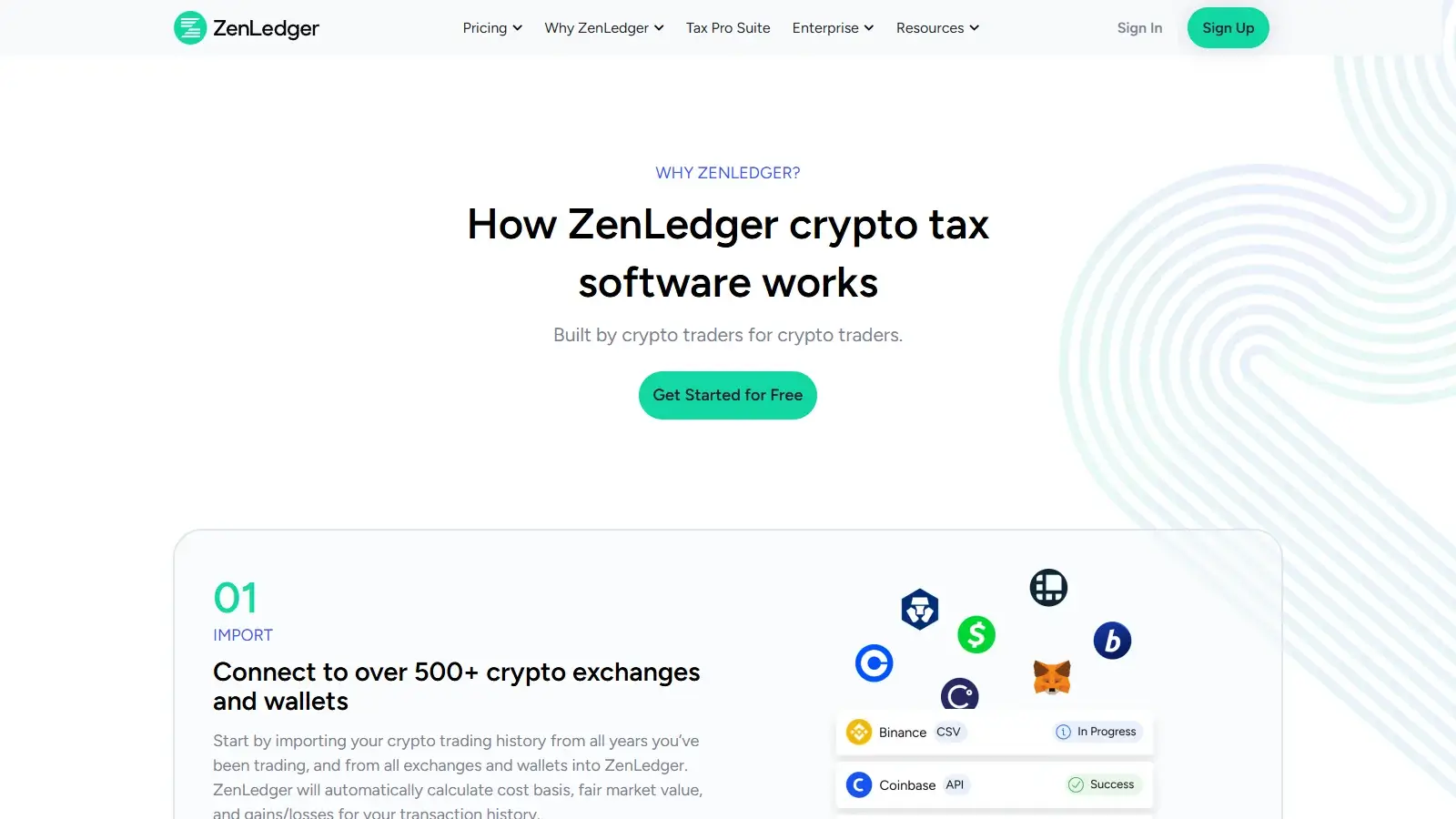
ZenLedger accepts exchange connections, public wallet addresses, exchange files, and a custom CSV format.
The Coinbase migration workflow uses a lock date to retain old records and import newer activity through the authorized connection. That protects an established history when the connection method changes. Deleting and reimporting is riskier, because deleting an old import also deletes any manual edits to its records.
Files offer a recovery route when an exchange no longer supplies usable API history. The custom format needs USD values, so convert any spreadsheet kept in another currency before importing it.
Accuracy and Transaction Cleanup
ZenLedger lets you edit transactions before payment, but basis and gain remain locked. In a manual purchase-and-sale check using the US profile, US dollars, and tax year 2025, changing the sale-price field updated the proceeds preview. The hidden figures prevented a check of how the edit affected basis and gain.
Use the free account to assemble your history and resolve visible data problems. Inspecting calculated basis and gain requires payment.
The Resolution Center points to missing sources, outgoing transfers, and insufficient balances after a tax calculation. A transfer without its receiving wallet can remain a disposal, while an insufficient balance can indicate missing incoming history. Restoring the original record for a missing source and recategorizing a mislabeled record are different fixes, so open the flagged transaction before choosing one.
Once you have corrected a period and your accountant has reviewed it, a lock date keeps a later resync from overwriting it. Set the lock only once your older history is complete, though, because it also blocks missing records dated before the lock from importing.
DeFi, NFTs, and Staking
Paid DeFi, staking, and NFT features start on Silver. Swaps and incoming rewards still count toward the yearly limit, though, so frequent staking or DeFi activity can push a year past Silver’s 100 transactions.
For frequent Cosmos rewards, you have to separate new rewards from the return of your original stake. An investor with many such records may spend more time preparing the file than connecting an ordinary exchange account.
NFT corrections focus on the acquisition’s USD value. When imported basis is absent or wrong, ZenLedger lets you edit the value using the original acquisition record. So an NFT purchase can import as a transaction and still need its USD acquisition value entered by hand. Since Cosmos labels and NFT values can both need individual edits, ZenLedger’s staking and NFT tools suit someone prepared to make those corrections or involve an accountant.
Tax Reports and Filing
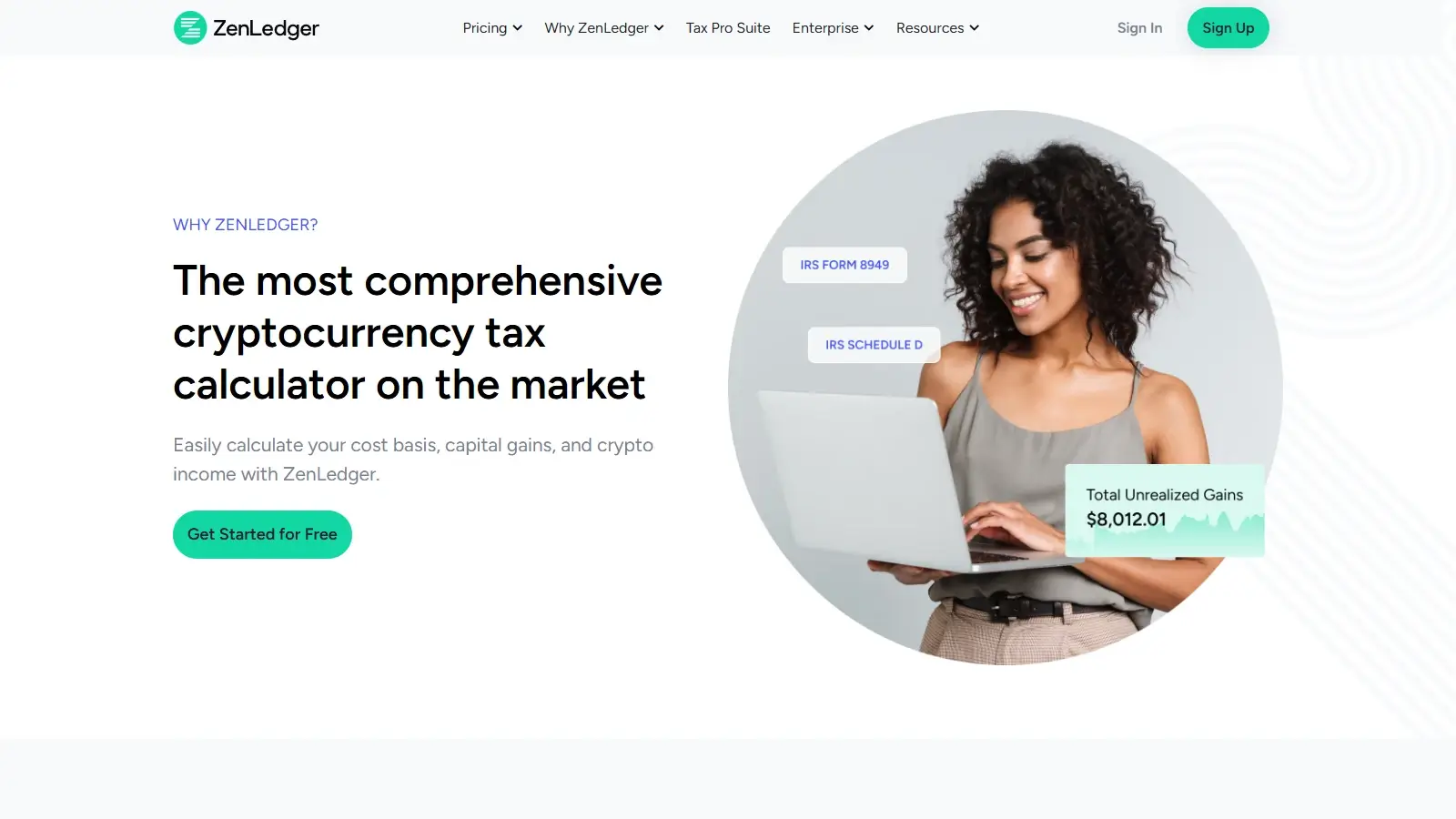
ZenLedger’s paid reports include Form 8949 and Schedule D, with income and other forms set up separately in the Tax Center. Its Grand Unified Accounting (GUA) workbook gives an accountant transaction-level detail alongside the return summaries. Regenerating a purchased year updates that workbook when a later correction changes an earlier return. If you need to compare a 2025 Form 1099-DA with your records, confirm the workflow with ZenLedger before buying.
The downloaded workbook is a one-way review copy. To change a figure, correct the transaction in ZenLedger and rerun GUA for a new export, which an accountant can inspect apart from the account’s summary screens.
ZenLedger’s by-wallet allocation process moves investors from universal tracking, which treats holdings across accounts as one inventory, to wallet-specific tax records. Historical tax lots are individual acquisitions with their own cost basis and date. Using balances as of Jan. 1, 2025, ZenLedger assigns the lowest-cost lots to the wallet with the largest balance by default. An alternative setting assigns the highest-cost lots to that wallet.
Tax Settings provides an allocation report showing the reassignment. Changing pre-2025 transactions reruns that allocation and creates an updated report, so repairing old history can affect later wallet-specific calculations.
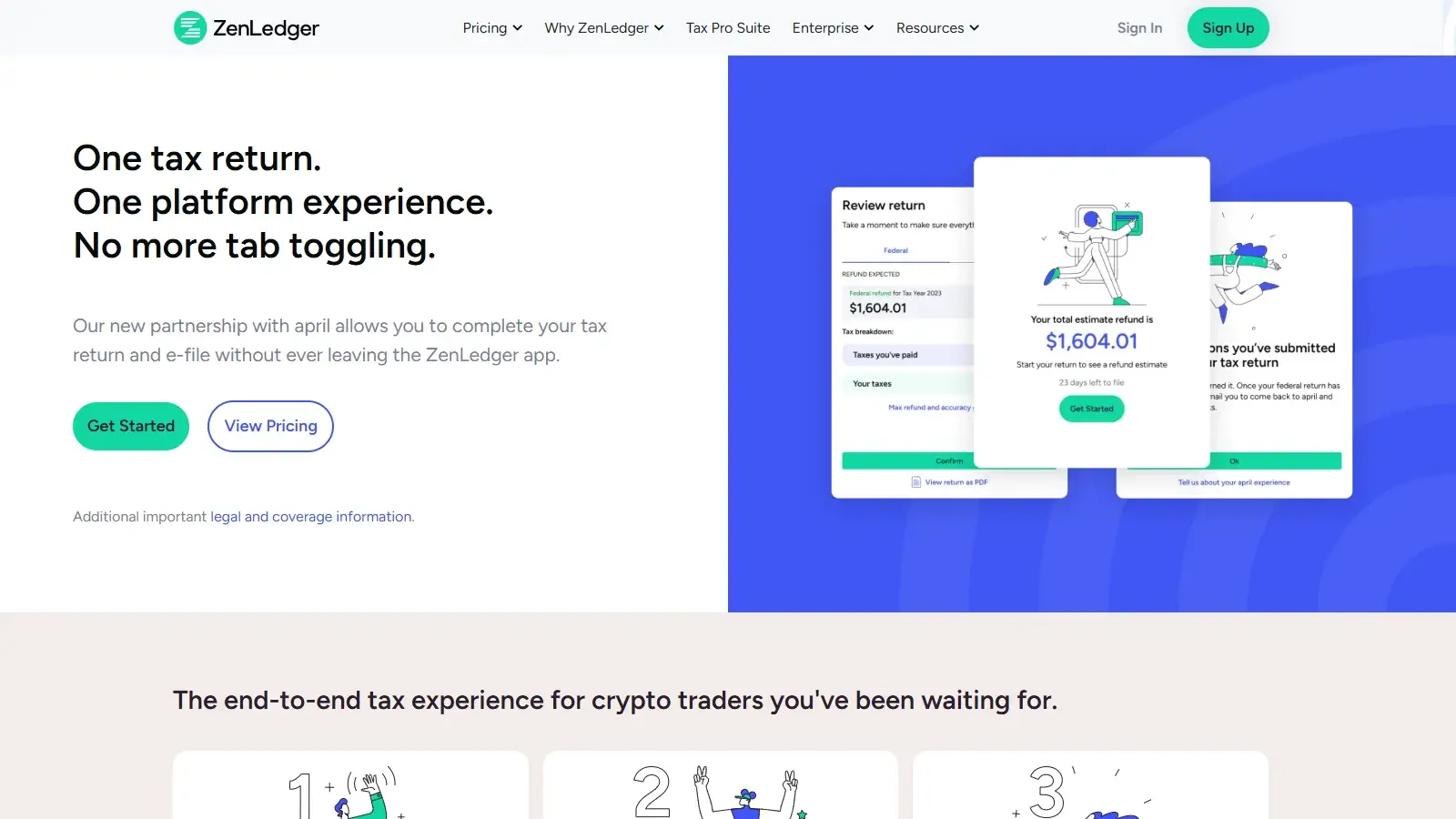
ZenLedger’s tax-filing page directs users to april, a separate service which, at the time of this review, offers self-prepared US returns with e-filing for $30 a year. It covers common, non-complex US resident situations, and you review and submit the return yourself.
Security and Privacy
ZenLedger’s API-key import instructions call for read-only access, while wallet imports use public addresses. For Binance US, leave trading and withdrawal permissions disabled, as ZenLedger instructs. These settings let the service read financial history without moving the assets. Connecting a public address still links its transaction history to your ZenLedger account.
ZenLedger’s security page states that databases are encrypted, traffic uses Transport Layer Security/Secure Sockets Layer (TLS/SSL), and the company undergoes external assessments and annual penetration testing. The company describes alignment with the System and Organization Controls (SOC) 2 framework. Its privacy policy applies to both the website and applications, so its retention and data-processing terms also cover your tax account.
Canceling renewal preserves purchased reports for future revisions, while a deletion request applies to the account and its data, subject to the policy’s retention exceptions. An exported transaction CSV keeps a copy of the records outside ZenLedger, independent of any report year left accessible inside the account.
Support and Accountant Access
ZenLedger lists chat and email support hours of 9:00 am to 9:00 pm Eastern, seven days a week. Scheduled calls provide a separate paid route for more involved software troubleshooting. Professional tax advice and return preparation have their own prices, so the type of help required can change the total cost considerably. A DIY subscription does not include an accountant’s cleanup work or filing service.

An existing accountant receives an invitation using their name and email, with access pending until acceptance. ZenLedger describes the shared access as viewing trading history and tax reports, without permission to trade or enter the underlying crypto accounts. This helps an accountant review the records while the investor retains control of the assets.
Alternatives to ZenLedger
-


Summ
Several report years fit one active subscription. With no earlier history and comparable transaction counting, its $99 Hobbyist tier covers the 900-record, three-year example and includes smart-contract reporting. Its 1,000-transaction limit spans all years, and report access ends when the subscription expires.
-

CoinLedger
You want to inspect basis and gain figures before paying. In a two-transaction CSV test, CoinLedger’s free account showed both figures. Downloadable tax reports require payment.
Final Verdict
ZenLedger’s lasting access to purchased report years and detailed accounting workbook suit investors who revisit returns with an accountant. Because only the purchased year’s transactions set the tier, a 2025 return with 80 billable transactions still costs Silver’s $49 despite 200 older records. The free account shows records and proceeds previews but hides basis and gains, limiting pre-purchase inspection. Cosmos staking labels and NFT acquisition values can need manual correction, and category changes other than Ignore may require individual edits. Separate yearly purchases also add up for a backlog. Summ costs less for the 900-record, three-year example if the full history stays within 1,000 transactions. CoinLedger suits investors who want to see basis and gain before paying.
Best For
US investors who revisit purchased tax years and want detailed records to review with an accountant
Avoid If
- Investors who want free basis and gain previews, or several report years under one subscription
CryptoSlate may earn a commission when you use partner links, at no extra cost to you. Our reviews, ratings, and editorial decisions remain independent of advertisers. Read How CryptoSlate Makes Money for funding details.