

 Released in 2012
- All tax years in one paid plan
- Bulk corrections and transaction filters
- Transaction backups on paid plans
CoinTracking Overview
Key facts
- Supported countries
- US, tax year 2025
- Paid plans from
- Starter; All tax years while subscribed; USD 49; annual subscription; 200 cumulative transactions
- Billing & report access
- annual subscription; Annual subscription; card and PayPal subscriptions renew automatically, and two-year and lifetime purchases are also available. The allowance covers the full imported and manually entered history across linked accounts and never resets. Refunds are generally available within 14 days of purchase, and a refund request does not cancel renewal. Includes tax reports and two backups. Under current pricing, API access and automatic syncing start on Pro; older documentation describes manual API imports on Starter.
- Transaction limits
- 200 cumulative transactions
- Free plan
- Seven-day import trial, then portfolio viewing according to current pricing. Trial imports are unlimited; under current pricing, new imports and tax reports then need a paid plan, while older documentation describes up to 200 free imports.
- Import methods
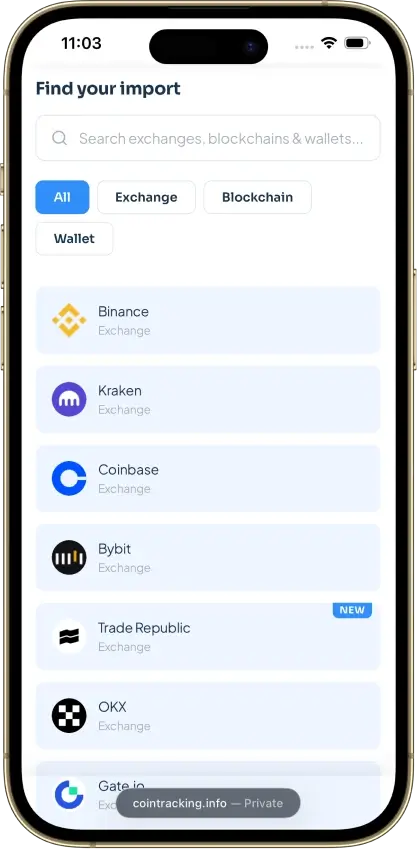
- Coinbase read-only API connection, Bitget API or CSV with history limits, Bitcoin xPubs, public Ethereum addresses, CSV files, and manual entry. Under current pricing, API access and automatic syncing start on Pro, which updates up to 10 wallets daily, Expert 30, and Unlimited 100.
- Key integrations
- Filing options
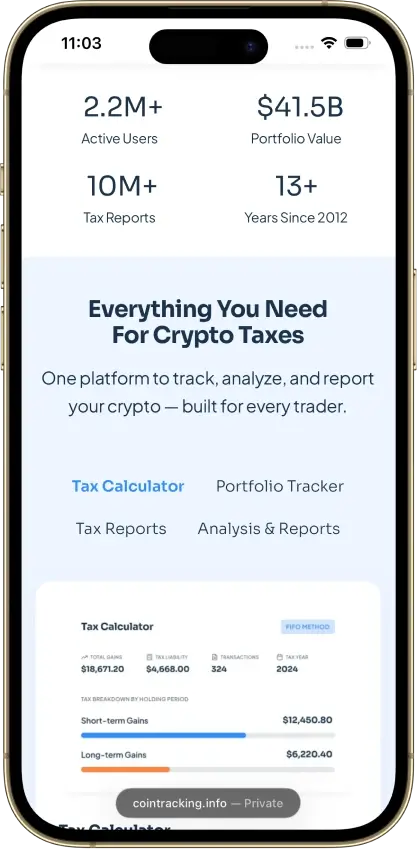
- Form 8949 CSV on paid plans with each disposal's dates, proceeds, cost basis, and gain, plus Schedule D in the full US PDF report and an income report for staking and mining rewards. The TurboTax export covers capital gains only, with a TXF file for Desktop, and from tax year 2025 the transaction Group field sets each sale's Form 8949 box.
- DeFi support
- The Ethereum importer handles Uniswap trades and liquidity pools, with Provide Liquidity, Receive LP Token, Remove Liquidity, Return LP Token, and LP Rewards types. Manually entered pool events need consistent pool names.
- NFT support
- NFT importers cover Ethereum, BNB Smart Chain, and Polygon, and each NFT gets a distinct ticker with its name and token ID in the comment. A custom price supplies a missing valuation.
- Staking support
- Dedicated staking and mining income categories separate rewards from ordinary trades, and the income report totals them for separate entry in TurboTax. Each reward entry counts toward the cumulative transaction allowance.
- Correction tools
- Validate Transactions, Missing Transactions, the Transaction Flow Chart for negative balances, the Duplicate Transactions report, filters, and bulk editing. Manual corrections need both trade amounts and stored dollar values updated, and Advanced Tools are an Unlimited feature.
- Accountant access
- Accountant access runs through CoinTracking's Corporate Account arrangement, with the user's consent. Preparers without a Corporate Account receive exported reports instead.
- Official website
- cointracking.info
CoinTracking Screenshots



Screenshot 1 of 8
CoinTracking Pros and Cons
Pros
- Recalculate past years during paid access
- Disposal-level exports for accountant review
- Validation and missing-transfer reports
Cons
- Older records consume the plan allowance
- Starter excludes automatic syncing
- Canceled-plan storage can cost extra
Pricing and Free Plan
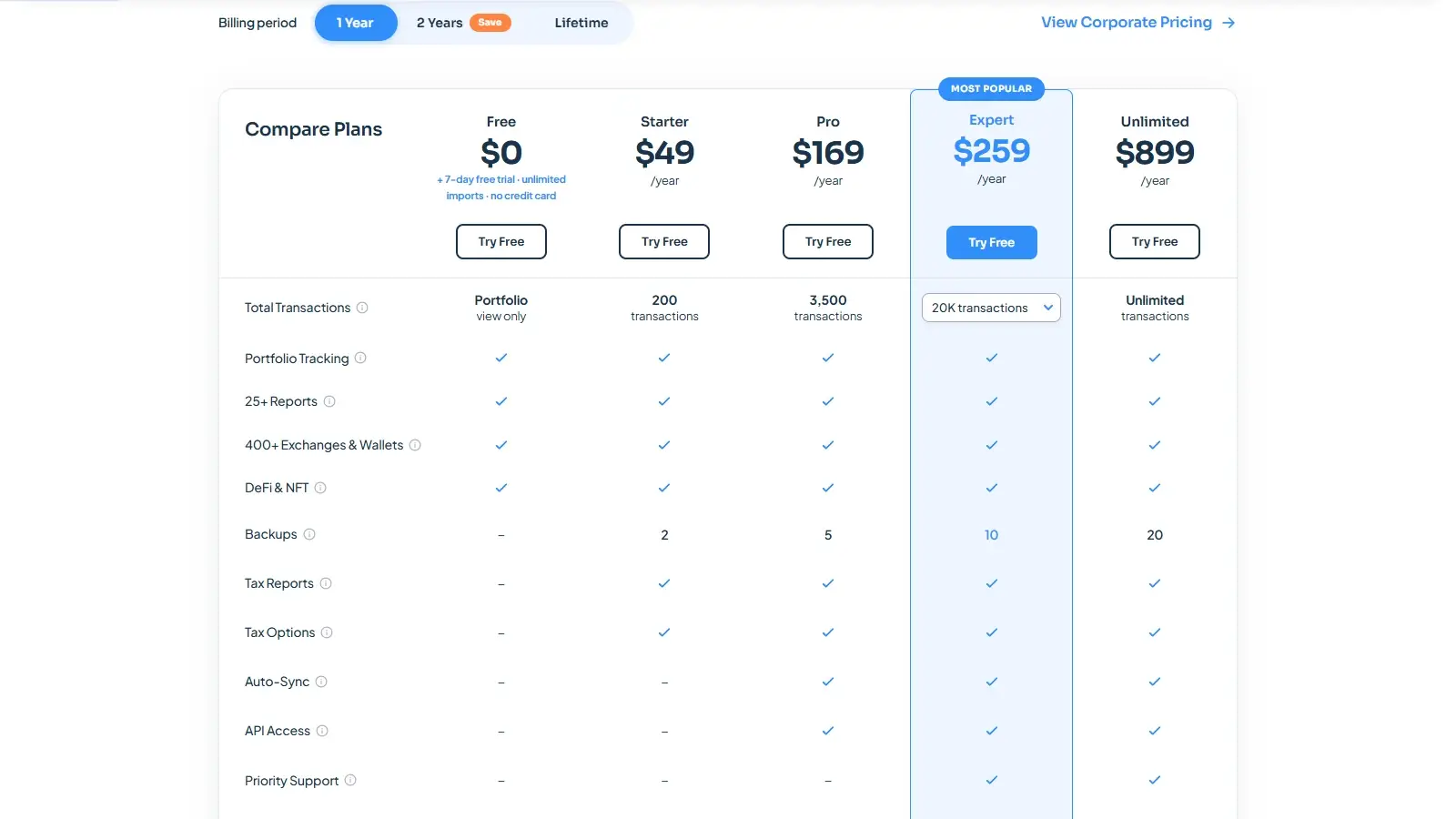
CoinTracking charges by plan length and the total number of transactions stored. While you are subscribed, a paid plan includes reports for every tax year, which can make preparing unfiled years or correcting an earlier return cheaper than buying each year’s report separately. The allowance includes the entire imported and manually entered history across linked accounts. It never resets at the start of a new year.
Older acquisitions, transfers, and repeated reward entries can push an account with few current-year trades into a higher tier. A wallet’s balance says little about how many records it needs. A position accumulated through hundreds of small purchases retains that history even if it is sold in one transaction.
These examples exclude discounts, taxes, and professional services. Two-year and lifetime purchases are also available. Unused subscription value can reduce the cost of an upgrade. For a small history, Starter offers inexpensive reporting, but the price jump to automatic imports is substantial.
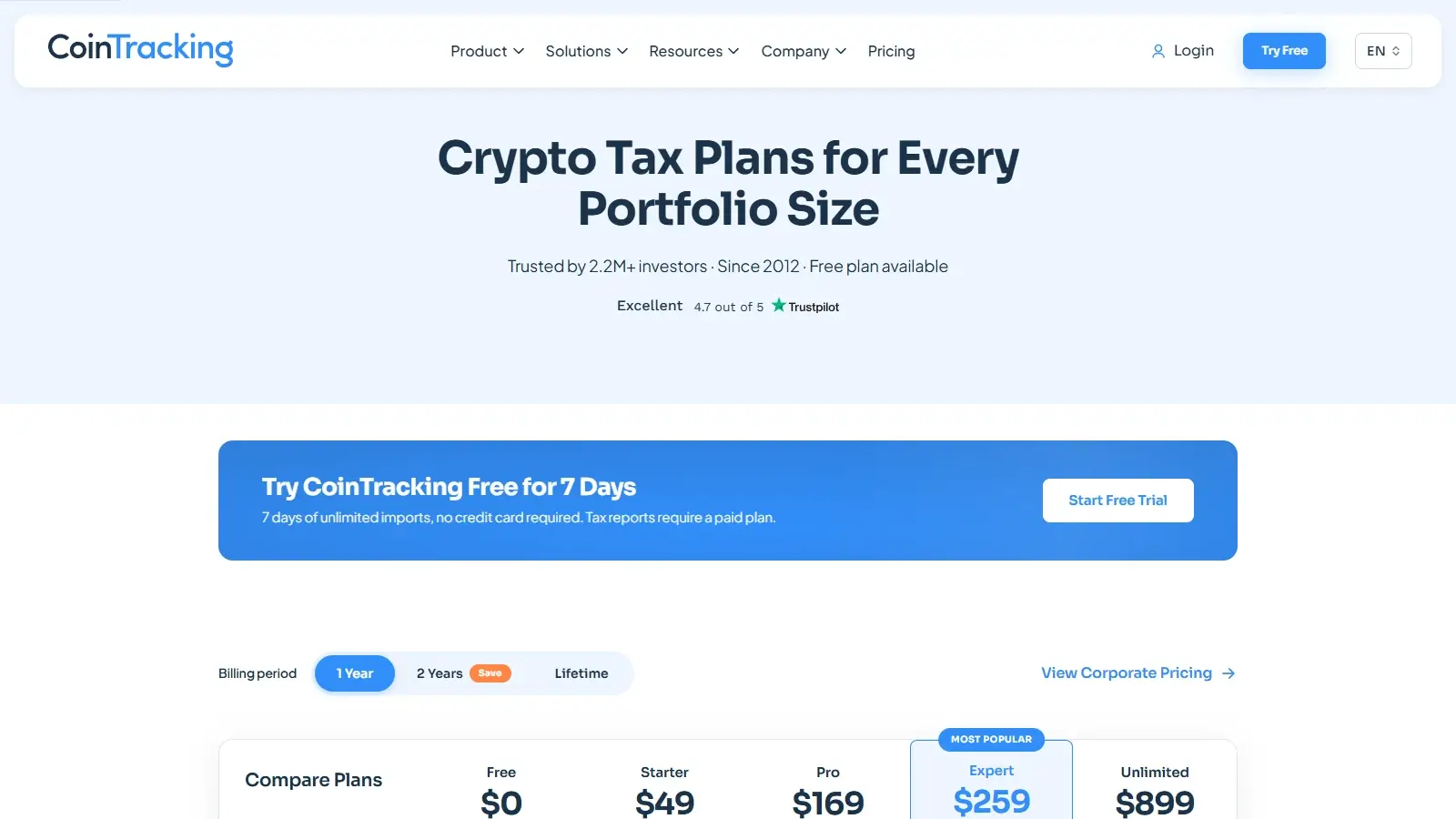
New accounts receive seven days of unlimited imports. The current pricing page says that after the trial, the free account only shows the existing portfolio, with payment required for new imports and tax reports. Our trial showed a gain summary but masked the detailed report and required an upgrade to download it. The older Membership Plans guide still describes up to 200 free imports and manual API imports on Starter. It conflicts with current pricing, so confirm API access for your account before relying on the lower tiers.
Card and PayPal subscriptions renew automatically. Refunds are generally available within 14 days of purchase through a form supplied by support. A refund request does not cancel renewal, so cancel that separately.
CoinTracking’s Data Retention guide, dated Aug. 25, 2026, says transactions, imports, and reports are deleted 90 days after a canceled paid subscription ends. CoinTracking’s $19 annual Data Retention plan preserves view-only history for subscriptions billed through Stripe, without editing or new reports. PayPal subscriptions are not yet eligible, though CoinTracking says it plans to extend the plan to them.
These terms concern cancellation of a paid subscription, with separate rules for a new user’s trial. The Membership Plans guide, dated Jul. 29, 2026, instead says expired subscriptions keep their transactions. At the time of this review, both guides are online, so confirm which applies before canceling. Export your data before you cancel.
Exchanges, Wallets, and Data Imports
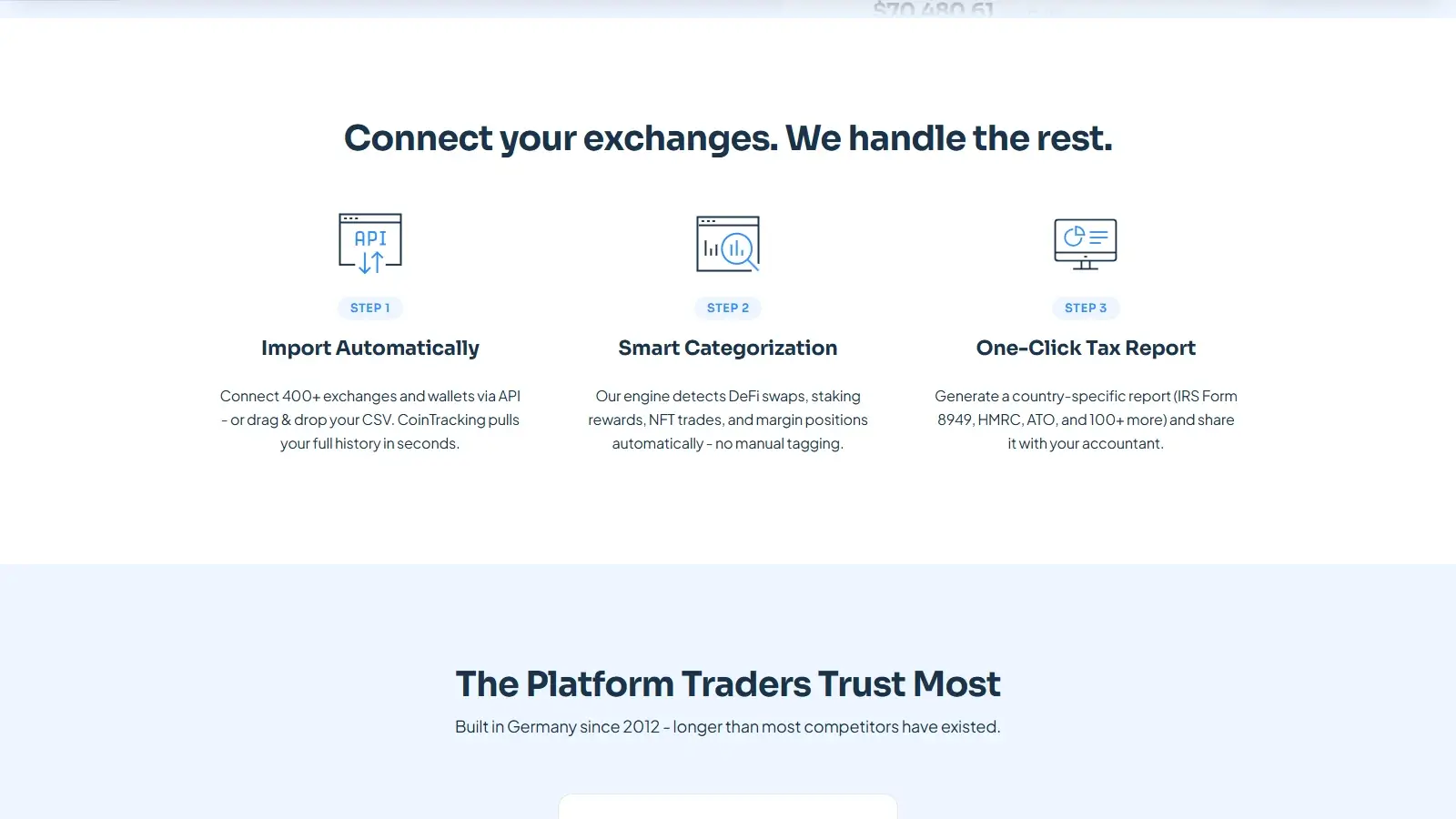
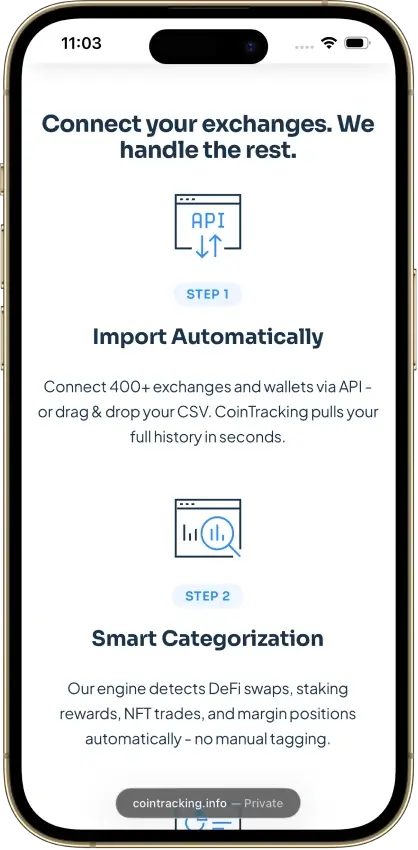
CoinTracking supports exchange APIs, public wallet addresses, CSV files, and manual transactions. A long trading history may need more than one import method because an exchange’s API does not always include its earliest records. Importer-specific guides list known gaps and explain how to rebuild the missing history.
Combining Bitget’s API and CSV history can create duplicates. If you replace overlapping API imports with CSV files, back up the account first. The Duplicate Transactions report helps identify repeated entries, but differing formats or identifiers can still require review.
Pro updates up to 10 wallets daily, Expert up to 30, and Unlimited up to 100. Additional wallets can be imported without receiving those daily updates. An investor with coins in many addresses may therefore outgrow the syncing allowance before reaching the transaction ceiling.
Accuracy and Transaction Cleanup
CoinTracking provides several ways to investigate a discrepancy: transaction validation, unmatched-transfer reports, negative-balance analysis, filters, and bulk editing. These help with a history assembled from many sources because the wrong gain may originate in a missing purchase or an incorrect valuation well before the sale. The pricing page lists Advanced Tools as an Unlimited feature. Check which of these tools your chosen plan includes.
CoinTracking’s manual editor stores each trade amount and its dollar value in different fields. Consider a purchase of 1 Ether (ETH) for $1,000 plus a $10 fee, followed by a $1,500 sale with a $40 fee. The expected gain is $450. In a manual-entry check using the US profile, US dollars, tax year 2025, and first-in, first-out (FIFO) accounting, changing only the trade amounts left a $500 gain unchanged. Updating their stored dollar values as well produced the correct $450 result.
For manual entries, include a fee paid in either asset of the trade in the actual amounts. A fee charged in the currency you spend increases the amount spent; a fee taken from the asset you receive reduces the amount received. In the dollar-fee example above, this means increasing the purchase payment and reducing the sale proceeds. The fee field is mainly informational in that case and does not adjust the gain by itself. This check covered manual entry. It does not show how an exchange importer handles fees.
When the fee is paid in a third asset, such as BNB on a trade between other coins, the fee can appear as a separate transaction, with an advanced option to add its value to the related trade. Matching timestamps and exchange names, or imported Trade IDs, connect those entries. Investors who pay fees in a third asset should expect extra reconciliation work linking those fee entries to their trades.
Trade List filters and import-source columns help separate manual entries from exchange records. Use Comments for notes about a correction. A backup made before larger changes lets you roll back, though it leaves out custom prices. Keep correction notes out of the Group field on sales, because from tax year 2025 that field sets each sale’s Form 8949 box.
DeFi, NFTs, and Staking
The Ethereum importer supports decentralized finance (DeFi) activity on Uniswap, including trades and liquidity pools. Specific transaction types cover pool deposits, liquidity-provider (LP) token receipts, withdrawals, and rewards.
Frequent rewards fill the allowance quickly. Over a 365-day year, one recorded reward each hour would create 8,760 entries, more than Pro’s 3,500-transaction allowance even with no trading.
Solana appears in the liquidity-pool import list, but NFT imports have their own chain list, so check Solana NFT support separately. For manually entered NFTs, the distinct identifier prevents different assets from being lumped together under a shared collection ticker.
Pool, NFT, and custom-price tools suit someone willing to investigate unrecognized tokens and repair valuations. The investor still needs records supporting each asset value entered. Automatic syncing on Pro saves import time but does not replace valuation work.
Tax Reports and Filing
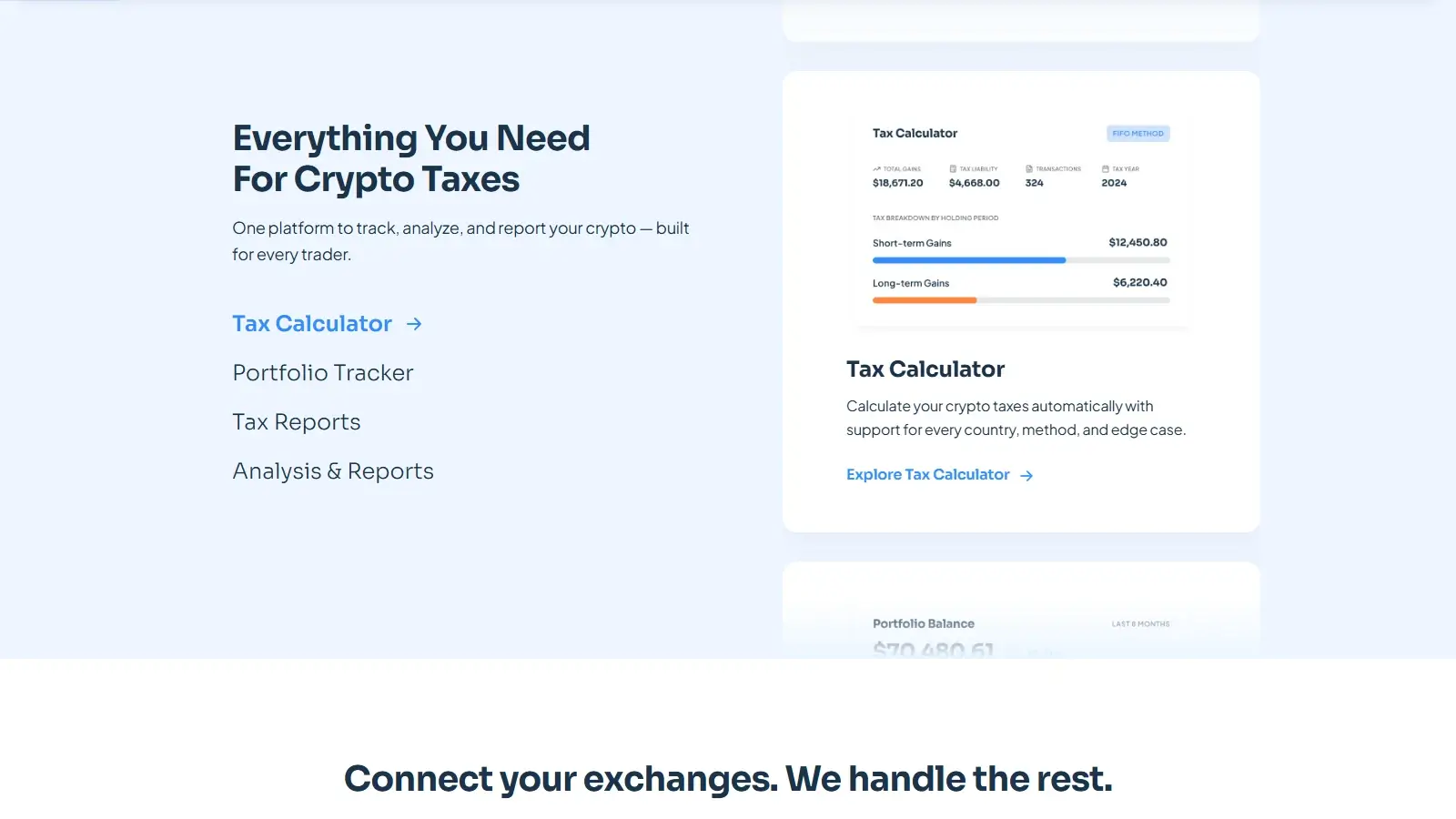
A CoinTracking subscription produces crypto tax calculations and reports, but account preparation and the certified public accountant (CPA) tax service cost extra. An accountant can use the disposal-level records to investigate individual entries instead of receiving only a total gain.
Account currency and report country are independent settings. Selecting United States does not convert a portfolio tracked in euros into dollar reporting. Change the account currency to USD before generating the Form 8949 CSV.
For tax year 2025 onward, CoinTracking uses the transaction Group field to assign 1099-DA reporting status to the relevant Form 8949 section. It requires the valid 1099DA_ values listed in CoinTracking’s 1099-DA guide, with “Group by day” turned off. Empty or invalid values default to Box I for short-term sales or Box L for long-term sales.
For ordinary digital-asset sales, those boxes identify transactions not reported on Form 1099-DA. That default does not compare entries with a broker statement. Any sale that appears on a broker’s Form 1099-DA needs a valid Group value, checked against that form, before export.
Security and Privacy
Read-only exchange connections give CoinTracking access to your account data without permission to trade or withdraw. Two-factor authentication through an authenticator app protects the login. If you lose the authenticator, a saved backup code restores access. Without one, support can remove two-factor authentication after checking account ownership.
Keep the original source files in case you need to restore the account or switch services.
The security page says data is stored only in Germany, but the privacy policy names AWS hosting in Dublin, Ireland, and US processing of File Converter samples.
CoinTracking’s website hosts a ConformityZert certificate for ISO/IEC 27001:2022, valid until Oct. 1, 2028, covering its tracking, reporting, and supporting operations. It concerns information-security management, not the correctness of tax calculations.
Support and Accountant Access
Technical help is available through tickets and email, supported by a chatbot and task-specific documentation. Staffed hours are Monday through Friday, 8:00 am to 6:00 pm Coordinated Universal Time (UTC), in English and German. Support aims to reply within 24 hours on business days, with possible tax-season delays.
Account Review, Account Service, and the US Tax Service are billed on top of the regular subscription. An Account Review is suitable when the history is already assembled and needs scrutiny. The preparation services address the larger job of importing and correcting the records themselves.
Accountant access uses CoinTracking’s Corporate Account arrangement, with the user’s consent. If your preparer does not use a CoinTracking Corporate Account, send them exported reports instead. Handing over exported reports can be less convenient than services that let an individual user invite an accountant directly.
Alternatives to CoinTracking
-


CoinLedger
You want free transaction-level proceeds, basis, fees, and gain details before buying a report. Each reporting year requires a separate purchase.
-

Koinly
CoinTracking’s current pricing requires Pro for API access, while Koinly permits imports and basic transaction calculations before report payment. Downloadable reports are purchased for selected years, which can cost more for several past returns.
Final Verdict
A single CoinTracking subscription covers every report year, which suits a complicated multi-year history, as long as that history fits the plan’s transaction allowance. Tool access varies by tier, so check it alongside the transaction limit. Paid disposal reports give accountants figures behind the totals. Manual corrections may need changes to stored dollar values, and 1099-DA Group values require checking before export. Starter’s $49 price covers reports for a complete history within 200 transactions, while the current pricing page reserves API imports and automatic syncing for the $169 Pro plan. For inspection before payment, CoinLedger shows individual proceeds, basis, and gain. Keep your exports before leaving: one CoinTracking guide says data is deleted 90 days after a canceled paid term ends.

Best For
Investors preparing several report years who want detailed tools for a long transaction history
Avoid If
- Investors needing automatic syncing at the entry price or full calculation detail before paying
CryptoSlate may earn a commission when you use partner links, at no extra cost to you. Our reviews, ratings, and editorial decisions remain independent of advertisers. Read How CryptoSlate Makes Money for funding details.