

 Released in 2018
- No recurring report subscription
- Separate accounts for per-wallet tracking
- Compare broker PDFs with imported history
CoinLedger Overview
Key facts
- Supported countries
- US, tax year 2025
- Paid plans from
- Hobbyist; One selected tax year; USD 49; per tax year; 100 transactions
- Billing & report access
- per tax year; One-time purchase for the selected tax year, which stays available for revisions and further downloads within its allowance. Going over the allowance requires an upgrade charged as the difference between tiers, and purchases cannot be downgraded. The allowance counts billable activity in the selected year and excludes up to $25 in combined qualifying staking rewards, interest payments, and small payouts. Refunds need a request within 14 days, no downloaded tax reports, and a support-verified bug or product limitation. The purchase screen can show $49.99 for tax year 2025.
- Transaction limits
- 100 transactions
- Free plan
- Imports, gain details, and corrections, plus transaction edits and holdings. Downloadable tax reports, the detailed short-term and long-term tax summary, and the capital-gains CSV need a paid plan.
- Import methods
- Read-only exchange connections, public wallet addresses, Universal CSV files, and manual transactions. Per-wallet tracking needs a separate source account for each wallet.
- Key integrations
- Filing options
- Form 8949, Schedule D, and Schedule 1, plus capital gains, income, positions, and audit CSVs. Prepares reports for an accountant or filing software, with exports for TurboTax Online and Desktop, H&R Block Desktop, and TaxSlayer, while TaxAct uses manual entry from tax year 2025.
- DeFi support
- Uniswap activity on Ethereum imports through the public wallet address, and unsupported contracts can arrive uncategorized. Add Liquidity and Remove Liquidity categories cover pool-token events, while missing or incorrect asset values still need correction.
- NFT support
- NFT Mint and multi-asset swap classifications cover NFT activity. Custom assets can represent an unrecognized token.
- Staking support
- Staking, mining, interest, and airdrops each have their own category. Up to $25 in combined qualifying staking rewards, interest payments, and small payouts is excluded from the billable count.
- Correction tools
- Free transaction filters, gain sorting, individual edits, bulk Ignore with Undo, and manual balancing positions, with proceeds, cost basis, fee, and gain shown together. Duplicate warnings flag matching entries across accounts for review against exchange statements.
- Accountant access
- Available after report purchase. The client invites a professional to review data and generate reports, access can be revoked, and the professional's fees are separate.
- Official website
- coinledger.io
CoinLedger Screenshots
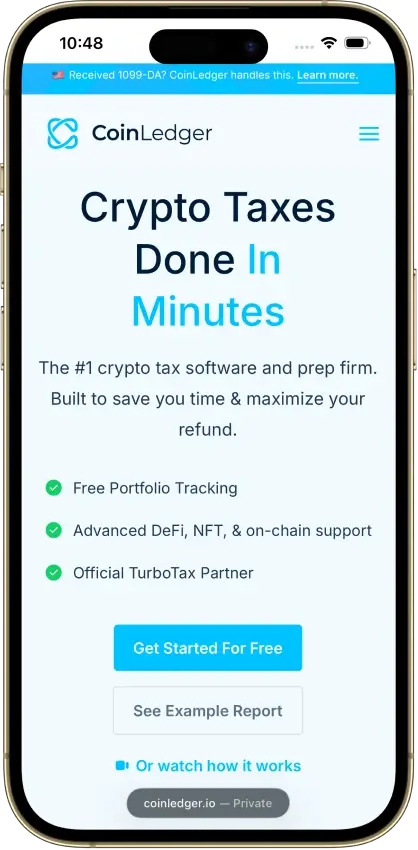

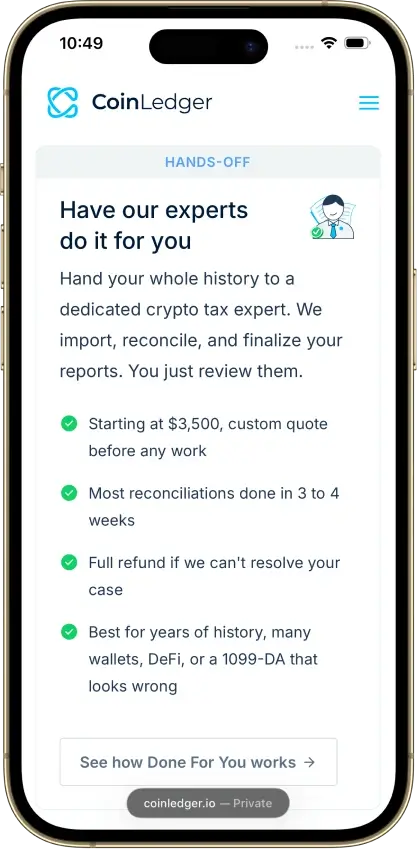

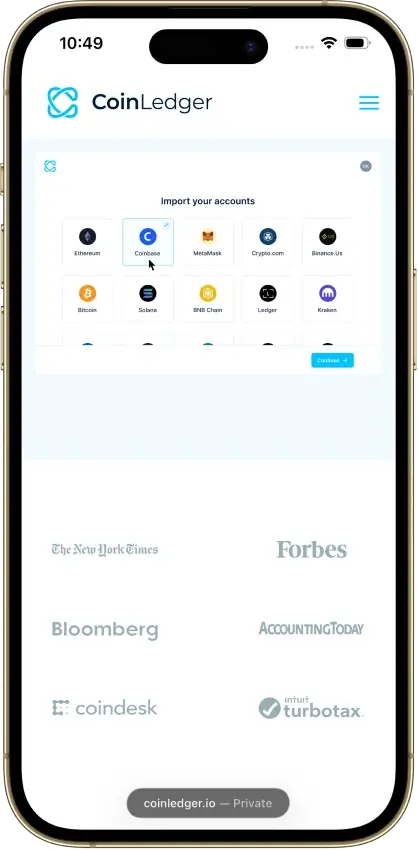


Screenshot 1 of 8
CoinLedger Pros and Cons
Pros
- Free transaction calculation details
- Undo transaction exclusions
- Purchased-year reports can be revised
Cons
- Multi-year reports add separate charges
- Narrow refund eligibility
- Retention of uploaded records is unclear
Pricing and Free Plan
A purchased tax year stays available for revisions and further downloads within its transaction allowance. Additional records that exceed the allowance require an upgrade, charged as the difference between tiers. Completed purchases cannot be downgraded, so choose the allowance after cleaning up your imports.
The public pricing page lists Hobbyist at $49, Investor at $99, and Pro from $199. A logged-in account showed the 2025 prices below on Oct. 9, 2026. These USD quotes exclude any checkout adjustments.
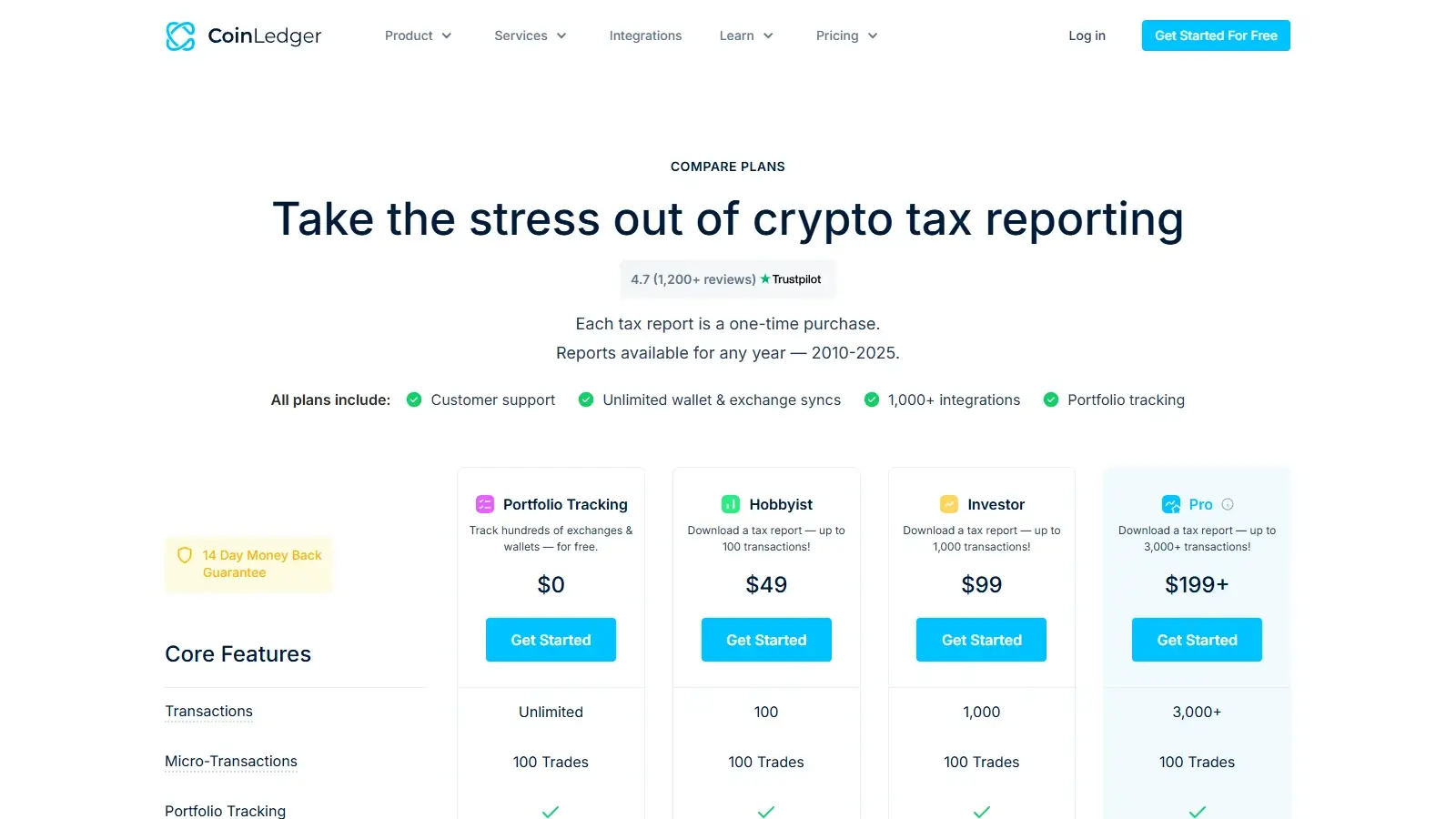
The free account includes imports, transaction edits, holdings, and individual gain details for preparing your history. During the review, its detailed short-term and long-term tax summary and capital-gains comma-separated values (CSV) export required payment.
Plan usage counts billable activity in the selected tax year, not every visible row. The current pricing FAQ counts buys, sales, trades, income, outgoing payments and gifts, merged transfers, and fees, including fees on failed transactions. Non-taxable deposits and withdrawals are excluded when recorded separately, as is uncategorized activity. CoinLedger excludes a combined value of up to $25 in qualifying staking rewards, interest payments, and small payouts from the billable count.
These examples exclude discounts, taxes, and professional services. A backlog adds a full report price for each unfiled year, so compare a subscription that includes historical reports before buying several years separately.
The refund policy requires a request within 14 days, no downloaded tax reports, and a bug or product limitation verified by support that prevents an accurate report. Missing history and a change of mind generally do not qualify. These conditions limit the money-back promise on the pricing page. Check your imports in the free account first. A purchase is not an unrestricted refundable trial.
Exchanges, Wallets, and Data Imports
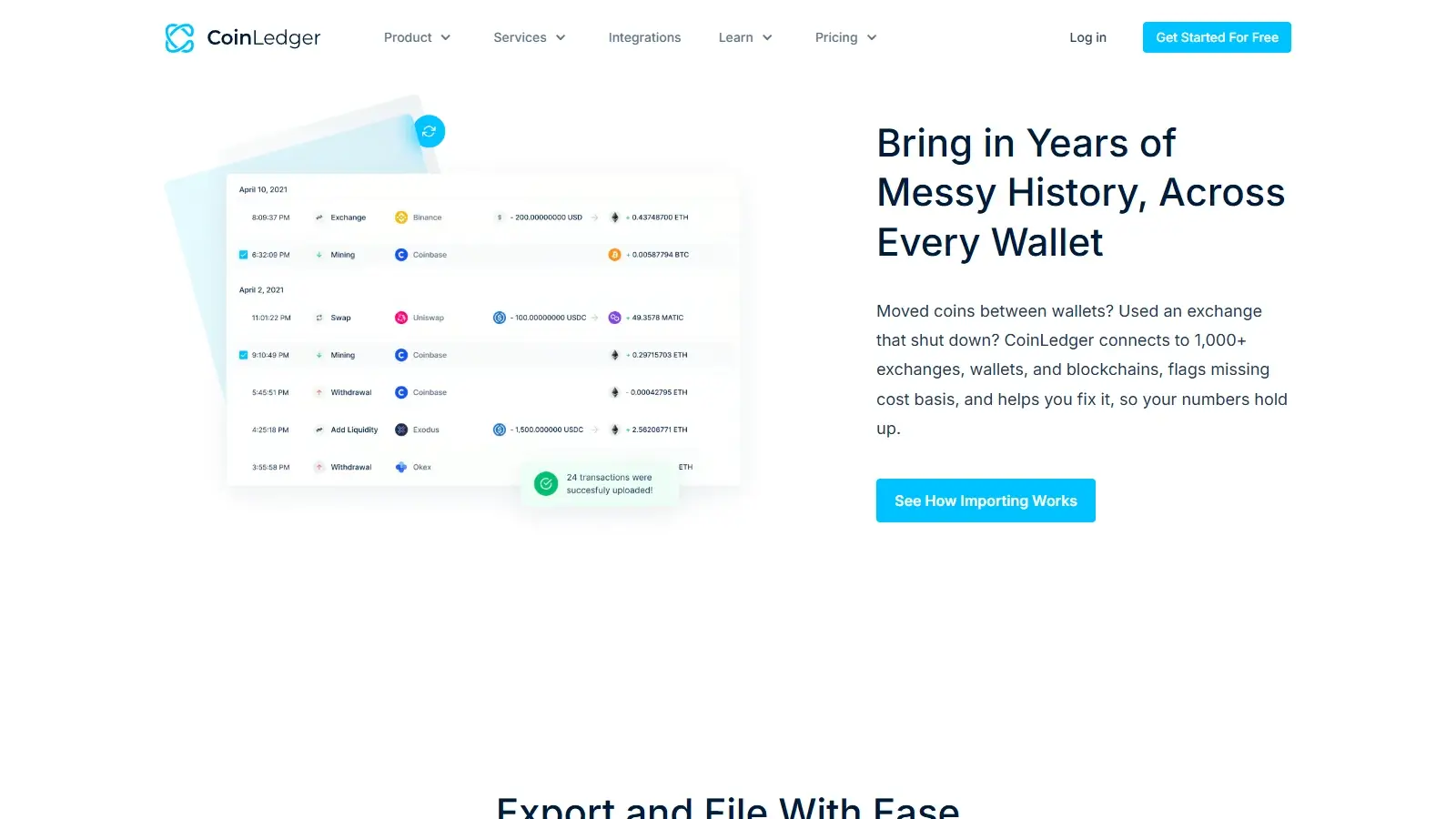
CoinLedger can bring together exchange records, public-wallet activity, and files prepared in its Universal CSV format. The integration directory includes Coinbase, Kraken, Binance, and Crypto.com.
A Coinbase Advanced portfolio created after the original authorization may be absent from the imported history. To recover the missing records, create a new Coinbase connection with access to all portfolios. Remove the old import after confirming the replacement has brought them in. Reconnecting can therefore be necessary even when the existing connection still works.
For per-wallet tracking, create a separate source account for each wallet. In our CSV import test, different wallet names in the optional Platform column did not split records into separate accounts.
In the same test, a faulty CSV file produced errors one at a time: fixing an invalid date exposed a missing asset on the next attempt. Neither attempt added any rows. Files with several errors may therefore take repeated uploads to diagnose.
Accuracy and Transaction Cleanup
CoinLedger’s free transaction view makes a gain easier to investigate because proceeds, cost basis (what you paid for the asset, including purchase fees), fee, and gain are visible together. Filters and gain sorting help locate unusual gains without opening every record. An investor with missing purchase history can work back from the disposal that looks wrong without paying for anything.
The six cases below cover fees, first-in, first-out (FIFO) accounting, transfers between wallets, and record cleanup. CoinLedger matched the independently calculated basis and gains in a tax year 2025 CSV check using the US profile, US dollars, and per-wallet tracking. Restoring the missing purchase corrected the gain without a manual basis or proceeds override.
The free annual gain total provides another figure to compare with individual disposals during cleanup.
CoinLedger flagged transactions in different accounts that matched an existing entry, even when their transaction IDs differed. That can catch the same trades imported twice from overlapping files, but it can also flag two separate trades that look identical. Skipping keeps only the existing record, which is right for a repeated import but drops a separate second trade. Importing the flagged row adds it. Compare each warning with your exchange statement to decide which applies.
Extensive gaps may still need outside help to document the values you enter, because a manual position cannot reconstruct an unavailable exchange statement.
DeFi, NFTs, and Staking
CoinLedger imports decentralized finance (DeFi) activity on Uniswap through the public Ethereum address used for the trades. It also supports categories for non-fungible tokens (NFTs).
Uncategorized activity is excluded from report calculations until it receives a classification. An import can therefore finish with an incomplete gain or income total. Filter for uncategorized records and classify them before choosing a plan, since newly classified records can raise the billable count.
Tax Reports and Filing
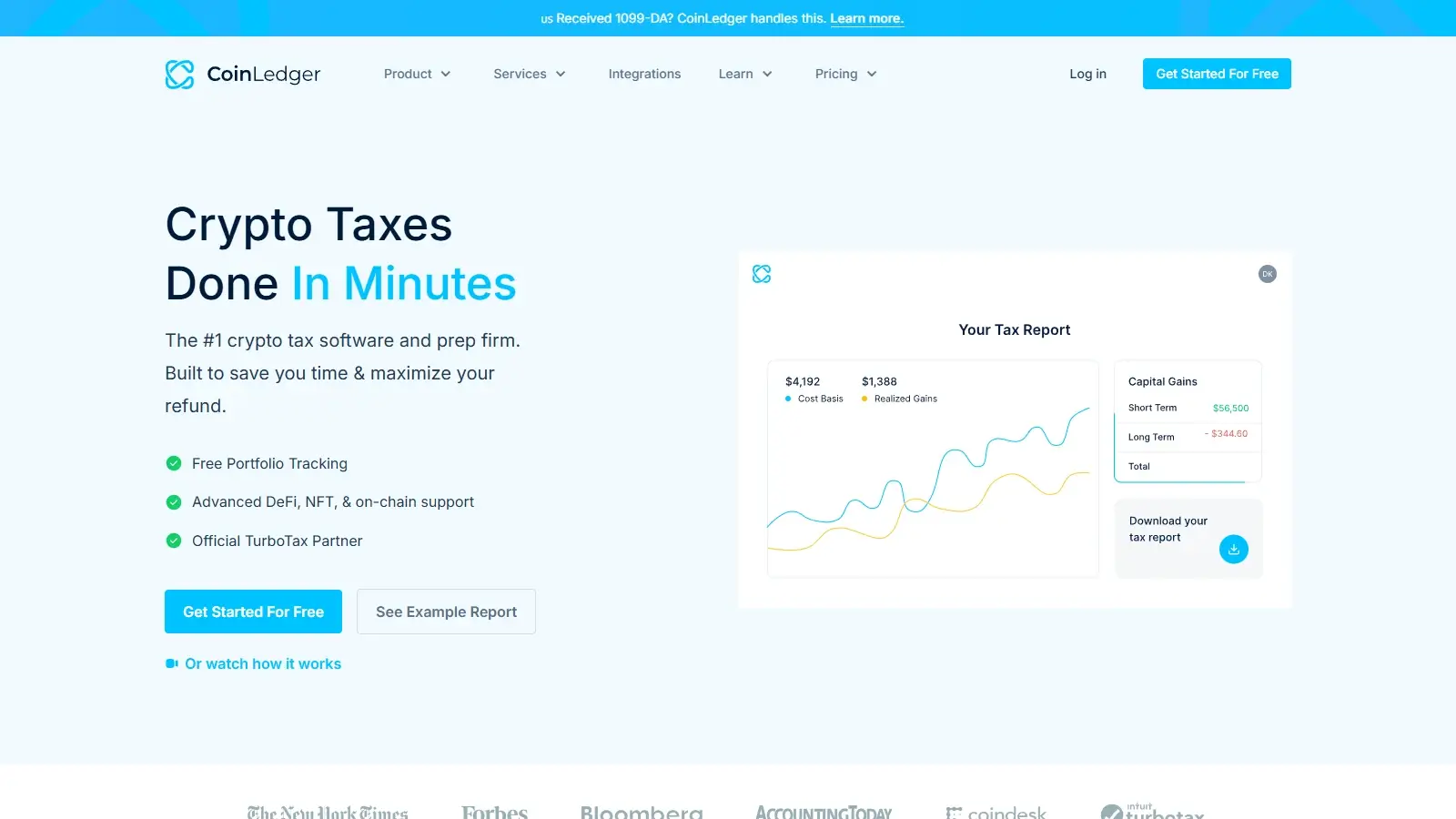
The download area separates US forms, filing-software exports, and supporting CSVs. CoinLedger prepares the crypto reporting information for an accountant or your tax-filing software. A self-service report purchase does not submit the complete return.
From tax year 2025 onward, CoinLedger’s TaxAct instructions use manual entry instead of a gain/loss CSV upload. TaxAct users enter proceeds and basis totals from consolidated Form 8949 PDFs for each source and each short-term or long-term category, then enter income separately.
For tax year 2025, Form 8949 generation asks whether each relevant exchange issued, or is expected to issue, a 1099-DA with basis, without basis, or no form. The 1099-DA dashboard accepts exchange PDFs and compares their figures with the combined transaction history. A corrected PDF can replace an earlier upload.
That comparison can help explain why an exchange statement differs from your CoinLedger history, which also includes purchases and transfers from other sources. The transaction history remains the place to repair a missing purchase.
Security and Privacy
Read-only exchange permissions and public wallet addresses limit what an import connection can do. CoinLedger cannot trade or withdraw through those read-only connections.
The public privacy policy expressly limits its scope to website information, while mentioning sign-up email addresses, IP addresses, and cookies. The public privacy policy and security page do not specify how long CoinLedger keeps uploaded financial history or when deleted data leaves its backups. Before closing the account, export your transaction history from Data Tools and check whether you need to include ignored transactions, which are excluded by default. Save the CSV and your purchased reports outside CoinLedger.
With the Require SSO setting for single sign-on turned on, password sign-in stops working and your CoinLedger login depends on the security of your Google or Coinbase account.
Support and Accountant Access
CoinLedger aims to reply within one business day, except on holidays and during busy periods.

Arrange submission of the complete return separately. The Expert Review and Done For You descriptions cover the crypto reporting work.
Alternatives to CoinLedger
-

CoinTracker
You need several historical years of forms within one annual subscription, starting at $59 for 100 transactions. It renews annually.
-

Koinly
Your CSV mixes good and bad rows. In our test with a faulty file, Koinly imported the good rows and rejected the bad ones. One of the two error messages needed interpretation before its rejected row could be fixed.
Final Verdict
CoinLedger is a good option for investors who want to understand and repair ordinary trades and wallet transfers before buying a report. Its free transaction details make missing acquisition history easier to investigate, while the reversible Ignore option reduces the need to delete a record during cleanup. The one-time reporting model is convenient for a single year. The value is weaker when several years need reports or the history requires professional reconstruction. The refund conditions leave little room to reverse a purchase, and how long CoinLedger keeps uploaded financial records is unclear. It suits investors willing to do their own cleanup more than those expecting automatic tax preparation.

Best For
Investors preparing a single report year who want to inspect gains and correct their own history
Avoid If
- Investors filing several past years or seeking professional cleanup within the report price
CryptoSlate may earn a commission when you use partner links, at no extra cost to you. Our reviews, ratings, and editorial decisions remain independent of advertisers. Read How CryptoSlate Makes Money for funding details.