

 Released in 2018
- Historical reports in one subscription
- Free bulk edits and saved backups
- Choice of who keeps the working records
Summ Overview
Key facts
- Supported countries
- US, tax year 2025
- Paid plans from
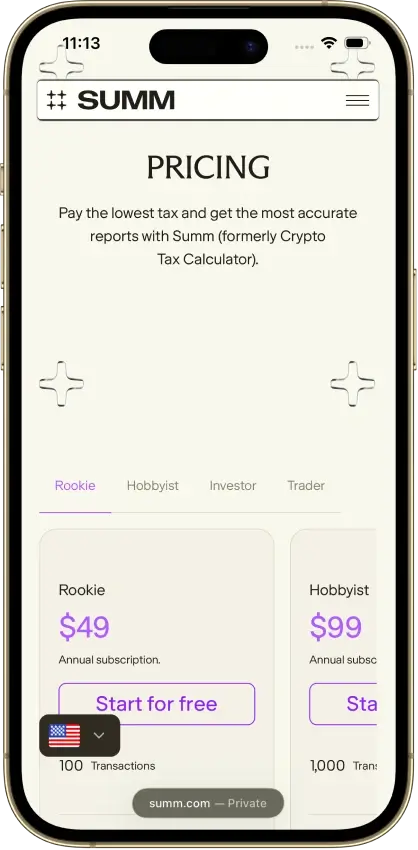
- Rookie; Report years back to 2013 while subscribed; USD 49; annual subscription; 100 cumulative transactions
- Billing & report access
- annual subscription; Annual subscription that renews automatically. The allowance counts the entire imported history, and ignored transactions and spam are excluded. Reports become unavailable after the paid period ends. Excludes smart-contract reporting.
- Transaction limits
- 100 cumulative transactions
- Free plan
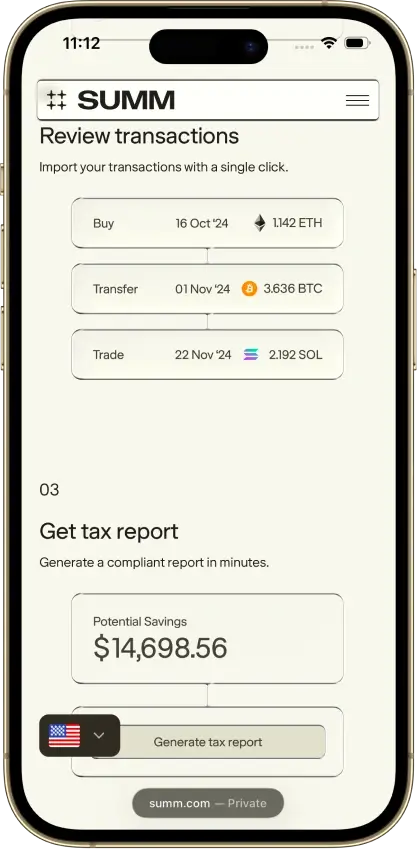
- Imports, inspection, editing, bulk changes, and snapshots. Portfolio tracking and obscured report samples are included, while full tax reports and transaction CSV exports need a paid plan.
- Import methods
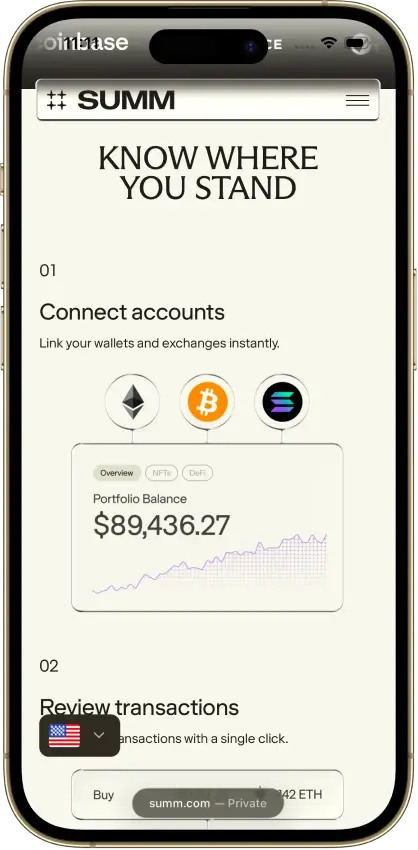
- Read-only exchange APIs and account connections, public wallet addresses, exchange files, a custom CSV template, and manual entry. Importing a public Ethereum wallet address also retrieves its Uniswap activity.
- Key integrations
- Filing options
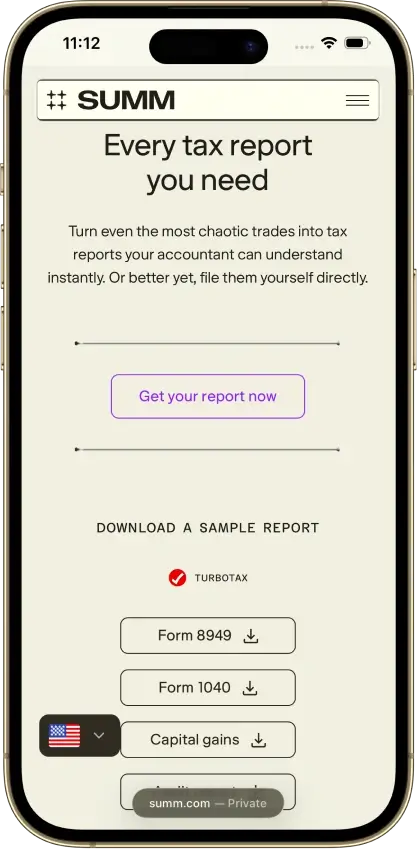
- Form 8949 (standard and consolidated), Schedule D, and Schedule 1, plus a paid Transactions Report CSV and a 1099-DA proceeds comparison from tax year 2025. Prepares the crypto files for separate filing, and the TurboTax Online route uses a capital-gains PDF while income is entered separately.
- DeFi support
- Dedicated categories cover liquidity pools, staking, and borrowing and collateral, separating original positions from rewards and receipt tokens. Smart-contract reporting starts on Hobbyist, and open liquidity positions are valued at the deposit value until withdrawal.
- NFT support
- Ethereum and Solana NFTs have dedicated handling for gas fees, minting, and royalties. Escrowed listings can leave the outgoing NFT and incoming payment unlinked, so the sale value needs a manual adjustment.
- Staking support
- Deposit, withdrawal, and reward categories separate the original stake from additional rewards. Receiving a different token uses a different classification from a simple deposit.
- Correction tools
- Transaction warnings and manual repairs, filters, one-off bulk edits on every plan, and up to 10 saved backups. Recurring categorization rules need Trader, and the dedicated Review page needs a paid plan.
- Accountant access
- Accountant initiates invitation, client can revoke. The accountant can view and edit records, adjust settings, and prepare reports, and sharing My imported data keeps the records with the client after access ends.
- Official website
- summ.com
Summ Screenshots




Screenshot 1 of 8
Summ Pros and Cons
Pros
- 1099-DA proceeds comparison portal
- Transaction warnings and manual repairs
- Alternate PDF for TurboTax Online
Cons
- Full history consumes the plan allowance
- Recurring rules require the Trader plan
- Reports unavailable after subscription expiry
Pricing and Free Plan
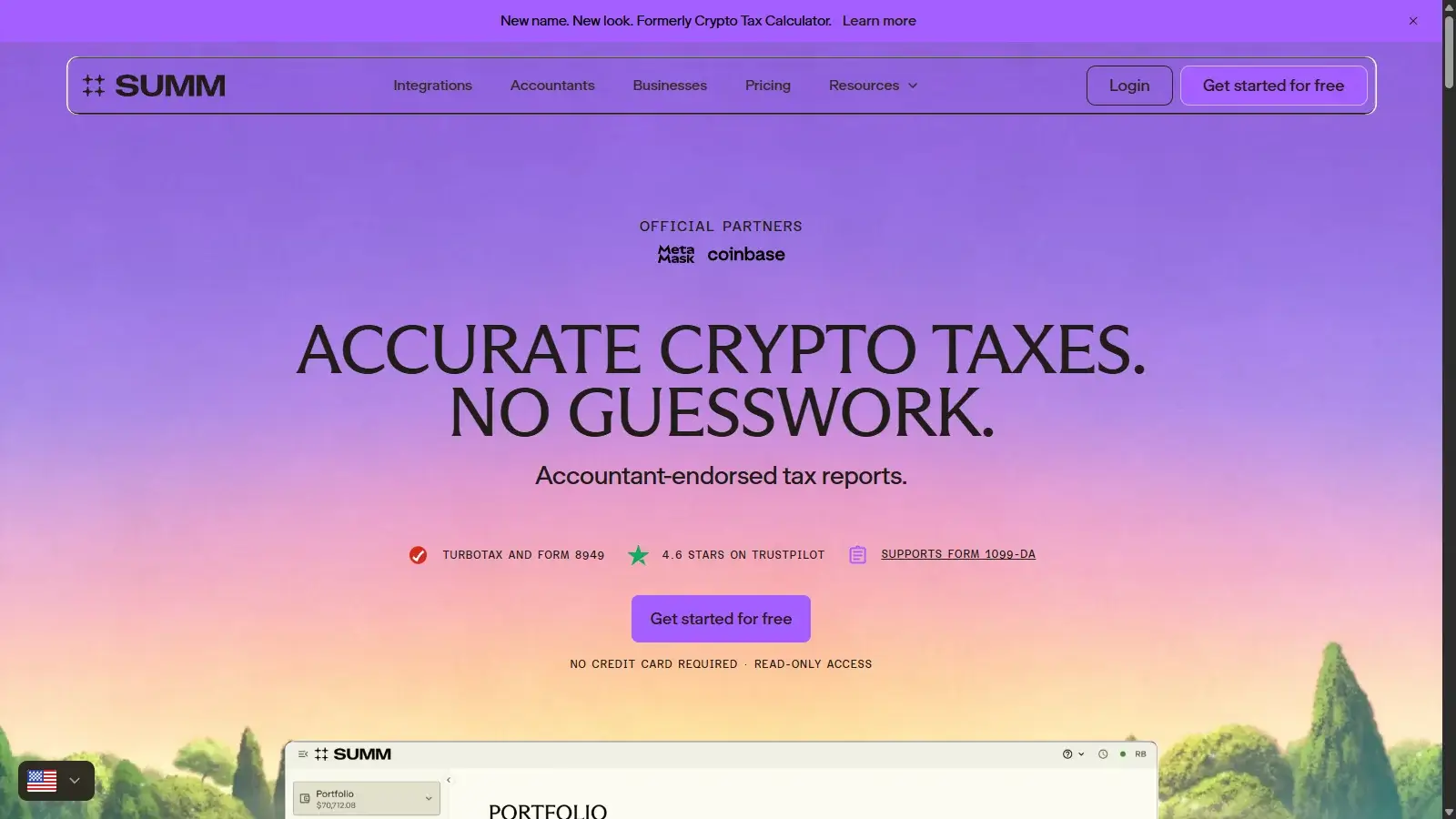
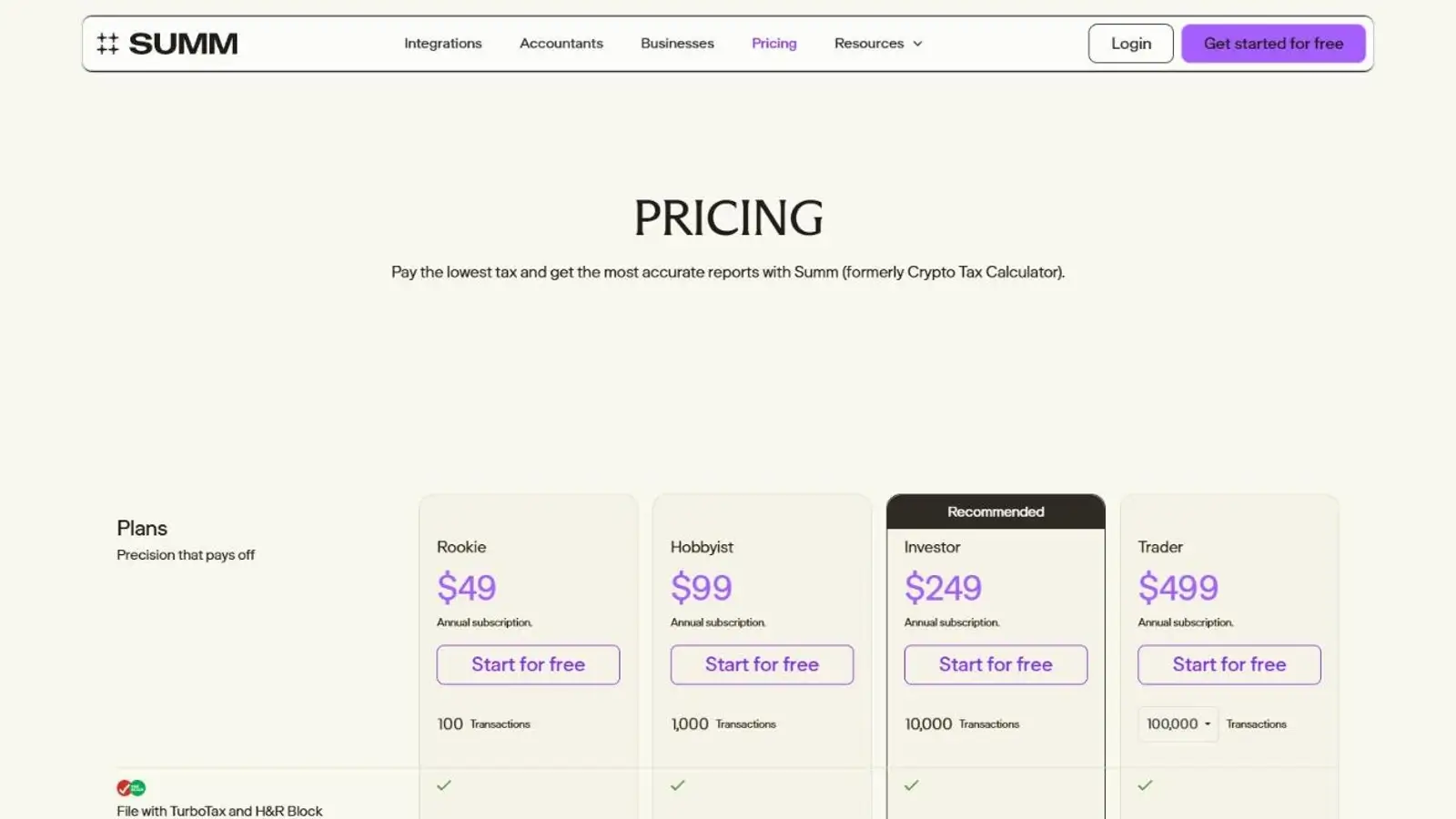
Summ’s entry price is $49 a year for 100 transactions. That allowance covers the entire imported history, including earlier acquisitions, rather than resetting for each return. Ignored transactions and spam are excluded from the billed count. Dust (tiny leftover balances) still counts, even when hidden.
These are standard US dollar prices before promotions. In-app upgrades support higher allowances up to 200,000 transactions, with larger histories handled through support. An investor with many old acquisitions can need a higher tier despite making few trades this year. If you need recurring rules, the Trader requirement can raise the price even for a small history.
Reports extend back to 2013 during an active subscription. This makes Summ appealing for a backlog of returns because the number of reporting years does not itself increase the software bill.
Annual renewal keeps report access active. Cancel before renewal to stop the next annual charge. After a paid-up period is canceled, paid features remain available until that period ends, then reports become unavailable. If renewal has already occurred and payment failed, cancellation stops the following renewal but does not stop collection for the unpaid renewed period; contact support about that period.
After the paid period ends, imported history and integrations remain viewable on the Accounts and Transactions pages. Taking a refund can delete your imported data. The terms exclude change-of-mind refunds, subject to consumer rights and stated exceptions, so inspect and correct the history in the free account before committing.
Exchanges, Wallets, and Data Imports
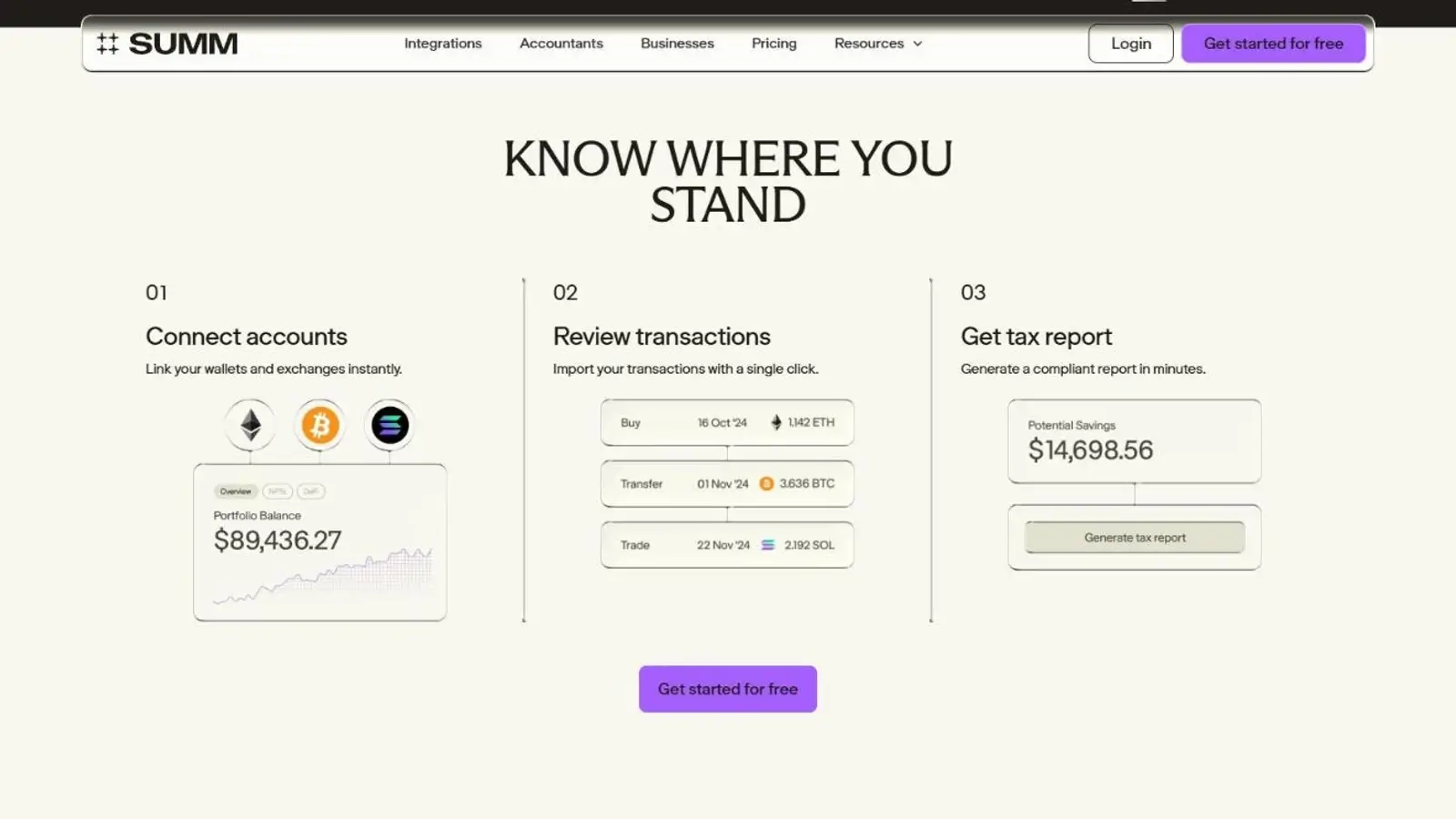
Summ supports exchange application programming interfaces (APIs), authorized account connections, public wallet addresses, and files. A custom comma-separated values (CSV) template covers missing transactions or sources without a dedicated importer. If an exchange retires its API, as Coinbase Pro did, later records have to come through another import route.
If a file leaves the quote amount blank, Summ can fill in a market value that differs from what you paid or received. Check that value in the transaction detail.
Accuracy and Transaction Cleanup
Summ’s custom CSV format treats quote amounts as excluding fees, making fee mapping important before you import. In a purchase-and-sale check, a $1,500 sale with a separate $40 fee imported as $1,540 gross sale value and $1,500 received. This check used the US profile, US dollars, tax year 2025, first-in, first-out (FIFO) accounting, and tracking by wallet and exchange.
The unresolved mismatch concerned the combined display. It did not demonstrate a tax-calculation error. If that view disagrees with your account balances, check each account’s records.
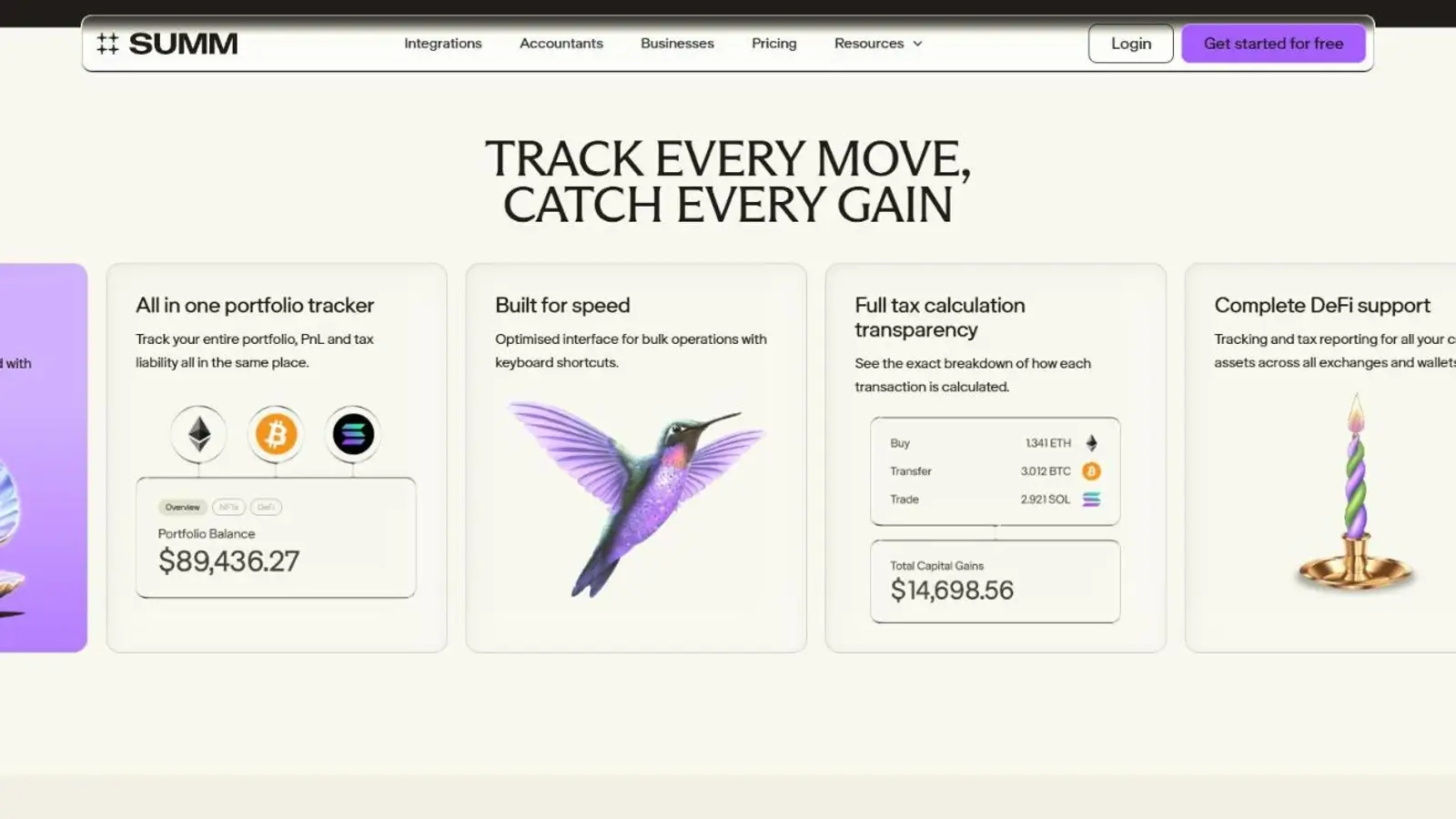
A sale using an assumed zero cost can look much more profitable than it was. Summ flags the transaction with missing purchase history, giving the investor a place to start investigating.
Summ’s general engine guide describes migration from a chosen date, with adjustment records where balances differ and protection for locked periods. The self-service switch has country limits: the US has its own engine version, and the general switch setting excludes US, UK, and Canadian accounts. Confirm the migration options for your US account with support before changing engines.
DeFi, NFTs, and Staking
Summ has specific categories for decentralized finance (DeFi) activity such as liquidity positions, staking, and loans, as well as non-fungible tokens (NFTs). The liquidity and staking categories separate an original position from the rewards or receipt tokens created around it. Hobbyist is the starting paid tier for reporting smart-contract activity.
Until you withdraw from a liquidity pool, Summ values the receipt token at the deposit value. The dashboard can therefore misstate an open position’s current worth even when every deposit record is present.
Tax Reports and Filing
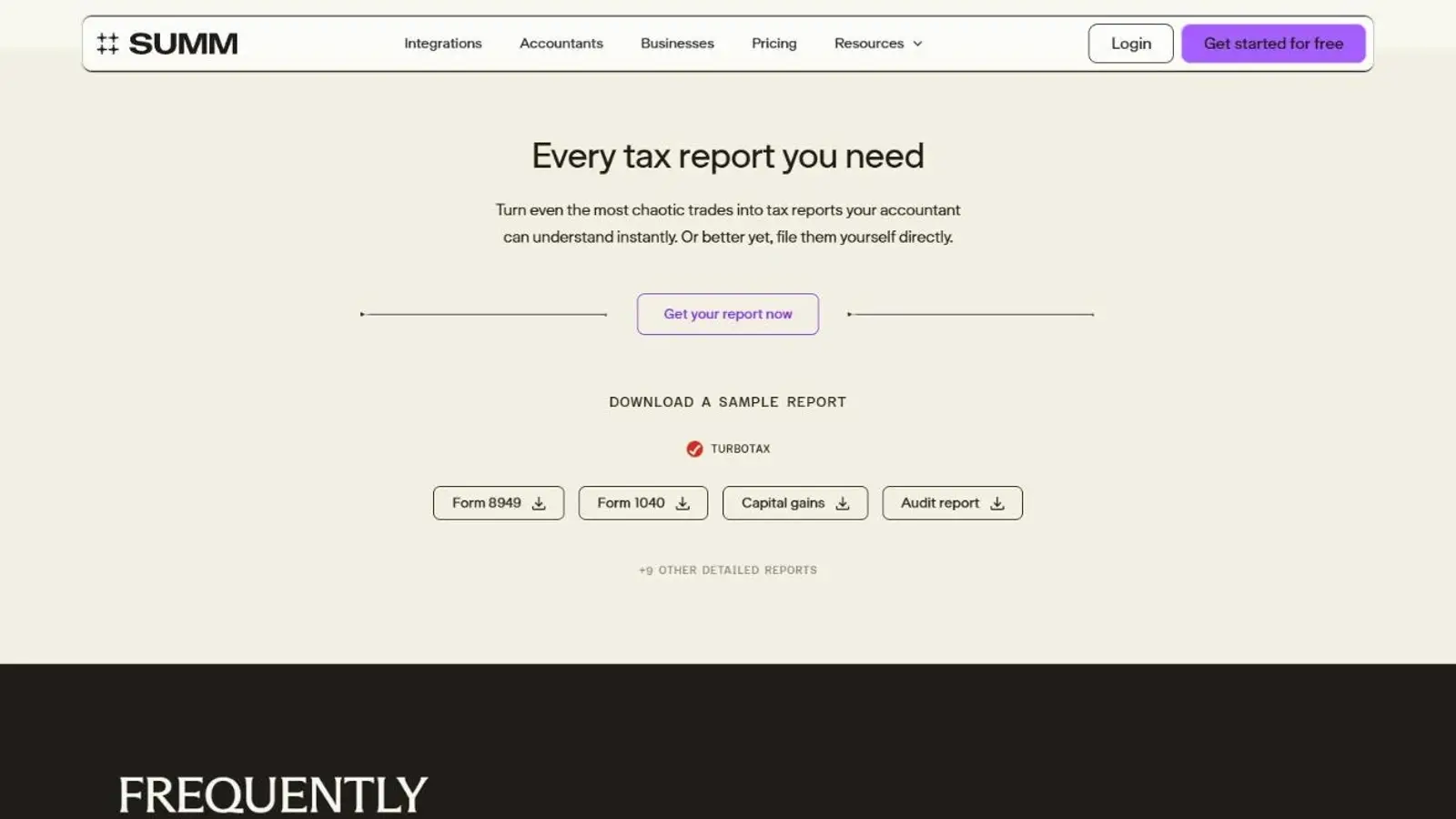
Summ provides Form 8949 (standard and consolidated), Schedule D, and Schedule 1. When a correction to an old acquisition affects later disposals, the relevant years can be regenerated within the same active subscription.
TurboTax Online can reject an uploaded PDF or flag entries for review. Summ supplies an Alternate PDF and guidance for those cases, but getting the figures into TurboTax can take more than one attempt. Summ’s instructions for tax year 2025 cover TurboTax Online and do not describe an equivalent Desktop route.
The 1099-DA portal compares the exchange’s proceeds with Summ’s transaction records. Uploading a statement alone does not change the report. Changes require confirmation, either per transaction or across the matched records. Cost basis still comes from the imported history, so if an acquisition happened elsewhere, its purchase records are needed to calculate the gain on a later exchange sale.
Automatic statement matching is available only for supported exchanges. Other listed exchanges can still use the Disposal Summary for manual review and adjustment. Summ prepares the crypto files, with the remainder of the return completed in filing software or by an accountant.
Security and Privacy
Summ’s exchange connections use read-only access. Its wallet imports do not require private keys. Its security page states that API keys are encrypted in transit and at rest and describes System and Organization Controls (SOC) 2 Type 2 certification. You can turn on two-factor authentication after verifying your email.
Summ permits up to 10 saved backups, including automatic snapshots taken before restoration. Each safety snapshot needs a free slot, so you must delete an older backup before restoring when all 10 slots are full. Restoring an account whose API connection was deleted also requires reconnecting it before the next sync.
CTC Ledger Pty Ltd operates Summ. Summ’s privacy policy allows personal information to be processed with AI tools but bars its AI providers from training language models on it.
Third-party tools that you connect to your Summ account follow their own policies and only get the permissions you grant. If you give a tool permission to make changes, it can edit your Summ data. Disconnecting stops future access, but Summ cannot retrieve or delete information the tool already received.
Support and Accountant Access
Summ’s help center covers individual warnings and correction workflows. Paid-plan support uses email and in-app chat for product assistance, while professional tax advice and an accountant’s cleanup work are arranged separately.
Once connected, they can correct the records directly in Summ rather than only exchange finished PDFs. Comments on transactions and comment filters help both sides locate the records under discussion.
If you choose My imported data, you keep access to the records after revoking your accountant’s access. With Accountant data, the working records stay with the accountant and you lose access. The two data sets cannot be moved between sides.
A client who has already assembled and corrected the history can keep those records by sharing My imported data for review. If most of the cleanup will happen in Accountant data, get the finished reports from your accountant before access ends.
Alternatives to Summ
-


CoinLedger
You want a one-time purchase for one report year, with continued regeneration of that purchased year’s reports within its transaction allowance. Each extra year is another purchase, which can cost more for a backlog.
-

Koinly
You want to initiate an accountant invitation yourself, with full editing access once accepted. Reports are purchased for selected tax years, so several historical returns can require several purchases.
Final Verdict
Summ suits investors working through a multi-year backlog with an accountant. Its $99 Hobbyist annual subscription covers three years of reports on a 900-transaction history with smart-contract activity, provided no Investor- or Trader-only feature is needed. Older records consume the allowance, and report access ends with the subscription. Free bulk editing supports corrections before payment, while backups restore earlier versions. Share **My imported data** to retain records after your accountant’s access ends. In our test, the combined balance display disagreed with the individual accounts, so cross-check each account. Recurring rules raise the minimum plan to $499 Trader. For one year without ongoing accountant collaboration, compare CoinLedger’s one-time purchase, which allows report revisions within its allowance without renewing.

Best For
Investors preparing several report years who want to share transaction repairs with an accountant
Avoid If
- Investors needing free downloadable tax reports or report access after a subscription expires
CryptoSlate may earn a commission when you use partner links, at no extra cost to you. Our reviews, ratings, and editorial decisions remain independent of advertisers. Read How CryptoSlate Makes Money for funding details.