
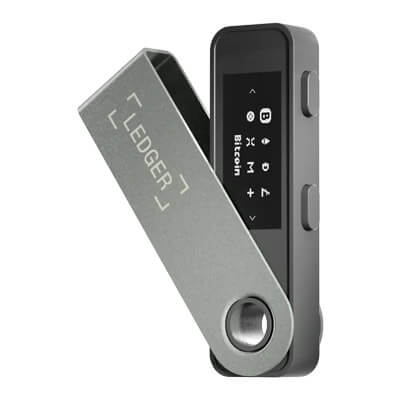
Ledger Nano S Plus is a battery-free USB signer for computers and Android. Its small screen and buttons require careful review, and it cannot sign through an iPhone. Firmware and coin apps need separate updates.
Ledger Nano S Plus vs Ledger Nano X: Which Should You Buy?
An iPhone makes this choice straightforward: Nano X signs over Bluetooth, while Nano S Plus cannot. For computer or Android USB use, Nano S Plus costs less and needs no charging. Paying for Nano X does not buy a larger approval screen.
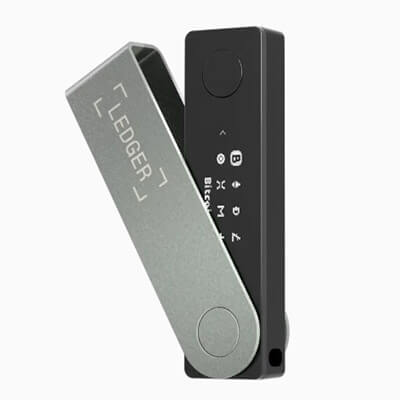
Ledger Nano X adds Bluetooth signing for iPhone and Android to a small, button-operated device. Its rechargeable battery needs upkeep, and older firmware needs a wired update before wireless OS updates work.
Affiliate Disclosure
Some links in this comparison are affiliate links. CryptoSlate may earn a commission if you sign up through these links. Our ratings remain editorially independent.
Overview
Both are button-operated signers with a 128-by-64-pixel display and a written recovery phrase. Compare the phone connection and battery requirements before paying for features your setup may not use.
Ledger Nano S Plus Ledger Nano X
Device Design
USB-powered, physical buttons
Rechargeable, physical buttons
Everyday Key Control
Keys generated on the device
Keys generated on the device
Written Backup
24 words, optional separate passphrase
24 words, optional separate passphrase
Signing Display
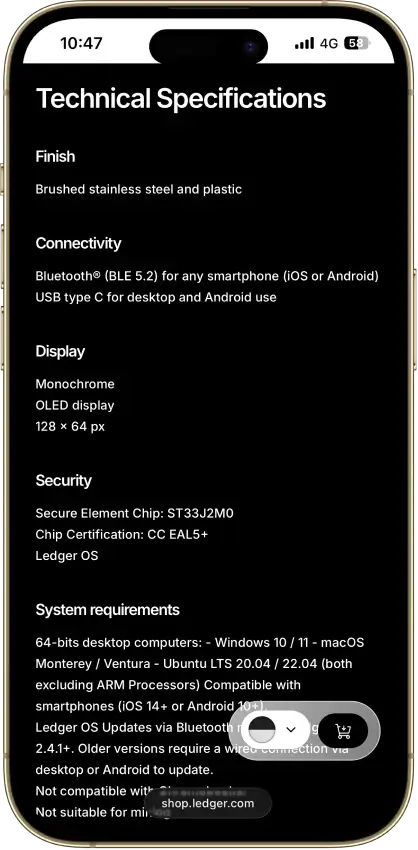
1.1-inch OLED, 128 × 64 pixels
1.1-inch OLED, 128 × 64 pixels
Secure Element
ST33K1M5, CC EAL6+ chip certification
ST33J2M0, CC EAL5+ chip certification
Phone Connection
Android over USB, no iPhone signing
iPhone and Android over Bluetooth, Android USB
Advertised USD Price
$59
$99
Guaranteed Support End Date
Not disclosed
Not disclosed
Tie
Comparison scope: Ledger Nano S Plus vs Ledger Nano X, current listed devices, excluding the original Nano S. Specifications verified September 13, 2026. US-dollar reference pricing, not a delivered checkout quote. Document-based comparison with no hands-on firmware, app or operating-system tests.
Screenshots
Ledger Nano S Plus screenshots
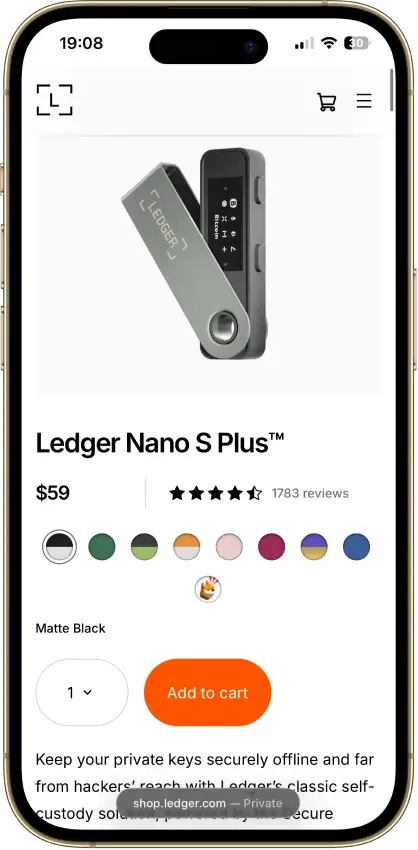
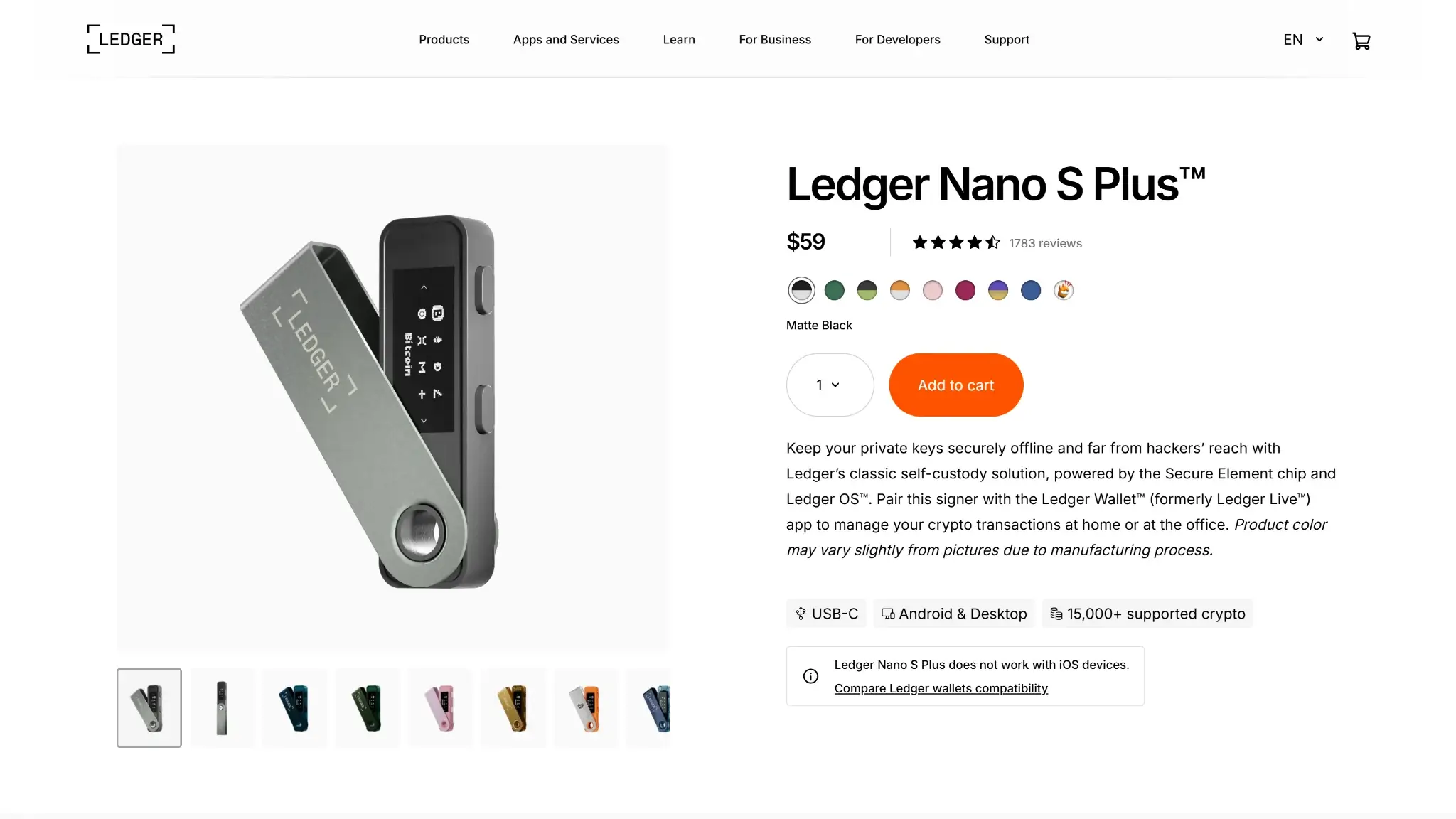
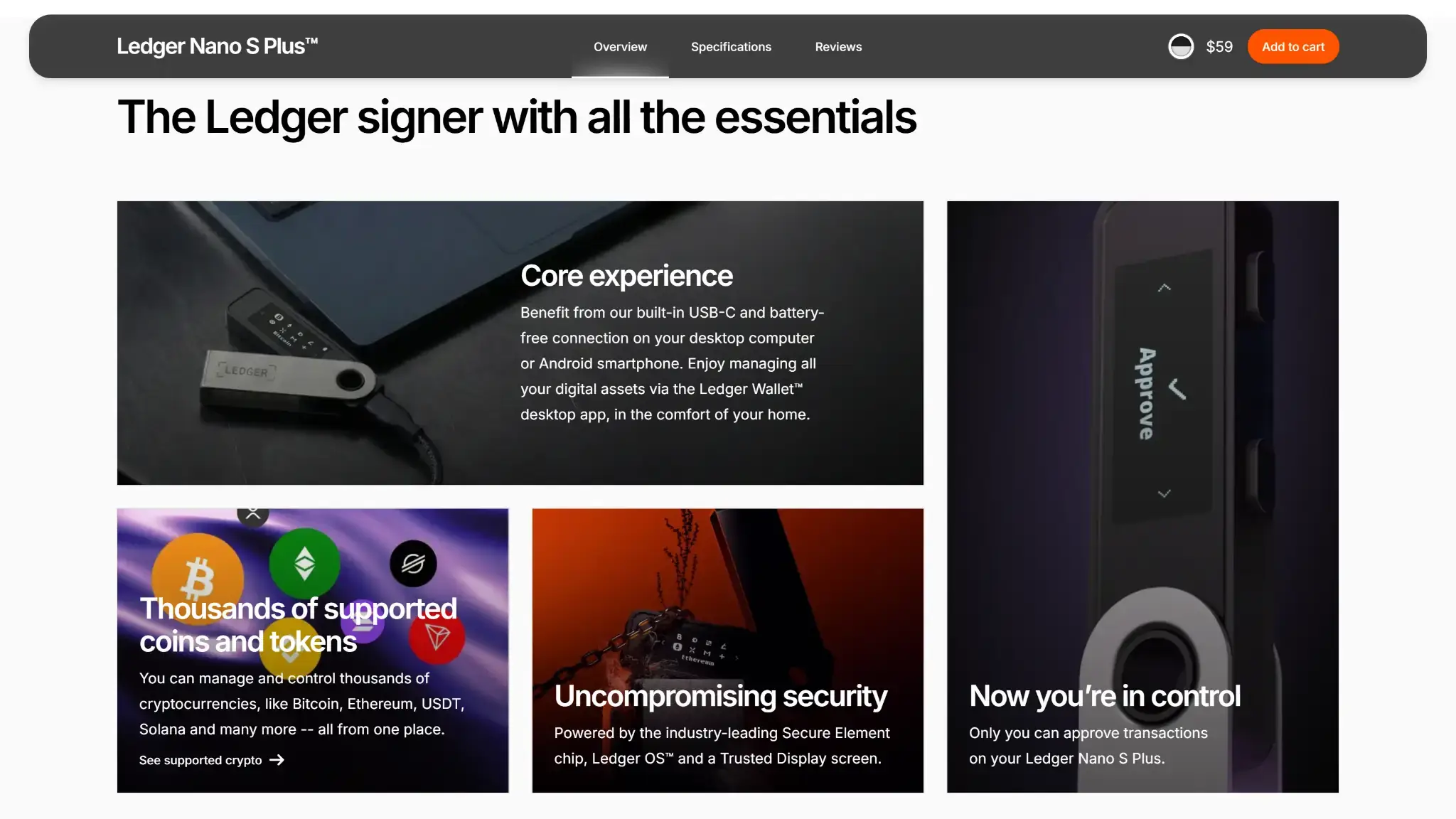
Screenshot 1 of 3
Ledger Nano X screenshots
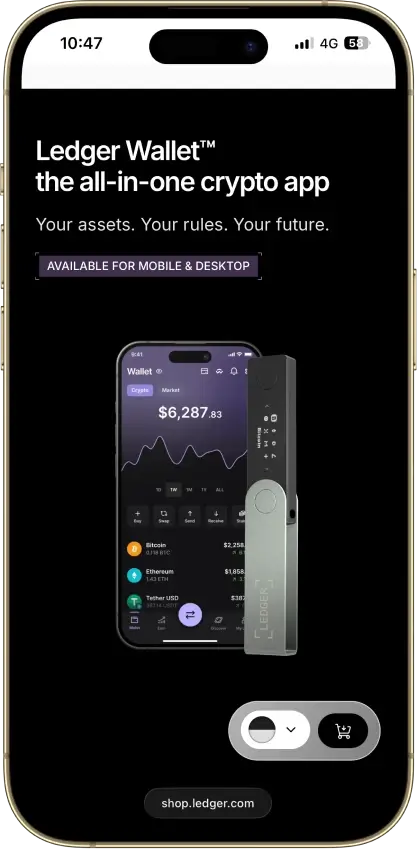
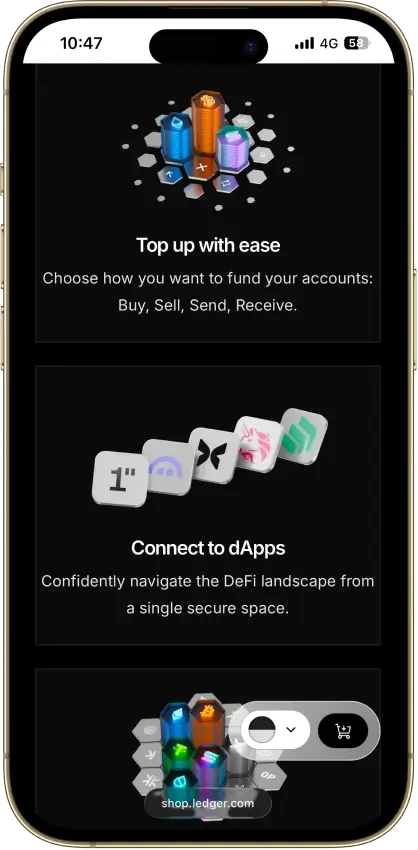
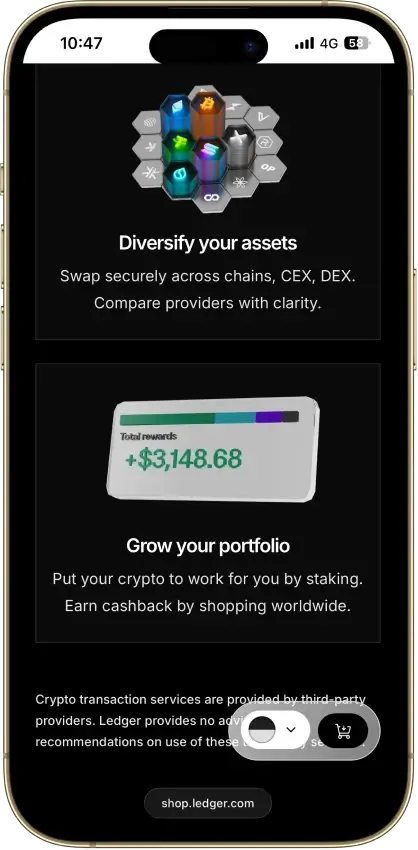
Screenshot 1 of 4
Winners By Category
Nano X wins for Bluetooth phone signing, including iPhone. Nano S Plus wins on the dated advertised purchase price. Neither earns a whole-wallet security win from its chip certificate or connection.
Ledger Nano S Plus Ledger Nano X
Both support owner-held recovery material, with the same closed-firmware dependency.
Keys generated on the device, ST33K1M5 EAL6+ chip, closed low-level firmware
Keys generated on the device, ST33J2M0 EAL5+ chip, closed low-level firmware
Chip certificates and connection options do not establish a whole-device safety ranking.
1.1-inch OLED and buttons, USB only, no Transaction Check
1.1-inch OLED and buttons, Bluetooth with pairing-code comparison, no Transaction Check
Both restore from the same written-backup format, although assisted recovery differs by platform.
24-word phrase, optional passphrase, Ledger Recover through desktop
24-word phrase, optional passphrase, Ledger Recover through desktop and mobile
The compared desktop asset and EVM connection options do not establish a model advantage.
Ledger Wallet BTC, ETH, SOL and XRP, up to 100 apps, MetaMask desktop EVM connection
Same assets and app capacity, plus Ledger Wallet signing on iOS over Bluetooth
Bluetooth provides hardware signing for iPhone users and cable-free Android use.
USB power, desktop and Android, no iPhone signing
Bluetooth for iPhone and Android, USB on desktop, five-hour battery specification
Compatible USB users save $40 on advertised hardware prices without a mandatory recovery subscription.
$59 advertised, same buying, swap and staking providers, Recover optional
$99 advertised, same buying, swap and staking providers, Recover optional
Companion-app settings and chosen service providers determine the main offchain data exposure.
Same Ledger Wallet tracking policy and provider dependencies
Same Ledger Wallet tracking policy and provider dependencies
Both remain listed, but neither has a disclosed guaranteed support end date.
Available since April 2022, no charging, no disclosed support end date
Available since 2019, wireless updates from OS 2.4.1, no disclosed support end date
The $40 advertised hardware difference is separate from network charges, swap quotes and optional recovery subscriptions. Check Nano X’s starting firmware if you need wireless updates without access to a computer.
Custody And Key Control
Both support owner-held recovery material, with the same closed-firmware dependency.
Ledger Nano S Plus Ledger Nano X
Secure Element
ST33K1M5, CC EAL6+ chip certification
ST33J2M0, CC EAL5+ chip certification
Low-Level Firmware
Includes closed components
Includes closed components
Tie
Both models give holders the same basic choice between keeping recovery material themselves and enrolling in assisted backup. Neither provides an escape from Ledger's closed low-level firmware simply by costing more or using a different chip.
Device Secrets And Firmware
Ledger generates the recovery material on the signer during initialization. Ordinary transactions use keys controlled by the owner, while the connected computer or phone prepares the request. Buying either model does not open an exchange account or transfer ownership of the entire portfolio to Ledger.
The chips differ. Nano S Plus uses ST33K1M5, while Nano X uses ST33J2M0. Ledger assigns them CC EAL6+ and CC EAL5+ chip certifications respectively. These are evaluations of components, not comparative tests of every wallet application or a guarantee about a transaction you approve.
Ledger makes companion and device-app code available, but some low-level firmware is closed. Choosing the different Secure Element in Ledger Nano S Plus does not remove that restriction. Neither model satisfies a requirement for fully open firmware.
Leaving The Ledger Ecosystem
The written backup follows the BIP39 approach used by compatible wallets. Reconstructing the intended accounts also depends on network support, account paths and any separate passphrase. The ability to restore is not a promise that every alternative application will automatically display every asset.
Optional Ledger Recover changes who holds backup material. It sends encrypted fragments to service providers after approval. That arrangement belongs to a separate enrollment decision, not a requirement to activate ordinary key control on either Nano.
Security And Transaction Signing
Chip certificates and connection options do not establish a whole-device safety ranking.
Ledger Nano S Plus Ledger Nano X
Approval Display
128 × 64 pixels, physical buttons
128 × 64 pixels, physical buttons
Overall Attack Resistance
No comparative safety result
No comparative safety result
No clear winner
Neither the cable-versus-Bluetooth distinction nor the chip certificate settles these application-level risks. For either Nano, the relevant protections include current blockchain apps, current firmware and a transaction workflow whose approvals you can interpret.
What The Screen Can Establish
Both Nanos have a 128-by-64-pixel display and physical-button confirmation. Supported Clear Signing operations can present understandable transaction information, but the screen cannot show an entire complex approval at once. Neither has Ledger's Transaction Check feature as of September 13, 2026.
A correct address on screen is useful only if the application signs the operation it described. In August 2026, Ledger disclosed a shared-SDK flaw that allowed a hostile host to change signing parameters during an affected app's pending approval. Decrypt reported OneKey's reproduction against Ethereum app 1.22.1. Ledger's first Ethereum correction was 1.22.2, followed by rebuilt apps using the corrected SDK.
Two separate Ethereum flaws required 1.22.3. One could omit operations from the displayed batch, with the demonstration performed on a private fork without real funds. The other could replace a swap payment with an approval limited to the agreed asset, quantity and provider address. That permission required another transaction to move funds. Ledger said it had not found user exploitation of the SDK or swap flaws.
Connections And Historical Key Exposure
Ledger describes Nano X Bluetooth as an encrypted transport with pairing-code comparison. Turning Bluetooth off permits supported USB use. This does not remove weaknesses in a blockchain app, and Nano S Plus's cable does not establish immunity to a malicious computer.
The June 2026 Monero bulletin concerned exposure of view and spend keys through an affected app on an unlocked Nano connected to a compromised host. Version 2.1.4 introduced the fix, with later releases following. 1seal's public research index also lists the bulletin.
Zilliqa's July 2026 incident involved weak signing randomness in its legacy Ledger app, with theft acknowledged in its post-mortem and independently reported. The EVM signing path and recovery phrases were outside that defect. Previously exposed account keys cannot be made secret again by installing a patch.
Recovery And Backup
Both restore from the same written-backup format, although assisted recovery differs by platform.
Ledger Nano S Plus Ledger Nano X
Standard Recovery
24 words plus any exact passphrase
24 words plus any exact passphrase
Optional Ledger Recover
Desktop, subscription and identity checks
Desktop or mobile, subscription and identity checks
Tie
Written-backup recovery has the same essential requirements on both Nanos, including any additional passphrase. Nano X offers mobile access to the optional service, but the provider and identity dependencies remain the same.
Recovering A Lost Or Broken Nano
Both devices use a 24-word recovery phrase for the standard backup. A compatible replacement can reconstruct the accounts without retrieving anything from the missing device. If a separate passphrase was used, restoring those accounts requires its exact characters too.
A passphrase creates different accounts. Adding one does not automatically relocate funds already held in the original accounts. A second PIN may be a convenient way to open passphrase accounts on a configured Ledger, but that PIN is not the passphrase needed for restoration elsewhere.
The same phrase can configure another compatible signer. It then gives both devices access to the same underlying accounts, not two independent backups against phrase theft. A separate backup location can help with physical loss, but exposing the phrase while copying it defeats that purpose.
Assisted Recovery And Its Conditions
Ledger Recover, provided by Coincover, supports Nano S Plus through the desktop companion. Nano X supports the service through desktop and mobile. Device approval authorizes encrypted fragments of the backup material to be sent to three custodians: Ledger, Coincover and EscrowTech. Two fragments and identity verification are required to restore access on a Ledger device.
The service is paid and depends on supported documents, account eligibility and an active subscription. It restores access without returning the original word list. Neither Nano includes the separate NFC Ledger Recovery Key accessory, and neither has NFC hardware.
Networks, Assets, And dApp Access
The compared desktop asset and EVM connection options do not establish a model advantage.
Ledger Nano S Plus Ledger Nano X
Named Companion Accounts
Bitcoin, Ethereum, Solana and XRP
Bitcoin, Ethereum, Solana and XRP
Desktop MetaMask Connection
USB, Ethereum app, EVM accounts only
USB, Ethereum app, EVM accounts only
Tie
For the named assets and desktop EVM workflow, there is no demonstrated reason to buy Nano X for a larger usable portfolio. Nano X's added radio improves phone access without proving wider network coverage.
Asset Support Beyond A Headline Count
Ledger Wallet, formerly Ledger Live, supports common accounts such as Bitcoin, Ethereum, Solana and XRP. The larger advertised asset total includes integrations, so it should not be read as a count of assets with identical native functions. Receiving, displaying, swapping and staking are different capabilities.
Both products advertise room for up to 100 installed blockchain apps. Apps supply signing functions. They do not contain the coins themselves, and a capacity figure is not a reason to assume more balances can be owned on one model.
The Monero project's downloads resources include both Nanos among supported hardware options. XMR management uses a compatible frontend such as Monero GUI. That frontend choice also determines how the wallet connects to a node.
Connecting To Applications
MetaMask's desktop hardware connection supports Ledger accounts on EVM networks. Its instructions use USB and require the Ethereum app. Adding a Ledger account lets MetaMask prepare requests for the signer without importing the Ledger phrase into the browser wallet.
MetaMask application features do not all become available to an attached hardware account. In particular, its hardware guidance limits connected Ledger accounts to EVM networks. A network listed for a software account may still be unavailable to the connected Nano.
Ledger Nano X can sign through Ledger Wallet on iOS using Bluetooth. That does not mean every third-party frontend or desktop connection method also works on an iPhone.
Platforms, Hardware, And Daily Use
Bluetooth provides hardware signing for iPhone users and cable-free Android use.
Ledger Nano S Plus Ledger Nano X
Phone Signing
Android over USB, no iPhone signing
Bluetooth on iPhone and Android
Power
USB-powered, no battery
Rechargeable battery for wireless use
Nano X wins for phone-first signing because it includes an iPhone connection that Nano S Plus lacks. Computer-only holders gain little from that advantage and still use the same small, button-operated display.
A Phone Requirement Can Decide The Purchase
Nano S Plus takes power from USB and works with supported desktop systems or Android. It cannot provide iPhone signing, including on phones with a USB-C port. The iOS companion's existence does not change that hardware limitation.
Nano X adds Bluetooth for iOS and Android. USB remains its desktop connection and another Android option. Ledger advertises five hours of battery autonomy, but this is a manufacturer specification, not a measured runtime.
The current product requirements name Windows 10/11, macOS Monterey/Ventura and Ubuntu LTS 20.04/22.04 on supported 64-bit desktops, with desktop ARM exclusions in the listed specifications. Android requires version 10 or later. Nano X additionally lists iOS 14 or later. Check both the current companion requirements and the intended computer architecture before purchasing.
Initial Setup And Ongoing Handling
Nano X wireless OS updates require OS 2.4.1 or later. Older units need a wired update through a compatible computer or Android device first. An iPhone-only buyer should resolve that requirement before relying on wireless setup and maintenance.
Both boxes include a USB-C-to-USB-A cable, so a USB-C-only host can require a different compatible data cable or adapter. Their identical display resolution means the extra $40 does not buy more space for transaction details. Nano S Plus also avoids the need to charge a signer before use.
A guaranteed human-support response time is not disclosed. Support should never receive your recovery phrase, even when diagnosing an unusable device.
Swaps, Staking, And Costs
Compatible USB users save $40 on advertised hardware prices without a mandatory recovery subscription.
Ledger Nano S Plus Ledger Nano X
September 13 Advertised USD Price
$59
$99
Swap Costs
Quote-dependent provider and network costs
Quote-dependent provider and network costs
Nano S Plus reduces the initial outlay for a holder whose computer or Android phone supports its USB workflow. That saving does not eliminate network charges, provider risk or recurring costs from optional services.
Hardware And Optional Services
Ledger's published US-dollar lineup, checked September 13, 2026, prices Nano S Plus at $59 and Nano X at $99. The $40 difference is the advertised device gap, not a matched delivered total. Taxes, shipping, promotions and cables can change the amount due at checkout.
Neither device requires Ledger Recover for ordinary use. A subscription is an optional continuing cost, distinct from the hardware purchase and the written phrase. Buying Nano X does not include free assisted recovery for life.
Buying And Exchanging Crypto
Ledger Wallet connects to buying providers including MoonPay and Transak. Country, asset and payment method affect the quote and identity requirements. Ledger says it does not charge for the buy feature itself, while the provider's charges still apply.
For centralized swaps, crypto is sent to the selected provider for exchange. Keeping control of the Nano's signing keys does not mean the provider never holds those particular funds. Ledger's fee glossary distinguishes its own swap fee, the partner's fee, the outgoing network fee and the return withdrawal cost. The sending network charge is shown separately from the quoted receiving amount.
The device-price saving is separate from swap costs, which depend on the provider's quote. Compare the same asset pair, networks, amount, provider, region and time before attributing an output difference to the device.
Staking Through The Companion
Ledger Wallet includes native delegation routes for Solana and provider-based options for Ethereum. The network and provider determine commissions, exit conditions and any slashing exposure. Its Earn interface also includes stablecoin lending. Buying a more expensive signer does not itself change those terms or guarantee the advertised rewards.
Privacy And Data Collection
Companion-app settings and chosen service providers determine the main offchain data exposure.
Ledger Nano S Plus Ledger Nano X
Companion Settings
Shared Ledger Wallet tracking policy and controls
Shared Ledger Wallet tracking policy and controls
Measured Data Exposure
No equivalent-session comparison
No equivalent-session comparison
No clear winner
The main privacy decisions concern companion settings, frontends and optional providers for either Nano. Disabling a radio changes the connection in use, not the data policies attached to the services you select.
Companion Settings Matter On Both Devices
Ledger's tracking policy distinguishes optional experience and personalization tracking from debugging tools. It activates debugging SDKs by default, with an objection control in application settings. Experience and personalization SDKs require consent according to the policy.
The disclosed data includes device identifiers, operating-system properties, usage actions and notification logs. Ledger names Sentry for debugging and Segment, Firebase and Braze for other purposes. Choosing Nano S Plus does not change the companion's policy into a no-telemetry service.
The public blockchain remains another source of information. A USB cable does not conceal an account's onchain history. Using a separate frontend such as Monero GUI introduces its own node and data-handling choices, which should be assessed separately from Ledger Wallet settings.
Providers And Order Records
Buying crypto and enrolling in Recover can associate identity information with a chosen service. Ordering hardware also creates commerce records, independently of what appears on the blockchain. Avoid describing either device as universally free of identity checks simply because routine signing is self-custodial.
Ledger's 2020 customer-data exposure and the 2023 Connect Kit compromise were different incidents. The former concerned contact records, while the latter involved malicious dApp software and harmful approvals. Neither establishes that switching from Nano X to Nano S Plus removes shared commerce or application dependencies.
Updates, Longevity, And Ecosystem
Both remain listed, but neither has a disclosed guaranteed support end date.
Ledger Nano S Plus Ledger Nano X
Guaranteed Support End Date
No fixed date disclosed
No fixed date disclosed
Update Preparation
Compatible USB host
Wireless OS updates require 2.4.1 or later
No clear winner
Both devices have ongoing software dependencies, and neither comes with a verified future support horizon. Nano S Plus avoids battery maintenance, while Nano X offers wireless updates only after its required OS level is reached.
Nano X dates from 2019, while Nano S Plus became available in April 2022. Both remain in Ledger's listed range on September 13, 2026. The original Nano S is a separate product outside this comparison and does not appear in that lineup.
Ledger does not disclose a guaranteed date through which either model will receive support. Nano S Plus needs no charging. That difference alone does not quantify either device's reliability.
Nano X has a specific historical OS requirement beyond wireless-update support. Ledger's January 2025 MCU bulletin identifies 2.4.2 as the first corrected Nano X release for a firmware-update flaw that could make the device unusable. VulnCheck independently records the vulnerability. Ledger characterized it as an operability issue, not exposure of funds through that defect.
The 2026 blockchain-app disclosures require a separate check. Updating the device OS does not establish that Ethereum or Monero apps have also been replaced. Treat named patch versions as historical minimums for those issues and install the current applicable releases through the official update flow.
Final Verdict
Both reviews rate these Nanos 7.0, making the overall result a tie. Nano S Plus is the lower-cost USB pick. Nano X is the choice within this pair for iPhone or wireless Android signing.
Affiliate Disclosure
Some links in this comparison are affiliate links. CryptoSlate may earn a commission if you sign up through these links. Our ratings remain editorially independent.
Tie
The equal scores do not erase the platform difference. Nano S Plus cannot sign through an iPhone, even over USB-C. Both retain small displays and closed low-level firmware, so choose the connection you need without treating either as protection against every malicious approval.
Ledger Nano S Plus vs Ledger Nano X FAQs
What are the main Ledger Nano S Plus vs Ledger Nano X differences?
Nano S Plus is USB-powered and has no iPhone signing connection. Nano X adds a battery and Bluetooth for supported phones. Both use small OLED screens and physical buttons. The advertised September 13, 2026 prices are $59 and $99, with different Secure Element chips but no established whole-device safety winner.
Can Ledger Nano S Plus and Ledger Nano X both sign on an iPhone?
Only Nano X supports iPhone signing, through Bluetooth. Nano S Plus cannot gain that function through a different USB cable. Nano X also needs OS 2.4.1 or later for wireless OS updates. A unit on older firmware first requires a compatible wired update using a computer or Android device.
Is Ledger Nano X safer than Ledger Nano S Plus?
The available facts do not establish that. Nano X uses an EAL5+ certified chip and Nano S Plus an EAL6+ chip, but certification does not cover every application decision. Both depend on correct signing software and protected recovery material. USB use alone does not prevent the app-level flaws disclosed in 2026.
Can Ledger Nano S Plus and Ledger Nano X use the same recovery phrase?
Both use the standard 24-word backup approach, so the same phrase can reconstruct compatible accounts on either model. Accounts protected by an additional passphrase require that exact passphrase as well. Two devices configured this way share access to the accounts and remain exposed to theft of the same recovery material.
Do Ledger Nano S Plus and Ledger Nano X need Ledger Recover?
No. Both can operate with an owner-held written backup without a Recover subscription. The optional service adds encrypted provider-held fragments and identity checks. Nano S Plus accesses it on desktop, while Nano X supports desktop and mobile. Continued eligibility and subscription conditions apply independently of ordinary device signing.
Is Ledger Nano S Plus cheaper to use than Ledger Nano X?
Its advertised purchase price is $40 lower in Ledger's September 13, 2026 US-dollar lineup. That does not establish lower swap fees or better staking returns. Transaction costs depend on networks and selected providers. Compare delivered hardware totals separately from service quotes, optional subscriptions and any required cable or adapter.

The September 13 advertised US-dollar prices were $59 for Nano S Plus and $99 for Nano X. Both still require intact recovery material and separate updates for installed blockchain apps. Neither includes the NFC Recovery Key accessory.