


Phantom Overview
Key facts
Additional details
Phantom Screenshots
Phantom Pros and Cons
Pros
- Solana still feels like the core product rather than an afterthought.
- Supports eight major networks in one wallet.
- Built-in swaps, NFT support, and SOL staking reduce the need for extra apps.
- Ledger integration adds a stronger signing layer for larger balances.
- Scam warnings and transaction prompts are more helpful than in many older hot wallets.
Cons
- No native support for major chains like Arbitrum, Optimism, BSC, or Avalanche.
- Fiat purchases depend on third-party providers, fees, and region-based KYC requirements.
- Mobile dApp connections work through Phantom’s in-app browser, not Safari or Chrome.
- Not fully open-source.
- Bitcoin support is useful, but still less specialized than a dedicated Bitcoin wallet.
Who Phantom Is Best for — and Who Should Skip It
Phantom is best for active Solana users who want one wallet for daily onchain use, not just long-term storage. It works well for people who swap tokens, manage NFTs, stake SOL, and connect to dApps from one place. It also suits beginners who want an easier setup. Phantom supports both a standard recovery phrase and a Google or Apple login with a four-digit PIN. That gives new users an easier start. The recovery phrase is still the backup that matters most.
People who want deep cold-storage security, full chain coverage, or richer Bitcoin tools should look elsewhere. The same applies to users who need native support for chains like Arbitrum, Optimism, BSC, or Avalanche. It may also fall short for people who prefer a fully open-source wallet stack. If your priority is maximum offline security, a dedicated hardware wallet is usually a better fit.
What Is Phantom and How Does It Work?

Phantom wallet is a self-custody crypto wallet available as a browser extension and mobile app. It started on Solana. It now supports several networks beyond Solana. On desktop, users work through the Phantom wallet extension. On mobile, they use the Phantom wallet app. Both versions let users switch between supported chains, copy addresses, and manage tokens and collectibles from one interface.
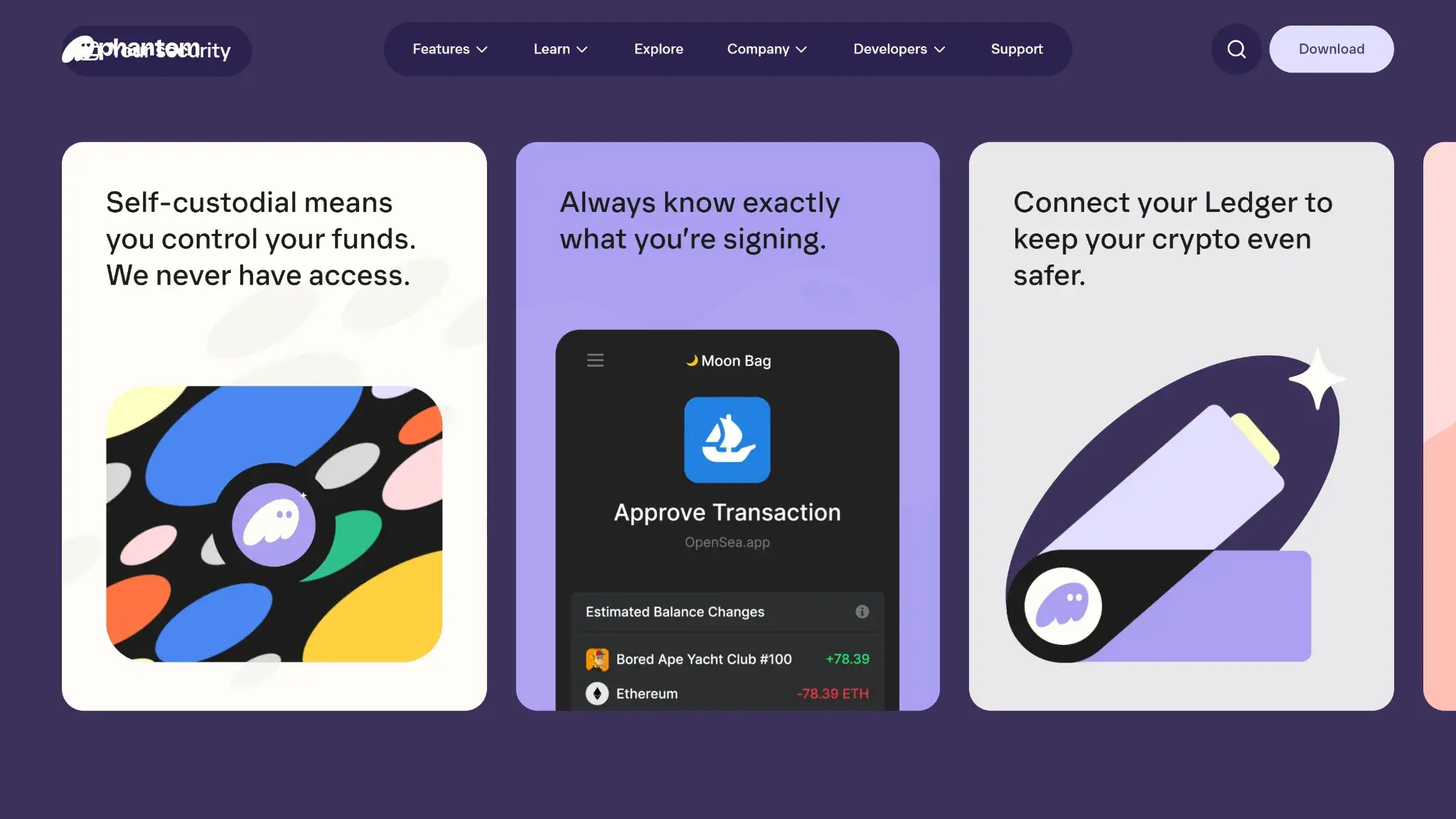
Phantom is still a non-custodial wallet at its core. In a standard setup, the recovery phrase and private keys stay with the user, not with Phantom or an exchange. Phantom also offers a Google or Apple login with a four-digit PIN. That makes setup and restore easier for some users. It still treats the wallet as self-custody, and users can export the recovery phrase or private keys locally as a backup. Transactions are approved in the extension or app. If you connect a Ledger, signing stays on the hardware device.
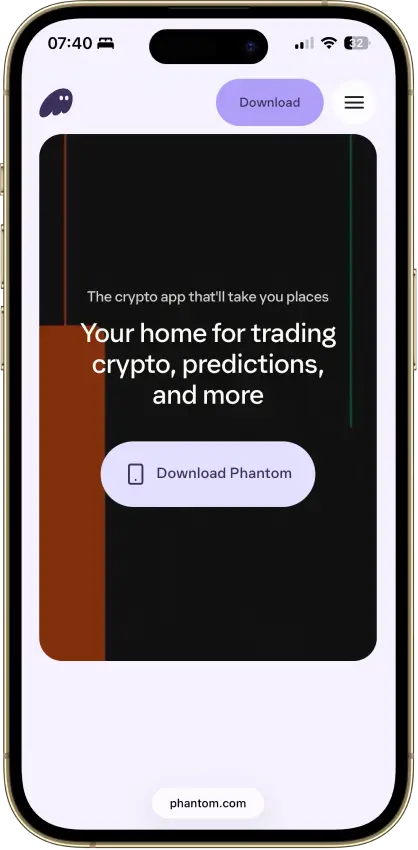
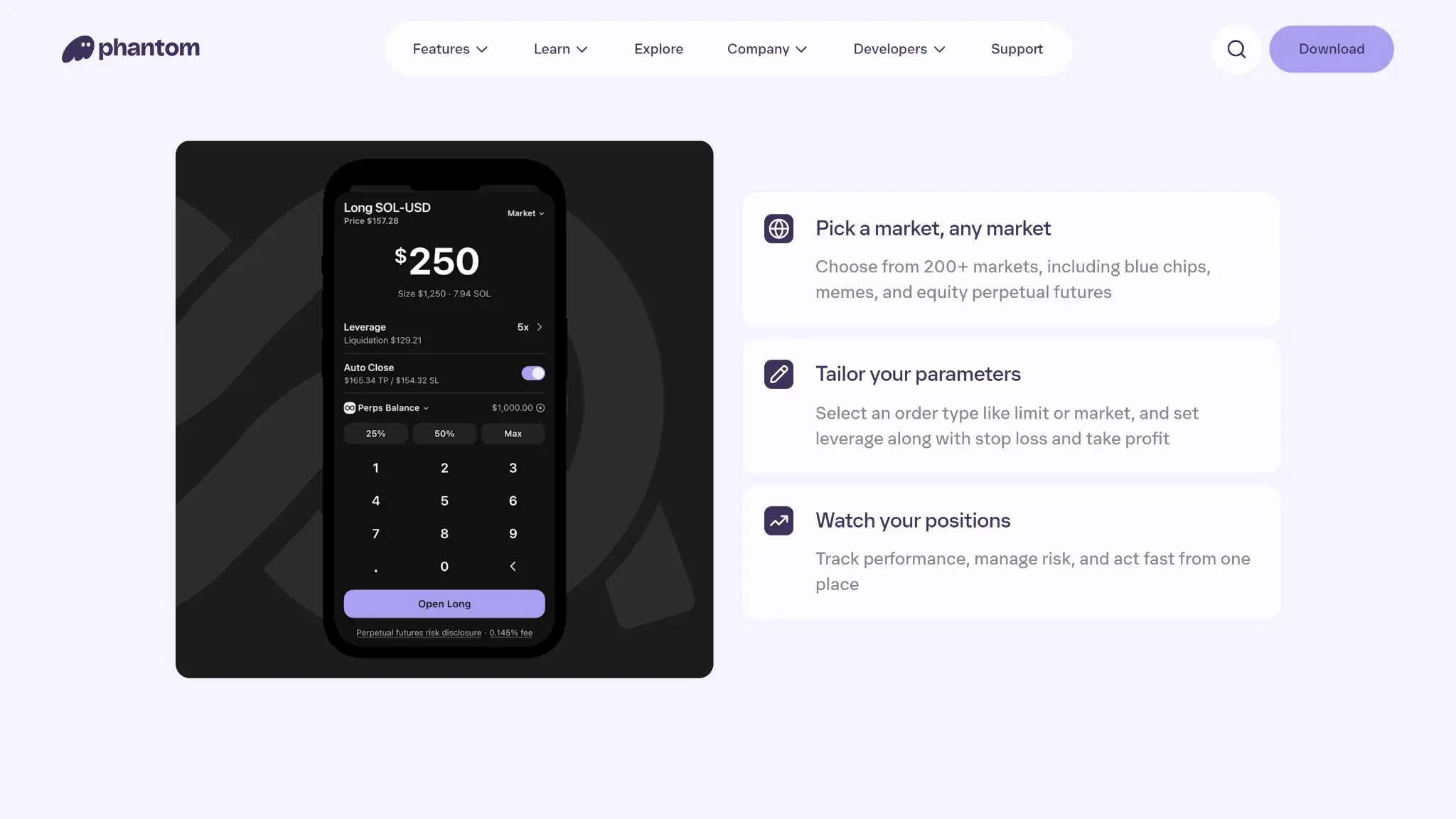
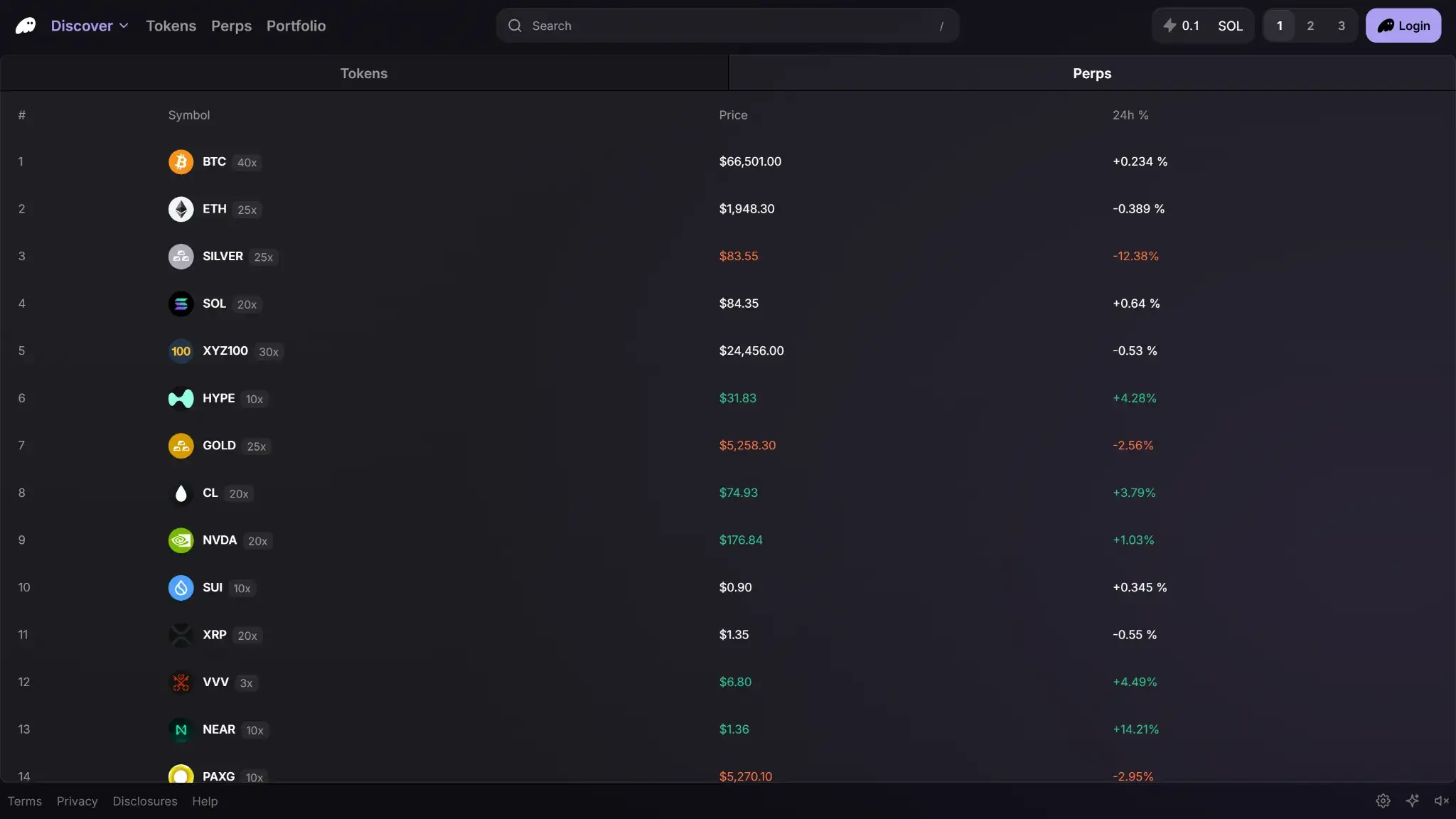
In practice, Phantom lets users send, receive, swap, and store crypto. It also supports SOL staking, NFT management, and Web3 app connections. On desktop, those connections happen through the extension popup. On mobile, dApp connections work through Phantom’s in-app browser, not Safari or Chrome. Phantom now markets itself as a broader crypto app with trading, predictions, and Phantom Cash features. This review focuses on the wallet layer that handles self-custody, signing, and app connections.
Wallet Type, Custody, and Recovery Model
Phantom is a self-custody hot wallet. The user controls the wallet, not Phantom. That gives users more control, but it also means recovery is mostly their responsibility.
| Field | Details |
|---|---|
| Wallet class | Hot software wallet |
| Who controls the keys | User |
| Recovery method | 12-word Secret Recovery Phrase, or Google/Apple login + 4-digit PIN |
| Can you export keys or seed? | Yes — Phantom lets users view and export both the recovery phrase and private keys locally |
| Portability to another wallet | Easy with a recovery phrase; partial with Google/Apple until the recovery phrase is exported |
| What happens if you lose the device | You can restore on a new device with the same recovery method. If you do not have it, you may lose access. |
| What happens if you lose the recovery method | If you are still logged in, export the recovery phrase right away. If you lose both device access and the recovery method, access can be lost permanently. |
| Who can help recover access | Nobody at the wallet level. Phantom Support cannot recover your phrase, private keys, or PIN. |
| Best use case | Daily use, Solana DeFi, NFTs, swaps, and lighter multi-chain activity |
A recovery phrase restores the full wallet. A private key restores only one account. That difference matters if you ever need to move the wallet to another app. It also matters if you need to recover specific accounts. In Phantom, EVM chains share one private key. Solana, Sui, and Bitcoin each use separate keys.
The Google or Apple setup is easier for many users. It is still a self-custody wallet, not a custodial account. You can restore that wallet with the same login and PIN, and Phantom recommends exporting the recovery phrase as an extra backup. Once that phrase is exported, portability improves.
Supported Assets, Networks, and Compatibility
Phantom now supports more than just Solana. It is broader than a Solana-only wallet, but it still does not cover every major network. That makes it useful for Solana-first users who also want some EVM, Sui, and Bitcoin support in one app. Users who want a wider shortlist should also compare the current best crypto hot wallets and our guide to non-custodial wallets.
| Category | Details |
|---|---|
| Major chains supported | Solana, Ethereum, Base, Polygon, Sui, Monad, Bitcoin, HyperEVM |
| Token standards | SPL; ERC-20, ERC-721, ERC-1155; Sui assets; Native SegWit and Taproot Bitcoin |
| Platforms | Browser extension, iOS, Android |
| Hardware support | Ledger only |
| Connection methods | Browser extension on desktop; Phantom in-app browser on mobile; USB for Ledger in the extension; Bluetooth for Ledger Nano X and Stax on mobile |
| Notable gaps | No native BSC, Arbitrum, Optimism, Avalanche, or Linea support; Firefox no longer receives updates; no Safari extension; mobile dApp connections do not work in Safari or Chrome |
Some older Phantom installs still show only a Solana address. Full multi-chain support is tied to newer multi-chain wallets or imported wallets. Some legacy users may need to create a new account inside Phantom.
Bitcoin support is useful, but it is still narrower than in a dedicated Bitcoin wallet. Phantom supports Native SegWit and Taproot addresses, and it works with Ordinals. It no longer supports BRC-20s in-app. It also uses only two Bitcoin addresses per account. That can make imported balances look different from what users see in traditional Bitcoin wallets.
Core Features and Real-World Use Cases
Compared with MetaMask and Coinbase Wallet, Phantom feels more focused on active onchain use than simple storage. It is broader than a basic Solana wallet, but it still feels centered on Solana first and multi-chain second. That makes it strong for people who swap often, connect to dApps, manage NFTs, and stake SOL from one interface. It is also easier for beginners than many older Web3 wallets because the setup and daily flows are cleaner. It feels weaker outside its supported chain list. It also feels weaker in partner-powered features such as fiat buys or Phantom Cash.
| Feature area | What users can do | How it works in practice | Key limitations, costs, or risks |
|---|---|---|---|
| Swaps and trading | Swap tokens on the same chain or across supported chains | Built-in routing through integrated liquidity, including many cross-chain routes. | Gas applies. Some routes add Phantom or provider fees. |
| Bridging | Move value across supported chains through the swap flow | Usually handled inside the swap flow, not a separate bridge tool. | Limited to supported chains. Fees, delays, and bridge risk still apply. |
| Staking and earn | Stake SOL natively or use Phantom Staked SOL (PSOL) | Stake to a validator or into PSOL for liquid staking. | Native staking has delays. PSOL adds liquid-staking risk. |
| dApp access and connectivity | Connect to Web3 apps, sign messages, and approve transactions | Desktop uses the extension. Mobile uses Phantom’s in-app browser. | No mobile Safari or Chrome support. Phishing and bad approvals still matter. |
| NFTs | View, store, send, hide, pin, and in some cases sell NFTs | Native collectibles view with hide, pin, and some sell options. | Best on Solana. Some actions still rely on marketplaces. |
| Exchange and account features | Buy crypto with fiat, receive to wallet addresses, usernames, or domains, and use Phantom Cash features in supported regions | Fiat buys use on-ramp partners. Phantom also supports usernames, domains, and Phantom Cash. | Partner fees, KYC, and regional limits apply. Phantom Cash is region-limited. |
| Card, borrowing, and spending | Use the Phantom Cash debit card in supported regions; no borrowing tools | Phantom Cash adds a stablecoin debit card in the mobile app. | Region limits apply. Some features require KYC. No borrowing tools. |
| Smart account, MPC, or passkey features | Use easier onboarding with Google or Apple plus a four-digit PIN | Faster setup and restore, with recovery phrase export available later. | More convenient, but less portable until backup is exported. |
Most of Phantom’s core tools are useful in daily use, especially on Solana. Swaps, dApp connections, NFT handling, and SOL staking sit close together and feel easy to use. Friction mostly shows up in partner-powered features like fiat buys and Phantom Cash. Phantom Cash has its own regional rules, mobile-only limits, and KYC requirements for some features. The Google or Apple login path lowers the setup barrier, but it does not turn Phantom into a fully abstracted smart wallet. Overall, Phantom works best as an active-use wallet for Solana-first users, not as a universal crypto account for every chain and every use case.
Security Architecture and Trust
Phantom has a strong security setup for a hot wallet, but it still carries hot-wallet risk. The keys stay with the user, the app adds better scam warnings than many rivals, and Ledger can move signing off the device. The biggest remaining risks are phishing, bad approvals, weak backups, and compromised devices.
| Security factor | Details |
| Key control model | User-controlled self-custody |
| Recovery model | 12-word Secret Recovery Phrase, or Google/Apple login + 4-digit PIN |
| External validation | Public audit reports and a live bug bounty program |
| Open-source status | Partial, not fully open-source |
| Anti-scam protections | Transaction previews, phishing warnings, open-source blocklist, spam controls, and approval management tools |
| Incident posture | Good public security documentation, but user-side mistakes remain the main risk |
Phantom stores the recovery phrase and private keys locally on the device in an encrypted vault. Users unlock that vault with a password on desktop or with device authentication on mobile. Face ID, fingerprint unlock, and app auto-lock improve day-to-day security, but they are extra layers, not replacements for the recovery phrase or PIN. Phantom does not support 2FA.
Signing happens inside the extension or mobile app unless the wallet is linked to a Ledger. In that case, the private keys stay on the hardware device and Phantom acts as the interface. That is the safest setup for larger balances, because it reduces the risk of signing from a hot device alone.
Phantom is not fully open-source, so users do not get full code transparency. Still, it is more open than some rivals in a few areas. Phantom publishes public audit reports, including work from Kudelski Security and Least Authority. It also runs a public bug bounty program that covers the browser extension, mobile apps, and web services. In exceptional cases, bounty rewards can reach $50,000.
Its best security features are aimed at everyday wallet attacks. Phantom scans transactions before users sign and shows human-readable previews. It warns about wallet drainers, malicious contracts, DNS spoofing, and app impersonation. It also maintains an open-source blocklist for known malicious domains and lets users hide or report spam NFTs and tokens.
Approval management is decent, but not perfect. Users can disconnect connected apps, remove auto-confirm permissions, and review sessions from settings. But token approval revocation is still partly off-platform. On Solana, Phantom points users to a revoke tool. On EVM chains, users may need a separate revocation tool. That means the wallet helps, but it does not fully solve approval risk by itself.
Overall, Phantom’s security model is solid for an active-use hot wallet. It gives users more context before they sign than many competitors do. But it still depends heavily on user behavior. Downloading from the wrong source, approving the wrong contract, or storing recovery data badly can undo all of Phantom’s built-in protections.
Backup, Recovery, and Loss Scenarios
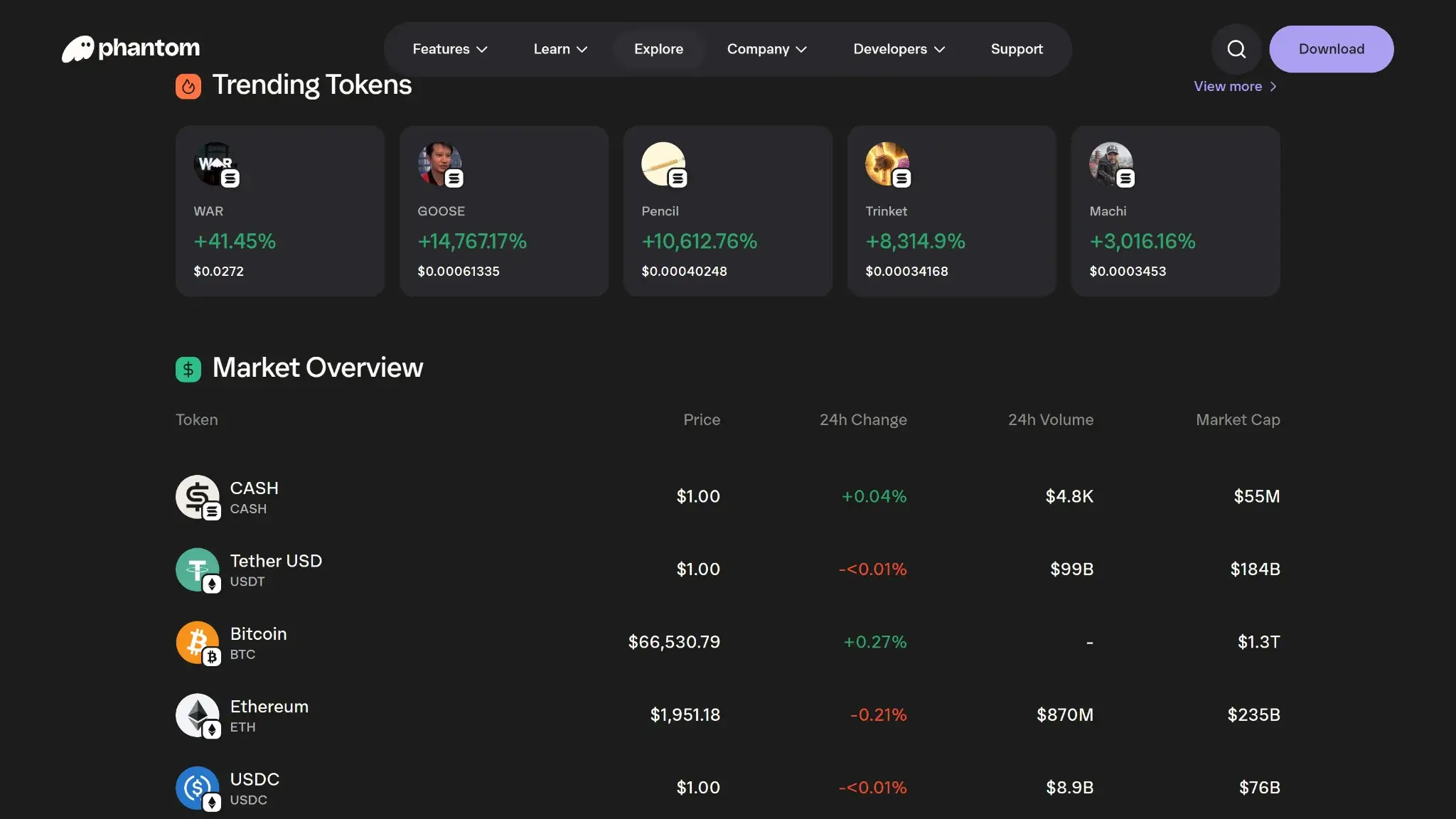
Recovery in Phantom is clear, but unforgiving. If you still have the right recovery method, you can usually restore the wallet on a new device. If you lose both the device and the recovery method, Phantom Support cannot recover the wallet for you.
| Scenario | What happens | What you can do | Can support help? |
|---|---|---|---|
| Lost phone or broken device | Access is not lost by itself. | Restore on a new device with the same recovery phrase, or the same Apple/Google account and 4-digit PIN. | Support can help with troubleshooting. It cannot restore the wallet for you. |
| Lost laptop or browser profile | The extension password is only a local unlock. | Reinstall Phantom and restore with your recovery phrase, or Apple/Google account and PIN. | Support cannot recover credentials. |
| Forgotten extension password | You cannot unlock that local install. | Use Forgot password → Reset & wipe app, then restore the wallet. | Support cannot recover the password. |
| Forgotten PIN, but still logged in on another device | The wallet can still be saved. | Go to Settings → Security & Privacy → Reset PIN and set a new one. | Support cannot see or reset your PIN for you. |
| Forgotten PIN and logged out everywhere | Apple/Google restore no longer works by PIN alone. | Restore with your exported recovery phrase instead. If you do not have it, the wallet cannot be restored. | No. This can become permanent loss. |
| Lost recovery phrase, but still logged in | Access can still be saved. | Go to Settings → Security & Privacy → Show Recovery Phrase and store it offline. | Support cannot show or recover it for you. |
| Lost recovery phrase and logged out everywhere | A phrase-based wallet cannot be restored. | No practical fix. A public address is not enough to restore access. | No. This is permanent loss. |
| Lost access to Apple or Google account, but still logged in | The wallet may still be recoverable. | Export the recovery phrase while you still have access. After that, restore with the phrase instead. | Support cannot restore the linked account. |
| Lost access to Apple or Google account and logged out everywhere | Google/Apple restore fails. | No practical fix unless you already exported the recovery phrase. | No. This can be permanent loss. |
| Restored wallet, but some accounts are missing | The wallet may be correct, but not all accounts may show immediately. | Add missing accounts manually. For Apple/Google wallets, only the first account restores automatically. | Support can help troubleshoot missing accounts. |
| Recovery phrase or private key was exposed | The wallet is compromised. | Stop using it. Create a new wallet and move any remaining funds. | Support cannot revoke or replace a compromised phrase. |
| Lost recovery contacts | Not applicable. | Phantom does not use social-recovery contacts. | Not applicable. |
Phantom does not offer the kind of cloud backup that can rescue a normal phrase wallet without the phrase. The main convenience option is the Apple or Google login flow. That makes restore easier, but it still depends on having the same linked account and the same four-digit PIN. If you created the wallet that way, export the recovery phrase and store it offline as a second backup.
Support can help with restore issues, missing accounts, or general troubleshooting. It cannot recover your recovery phrase, private keys, PIN, or Apple/Google login. It also cannot reverse blockchain transactions. In Phantom, permanent loss starts when you lose the only working recovery method, or when a recovery phrase is exposed and the wallet is no longer safe to use.
UX, Performance, and Platform Support
Phantom is one of the easier hot wallets to use correctly. The interface is cleaner than many older Web3 wallets, and the transaction prompts are easier to read. It feels more beginner-safe than MetaMask in daily use. The trade-off is flexibility. The desktop experience still depends on the browser extension, and mobile dApp use is locked to Phantom’s in-app browser.
| Platform | Availability | Notes |
|---|---|---|
| iOS | Yes | Full mobile support. dApp connections work through Phantom’s in-app browser. |
| Android | Yes | Full mobile support. Same in-app browser limit as iOS. |
| Browser extension | Yes | Main desktop experience. Chrome gets full support. Other Chromium browsers can work, but are not officially supported. Firefox no longer receives updates. |
| Desktop | No native app | Use the browser extension instead. Ledger support is strongest here. |
| Web app | No standard wallet web app | Wallet signing happens in the extension or mobile app, not in a normal web wallet view. |
The interface is clear in the places that matter most. Balances, activity, collectibles, and chain switching are easy to find. Recent activity also links out to block explorers, which helps users verify what happened onchain. Signing clarity is better than average. Phantom shows human-readable transaction previews and flags suspicious activity before approval. That reduces blind signing risk, even though it does not remove it.
Performance is usually best on Chrome, iOS, and Android, which are Phantom’s officially supported platforms. Problems are more likely on unsupported browsers or in bad extension states. Phantom’s own troubleshooting often starts with simple fixes like reopening the browser, switching to Chrome, or resetting the app. That suggests the product is polished on its main platforms, but less flexible elsewhere.
Overall, Phantom leans toward beginner safety more than expert flexibility. The wallet is easy to learn, and the defaults are sensible. But advanced users may still want broader browser support, deeper approval controls, or wider chain coverage than Phantom currently offers.
Customer Support, Documentation, and Incident Handling
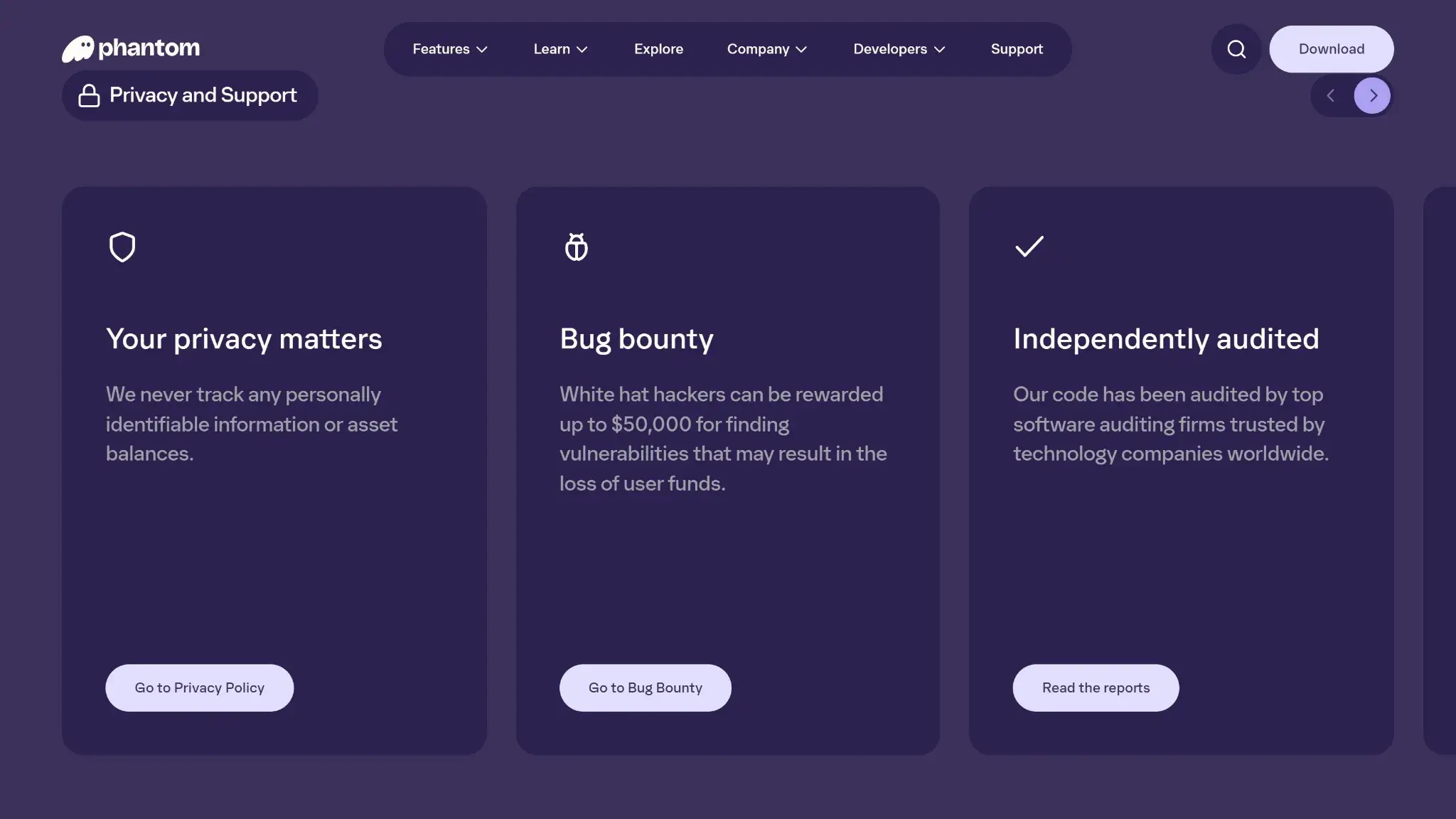
Phantom’s documentation is strong. Its human support is narrower. The help center is useful for setup, recovery, scams, missing assets, Phantom Cash, and troubleshooting. But Phantom is still a self-custody wallet, so support cannot fix the most serious user mistakes.
| Channel | Availability | Typical use | Notes |
|---|---|---|---|
| Help center | 24/7 self-serve | Docs, setup, troubleshooting, scam guidance | Strong and frequently updated. Covers both wallet basics and newer Phantom Cash flows. |
| Live chat | No live human chat | N/A | The chat widget is bot-led. It helps surface articles and starts ticket submission. |
| Email or tickets | Yes | Technical issues, restore issues, Phantom Cash issues | Tickets start through the Help Center chat flow. Follow-up happens by email. Public response windows are not disclosed. |
| Status page | Yes | Outages and incidents | Phantom has a public status page and incident history at status.phantom.com. |
| Community channels | X, LinkedIn, Instagram, YouTube, Reddit | Announcements, product updates, education | Useful for news, not for account recovery. Phantom says support will not DM you first. |
The docs are better than the human support layer. That is not unusual for a non-custodial wallet, but it matters. Phantom’s help center explains how to restore wallets, recover missing accounts, troubleshoot swaps, and handle scams. It also explains how to recover tokens sent to unsupported chains when recovery is still technically possible. The status page is also a real plus. It gives users a place to check whether problems come from the wallet, the backend, or an external dependency.
Support boundaries are strict. Phantom says support is ticket-based, English-only, and does not offer live agents, phone support, or a dedicated support email. More importantly, support cannot reverse confirmed blockchain transactions. It cannot recover a lost recovery phrase, private key, or PIN. It also cannot make a compromised wallet safe again. If you sent funds to a scammer or the wrong chain, recovery is usually not possible. In short, Phantom can help with troubleshooting and product issues, but it cannot undo onchain finality or replace missing self-custody credentials.
Final Verdict
Phantom is best for Solana users who want one wallet for swaps, NFTs, staking, and dApp access without a clunky learning curve. The main reason to choose it is that the wallet feels polished in daily use, with strong signing prompts, useful built-in tools, and good Solana support. The main reason to avoid it is that it still does not cover several major chains natively, and some features depend on outside providers or regional limits. Before using it, verify that the chain, dApp, and funding route you need are actually supported in the Phantom wallet app or extension. Then back up your recovery method before moving real funds.
Smooth Solana-first user experience, Eight supported chains in one wallet, Built-in swaps, dApp access, and Ledger support
Why it stands out
- Solana still feels like the core product rather than an afterthought.
- Supports eight major networks in one wallet.
- Built-in swaps, NFT support, and SOL staking reduce the need for extra apps.
- Ledger integration adds a stronger signing layer for larger balances.
- Scam warnings and transaction prompts are more helpful than in many older hot wallets.
What to consider
- No native support for major chains like Arbitrum, Optimism, BSC, or Avalanche.
- Fiat purchases depend on third-party providers, fees, and region-based KYC requirements.
- Mobile dApp connections work through Phantom’s in-app browser, not Safari or Chrome.
- Not fully open-source.
- Bitcoin support is useful, but still less specialized than a dedicated Bitcoin wallet.
Disclaimer: CryptoSlate may receive a commission when you click links on our site and make a purchase or complete an action with a third party. This does not influence our editorial independence, reviews, or ratings, and we always aim to provide accurate, transparent information to our readers.