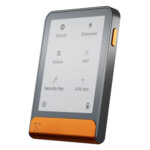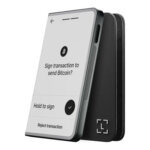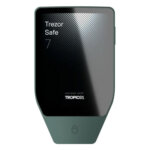

 Released in 2015
- Ledger and Trezor portfolios in one app
- Cloud backup unlocked only by a passkey
- Listed company with public financial filings
Exodus Overview
- Crypto Wallet Name
- Exodus
- Release Date
- 2015
- Wallet Type
- Multi-platform wallet
- Custodial Status
- Non-custodial
- Built-in Swaps
- Yes
- Open-source
- Partially open-source
- Fiat On-ramp
- Yes
Additional details
- Supported Blockchains
- Bitcoin, Ethereum, BNB Smart Chain, Avalanche, Tron, Arbitrum, Base, Optimism, Polygon, Solana
- Token Standards
- ERC-20, BEP-20, SPL, TRC-20
- Platforms
- iOS, Android, Desktop (Windows), Desktop (macOS), Desktop (Linux)
- Hardware Wallet Support
- Yes
- Staking Support
- Full
- Supported Hardware Wallets
- Ledger, Trezor
- Hardware Connection Methods
- USB, Bluetooth
Exodus Screenshots
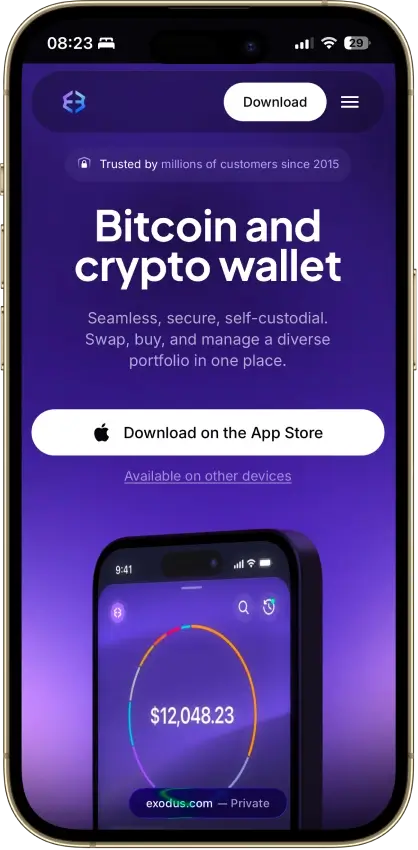
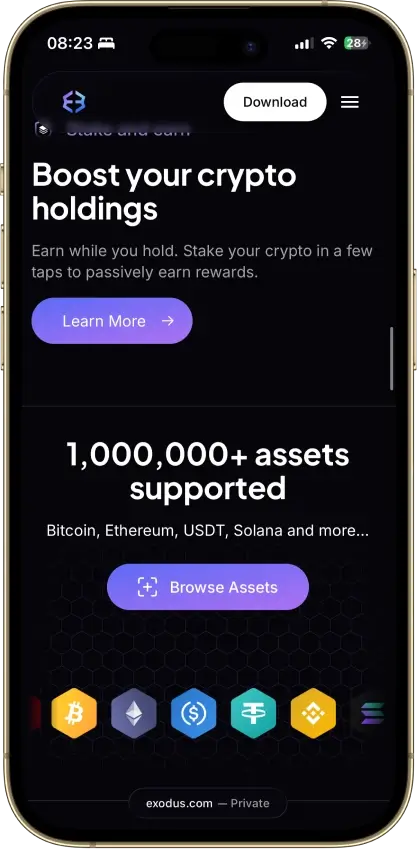
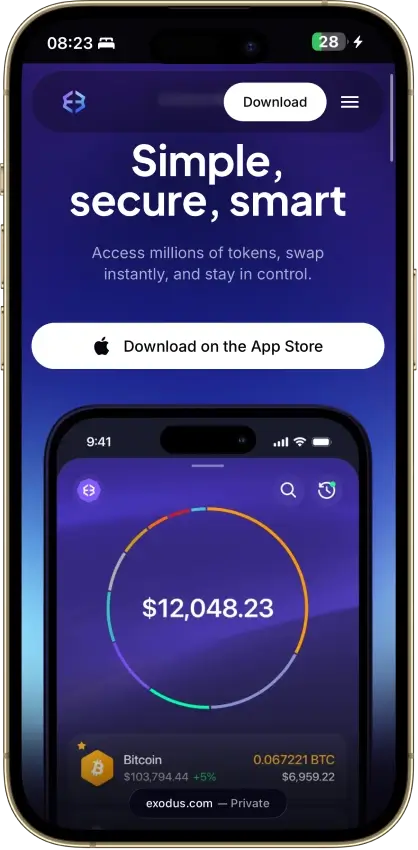
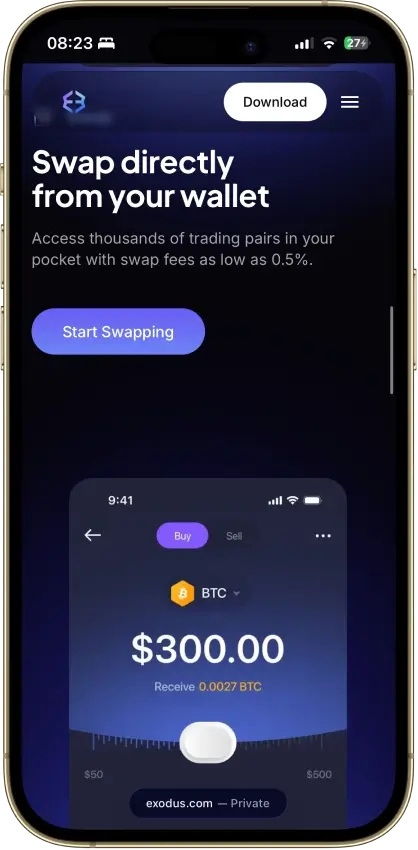
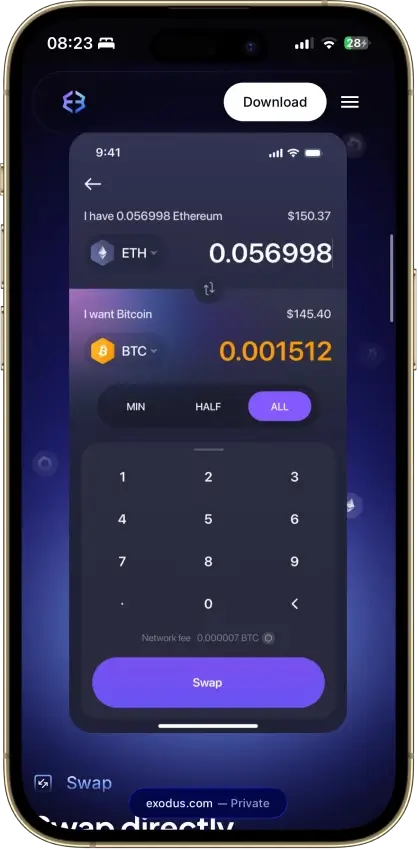
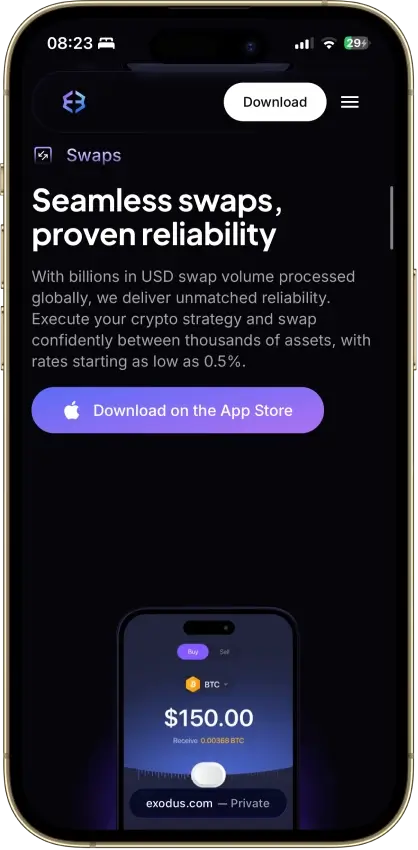
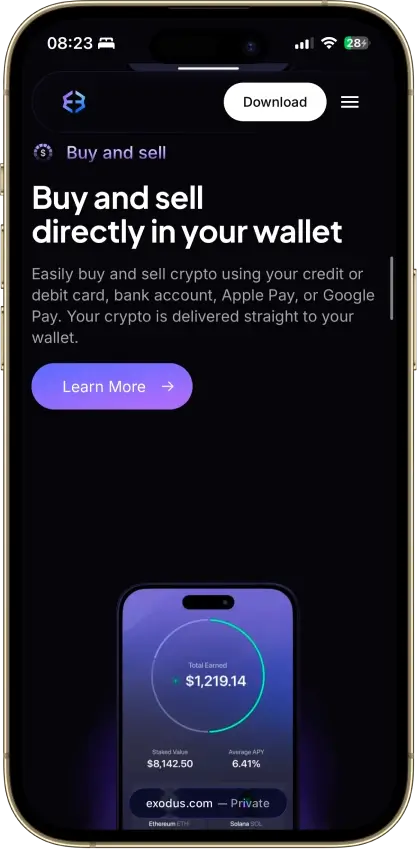
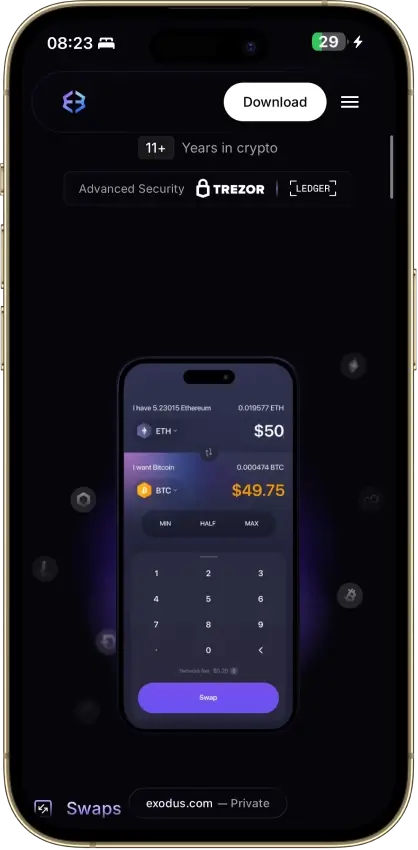
Screenshot 1 of 8
Exodus Pros and Cons
Pros
- Desktop app for Windows, macOS and Linux
- Desktop and mobile sync to one wallet
- Custom tokens on supported networks
- Human support alongside the chatbot
- Recovery phrase backup still available
Cons
- Complete wallet is not open source
- WalletConnect removed from the mobile app
- Ledger portfolios work on mobile only
- Swap spread varies with the quote
- $3.1M OFAC sanctions settlement in 2025
What is Exodus Wallet?
Exodus provides multichain wallet access on desktop and mobile, with hardware connections chosen by app and model. A Trezor desktop user gets a different setup from someone pairing a Ledger with a phone. Your choice of device determines which hardware portfolios you can use.
Exodus has removed WalletConnect and its dApp browser from the mobile app. The NFT Gallery has a separate creation-date restriction, and Exodus has announced that NFT support on all networks will end on December 1, 2026. The desktop app retains its own features. The browser extension stopped displaying balances and sending or receiving crypto on October 1, 2026. Check the feature you intend to use before moving assets. An older tutorial may describe features that have since been removed.
Key Facts
- Product
Software wallet for desktop and mobile
- Platforms
Windows, macOS, Linux, iOS and Android
- Custody
Software keys controlled by the user, hardware portfolios signed separately
- Developer
Exodus Movement, Inc., based in Omaha, Nebraska
- Company history
Founded in 2015, shares trade as NYSE American: EXOD
- Source code
Public components include Hydra and asset libraries, but the complete wallet is not open source
- Assets
Bitcoin, Ethereum, Solana and other supported networks, with platform-specific functions
- Security model
Local software keys or a separately connected hardware device
- Recovery
12-word phrase, with a mobile cloud/passkey backup option
- Price
Free download, with network and optional service costs
- Swaps, staking and fiat
Supported routes/assets and partner services have separate conditions
- US access
Core wallet and partner features have different eligibility rules
Who Makes Exodus Wallet?
Exodus Movement, Inc. was founded in 2015. The company identifies Omaha, Nebraska, as its headquarters. Its shares trade on NYSE American under EXOD, and its investor website provides financial filings.
Exodus Wallet Security and Custody
Software Keys and Hardware Portfolios
Exodus's software wallet creates its private keys locally. The app gives you access to blockchain accounts without Exodus holding the keys for you. An app password protects access on that installation, while the recovery phrase provides another route to the same accounts. Someone who obtains the phrase does not need your app password.
The conventional software wallet does not support traditional account-style two-factor authentication as an extra approval for every blockchain payment. Exodus Pay account controls protect access to payment-account services. The mobile backup passkey decrypts a saved wallet backup. The recovery phrase still gives direct access to the underlying blockchain accounts.
A connected Ledger or Trezor signs transactions for its own portfolio. Its recovery material remains separate from the Exodus software wallet's backup. Pair the device through the supported connection flow instead of typing a hardware-wallet recovery phrase into Exodus. Importing that phrase into a software wallet changes where those keys can be accessed.
Public Code and Security Review
Exodus makes projects including its Hydra framework and asset libraries publicly available. Other parts remain proprietary. The public repositories therefore cover only part of the application, limiting how much of the installed wallet a user can inspect independently.
Exodus describes manual code review, checks of third-party software dependencies and a bug-bounty program on its security page.
Malware Targeting and Regulatory History
On April 10, 2025, ReversingLabs reported that a malicious npm package called pdf-to-office altered locally installed Exodus and Atomic wallets to redirect outgoing payments. The official wallet installers were unaffected by this campaign. Removing the malicious package alone could leave its modifications behind. The attack shows how software installed later can tamper with an existing wallet.
On December 16, 2025, the US Treasury's Office of Foreign Assets Control announced a $3,103,360 settlement with Exodus involving 254 apparent sanctions violations. The conduct included support guidance that helped users in restricted jurisdictions access third-party exchange services during 2017–2019. OFAC described subsequent remediation and cooperation. This was a compliance enforcement matter, not an exploit of wallet private keys.
The pdf-to-office attack highlights the need to protect the computer used for signing. The OFAC action concerns Exodus's handling of restricted users and belongs to its corporate operating history.
Supported Coins, Networks and Platforms
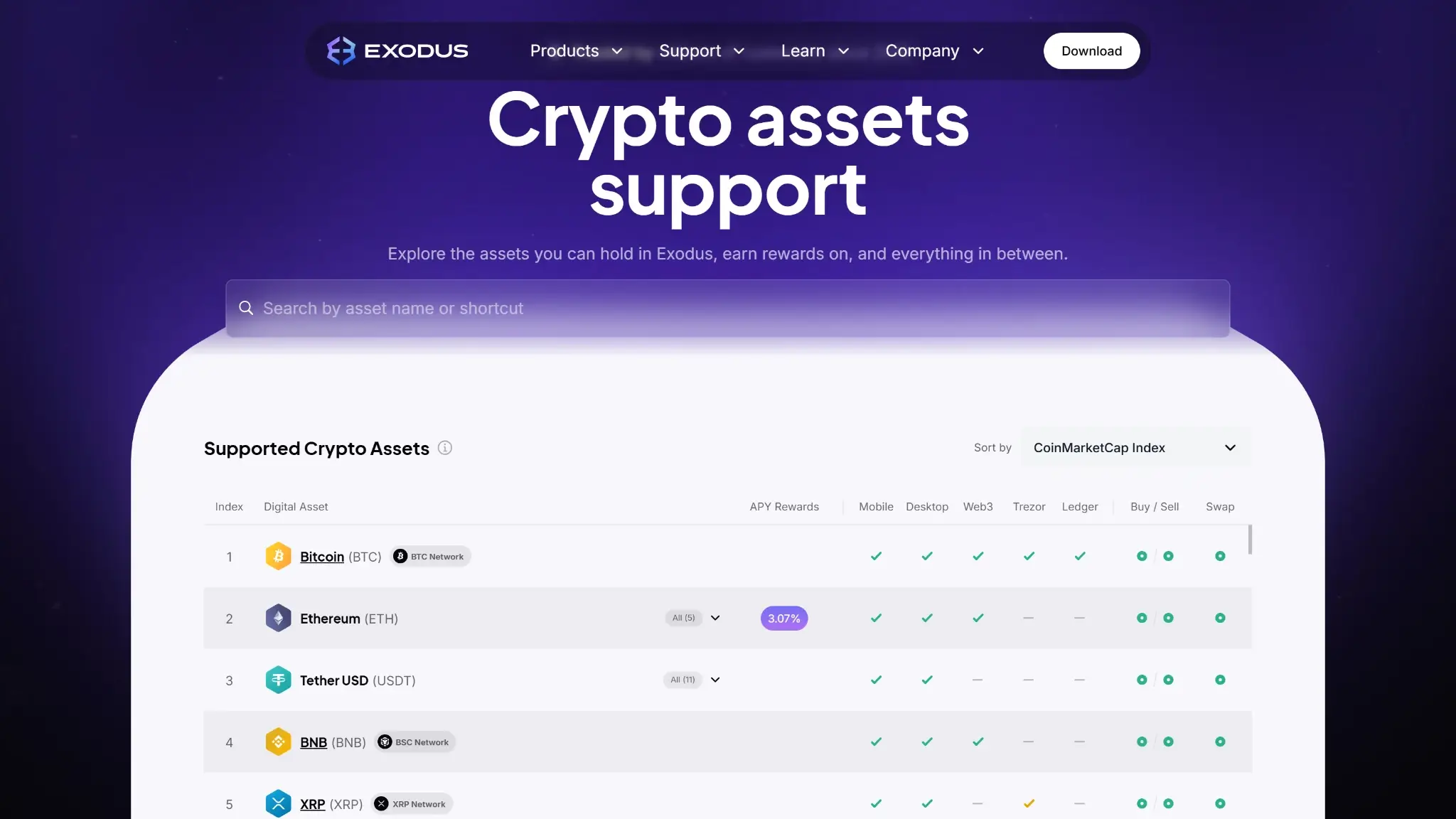
Exodus supports Bitcoin, Ethereum and Solana, alongside additional blockchain assets. Sending, swapping, staking and NFT support each depend on the asset and app. The discontinued extension no longer displays balances or sends or receives crypto.
You can add custom TRON tokens on mobile and desktop. A manually added token can show a balance while lacking a displayed price or swap route.
Ledger and Trezor portfolios use their own Exodus compatibility lists. Confirm the exact asset and network within the intended hardware portfolio before sending funds to it.
Using Exodus and Recovering Access
Desktop, Mobile and Browser Setup
Exodus Desktop is available for Windows, macOS and Linux. The mobile app serves iOS and Android, while the Web3 extension for Chrome and Brave has been discontinued. Desktop provides USB Trezor access. Mobile handles compatible Bluetooth devices. Continued browser dApp use requires a compatible replacement wallet. NUFI and AdaLite support Cardano restoration with the Exodus account paths. Phantom supports Solana restoration through the asset’s private key.
Desktop and mobile can share a software wallet through Exodus's synchronization flow. That gives both installations access to the same underlying accounts. It is not a second independent backup, and protecting only one of the devices leaves the other installation exposed.
Phrase and Passkey Backup
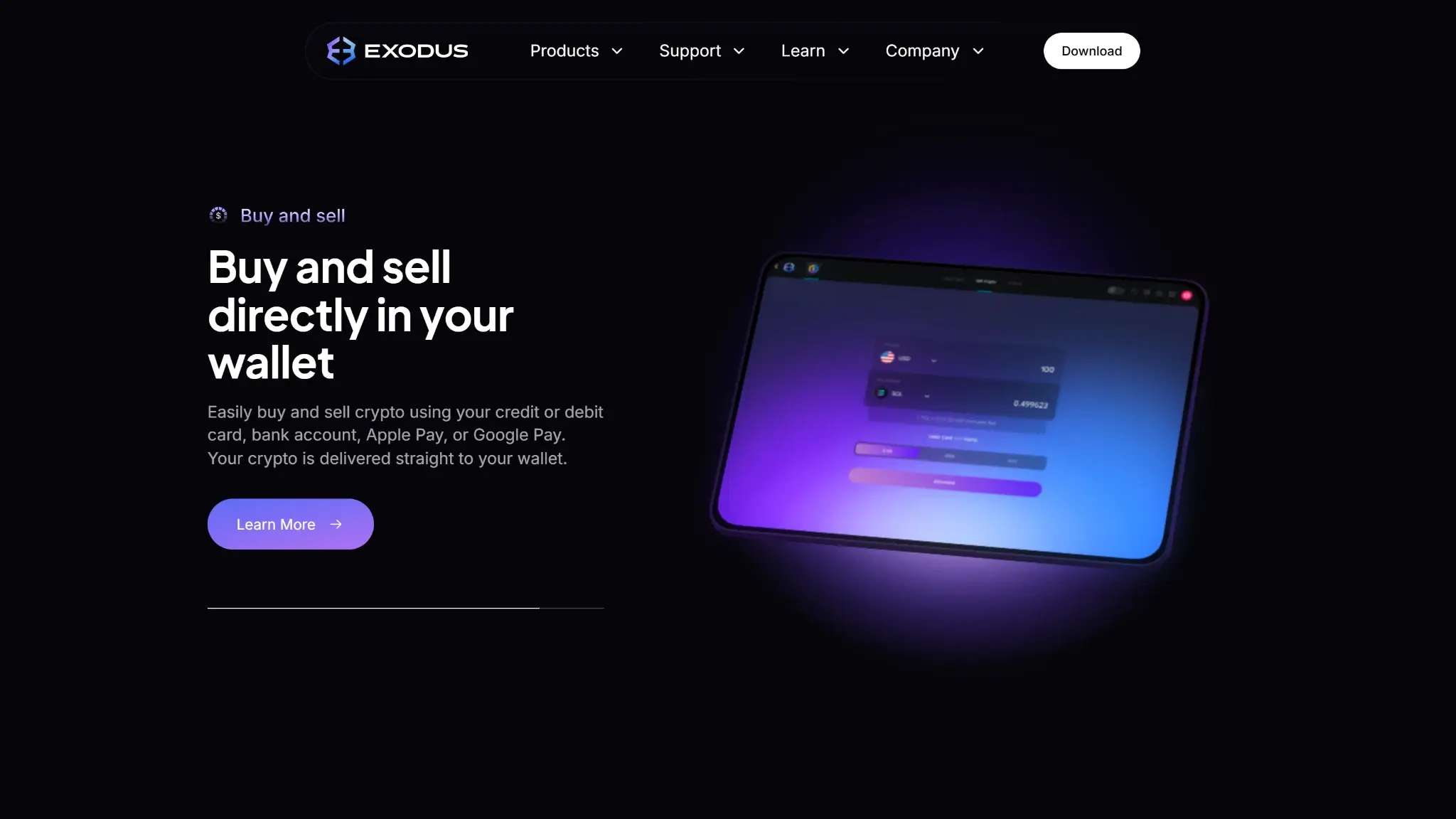
The 12-word recovery phrase restores the software wallet independently of a particular phone or computer. If biometric unlocking fails on mobile, the device passcode may still let you open the wallet.
Exodus Mobile also offers a passkey backup. It stores an encrypted backup in iCloud or Google Drive and requires a corresponding passkey to decrypt it. Recovery needs both pieces and works within the same operating-system family.
A routine phone cloud backup does not substitute for setting up the wallet's passkey backup. Keeping the recovery phrase provides another recovery method if the cloud account or passkey becomes inaccessible. If no usable installation or recovery material remains, customer support cannot promise to reconstruct the keys.
Customer Support and User Reports
Exodus provides a support chatbot with routes to human assistance, plus email support. Exodus does not offer phone or Telegram support. Staff should not ask for a recovery phrase, private key, password or wallet synchronization QR code.
Trustpilot reviews include praise for the interface and email help, along with complaints about swap delays, payment-account verification and alleged unauthorized transfers. These accounts span different services, and the causes of the reported losses are unverified. Keep order details when using partner services so support can identify which transaction is involved.
Exodus Features and Hardware Connections
Ledger and Trezor Compatibility
The hardware connection depends on the model and Exodus app. Ledger and Safe 7 devices need prior setup in their respective vendors' apps. The supported assets can be narrower than the hardware vendor's full catalog.
| Hardware | Exodus Connection | Important Limit |
|---|---|---|
| Ledger Nano X and Flex | Bluetooth on iOS and Android | Ledger portfolios are mobile-only in Exodus |
| Trezor Model One, Model T, Safe 3 and Safe 5 | USB with Exodus Desktop | Mobile synchronization is view-only for these models |
| Trezor Safe 7 | Bluetooth with Exodus Mobile | Desktop synchronization is view-only |
Both the Trezor desktop connection and Safe 7 mobile connection exclude Bitcoin-only firmware. Safe 7's mobile connection includes selected assets such as Bitcoin, Ethereum and Solana. The older models in the table use USB for signing through Exodus Desktop.
Mobile dApp Removal and NFT Limits
Exodus's September 13, 2026 notice confirms that WalletConnect and the dApp browser have been removed from Exodus Mobile. Existing connections are disconnected. This supersedes the earlier rule based on when a wallet was created.
Desktop retains its own NFT features, while the discontinued Web3 extension no longer displays balances or sends or receives assets. For the mobile NFT Gallery, the separately documented restriction applies to wallets created after April 22, 2026. Exodus’s asset sunset notice says NFT support on all networks will end on December 1, 2026. Owners should use the official migration instructions before that date.
Ledger and Safe 7 connections in Exodus do not support WalletConnect. Bluetooth pairing provides the supported hardware portfolio, without adding access to that dApp protocol.
Staking
Staking options in Exodus vary by asset and app. Its September 2, 2026 guide places Ethereum staking on mobile, including supported Ledger connections, while Aptos staking is desktop-only. Solana staking is available on Desktop and Mobile and selected mobile hardware connections. Older Trezor desktop portfolios do not support staking through Exodus.
The service uses Everstake, and rewards and exit conditions depend on the asset. Some positions have an unstaking delay. Staking ETH or Polygon's MATIC also introduces smart-contract risk. Availability can depend on your region and wallet address. Check the asset's exit conditions before committing funds you may need soon.
Pay, Cards and Tokenized Markets
Exodus Pay adds money and card services with eligibility rules beyond the core wallet. Some functions require an account with phone verification, and features such as card access or cash deposits require identity checks. As of October 23, 2026, Exodus Pay card access is available in the US except Vermont, and US activation requires a Social Security number. Eligible users can activate a card after the required account and identity checks, subject to the available account flow and current terms.
Exodus Markets offers Ondo tokenized stocks through its Solana-based services. These tokens provide exposure to the referenced securities without ownership of the underlying shares or shareholder voting rights. Markets has its own country restrictions, including exclusions for US and UK users.
Exodus Wallet Fees and Swap Costs
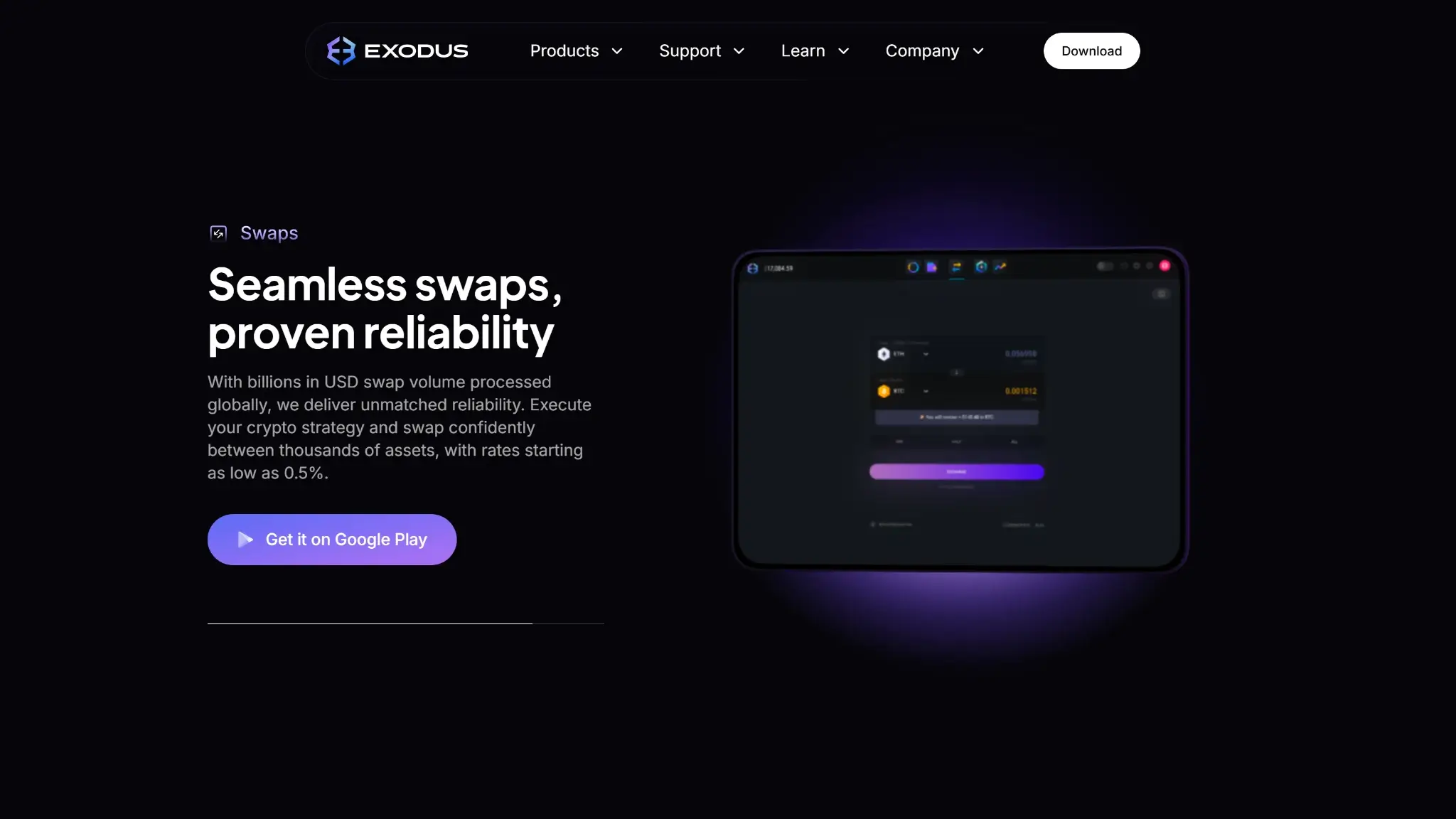
Exodus is free to download. Ordinary blockchain sends incur a network fee, which goes to the network instead of Exodus. Optional services add the costs listed below.
- Send crypto
Network fee shown for the transaction
- Swap in Exodus
Quoted conversion rate, spread and network costs
- Buy or sell for fiat
Provider processing charges and network fees
- Stake
Asset-specific service terms, transaction costs and withdrawal conditions
- Connect hardware
Separately purchased compatible device
Exodus wallet swap fees include a spread built into the quoted exchange rate. It changes with the assets, liquidity and market conditions. The swap interface shows the amount being sent and expected amount received before approval. Provider limits also determine how small or large an order can be.
To evaluate a quote, compare the expected output for the same input amount and network, then include any separately charged network fee. Exodus advertised swaps from 0.5% in January 2025. Its current pricing guides direct users to the quote, where the exchange rate reflects the applicable spread.
Exodus routes in-app swaps through third-party providers. While a provider processes an order, its service conditions and support process apply alongside the network transaction.
Who Exodus Suits
Exodus suits someone who wants a desktop portfolio alongside mobile access and is willing to check compatibility before using a feature. The separate Ledger and Trezor integrations give hardware owners options, but choosing an app around the device is essential.
Exodus is a poor fit if you need mobile dApp connections, or fully open-source wallet software. A user who expects the company to reverse transactions or restore accounts without recovery material also needs a different custody arrangement. Pay and Markets should be evaluated as additional services, not assumed benefits of installing the wallet.
Crypto Wallets Pillar Scores
- Custody and key security 30% weight Who can authorize spending, protection of keys and signing, and independent access to every reviewed account type.9.0 / 10
- Security validation and track record 25% weight Independent security assessments, their coverage and findings, plus updates and the handling of known incidents.6.0 / 10
- Transaction safety and signing 20% weight Transaction details, signing warnings, scam checks, permission controls and the handling of unreadable requests.7.0 / 10
- Backup and recovery 10% weight Repeatable backup checks, complete restoration, recovery dependencies, costs and resilience after backup loss.8.0 / 10
- Usability, privacy and costs 10% weight Setup and everyday tasks, accessibility, support guides, data-sharing choices and device, service and transaction costs.8.0 / 10
- Assets, networks and compatibility 5% weight Asset and network support, devices, companion apps and connections needed for the uses covered in the review.6.0 / 10
Final Verdict
Exodus's desktop app and model-specific hardware connections provide useful ways to manage several blockchain accounts. Its mobile backup requires access to both the cloud backup and the passkey. Choose Desktop for the older USB Trezor models, or Mobile for the supported Bluetooth connections. Incomplete public source code and changing mobile access limit its appeal, while quote-dependent swap costs require a check before each trade. Exodus can suit users who manage holdings on a computer and also need mobile access. Check the exact hardware model and app before pairing a device.
CryptoSlate may earn a commission when you use partner links, at no extra cost to you. Our reviews, ratings, and editorial decisions remain independent of advertisers. Read How CryptoSlate Makes Money for funding details.