
BitPay Card Review

Verified Review
Published Updated

Best for U.S. crypto users seeking low‑friction spending from a wallet balance. Loads are free and rewards reach up to 15% at select merchants. Foreign purchases add 3% and new applications are paused.

Yousra Anwar Ahmed
Reviewed by
George Ong
Fact-checked by

BitPay Card Overview

Product Name BitPay Card
Card Type Debit
Network Mastercard
Program Partner Mastercard
Availability Primary availability: United States. Status: Program is undergoing improvement; new applications temporarily paused (waitlist available).

BitPay Card Screenshots

BitPay Card Pros and Cons

Pros

  • No monthly fee and free loads.
  • High daily spending and ATM limits.
  • Instant virtual card with Apple Pay and Google Pay support.
  • Up to 15% merchant offers.

Cons

  • 3% FX fee.
  • No base cashback on everyday purchases.
  • $5 dormancy fee after 90 days of inactivity.
  • U.S.-only and new applications currently paused.

What BitPay Card is and How it Works

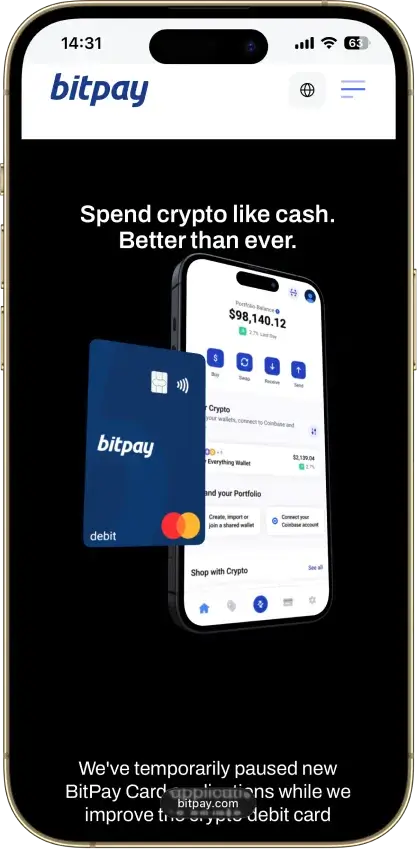
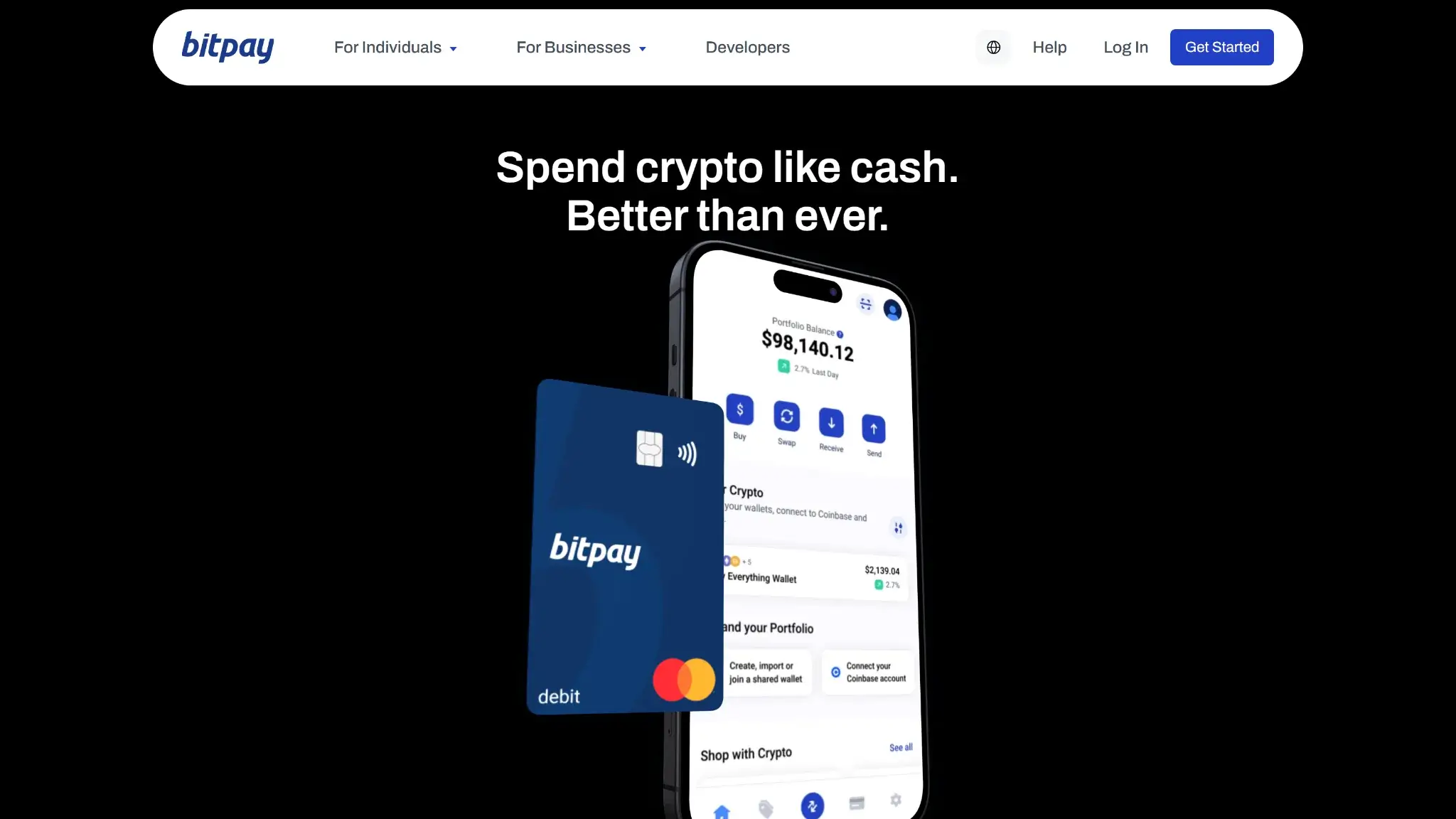
BitPay Card page hero with the headline Spend crypto like cash and a BitPay debit card next to the BitPay app.

BitPay Card is a prepaid Mastercard issued by Metropolitan Commercial Bank. It lets you load a USD balance from crypto or USDC in the BitPay Wallet or a linked exchange account, then spend it anywhere Mastercard is accepted or via Apple Pay and Google Pay.

Conversion from crypto to dollars happens when you load the card, not at checkout, and the in‑app rate shown applies. U.S. residents aged 18 or older can use the card after completing identity verification, as required by most crypto cards.

In the app you choose which asset to convert and how much to load. Using cash or a dollar‑pegged stablecoin like USDC avoids price swings while still converting to USD before spending. Standard pre‑authorizations and holds apply at hotels, car rentals and pay‑at‑pump fuel, and refunds post once merchants settle. Converting non‑stablecoins to USD may be a taxable disposal in your jurisdiction. See Fees and conversion costs for spread and FX details.

BitPay Card Rewards Mechanics

ElementValueNotes (eligibility, rotation, exclusions)
Base reward rateNone on all purchasesRewards apply only at participating merchants in the app
Top reward rateUp to 15% cash backOffer based; varies by retailer and time period
Reward currencyUSD credit to card balanceNo reward coin to pick; credit appears in USD
Payout cadenceAfter purchase postsShows as pending first, then settles in a few days
Caps / minimumsNo global caps publishedIndividual offers may set their own limits and terms
ExclusionsNon‑participating merchants and cash withdrawalsSee offer T&Cs in‑app for category exclusions

BitPay’s rewards are card‑linked offers managed in‑app. Browse available deals, pay with the card at a participating retailer and the cash‑back credit is automatically added after the purchase posts. There is no reward asset to choose since rewards are paid in USD onto your card balance.

Compared with flat crypto‑back cards, BitPay trades predictability for upside. You get no base rate on everyday spend, yet select merchants can beat the 1–2% that rivals pay. If you regularly shop where offers are live this can be valuable. If you want a guaranteed return on every transaction a competitor with universal cash back will be stronger.

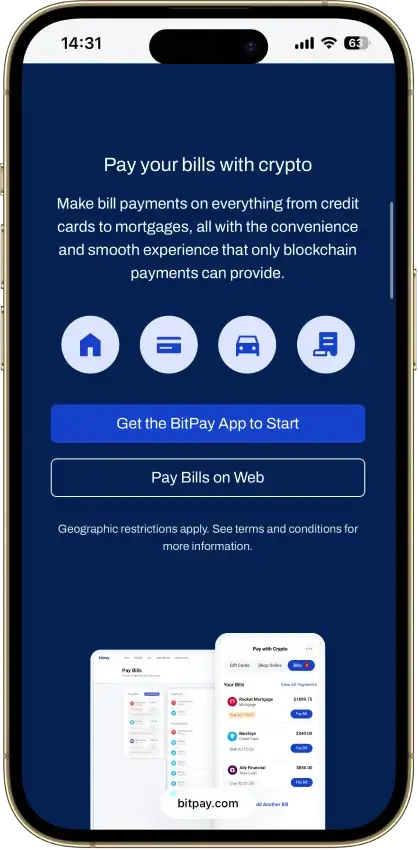
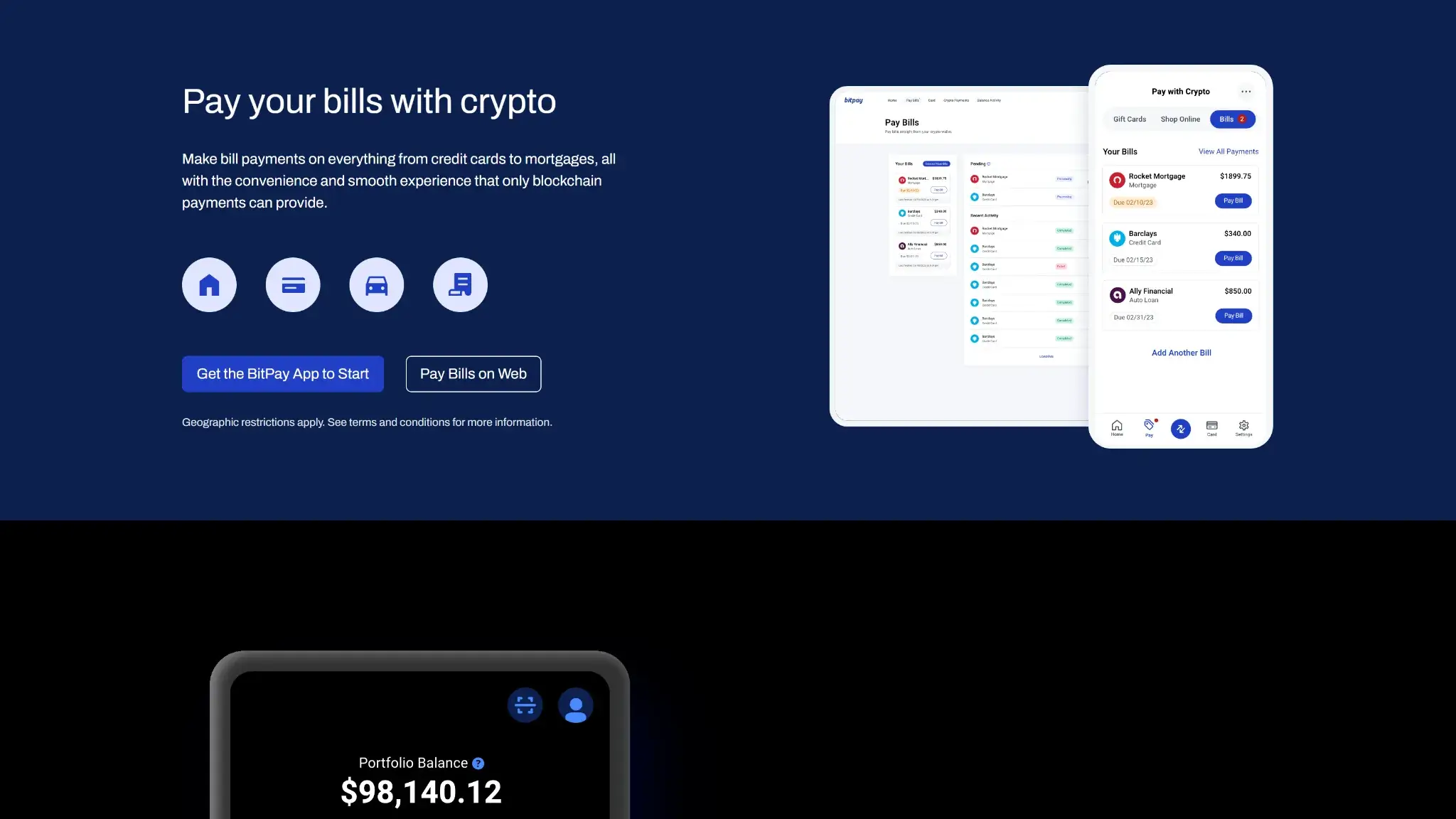
BitPay Pay Bills feature page showing bill payments with crypto in the BitPay app and on the web.

BitPay Card Fees and Pricing

Fee or chargeAmount / rateWhen it appliesRegion / notes
Annual fee$0Per card per yearNo monthly fee either
Foreign transaction3%Non‑USD purchases and ATM withdrawalsApplied when currency conversion is performed
ATM (domestic)$2.50Per cash withdrawalATM‑owner surcharge may apply
ATM (international)$2.50 + 3%Per cash withdrawalAdditional local ATM fee may apply
Replacement card$10Lost, stolen, damagedExpedited replacement $30
Dormancy$5/monthAfter 90 days of no card transactionsStops once activity resumes
Conversion spreadVariable market spreadCrypto → USD when you load the cardBitPay charges no separate load fee; the quoted rate applies

BitPay does not add a separate conversion fee when you load the card, but the exchange rate you see in‑app can include a small market spread. That means the USD you receive may be slightly less than a mid‑market quote, which reduces the effective value of rewards and cash‑backs on loaded funds. See Fees and conversion costs in the Cardholder Agreement.

For domestic use, BitPay is competitive thanks to $0 annual and $0 monthly pricing, $0 load fees, and transparent $2.50 ATM charges. For international use, the 3% FX fee is a drawback next to cards that waive foreign fees or include fee‑free ATM allowances. Coinbase Card advertises no transaction fees on spending and no ATM fee from Coinbase, but includes a conversion spread when selling crypto. Crypto.com Visa generally waives foreign fees on most tiers and offers monthly free ATM allowances before a 2% fee, with a dormancy fee only after 12 months. Pick BitPay if you mainly spend in the U.S. and rarely use ATMs abroad; choose a travel‑oriented card if you want fee‑free foreign purchases.

BitPay Card Limits — Purchase and ATM

Transaction typePer‑transaction limitDaily limitNotes (how to increase, verifications)
Card purchase$10,000/dayProgram limit; no higher tiers published
ATM cash withdrawal$2,000/withdrawal$6,000/dayUp to 3 withdrawals/day; $25,000/month program cap
Contactless tapLocal cap if applicableFollows terminal and network rules

Limits are program‑wide and tied to your verified card account. They cannot be raised beyond the published caps, though BitPay or the issuer may temporarily restrict activity for security reviews. You can check current limits in the app’s Card section and in the Cardholder Agreement. Common decline reasons include insufficient balance, daily limit reached, prohibited merchant category, or pre‑authorization holds at fuel pumps, hotels, and rentals. Limits reset daily; if you hit a cap, wait for the next cycle or split purchases and reload as needed.

Eligibility and Availability — Countries and States

  • Regions supported: United States only for personal cards. New applications are temporarily paused; prospective users can join the waitlist and will be notified when issuing resumes.
  • U.S. states: Nationwide coverage per issuer documentation. Some BitPay app features vary by state; confirm availability during the in‑app application flow.
  • Age & KYC: 18+ with full identity verification, as generally required by crypto exchanges. Expect government ID, a selfie/liveness check, and, where requested, proof of address.
  • Digital wallets: Apple Pay and Google Pay are supported on compatible devices.
  • Other prerequisites: BitPay app account, U.S. residential address, and successful BitPay ID verification before card issuance.
  • Official coverage link: bitpay.com/card and support.bitpay.com (U.S. services availability & restrictions).

The program is U.S.‑only and currently on a waitlist, which limits near‑term access for new applicants. Once issued, the card works globally wherever Mastercard is accepted, subject to network and sanctions rules.

UX and Support for BitPay Card

User sentiment is mixed. Many highlight the card’s simplicity and the ability to convert crypto and spend via Apple Pay and Google Pay with no monthly fee. Critical feedback centers on customer support response times, occasional ATM withdrawal issues, and confusion around the temporary pause in new applications. Practical tips from users include enabling in‑app alerts, keeping a small balance active to avoid dormancy, and testing an ATM before relying on cash withdrawals.

For cardholders, BitPay call support is available 1-855-398-1373

BitPay Wallet app download page with QR code and buttons for iOS App Store and Google Play.

How To Apply For BitPay Card and Get Started

  1. Get the BitPay app and open the Card tab. If applications are paused, join the waitlist.
  2. Start application and confirm U.S. residency. Review and accept the card terms.
  3. Complete BitPay ID: scan your government ID, take a selfie for liveness, and submit any requested proof of address.
  4. On approval, your virtual card appears in‑app. Load a small amount to activate for online use.
  5. Order the physical card if desired and set your PIN. Activate the card on arrival.
  6. Add to Apple Pay or Google Pay and enable transaction alerts.
  7. Make a first transaction online or in‑store to confirm everything works.

How To Add Money To The BitPay Card

Open the app and tap Load card. Choose your asset (BTC, ETH, stablecoin, etc.), select the amount, and confirm. BitPay sells the chosen crypto at the quoted rate and credits USD to your card balance within minutes. You can load as often as needed; loads count toward the program’s daily load cap noted in Card limits.

Alternatives: connect a Coinbase account in‑app to load directly from your exchange balance, or use participating Mastercard rePower cash‑reload locations if you need to top up with cash. Remember that using stablecoins avoids market swings at the moment of conversion, while loading from volatile coins may create a taxable disposal in some jurisdictions.

Security and App Experience

BitPay supports two‑factor authentication on your account, in‑app freeze and unfreeze for the card, PIN management to set or change your card PIN, and secure view card number behind biometric or passcode. You get real‑time transaction alerts and a clear spending history in the app. BitPay posts status and outage notices on a public status page. Mastercard zero‑liability norms apply for unauthorized transactions as outlined in the cardholder agreement. These controls are standard for modern debit programs and broadly match competitors, while the freeze toggle and mobile wallets make everyday risk management straightforward.

Alternative Cards Like BitPay Card

  • Coinbase Card — Better for travel and EU or UK coverage. Automatic conversion from your Coinbase balance and no extra foreign fee from the card, though a spread applies, addresses BitPay’s 3% FX fee and U.S.-only availability.
  • Crypto.com Visa — Stronger universal rewards and monthly fee‑free ATM allowance. Most tiers have no foreign fee, which mitigates BitPay’s international costs, but staking is required for higher rewards.
  • Wirex — Multi‑region availability in the U.S., UK, EU, and APAC plus multi‑currency balances. Suits users blocked by BitPay’s U.S.‑only issuance and those who want a baseline cashback on all spend.
  • Nexo Card — Spend against a crypto‑backed credit line to avoid selling and earn up to 2% back. Useful where taxable disposals are a concern, though regional availability is narrower than BitPay.

Who Is BitPay Card For?

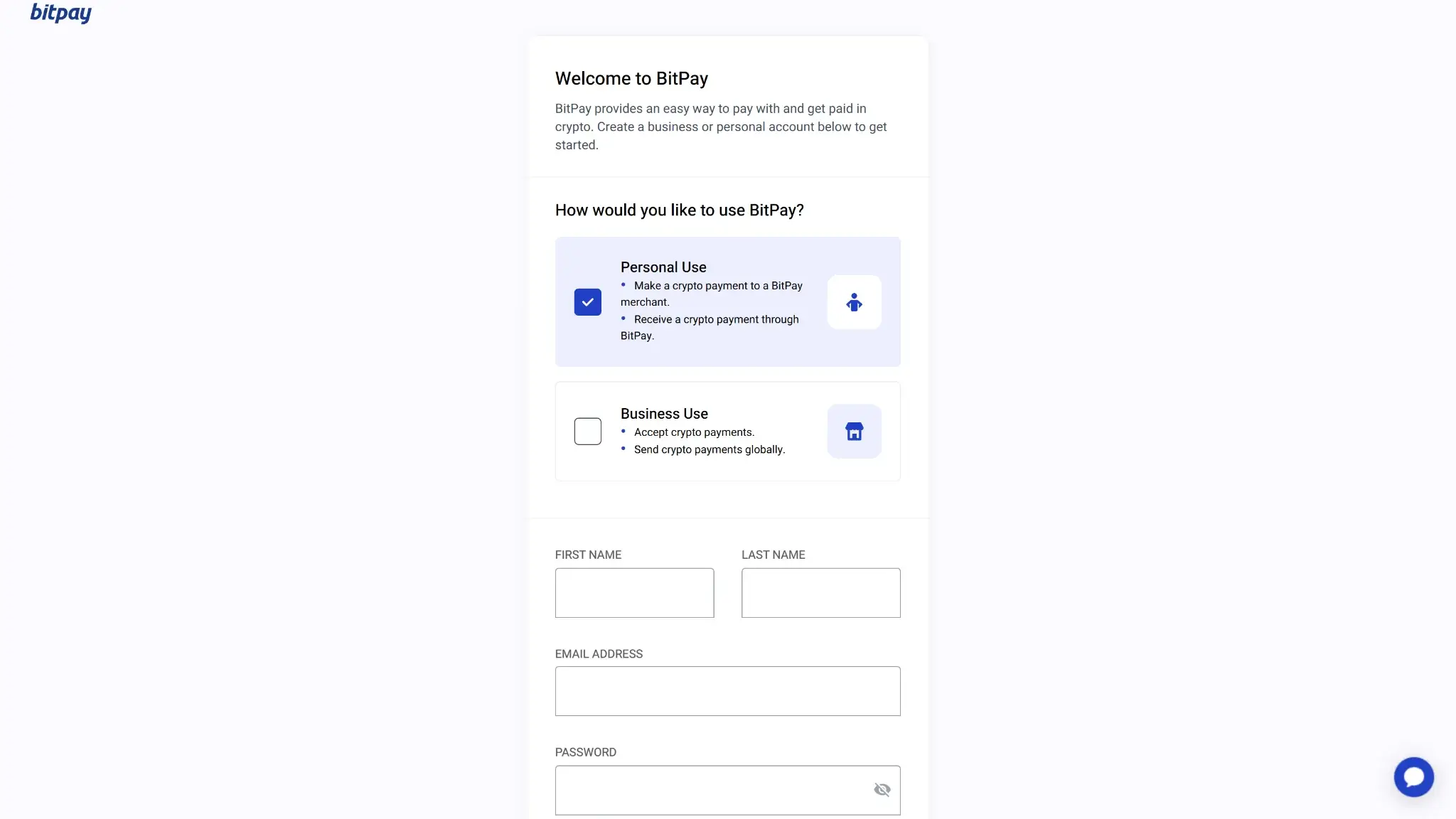
BitPay sign up page showing personal use or business use selection and account creation form fields.

Best for U.S. crypto users who want a low‑friction way to turn Bitcoin (BTC), Ethereum (ETH), or stablecoins into spendable USD. Fee‑sensitive buyers benefit from $0 monthly pricing and free loads, while high‑volume spenders get room from the $10,000 daily purchase cap and up to $6,000 a day at ATMs. Stablecoin spenders avoid price swings at load, whereas selling volatile coins may include a small spread and tax implications. If you shop at in‑app partner brands, merchant offers add value. Frequent travelers and non‑U.S. readers should look elsewhere due to the 3% foreign fee and U.S.‑only availability.

Final Verdict

BitPay is a simple U.S. crypto spending card with high limits, tempered by foreign fees and availability, but with caveats. BitPay delivers a low‑cost, straightforward way to spend crypto as USD, with free loads, no monthly fee and generous limits. The standout strength is simplicity and broad acceptance on the Mastercard network, plus in‑app merchant offers when available. The trade‑offs are clear: U.S.‑only availability with new applications currently paused, a 3% foreign transaction fee and no base cashback. Before applying, review Fees & pricing for ATM, FX and dormancy details, and check card limits to confirm the default purchase and ATM caps meet your needs.

Overall Score

4.5

PROS

  • No monthly fee and free loads.
  • High daily spending and ATM limits.
  • Instant virtual card with Apple Pay and Google Pay support.
  • Up to 15% merchant offers.

CONS

  • 3% FX fee.
  • No base cashback on everyday purchases.
  • $5 dormancy fee after 90 days of inactivity.
  • U.S.-only and new applications currently paused.
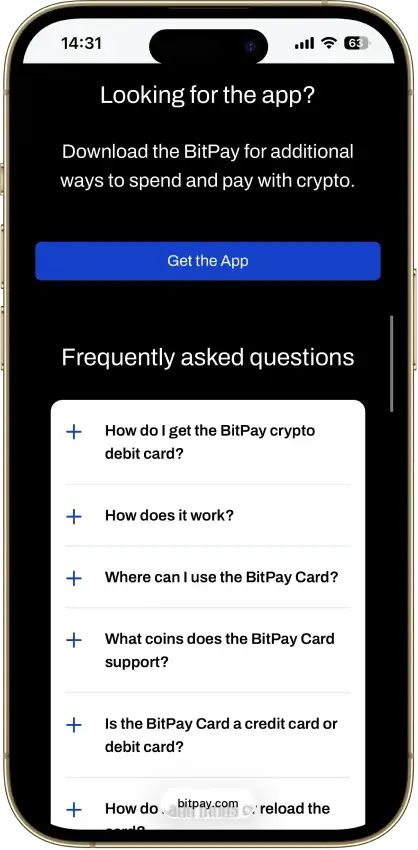
BitPay mobile FAQ section prompting users to download the app for more ways to spend crypto.
Affiliate Disclosure

Disclaimer: CryptoSlate may receive a commission when you click links on our site and make a purchase or complete an action with a third party. This does not influence our editorial independence, reviews, or ratings, and we always aim to provide accurate, transparent information to our readers.

FAQ

Does BitPay have a debit card and how does it work?

BitPay offers a U.S.‑only prepaid Mastercard. You load USD by selling crypto or stablecoins in the BitPay app, then spend anywhere Mastercard is accepted or via Apple Pay and Google Pay. There is no monthly fee. See What it is and how it works and Fees & pricing for mechanics and costs.

What are the daily purchase and ATM withdrawal limits?

The default daily purchase limit is $10,000. ATM withdrawals are $2,000 per withdrawal, up to 3 per day (effectively $6,000/day), with a $25,000/month ATM cap. The maximum card balance is $25,000 and daily loads are $10,000. See Card limits — purchase & ATM for details.

How do I increase my BitPay debit card limit?

Limits are program‑wide and cannot be raised above the published caps. Ensure full KYC is complete, then manage spend by splitting large purchases, waiting for daily reset, or reloading mid‑transaction if needed. Check the app’s Card tab for your current limits and see Card limits — purchase & ATM for the official caps.

What are the BitPay debit card fees and conversion spread? Is there a foreign transaction fee?

Issuance and monthly fees are $0. ATM withdrawals cost $2.50 domestically and $2.50 + 3% abroad. A $5 dormancy fee applies after 90 days of no use. Crypto conversion uses a quoted rate that may include a small market spread. See Fees & pricing for the full table.

How do I add my BitPay Card to Apple Pay or Google Pay?

Open the BitPay app, go to the Card tab, and tap Add to Apple Wallet or Add to Google Pay. Follow the prompts to verify your device and enable tap‑to‑pay. You can use the virtual card instantly while waiting for the physical card. See Security & app experience for wallet support.

Why was my BitPay Card declined or my limit reached?

Common reasons include insufficient card balance, daily limit reached, $2,000 per‑withdrawal ATM cap, prohibited merchant categories, or pre‑authorization holds at fuel pumps, hotels, and rentals. Check alerts and limits in the app, reload if needed, and try a smaller amount or a different ATM. See Card limits — purchase & ATM.

Where is the BitPay Card available (countries and U.S. states)?

The card is U.S.‑only. New applications are temporarily paused with a waitlist. Once issued, you can use it globally wherever Mastercard is accepted, subject to sanctions and network rules. See Eligibility & availability for coverage and prerequisites.

Is the BitPay Card worth it?

For U.S. users who want low fees, high limits, and a simple way to spend crypto, yes — with caveats. There is no base cashback, partner rewards vary, and international purchases add 3%. If you travel often or want universal rewards, compare alternatives. See Fees & pricing, Card limits, and Who it’s for.

Why did my BitPay Card balance drop more than the purchase amount?

Some merchants place authorization holds before the final charge settles. This is common at hotels, car rentals, gas stations, and restaurants.

The hold can be higher than the final purchase amount. For example, restaurants may add around 20% for tips, and hotels or rentals may place larger deposits. The merchant releases the hold once the transaction settles. Refunds can take up to five days to appear on the card balance.

Is the BitPay Card balance insured?

The BitPay Card is a prepaid Mastercard issued by Metropolitan Commercial Bank (Member FDIC).

Once your identity is verified, the funds held in the card account are FDIC-insured up to $250,000 under standard deposit insurance rules. The card is prepaid, meaning it does not provide credit or overdraft features.