Casino promo codes are still a thing in the crypto gambling industry. Even nearly two decades since they first appeared, they are still highly sought after as they help players land the deal they were promised. Here are the currently available crypto casino promo codes which you can claim today. We make sure that the offer and information is updated regularly to ensure you get the details before you set your mind to it.
Top Casino Promo Codes
CryptoSlate may earn a commission when you visit partner sites through links on this page, at no extra cost to you. Our rankings and reviews remain editorially independent and based on our published methodology. Read disclosure
Disclaimer: CryptoSlate may receive a commission when you click links on our site and make a purchase or complete an action with a third party. This does not influence our editorial independence, reviews, or ratings, and we always aim to provide accurate, transparent information to our readers.You don't need to copy and paste the codes as they are applied to the links we use. Basically, you just follow the link, and when you arrive at the crypto casino, the system knows which bonus code or promo code to apply. However, if you feel more comfortable copying and pasting it yourself, you can do so and you will still benefit from the promo code.
Note, make sure you provide the code at the correct step:
- during registration
- during depositing
Comparison Table
| Casino | Bonus Offer | Wagering Requirement | Number of Games | Game Types | KYC | Launch Date |
|---|---|---|---|---|---|---|
 Jack Jack | Checking availability | — | 10,400 | — | No KYC (Risk-based) | 2022 |
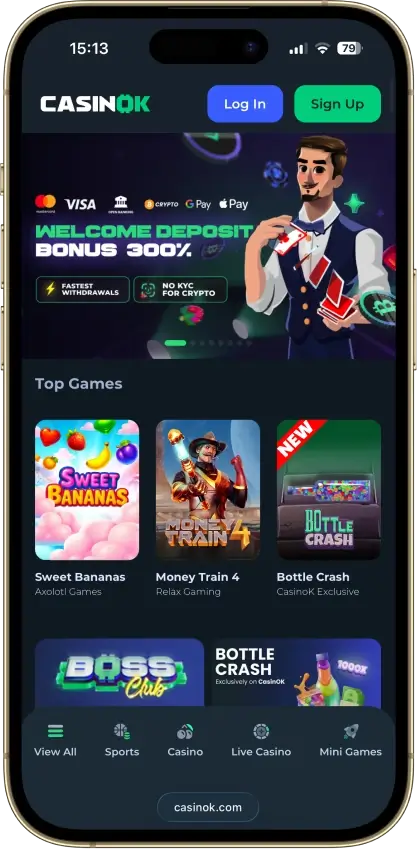
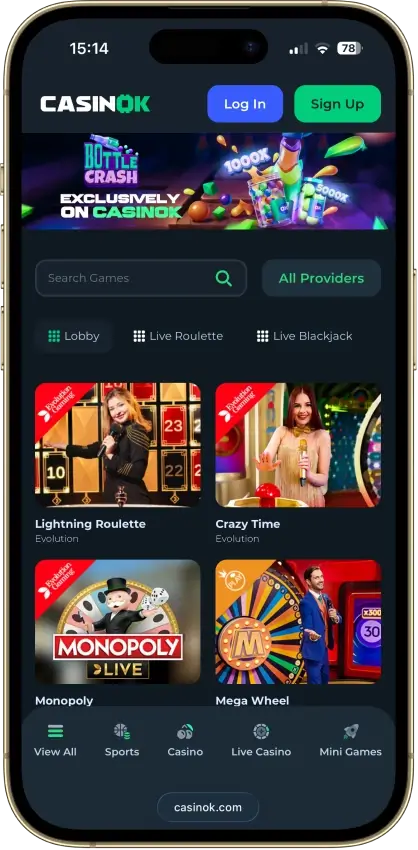
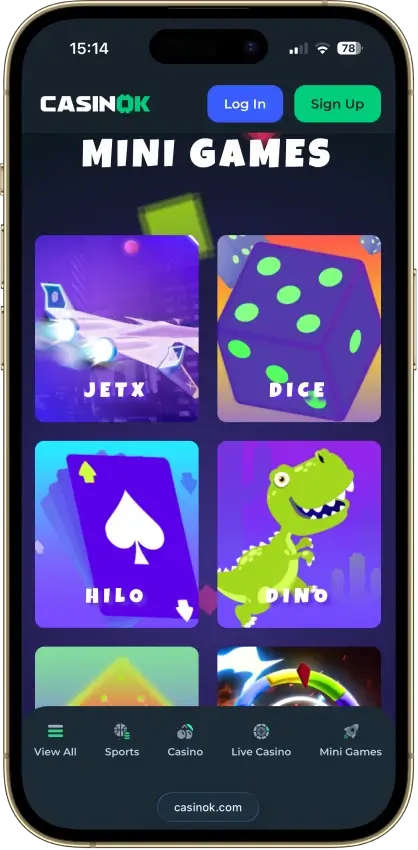
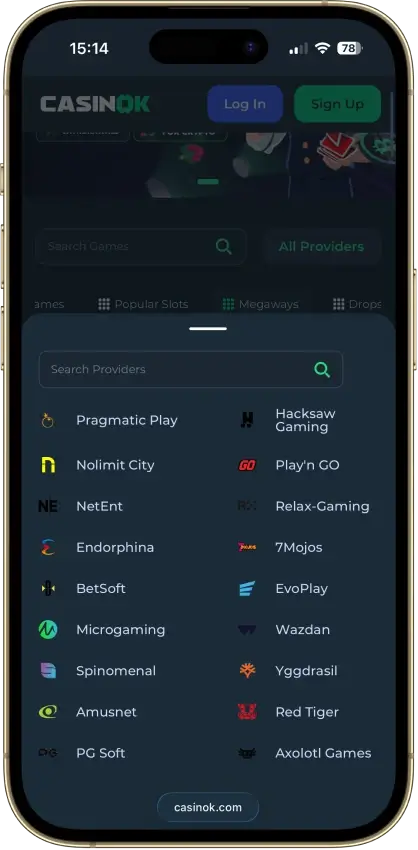
 CasinOK CasinOK | Checking availability | — | 9,000 | — | No KYC (Risk-based) | 2025 |
 BC.Game BC.Game | Checking availability | — | 7,200 | — | No KYC (Risk-based) | 2017 |
 Bets.io Bets.io | Checking availability | — | 10,000 | — | No KYC (Risk-based) | 2021 |
 FortuneJack FortuneJack | Checking availability | — | 3,120 | — | No KYC (Risk-based) | 2014 |
 BitStarz BitStarz | Checking availability | — | 6,300 | — | No KYC | 2014 |
 Rainbet Rainbet | Checking availability | — | 7,000 | — | No KYC (Risk-based) | 2023 |
 Roobet Roobet | Checking availability | — | 7,000 | — | No KYC (Risk-based) | 2019 |
 Shuffle Shuffle | Checking availability | — | 5,700 | — | No KYC (Risk-based) | 2023 |
 Stake Stake | Checking availability | — | 6,000 | — | No KYC (Risk-based) | 2017 |
 7Bit Casino 7Bit Casino | Checking availability | — | 7,000 | — | No KYC | 2014 |
The Wagering Requirement column says whether the multiple applies to the bonus alone or to the deposit and bonus together. On a 100% match, 40x deposit plus bonus means betting 80 times the bonus amount, twice as much as 40x bonus only. In the KYC column, “No KYC (Risk-based)” means the casino can still ask for ID when a withdrawal or unusual account activity triggers a review.
Casino Promo Codes
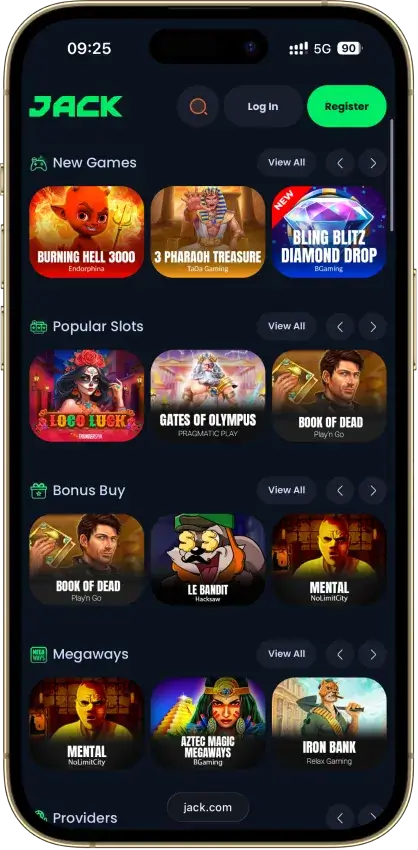
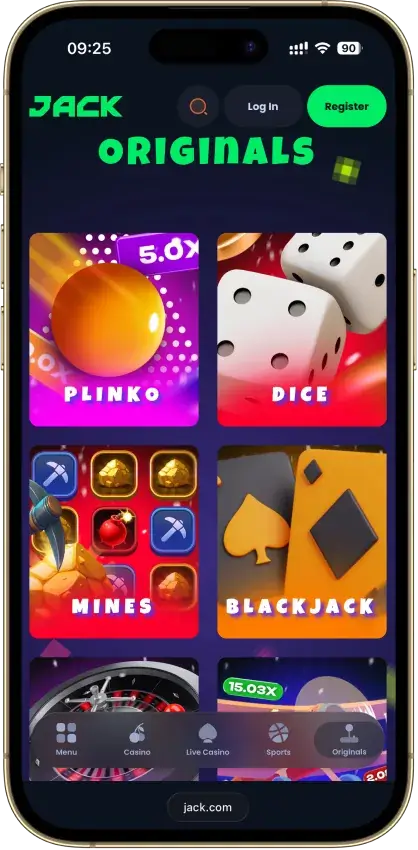
Jack
Pros
- Fast routine crypto withdrawals — 10-12 minutes
- Published bonus terms, no hidden rules
- VIP club with clear rules and benefits
- No KYC to register — crypto play
- Award-winning crypto casino
Cons
- Weekly and monthly withdrawal caps
- Limited casino game filters

CasinOK
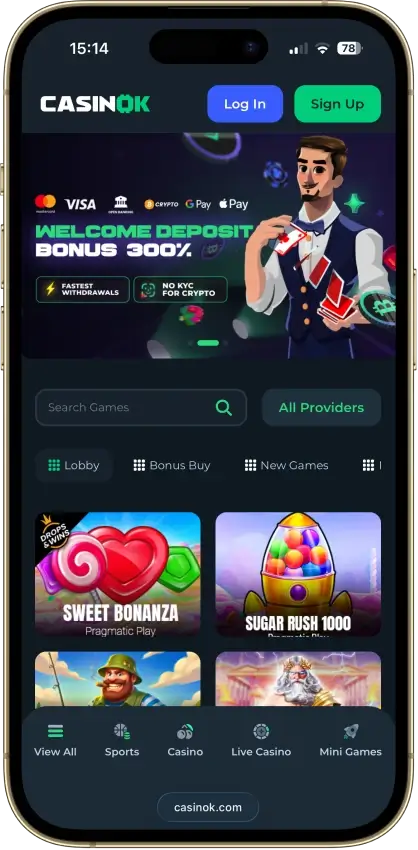
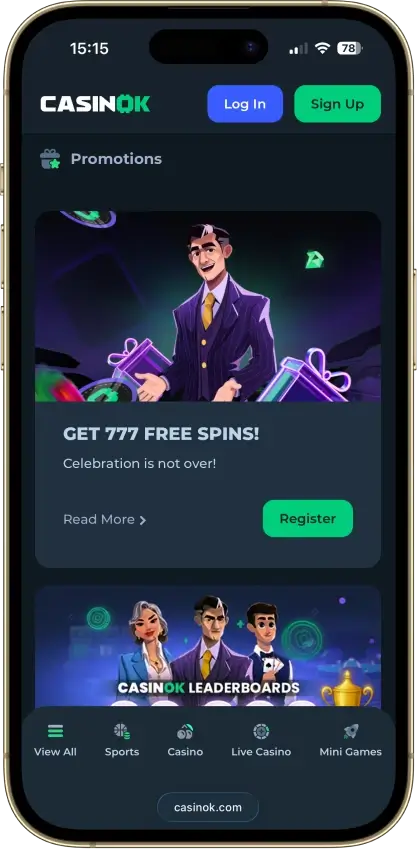
Pros
- 10% weekly cashback, 1x wagering
- Bottle Crash, exclusive in-house crash game
- Loyalty points convert to cash, no wagering
- High $100,000 weekly withdrawal cap
- 24/7 live chat, replies within minutes
Cons
- $1,000 cap on free-spin winnings
- 20% penalty if turnover under 1x
- KYC can fire at withdrawal, not signup
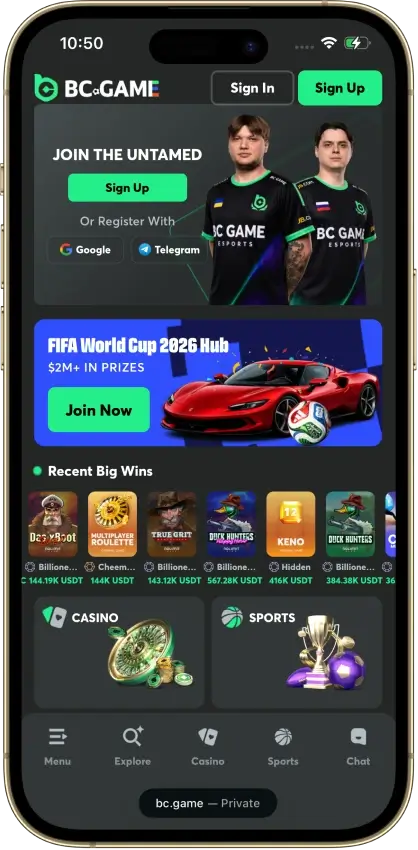
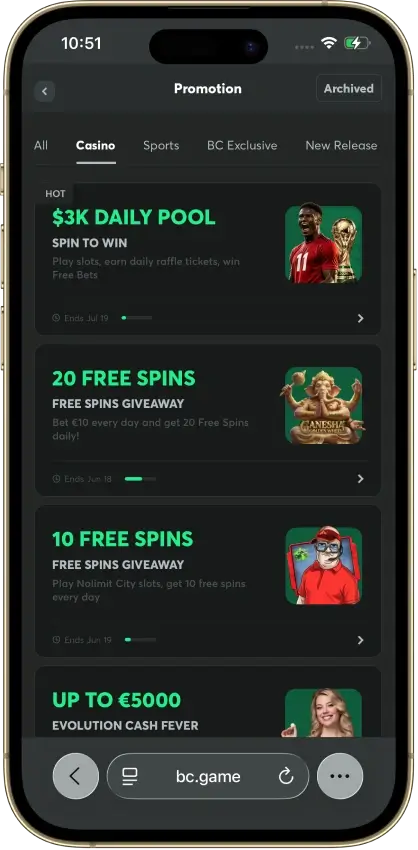
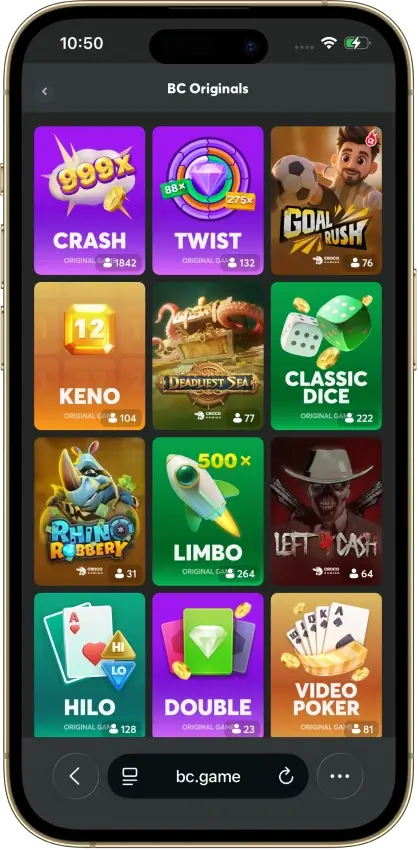
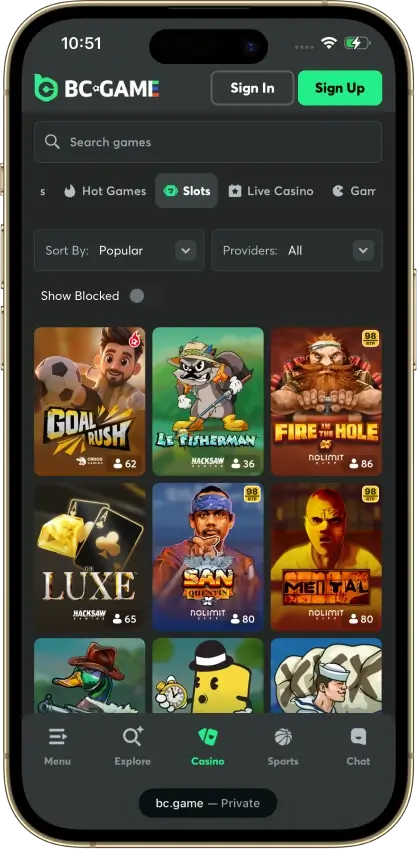
BC.Game
Pros
- One of the most popular casino brands
- 7,200+ games from 60+ studios
- Provably-fair Originals you can verify
- Fast crypto withdrawals once verified
- Vault Pro pays 5% APR on parked funds
Cons
- Monthly withdrawal cap of €10,000
- Bonus-abuse clauses can void big wins
- History of withheld-winnings disputes

Bets.io
Pros
- No upfront KYC at registration
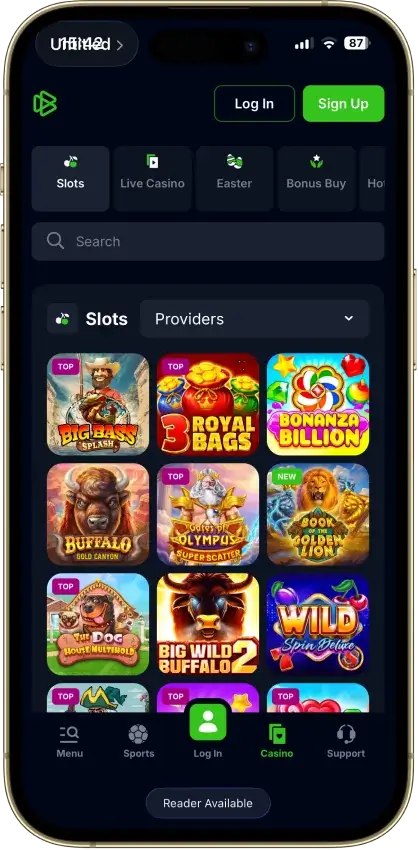
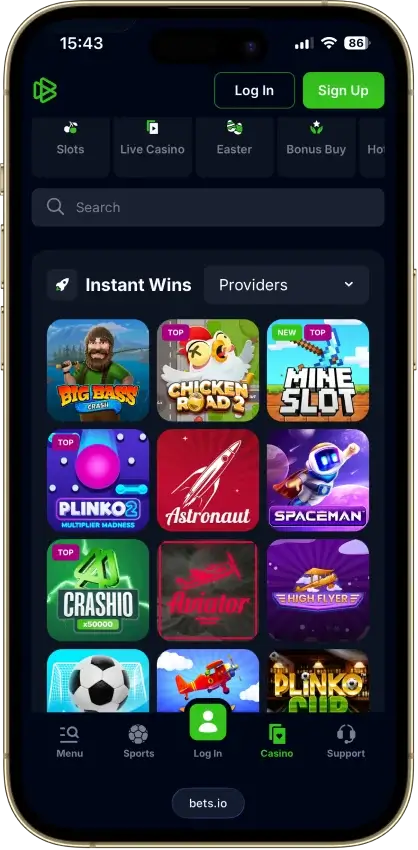
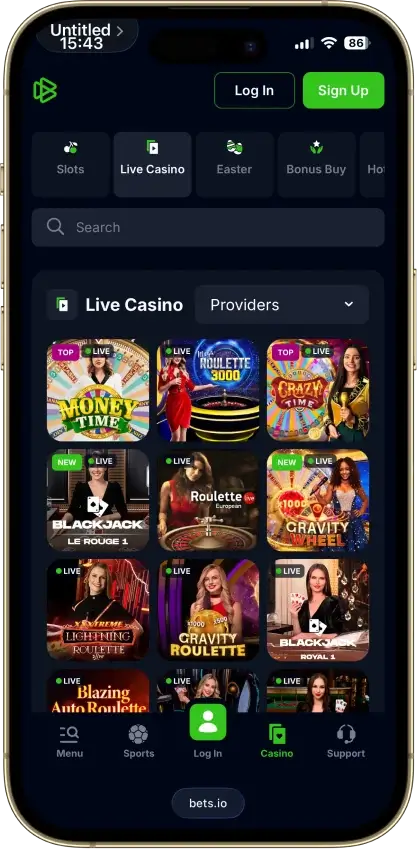
- 14,000+ games from 120+ providers
- Both crypto and full fiat cashier
- Daily, weekly and Thursday cashback
- 1,280+ live-dealer tables and game shows
Cons
- 2 USDT max bet while clearing a bonus
- Trustpilot rating withheld by guideline breach
- Bonus winnings capped at 5x deposit
- Withdrawal caps scale with deposits
- Wins over 30,000 USDT paid on a set schedule
FortuneJack
Pros
- Fast routine crypto payouts
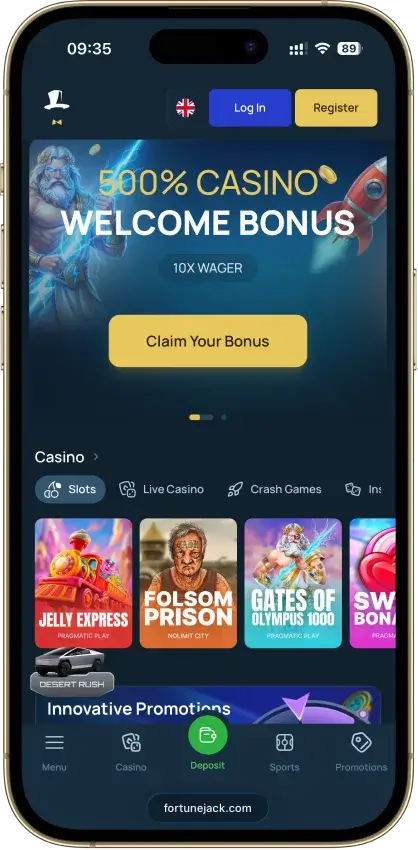
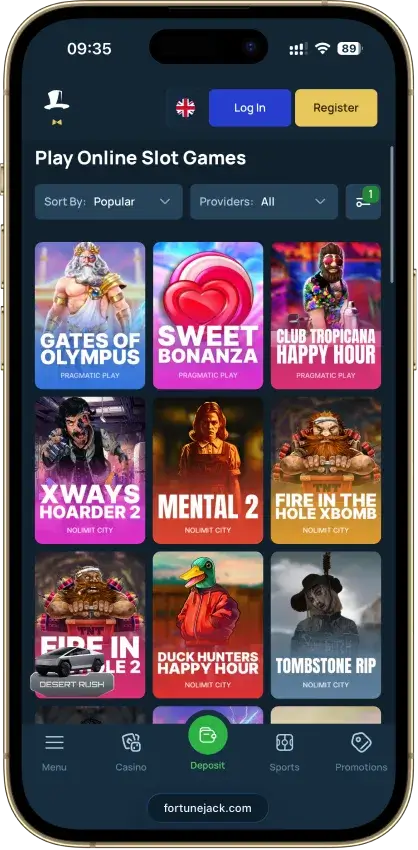
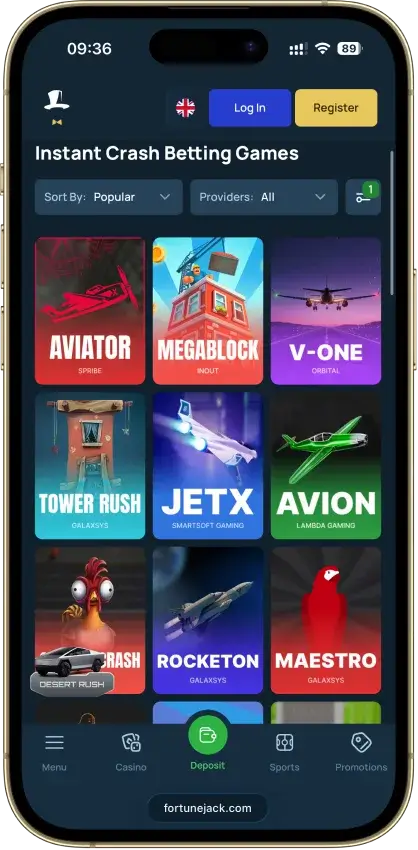
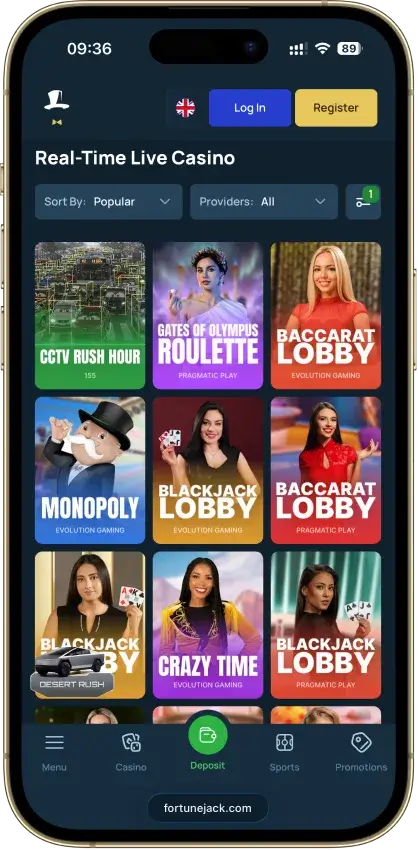
- 3,119+ games, led by 2,911 slots
- Multi-network USDT and USDC support
- App and SMS 2FA available
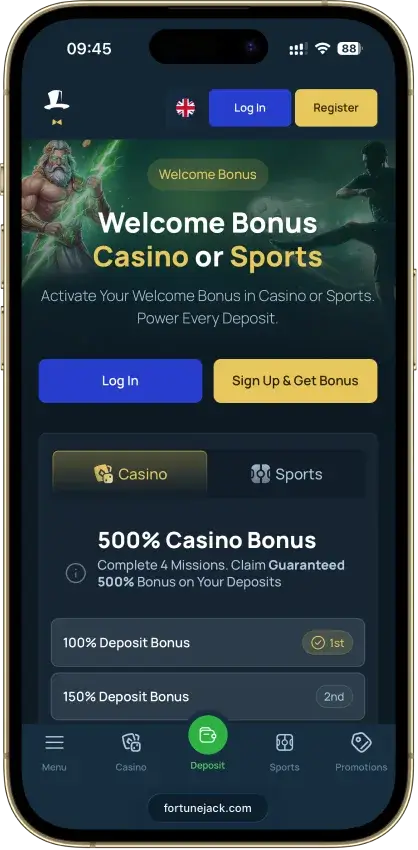
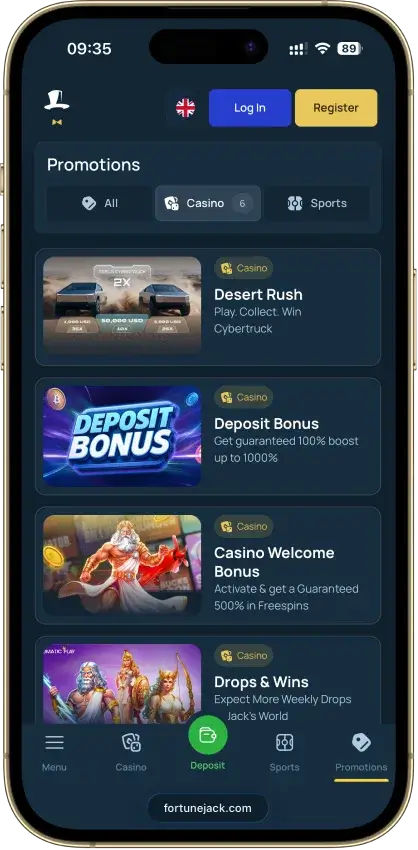
- 100 extra no-wager spins with code CRYPTOSLATE
Cons
- Welcome pays free spins, not cash
- Free spins expire in three days
- No RTP filter in the slot lobby
- Mixed Trustpilot sentiment
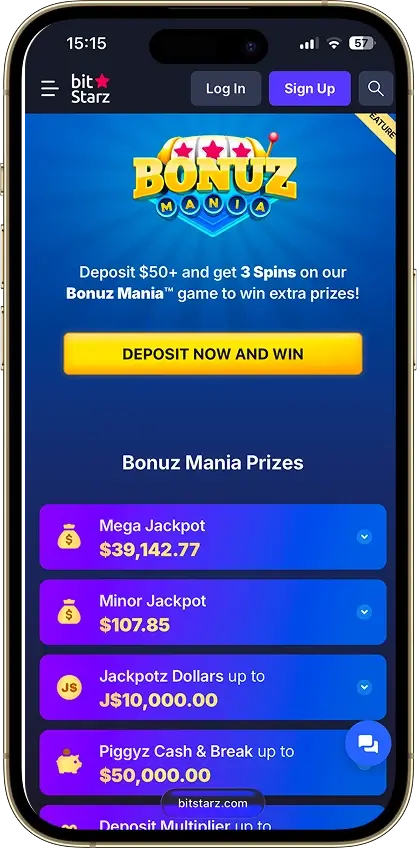
BitStarz
Pros
- Crypto payouts in ~10 min at 0% fee
- No limits on crypto withdrawals
- Operating since 2014, answers bad reviews
- Table Wars pays €10k weekly, no wagering
- 24/7 live chat, ~1-min response
Cons
- $5 max bet while a bonus is active
- €5+/month fee after 6 months idle
- No-deposit spin wins capped at $100
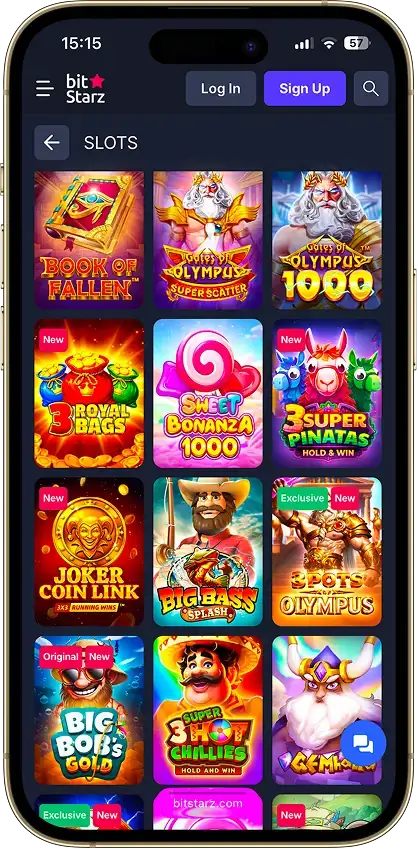
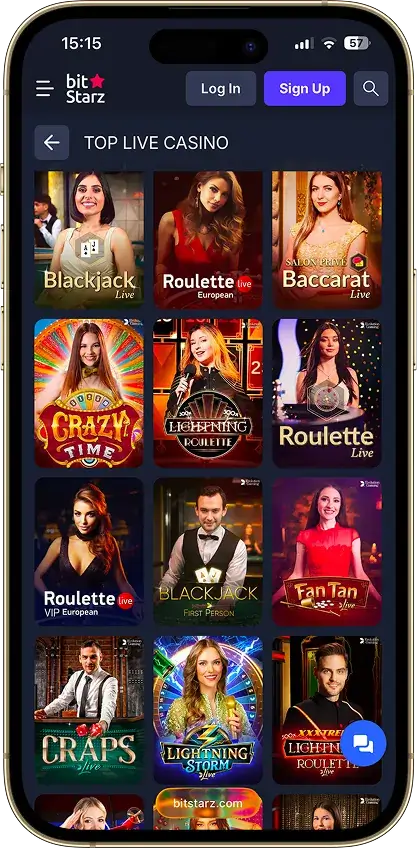
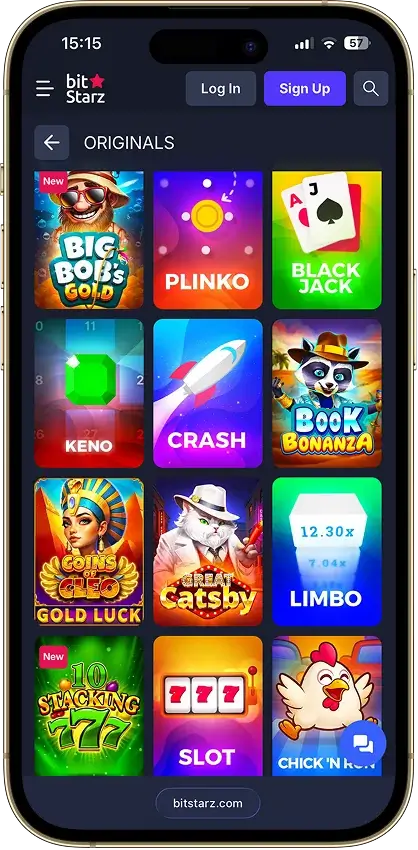
- No native app, browser PWA only

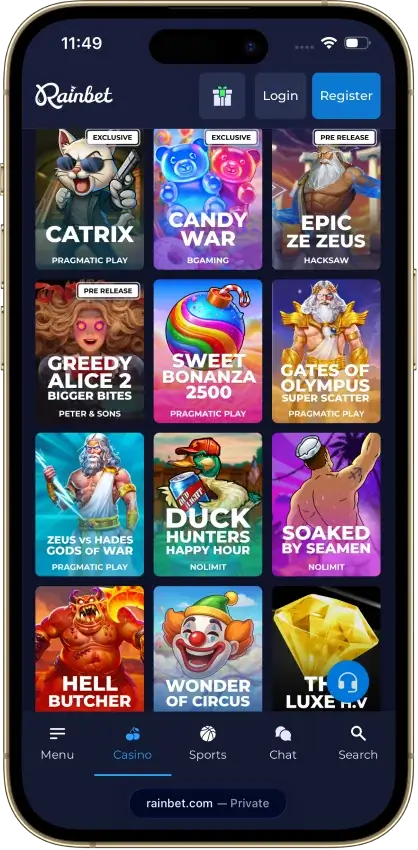
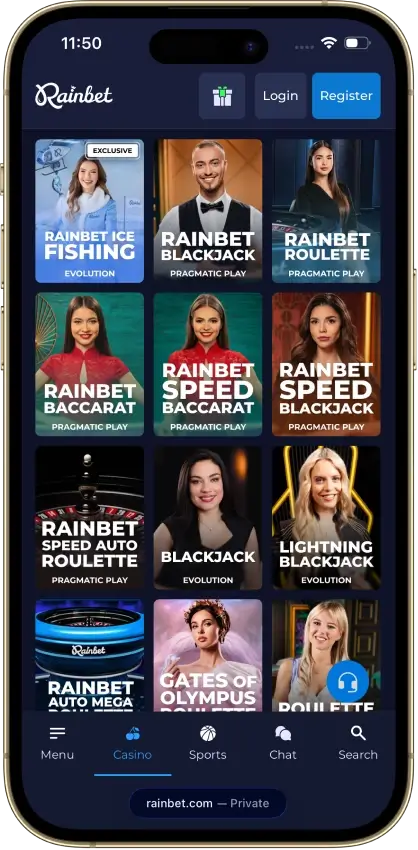
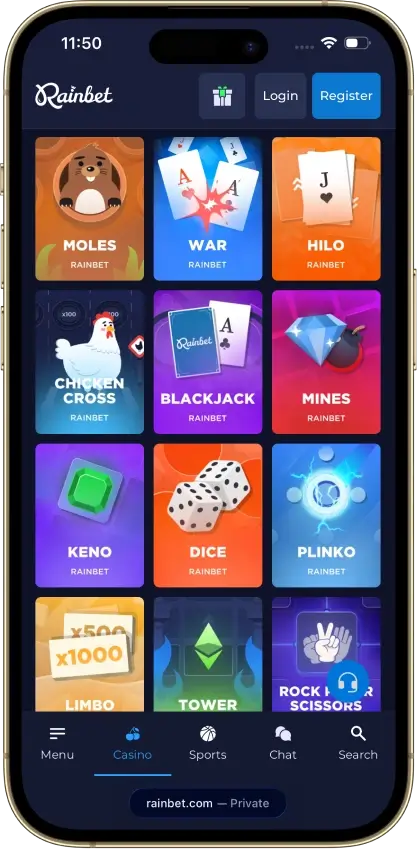
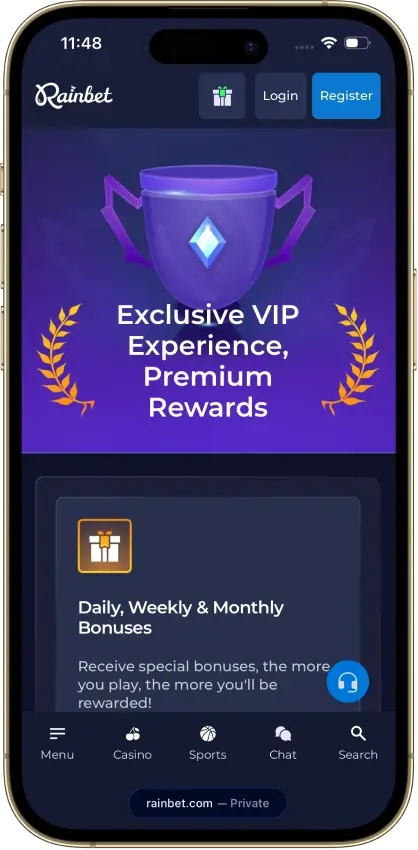
Rainbet
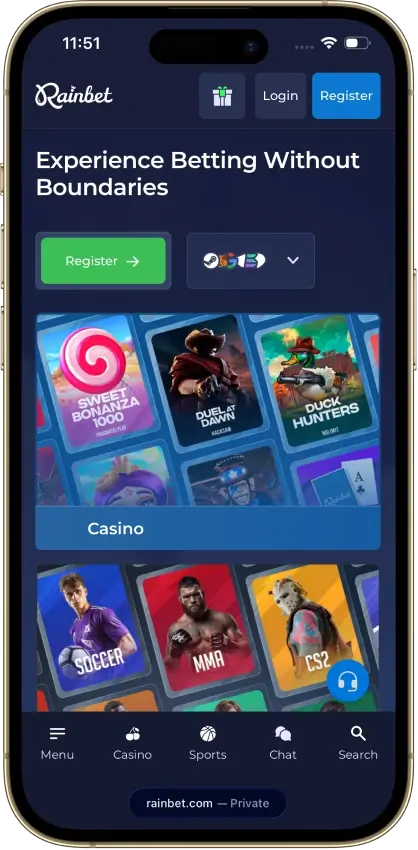
Pros
- Rakeback claimable every 15 minutes
- No stated withdrawal limits
- Daily, weekly and monthly reward bonuses
- Rakeback paid as withdrawable cash
- Races and a weekly raffle with large pools
Cons
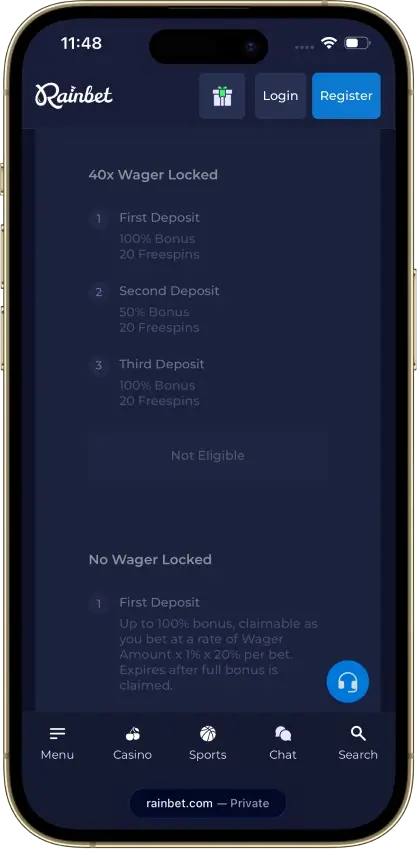
- Code-bonus cashouts capped at $50
- Trustpilot score of 2.1 from 600 reviews
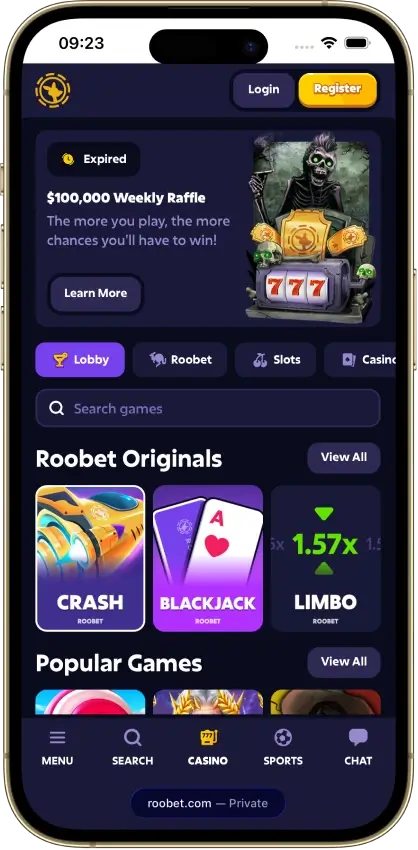
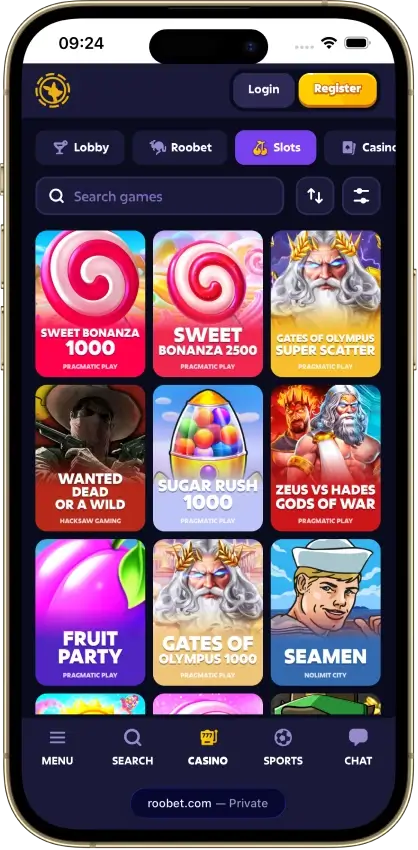
Roobet
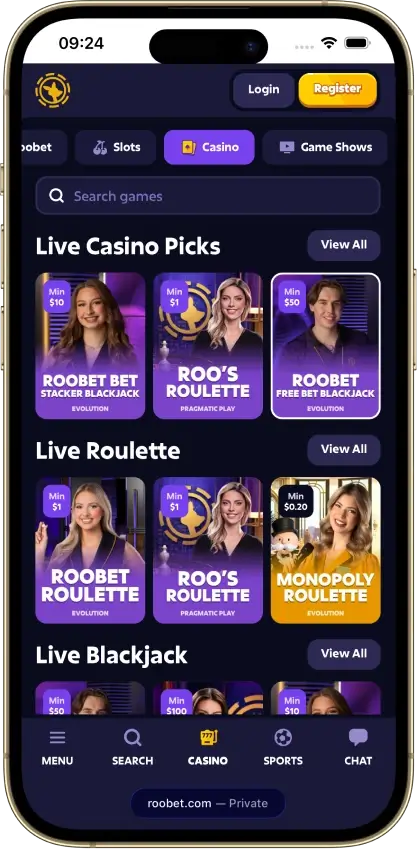
Pros
- Crypto cashouts often land in 15 minutes
- No Roobet fee on most crypto payouts
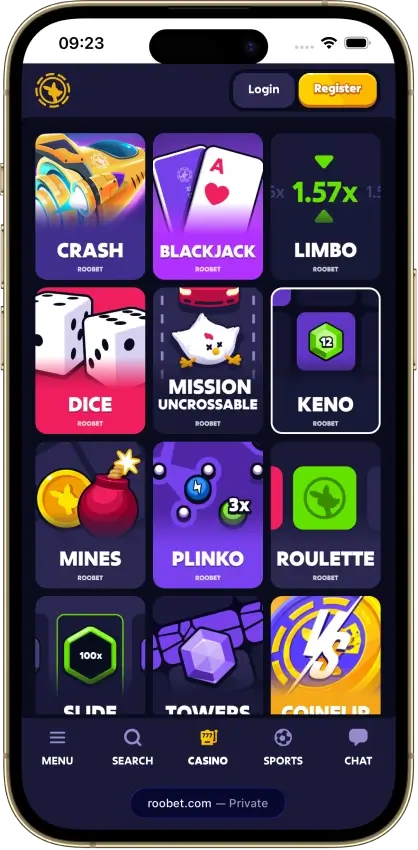
- Provably fair Originals with public verify
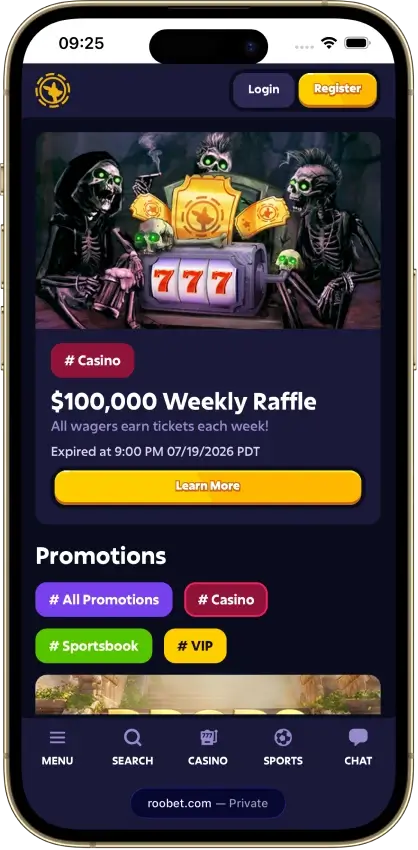
- $100K weekly raffle for active players
- Established operator running since 2019
Cons
- Big withdrawals can stall in verification
- Rakeback rates aren't published by tier
- Full ID details required before depositing
- Blocks US, UK, and much of Europe
- Support can feel scripted on disputes

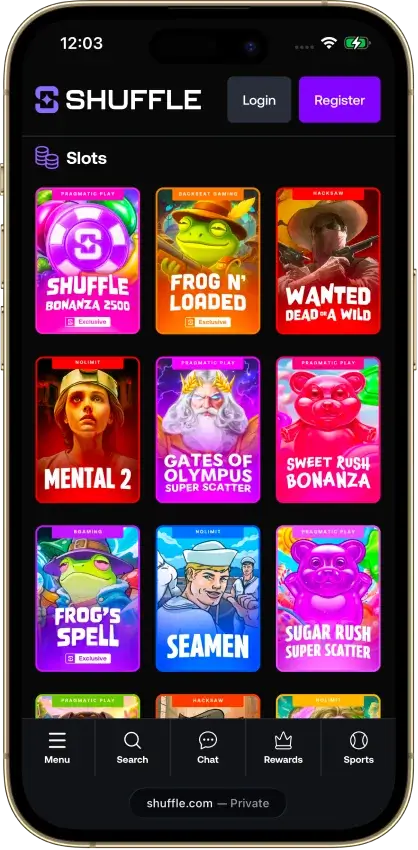
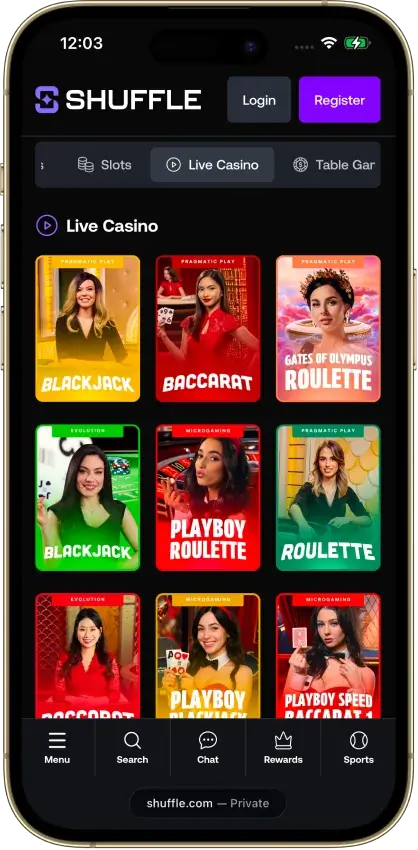
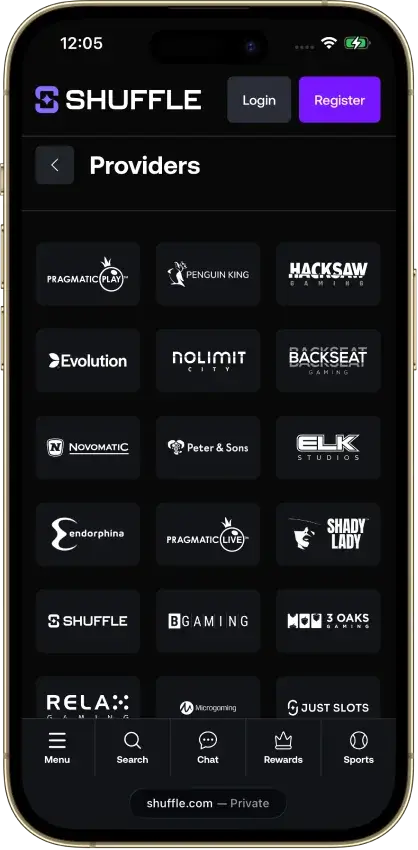
Shuffle
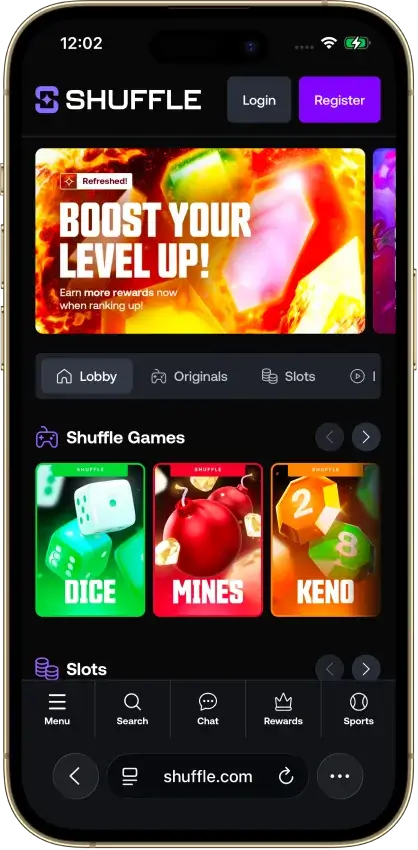
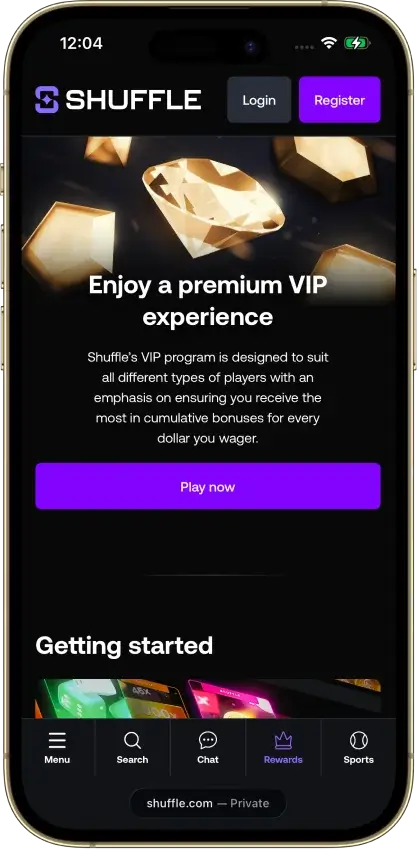
Pros
- Crypto cashouts under a minute when clean
- Provably-fair Originals you can verify
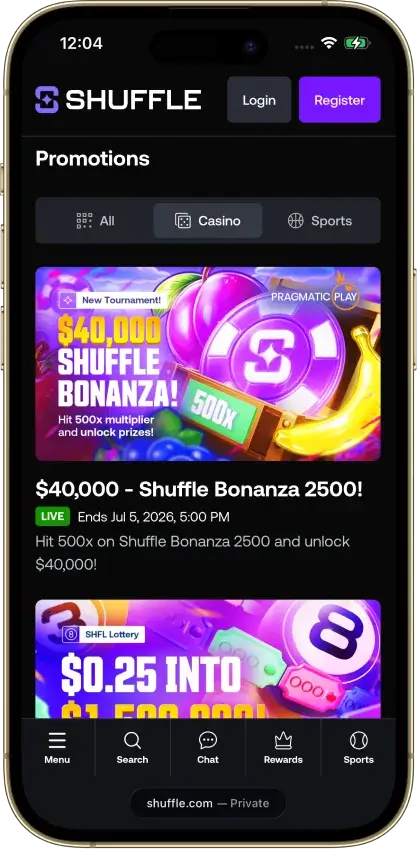
- $100,000 weekly race with 1,000 winners
- Combined casino and sportsbook, one wallet
- Card and Apple Pay deposits via partners
Cons
- Post-win account checks recur
- 2025 vendor breach hit most users
- Thin rakeback until higher VIP tiers
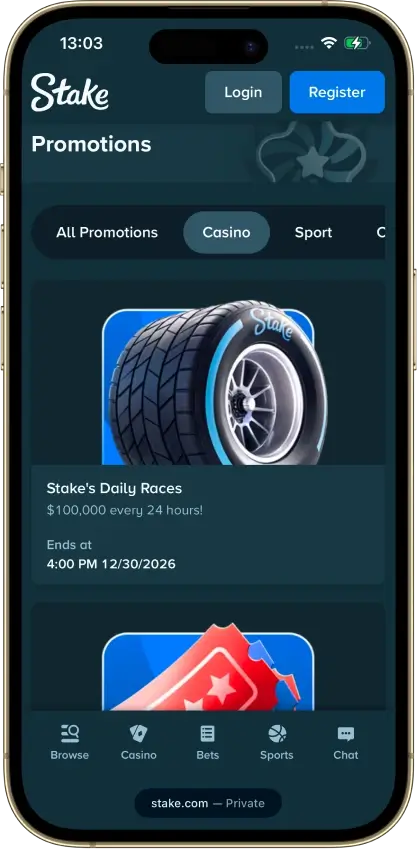
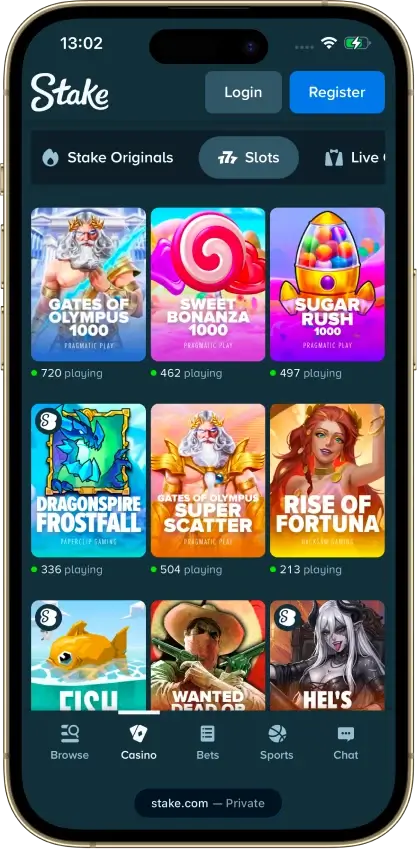
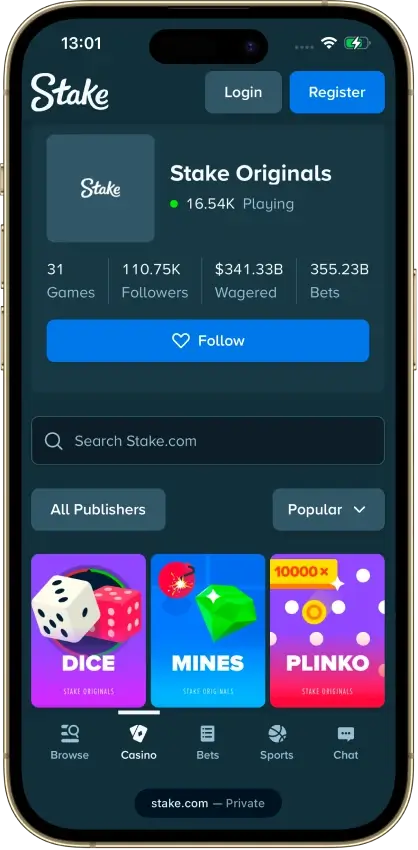
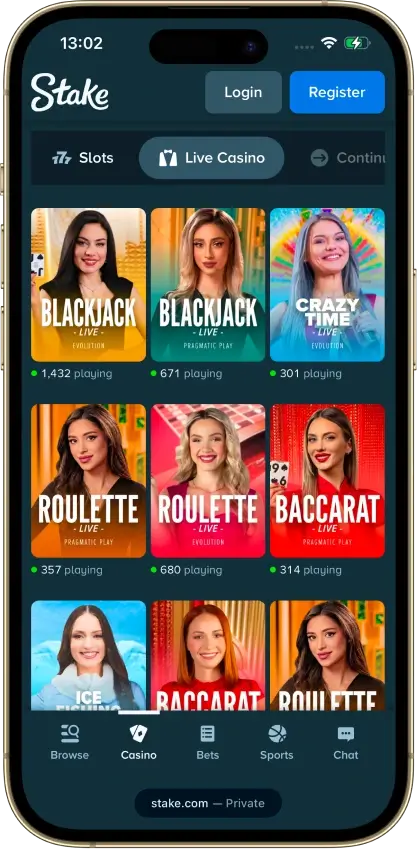
Stake
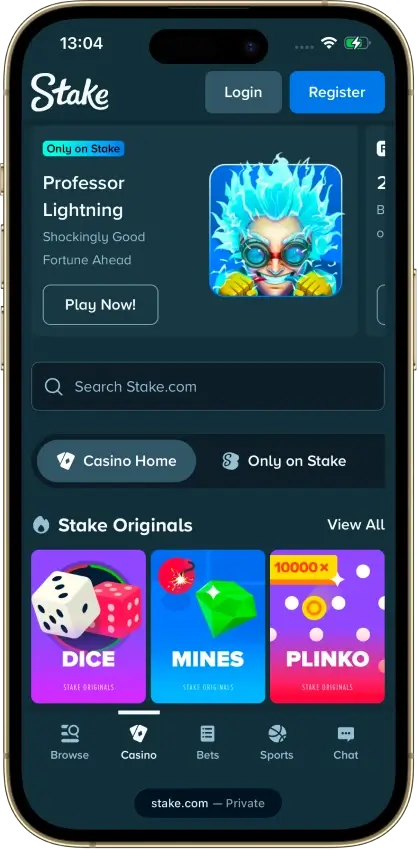
Pros
- 6,000+ casino games
- 31 Stake Originals
- 20+ supported cryptocurrencies
- No stated maximum crypto withdrawal limit
- Daily races and weekly raffle promos
Cons
- 200% bonus requires Level 2 KYC
- 40x deposit + bonus wagering is high
- Deposit must be wagered 1x before withdrawal
- Some games are excluded from deposit-bonus wagerin
- Polarized Trustpilot reviews (21% are 1-star)
7Bit Casino
Pros
- 7,000+ games from 100+ providers
- Crypto payouts near-instant once approved
- Live tables from Evolution and Playtech
- On-ramp for card, Apple Pay, SEPA
- Points-based VIP, status never resets
Cons
- 35x deposit and bonus wagering
- Low max-bet while wagering is active
- Weekly payout capped at $10,000
- USDT on ERC-20 only, XRP needs a tag


Each listing shows the casino's CryptoSlate score, a short summary, and its main pros and cons. The scores come from the full casino reviews and follow how we score crypto casinos. View Promo Code opens that casino's claim steps, its wagering worked through, and its offers for existing players. Visit Website goes straight to the casino through a tracked link.
Why Many Crypto Casino Bonuses Need No Code
What a Promo Code Tells the Casino
A crypto casino pays the site that referred each player, either as a share of what the casino earns from that player or as a one-off payment for a first deposit. Paying the right site means knowing where every account came from. A promo code typed at registration was the simplest record of that. Each referring site got its own code, and entering it gave the player the deal that site had agreed with the casino.
Some codes contain a website's name and work at several unrelated casinos. Typing one of those tells each casino which website referred the player.
What a Tracked Link Does
A tracked link records the same referral with nothing to type. The click passes a referral ID to the casino, which stores it in a browser cookie or on its own servers and ties it to the account at registration. The deal the referring site arranged is linked to the account from that point, so the welcome bonus promised on that site is the one the new account is eligible for. Claiming it can still take a step, such as a qualifying deposit or a request to support.
When You Still Need a Promo Code
The link works only if the casino receives that referral ID. Registering in a different browser or on another device can drop it, and so can clearing cookies before signing up. A code is the backup where the casino offers one.
Some exclusive deals and no-deposit free spins ask for a code at sign-up even after a tracked click. Casinos also post bonus drop codes on their social media accounts for existing players, and a referral code from another player links a new account to that player. Enter a deposit bonus code before you deposit unless the casino's terms say otherwise.
How We Source and Label Each Promo Code
Every bonus figure on a casino's promo code breakdown comes from that casino's own bonus terms and help pages. That covers the match percentage, the cap, the minimum deposit, the maximum bet while wagering, and the expiry. Wagering is stated as bonus only or deposit plus bonus, whichever the casino applies, and converted into the total a player has to bet before withdrawing.
A casino gets the “No code required” label only when its own terms show the welcome bonus crediting without one. Exclusive means the casino issued the code for CryptoSlate players alone, so a code shared by several sites never gets that label.
Crypto Casino Bonuses Beyond Promo Codes
Most rakeback and cashback programs need no code. They pay back a share of each bet or loss on a schedule the casino sets. For someone who plays every week, that money back can add up to more than a one-time match, so compare what a month of it returns with what a crypto casino welcome bonus is worth after its wagering. Rates and caps differ between cashback crypto casinos.
Over months of play, payout speed and licensing affect a player more than any single code. They are also the two largest parts of the score behind the top-rated crypto casinos.